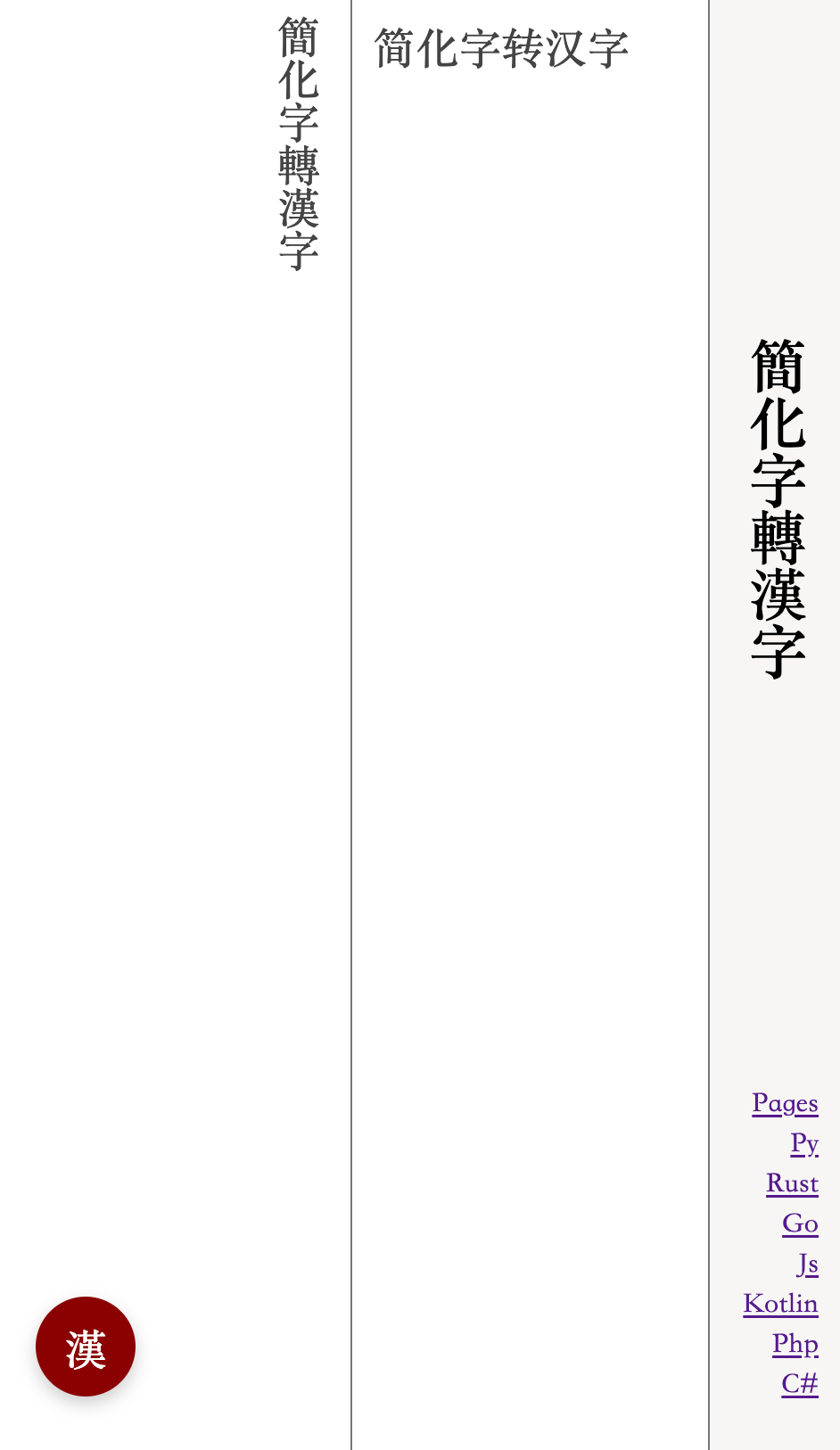
# 簡化字轉漢字
簡化字轉漢字,js實現
* 支持《通用規範漢字表》中的全部簡化字
* 對於一對多的簡化字,人工標註規則
* 支持運行時增加自定義規則
* 簡單快速
[doc](https://lizongying.github.io/js-han/)
[npm](https://www.npmjs.com/package/js-han)
[js](https://github.com/lizongying/js-han)
[python](https://github.com/lizongying/pyhan)
[rust](https://github.com/lizongying/rs-han)
## 使用
### node
install
```
npm i js-han@latest
```
package.json
```json
{
"type": "module",
"dependencies": {
"js-han": "^0.0.10"
}
}
```
example
```js
import Han from 'js-han'
const hanInstance = Han.getInstance()
// 蘿蔔
console.log(hanInstance.toTraditional('萝卜'))
// 胡卜
console.log(hanInstance.toTraditional('胡卜'))
// 胡蔔
hanInstance.addRule('卜,蔔,-1|0|胡')
console.log(hanInstance.toTraditional('胡卜'))
const han = new Han()
// 頭髮
console.log(han.toTraditional('头发'))
```
### browser
```html
簡化字轉漢字
```
## 讚賞