---
layout: v2
title: Tutorials
bodyclass: examples
---
## Leaflet Tutorials
Every tutorial here comes with step-by-step code explanation and is easy enough even for beginner JavaScript developers.
***
[ ][1]
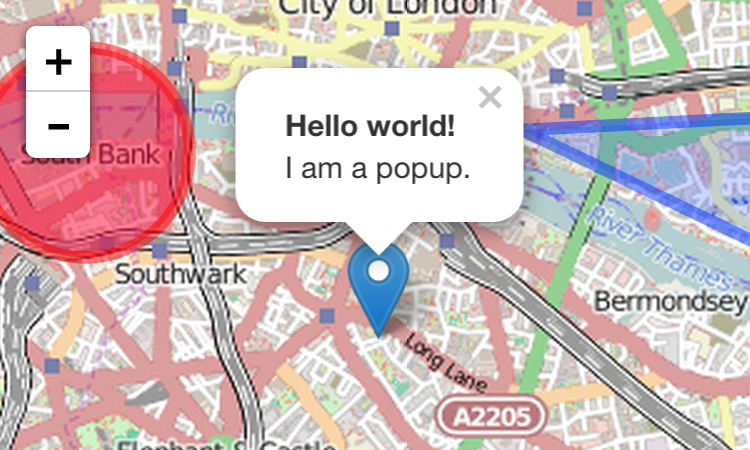
### [Leaflet Quick Start Guide][1]
A simple step-by-step guide that will quickly get you started with Leaflet basics, including setting up a Leaflet map (with Mapbox tiles) on your page, working with markers, polylines and popups, and dealing with events.
***
[
][1]
### [Leaflet Quick Start Guide][1]
A simple step-by-step guide that will quickly get you started with Leaflet basics, including setting up a Leaflet map (with Mapbox tiles) on your page, working with markers, polylines and popups, and dealing with events.
***
[ ][2]
### [Leaflet on Mobile][2]
In this tutorial, you'll learn how to create a fullscreen map tuned for mobile devices like iPhone, iPad or Android phones, and how to easily detect and use the current user location.
***
[
][2]
### [Leaflet on Mobile][2]
In this tutorial, you'll learn how to create a fullscreen map tuned for mobile devices like iPhone, iPad or Android phones, and how to easily detect and use the current user location.
***
[ ][3]
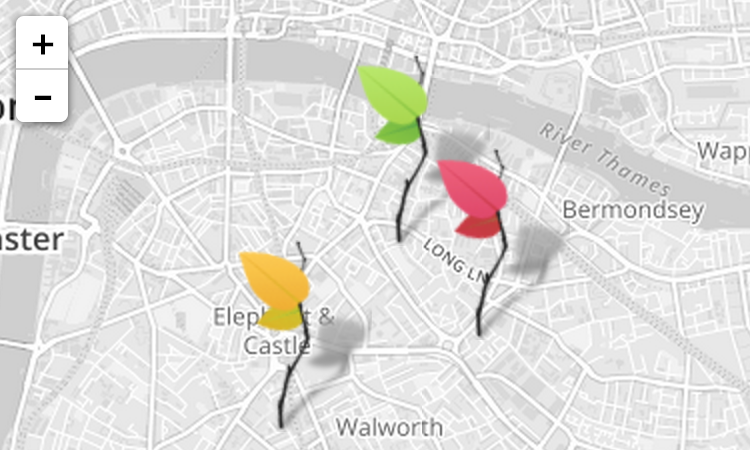
### [Markers with Custom Icons][3]
In this pretty tutorial, you'll learn how to easily define your own icons for use by the markers you put on the map.
***
[
][3]
### [Markers with Custom Icons][3]
In this pretty tutorial, you'll learn how to easily define your own icons for use by the markers you put on the map.
***
[ ][4]
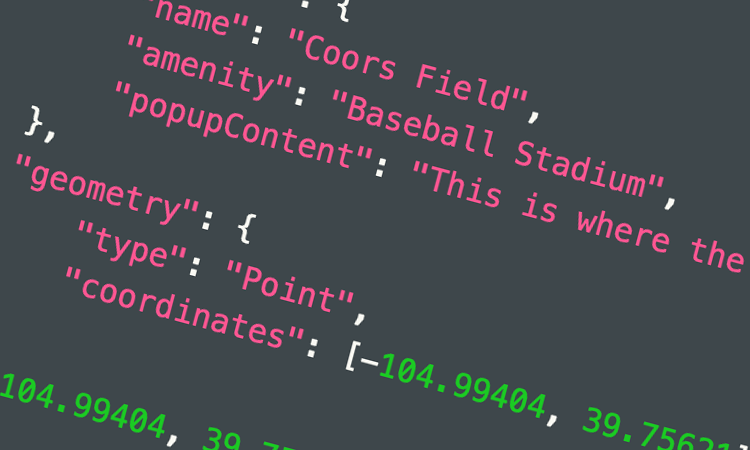
### [Using GeoJSON with Leaflet][4]
In this tutorial, you'll learn how to create and interact with map vectors created from [GeoJSON][5] objects.
***
[
][4]
### [Using GeoJSON with Leaflet][4]
In this tutorial, you'll learn how to create and interact with map vectors created from [GeoJSON][5] objects.
***
[ ][7]
### [Interactive Choropleth Map][7]
A case study of creating a colorful interactive [choropleth map](http://en.wikipedia.org/wiki/Choropleth_map) of US States Population Density with GeoJSON and some custom controls. News websites will love this.
***
[
][7]
### [Interactive Choropleth Map][7]
A case study of creating a colorful interactive [choropleth map](http://en.wikipedia.org/wiki/Choropleth_map) of US States Population Density with GeoJSON and some custom controls. News websites will love this.
***
[ ][6]
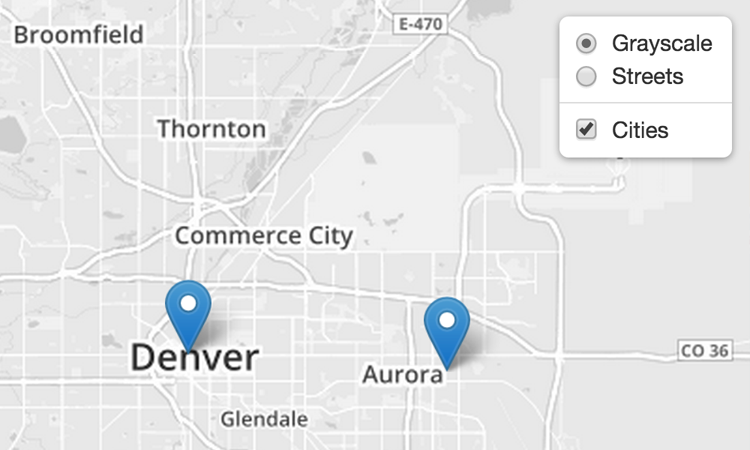
### [Layer Groups and Layers Control][6]
A tutorial on how to manage groups of layers and use the layer switching control.
***
[
][6]
### [Layer Groups and Layers Control][6]
A tutorial on how to manage groups of layers and use the layer switching control.
***
[ ][9]
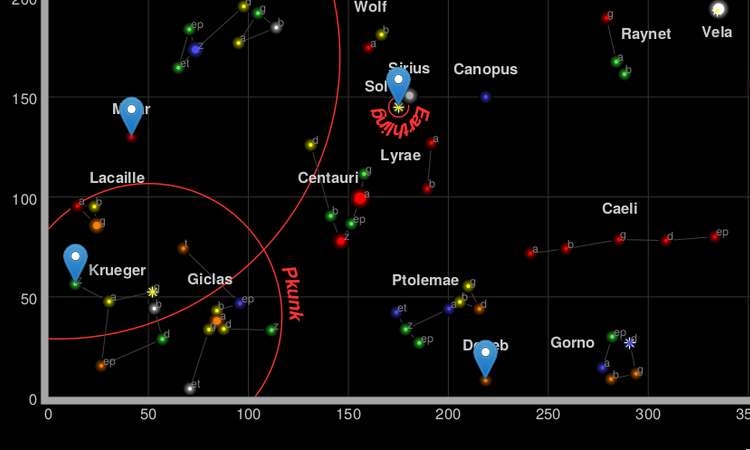
### [Non-geographical maps][9]
A primer on `L.CRS.Simple`, how to make maps with no concept of "latitude" or "longitude".
***
[
][9]
### [Non-geographical maps][9]
A primer on `L.CRS.Simple`, how to make maps with no concept of "latitude" or "longitude".
***
[ ][10]
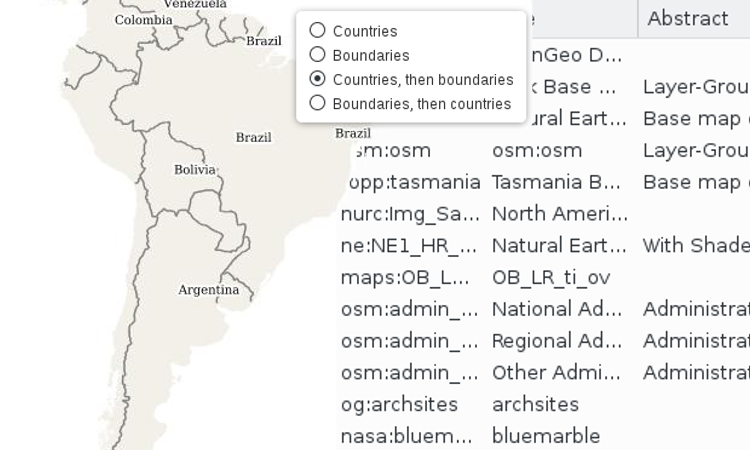
### [WMS and TMS][10]
How to integrate with WMS and TMS services from professional GIS software.
***
The following tutorials use features available **only in Leaflet 1.0**:
***
[
][10]
### [WMS and TMS][10]
How to integrate with WMS and TMS services from professional GIS software.
***
The following tutorials use features available **only in Leaflet 1.0**:
***
[ ][8]
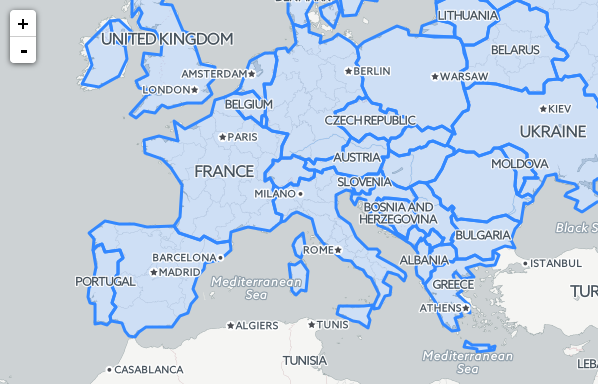
### [Working with map panes][8]
How the default map panes work to display overlays on top of tiles, and how to override that.
***
If you find that an important tutorial is missing here, let us know!
[1]: examples/quick-start.html
[2]: examples/mobile.html
[3]: examples/custom-icons.html
[4]: examples/geojson.html
[5]: http://geojson.org/
[6]: examples/layers-control.html
[7]: examples/choropleth.html
[8]: examples/map-panes.html
[9]: examples/crs-simple/crs-simple.html
[10]: examples/wms/wms.html
][8]
### [Working with map panes][8]
How the default map panes work to display overlays on top of tiles, and how to override that.
***
If you find that an important tutorial is missing here, let us know!
[1]: examples/quick-start.html
[2]: examples/mobile.html
[3]: examples/custom-icons.html
[4]: examples/geojson.html
[5]: http://geojson.org/
[6]: examples/layers-control.html
[7]: examples/choropleth.html
[8]: examples/map-panes.html
[9]: examples/crs-simple/crs-simple.html
[10]: examples/wms/wms.html