Lottie for React Native, [iOS](https://github.com/airbnb/lottie-ios), and [Android](https://github.com/airbnb/lottie-android)
===
[](https://www.npmjs.com/package/lottie-react-native) [](https://www.npmjs.com/package/lottie-react-native) [](https://travis-ci.org/airbnb/lottie-react-native)
Lottie component for React Native (iOS and Android)
Lottie is a mobile library for Android and iOS that parses [Adobe After Effects](http://www.adobe.com/products/aftereffects.html) animations exported as JSON with [bodymovin](https://github.com/bodymovin/bodymovin) and renders them natively on mobile!
For the first time, designers can create **and ship** beautiful animations without an engineer painstakingly recreating it by hand. They say a picture is worth 1,000 words so here are 13,000:
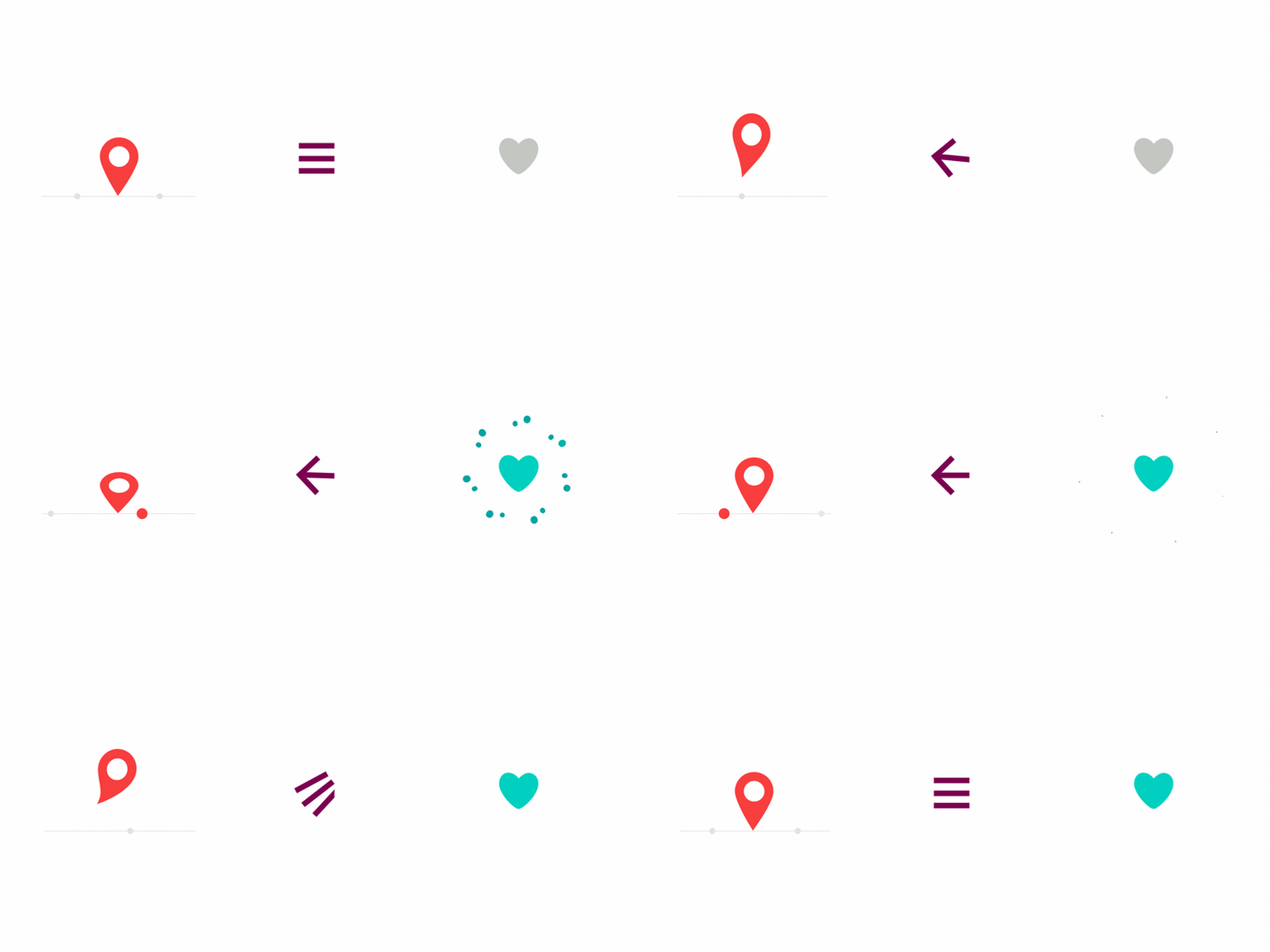
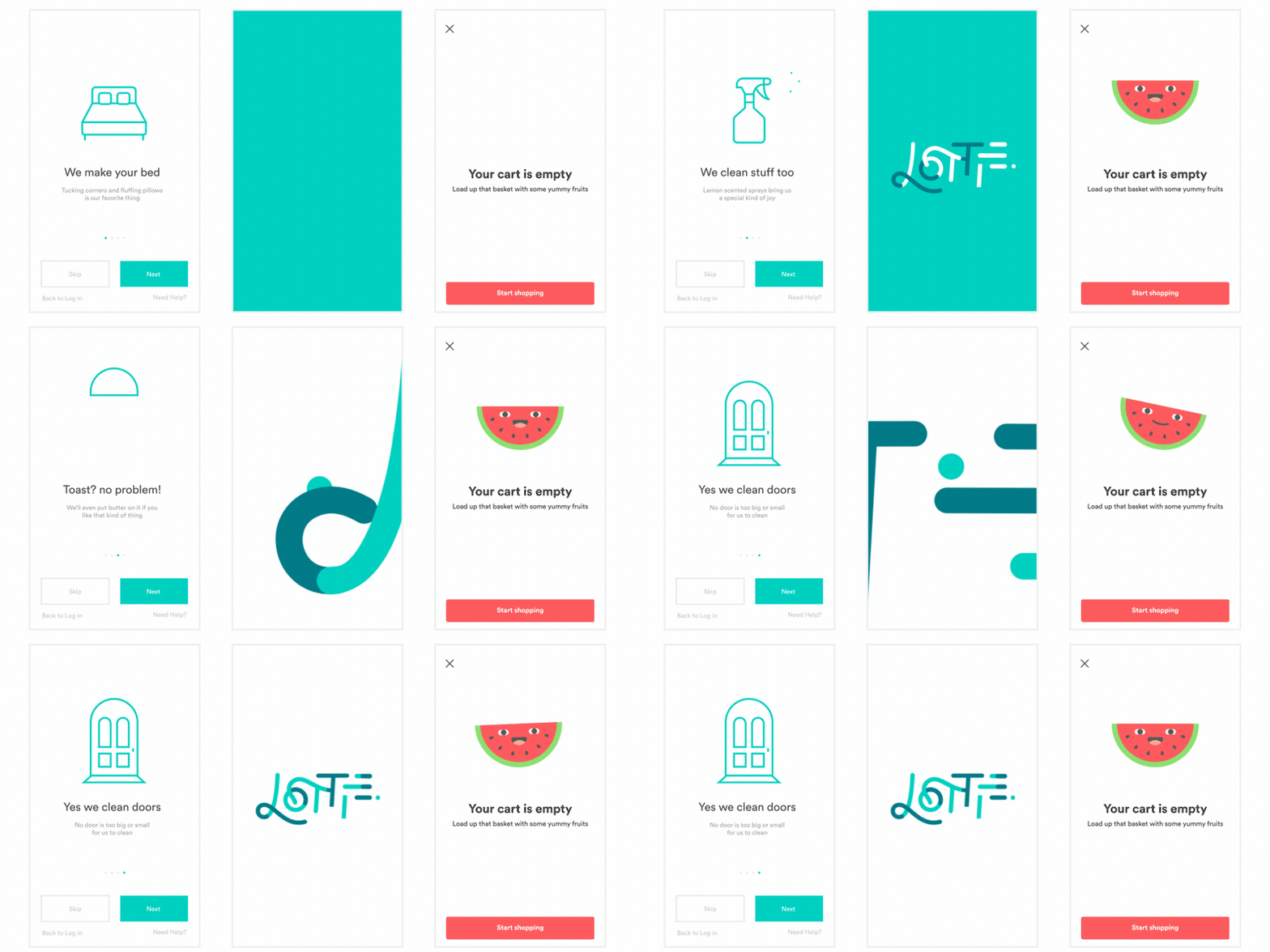
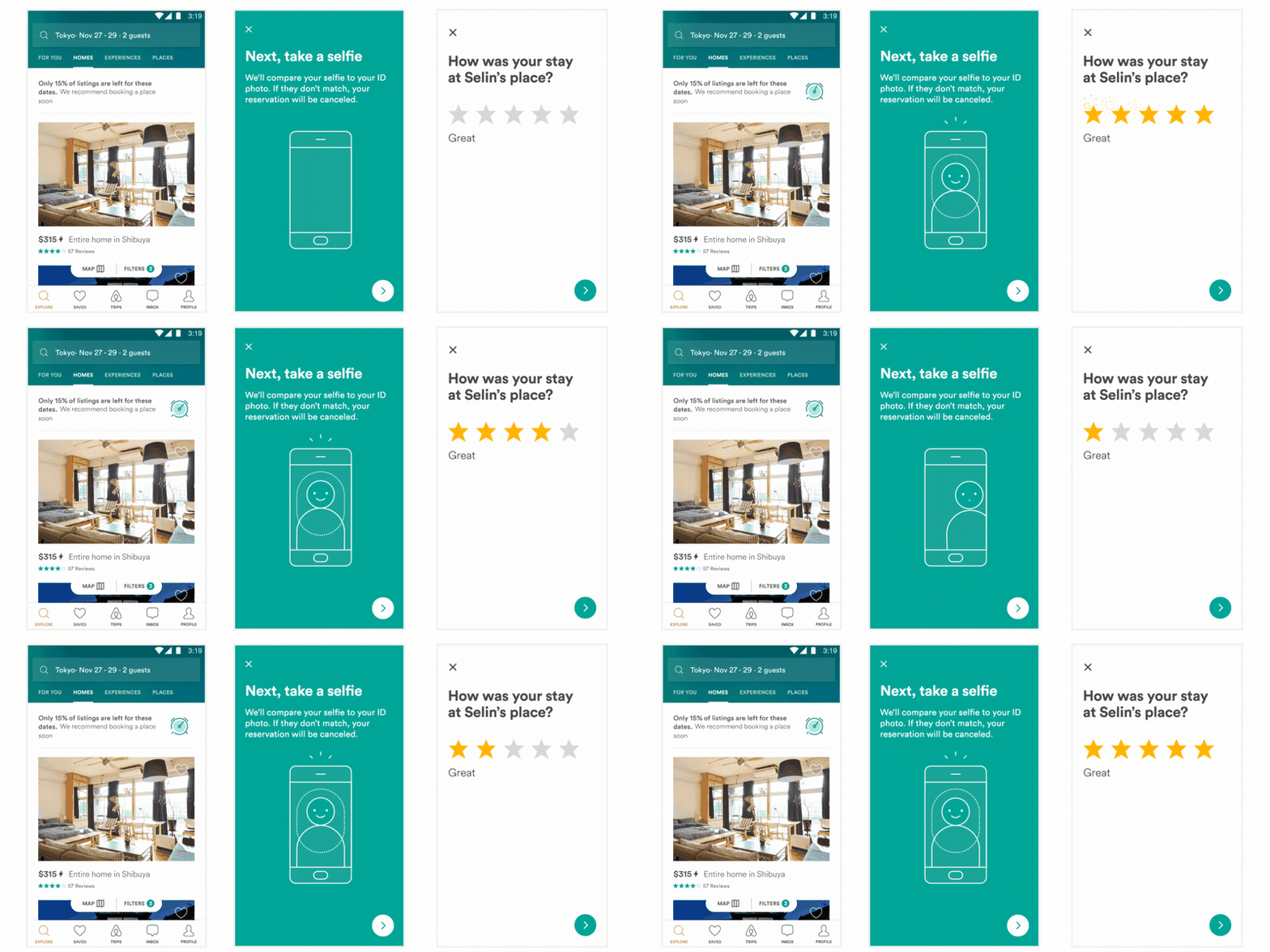


All of these animations were created in After Effects, exported with bodymovin, and rendered natively with no additional engineering effort.
## Related Projects
This project is only the code to wrap and expose Lottie to React Native. The parsing/rendering code can be found in their
respective libraries:
[Lottie for iOS](https://github.com/airbnb/lottie-ios)
[Lottie for Android](https://github.com/airbnb/lottie-android)
## Installation
Get started with Lottie by installing the node module with yarn or npm:
```bash
yarn add lottie-react-native
# or
npm i --save lottie-react-native
```
If you're using CocoaPods on iOS, you can put the following in your `Podfile`:
```ruby
pod 'lottie-ios', :path => '../node_modules/lottie-ios'
pod 'lottie-react-native', :path => '../node_modules/lottie-react-native'
```
If you're not using CocoaPods on iOS, you can use `react-native link`:
```bash
react-native link lottie-ios
react-native link lottie-react-native
```
After this, open the Xcode project configuration and add the `Lottie.framework` as `Embedded Binaries`.
For android, you can `react-native link` as well:
```bash
react-native link lottie-react-native
```
Lottie requires Android support library version 25. If you're using the `react-native init` template,
you may still be using 23. To change this, simply go to `android/app/build.gradle` and find the
`compileSdkVersion` option inside of the `android` block and change it to
```
android {
compileSdkVersion 25 // <-- update this to 25
// ...
```
With this change you should be ready to go.
Please file an issue if you have any trouble!
## Basic Usage
[See full component API](/docs/api.md)
Lottie's animation progress can be controlled with an `Animated` value:
```jsx
import React from 'react';
import { Animated } from 'react-native';
import Animation from 'lottie-react-native';
export default class BasicExample extends React.Component {
constructor(props) {
super(props);
this.state = {
progress: new Animated.Value(0),
};
}
componentDidMount() {
Animated.timing(this.state.progress, {
toValue: 1,
duration: 5000,
}).start();
}
render() {
return (
);
}
}
```
Additionally, there is an imperative API which is sometimes simpler.
```jsx
import React from 'react';
import Animation from 'lottie-react-native';
export default class BasicExample extends React.Component {
componentDidMount() {
this.animation.play();
}
render() {
return (
{ this.animation = animation; }}
style={{
width: 200,
height: 200,
}}
source={require('../path/to/animation.json')}
/>
);
}
}
```
## Running the Example Project
You can check out the example project with the following instructions
1. Clone the repo: `git clone https://github.com/airbnb/lottie-react-native.git`
2. Open: `cd lottie-react-native` and Install: `npm install`
3. Run `npm start` to start the packager.
4. In another CLI window, do the following:
For Running iOS:
1. If you don't have CocoaPods installed, run `bundle install`
2. Install pods: `npm run build:pods`
3. Run Example: `npm run run:ios`
For Running Android:
1. Run Example: `npm run run:android`
## Troubleshooting
If you are trying to run `pod install` and you get:
```
[!] Unable to find a specification for `lottie-ios`
```
Run `pod repo update` and retry.
When your build fails with:
```
LottieReactNative/LRNContainerView.h: 'Lottie/Lottie.h' file not found
```
Add the `Lottie.framework` to the `Embedded Binaries` in your Xcode project configuration.
## Supported / Unsupported After Effects features
Please find this information on the [iOS](https://github.com/airbnb/lottie-ios#supported-after-effects-features) and [Android](https://github.com/airbnb/lottie-android#supported-after-effects-features) repositories.
## Alternatives
1. Build animations by hand. Building animations by hand is a huge time commitment for design and engineering across Android and iOS. It's often hard or even impossible to justify spending so much time to get an animation right.
2. [Facebook Keyframes](https://github.com/facebookincubator/Keyframes). Keyframes is a wonderful new library from Facebook that they built for reactions. However, Keyframes doesn't support some of Lottie's features such as masks, mattes, trim paths, dash patterns, and more.
2. Gifs. Gifs are more than double the size of a bodymovin JSON and are rendered at a fixed size that can't be scaled up to match large and high density screens.
3. Png sequences. Png sequences are even worse than gifs in that their file sizes are often 30-50x the size of the bodymovin json and also can't be scaled up.
## Why is it called Lottie?
Lottie is named after a German film director and the foremost pioneer of silhouette animation. Her best known films are The Adventures of Prince Achmed (1926) – the oldest surviving feature-length animated film, preceding Walt Disney's feature-length Snow White and the Seven Dwarfs (1937) by over ten years
[The art of Lotte Reineger](https://www.youtube.com/watch?v=LvU55CUw5Ck&feature=youtu.be)
## Contributing
See the [Contributors Guide](/CONTRIBUTING.md)
## License
[Apache-2.0](/LICENSE)