---
**Matterbridge Roborock Platform Plugin** is a dynamic platform plugin for [Matterbridge](https://www.npmjs.com/package/matterbridge) that integrates Roborock vacuums into the Matter ecosystem, enabling control via Apple Home and other Matter-compatible apps.
> ⭐ If you find this project useful, please consider starring the repository on GitHub:
> [https://github.com/RinDevJunior/matterbridge-roborock-vacuum-plugin](https://github.com/RinDevJunior/matterbridge-roborock-vacuum-plugin)
---
### ⚠️ Important Notes
- **Matterbridge must be run in child bridge mode** for proper operation.
- **Use one Matterbridge instance per Roborock vacuum.**
If you have more than one vacuum, please run separate instances.
Please put the <**Vacuum name**>-<**duid**> of device you want to use into **whiteList** section in the plugin configuration popup.
More details available here: [Discussion #264](https://github.com/Luligu/matterbridge/discussions/264)
---
### 🆔 How to Get Your DUID
To get the **DUID** for your devices, you have two options:
**Option 1: From Matterbridge Logs**
1. **Start Matterbridge** with the plugin enabled.
2. **Watch the Docker console logs directly** (not the Matterbridge UI logs, as they may be truncated).
3. Look for the log message that says:
```text
Initializing - devices: [...]
```
**Option 2: From the Roborock App**
1. Open the **Roborock app** on your phone.
2. Go to your **Device**.
3. Tap **Settings** > **Product Info**.
4. Find the **DID** field. The value will look like `rr_xxxxxxx`.
5. **Remove the `rr_` prefix** from the DID value. The remaining string is your DUID.
---
### 🚧 Project Status
- **Under active development**
- Requires **`matterbridge@3.0.4`**
- ⚠️ **Known Issue:** Vacuum may appear as **two devices** in Apple Home
---
### ➡️ [See Supported & Tested Roborock Devices](./README_SUPPORTED.md)
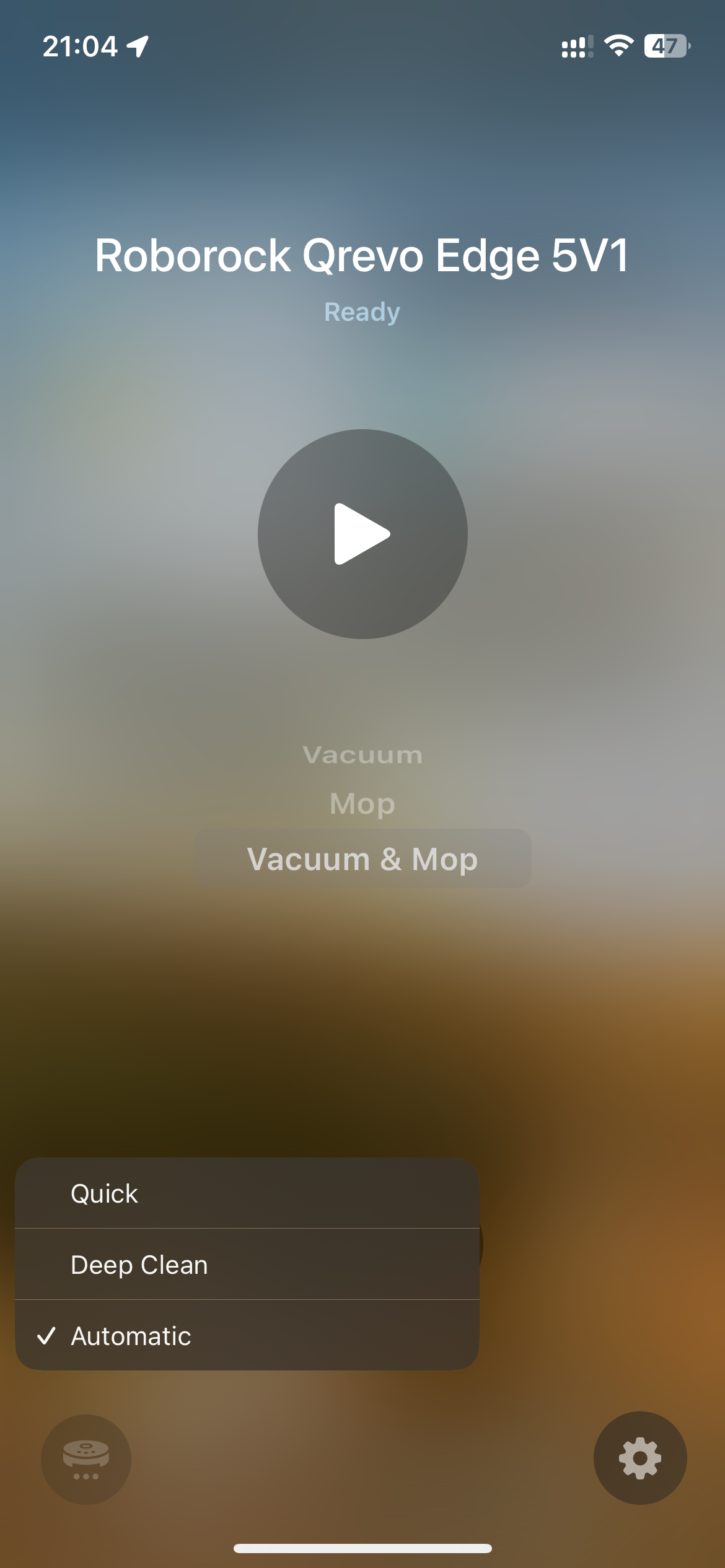
📋 **Apple Home ↔️ Roborock Clean Mode Mapping:**
For a detailed table of how Apple Home clean modes map to Roborock settings, see 👉 [Apple Home ↔️ Roborock Clean Mode Mapping](./README_CLEANMODE.md)
---
### 📦 Prerequisites
- A working installation of [Matterbridge](https://github.com/Luligu/matterbridge)
- Compatible Roborock vacuum model (not all models supported yet)
---
### 💬 Need Help?
Join our Discord for support, updates, and community discussions:
👉 [Join the Matterbridge Roborock Discord](https://discord.gg/NHMDKdzm)
---
### 🧱 Built With
This plugin is built on top of the official dynamic platform example:
🔗 [matterbridge-example-dynamic-platform](https://github.com/Luligu/matterbridge-example-dynamic-platform)
---
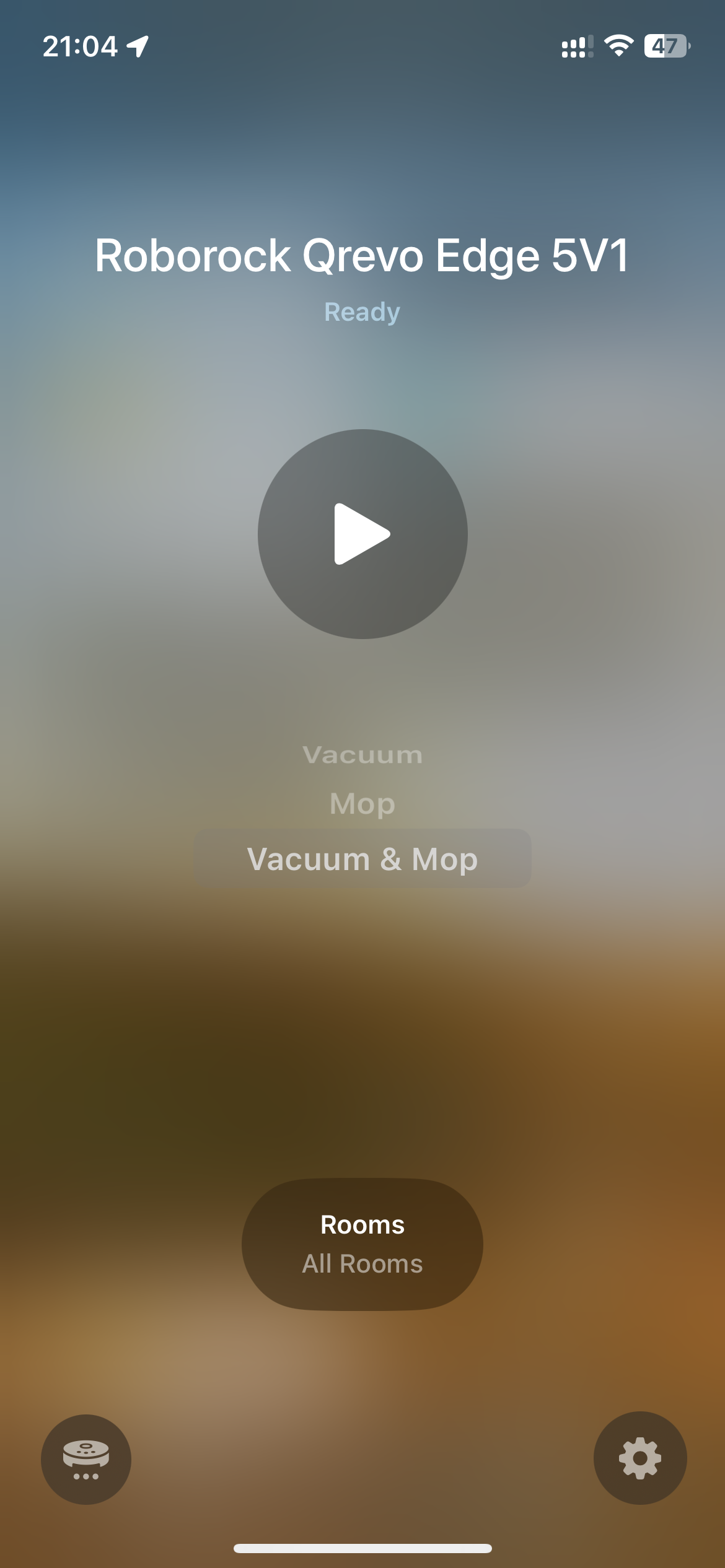
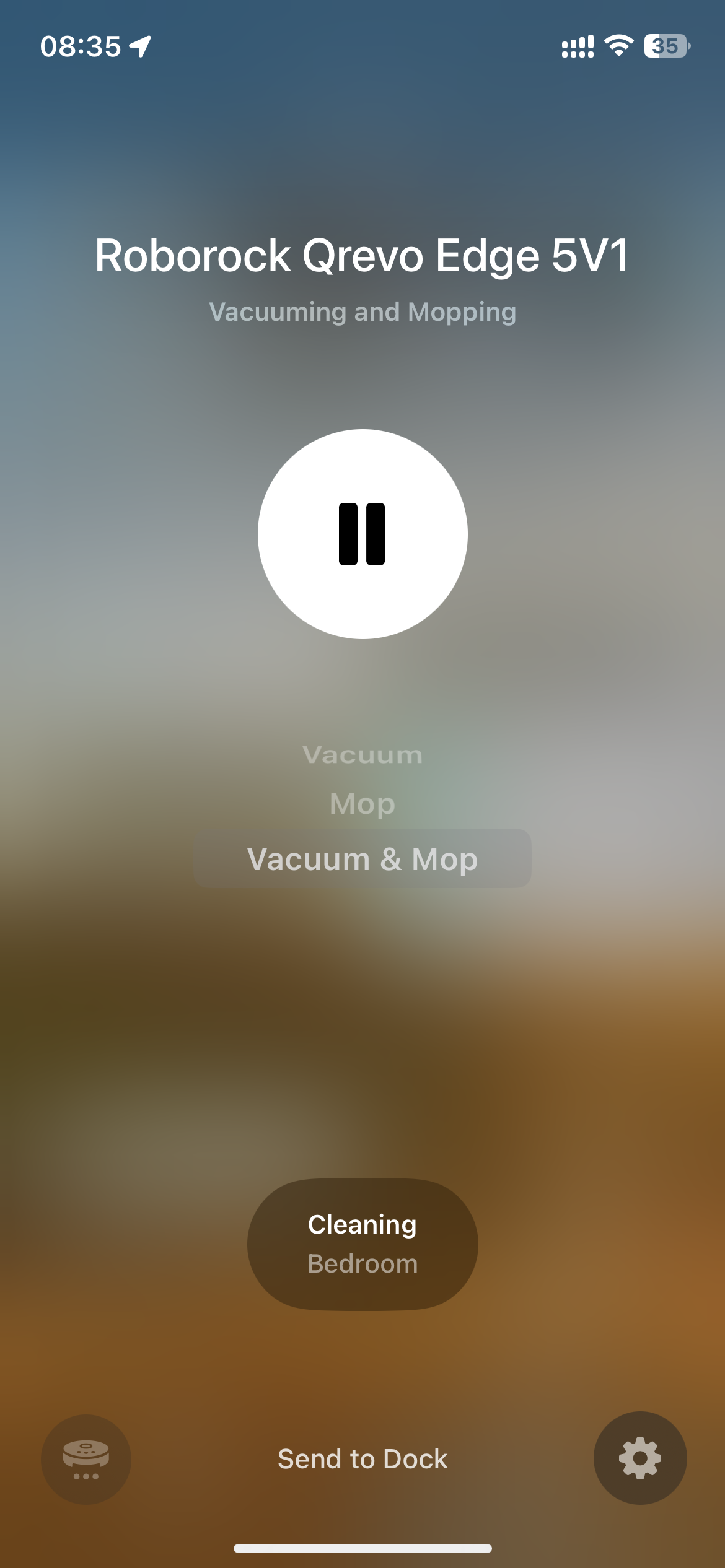
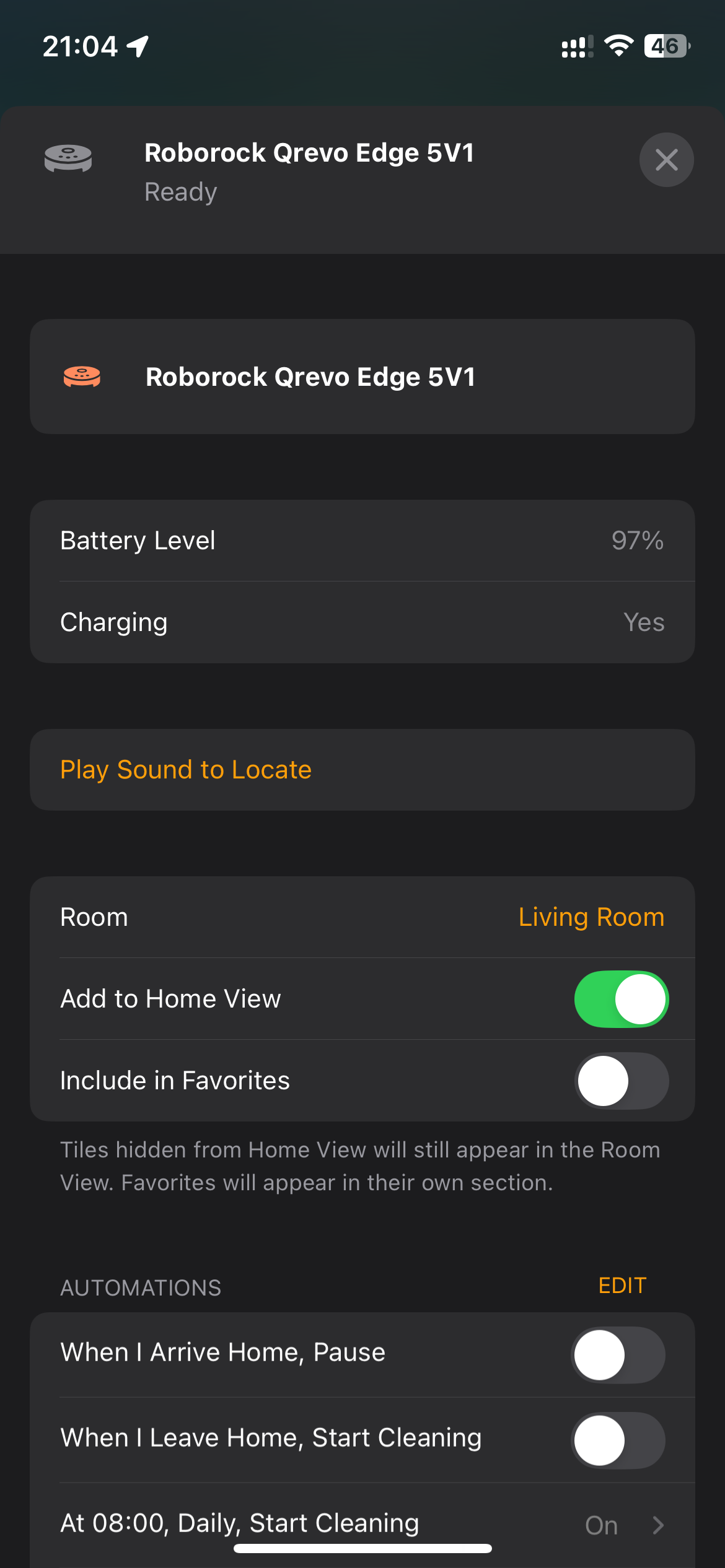
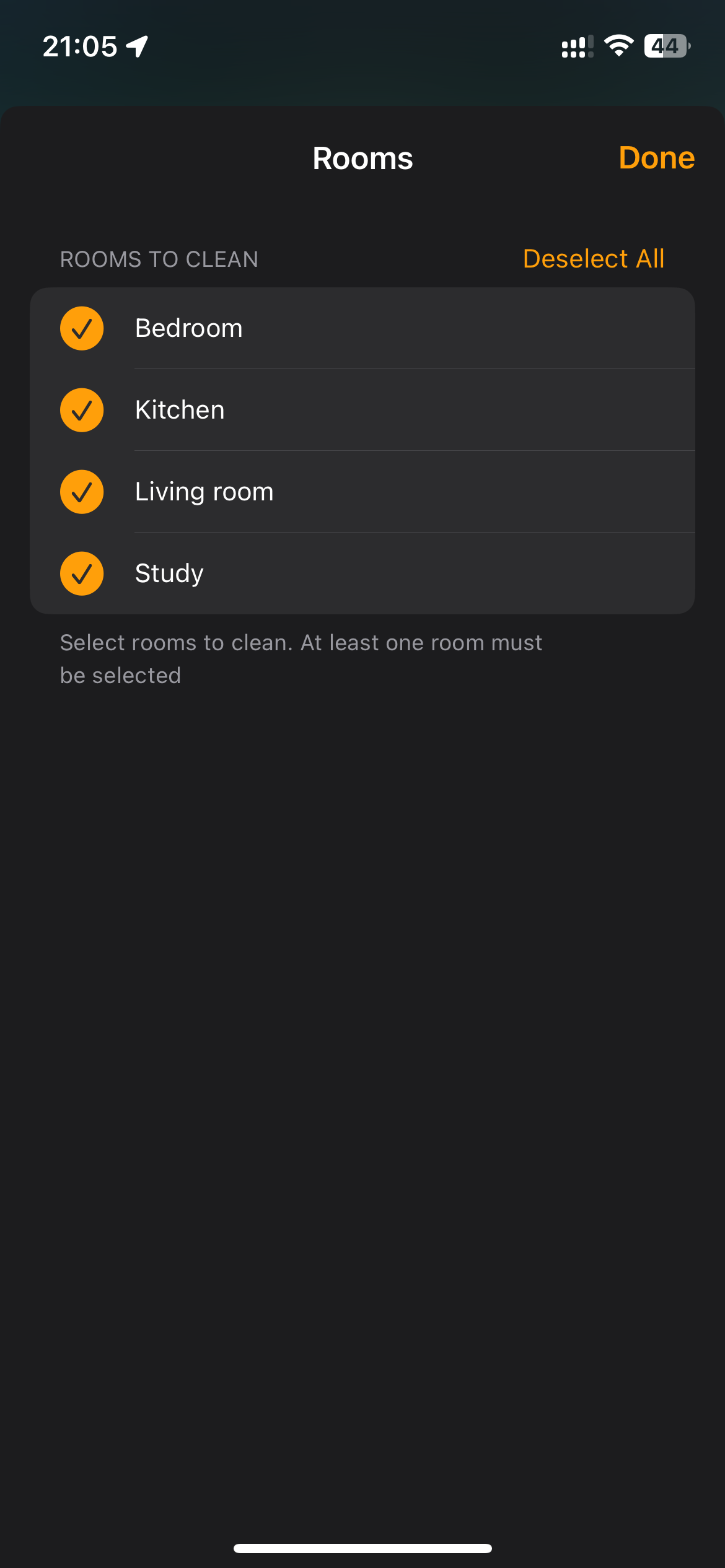
### 📸 Screenshot