<p align="center">
  <img src="./logo.png" alt="Matterbridge Roborock Platform Plugin Logo" width="64" height="64" />
</p>

<h1 align="center">Matterbridge Roborock Platform Plugin</h1>

<p align="center">
  <a href="https://www.npmjs.com/package/matterbridge-roborock-vacuum-plugin">
    <img src="https://img.shields.io/npm/v/matterbridge-roborock-vacuum-plugin/latest.svg" alt="npm version" />
  </a>
  <a href="https://www.npmjs.com/package/matterbridge-roborock-vacuum-plugin?activeTab=versions">
    <img src="https://img.shields.io/npm/v/matterbridge-roborock-vacuum-plugin/dev.svg" alt="npm dev version" />
  </a>
  <a href="https://www.typescriptlang.org/">
    <img src="https://img.shields.io/badge/TypeScript-3178C6?logo=typescript&logoColor=white" alt="typescript" />
  </a>
  <a href="https://nodejs.org/api/esm.html">
    <img src="https://img.shields.io/badge/ESM-Node.js-339933?logo=node.js&logoColor=white" alt="esm" />
  </a>
  <a href="https://www.npmjs.com/package/matterbridge-roborock-vacuum-plugin">
    <img src="https://img.shields.io/npm/dt/matterbridge-roborock-vacuum-plugin.svg" alt="npm downloads" />
  </a>
  <a href="https://github.com/RinDevJunior/matterbridge-roborock-vacuum-plugin/actions/workflows/publish.yml">
    <img src="https://github.com/RinDevJunior/matterbridge-roborock-vacuum-plugin/actions/workflows/publish.yml/badge.svg" alt="nodejs ci" />
  </a>
  <a href="https://github.com/RinDevJunior/matterbridge-roborock-vacuum-plugin/actions/workflows/codeql.yml">
    <img src="https://github.com/RinDevJunior/matterbridge-roborock-vacuum-plugin/actions/workflows/codeql.yml/badge.svg" alt="codeql" />
  </a>
  <a href="https://codecov.io/gh/RinDevJunior/matterbridge-roborock-vacuum-plugin">
    <img src="https://codecov.io/gh/RinDevJunior/matterbridge-roborock-vacuum-plugin/branch/main/graph/badge.svg" alt="Codecov" />
  </a>
  <a href="https://www.npmjs.com/package/matterbridge">
    <img src="https://img.shields.io/badge/powered%20by-matterbridge-blue" alt="powered by Matterbridge" />
  </a>
  <a href="https://github.com/prettier/prettier">
    <img src="https://img.shields.io/badge/styled_with-Prettier-f8bc45.svg?logo=prettier" alt="styled with prettier" />
  </a>
  <a href="https://github.com/eslint/eslint">
    <img src="https://img.shields.io/badge/linted_with-ES_Lint-4B32C3.svg?logo=eslint" alt="linted with eslint" />
  </a>
  <a href="https://www.npmjs.com/package/node-ansi-logger">
    <img src="https://img.shields.io/badge/powered%20by-node--ansi--logger-blue" alt="powered by node-ansi-logger" />
  </a>
</p>

---

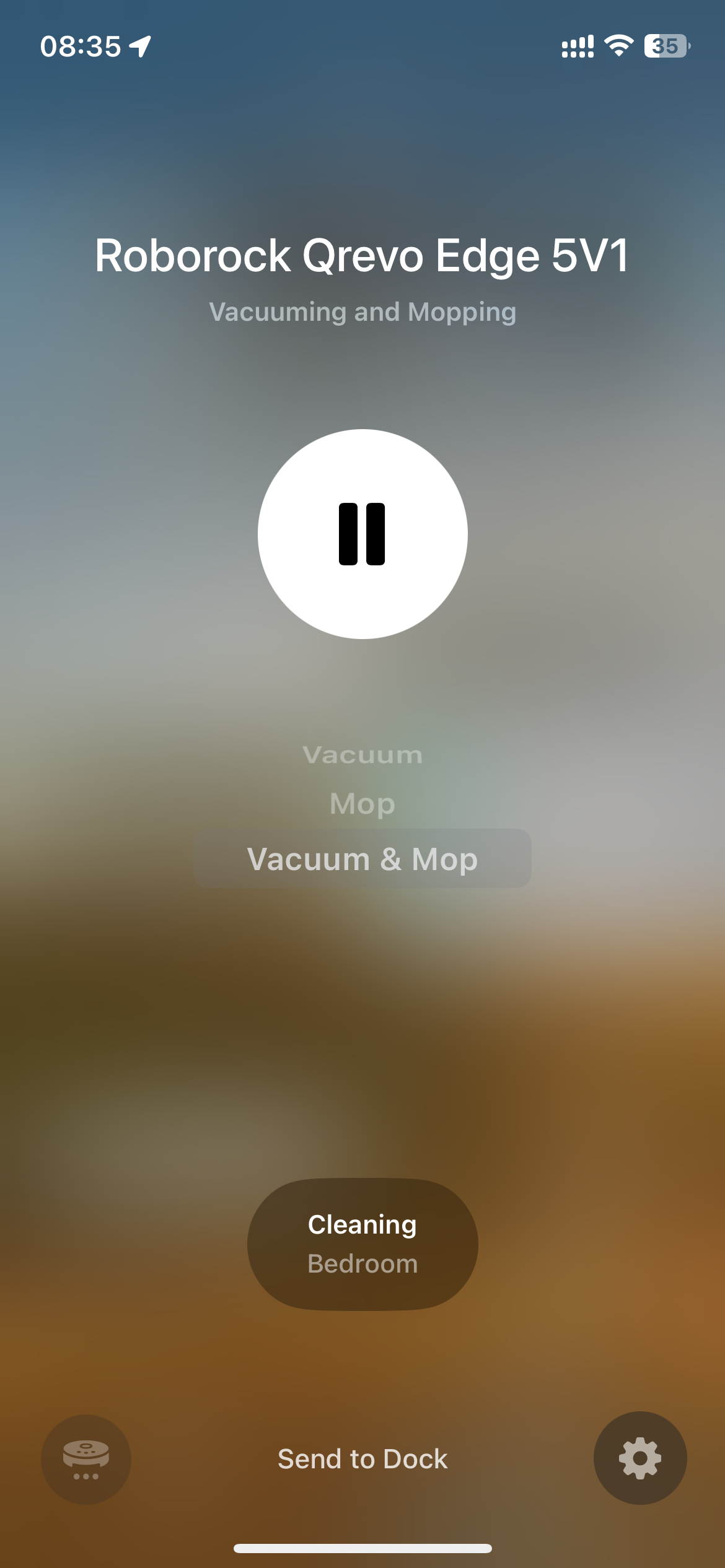
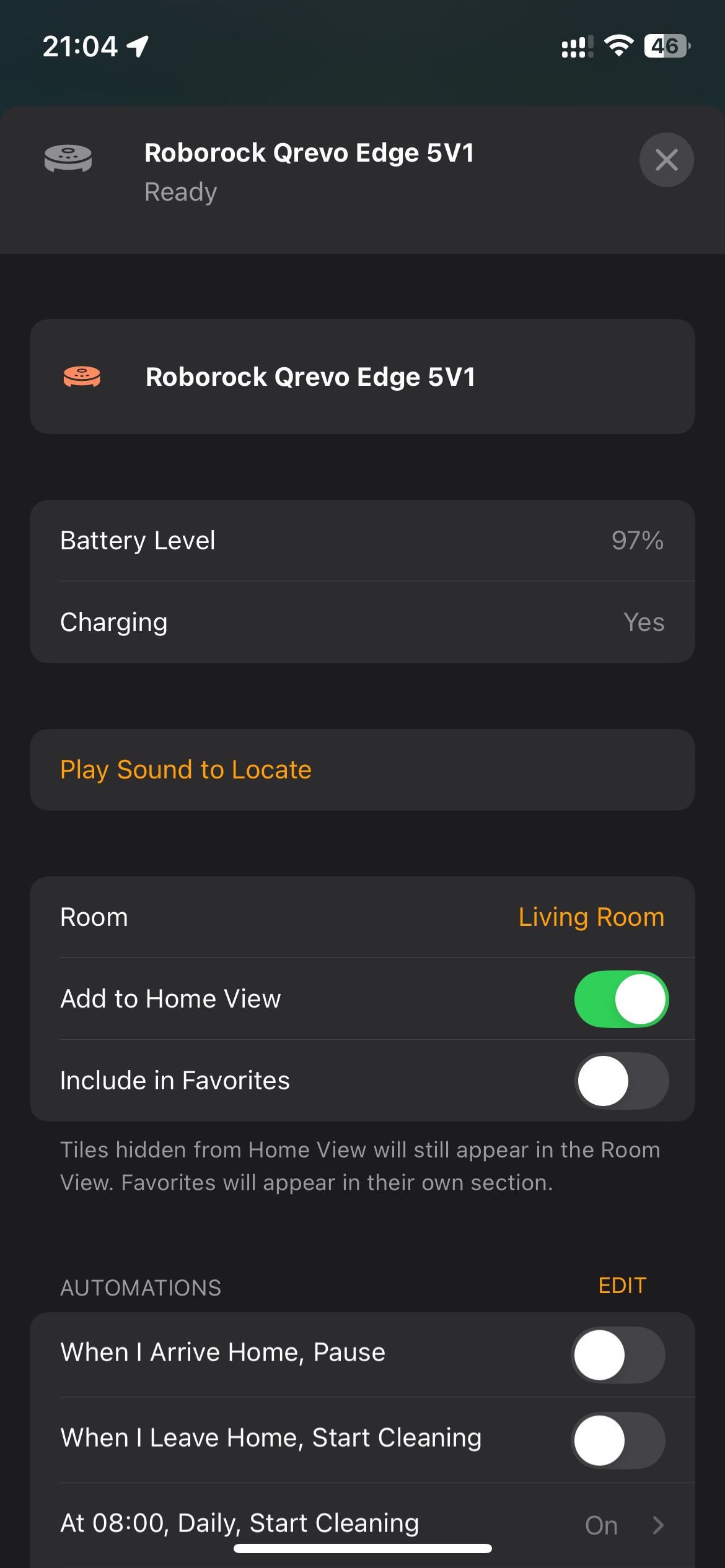
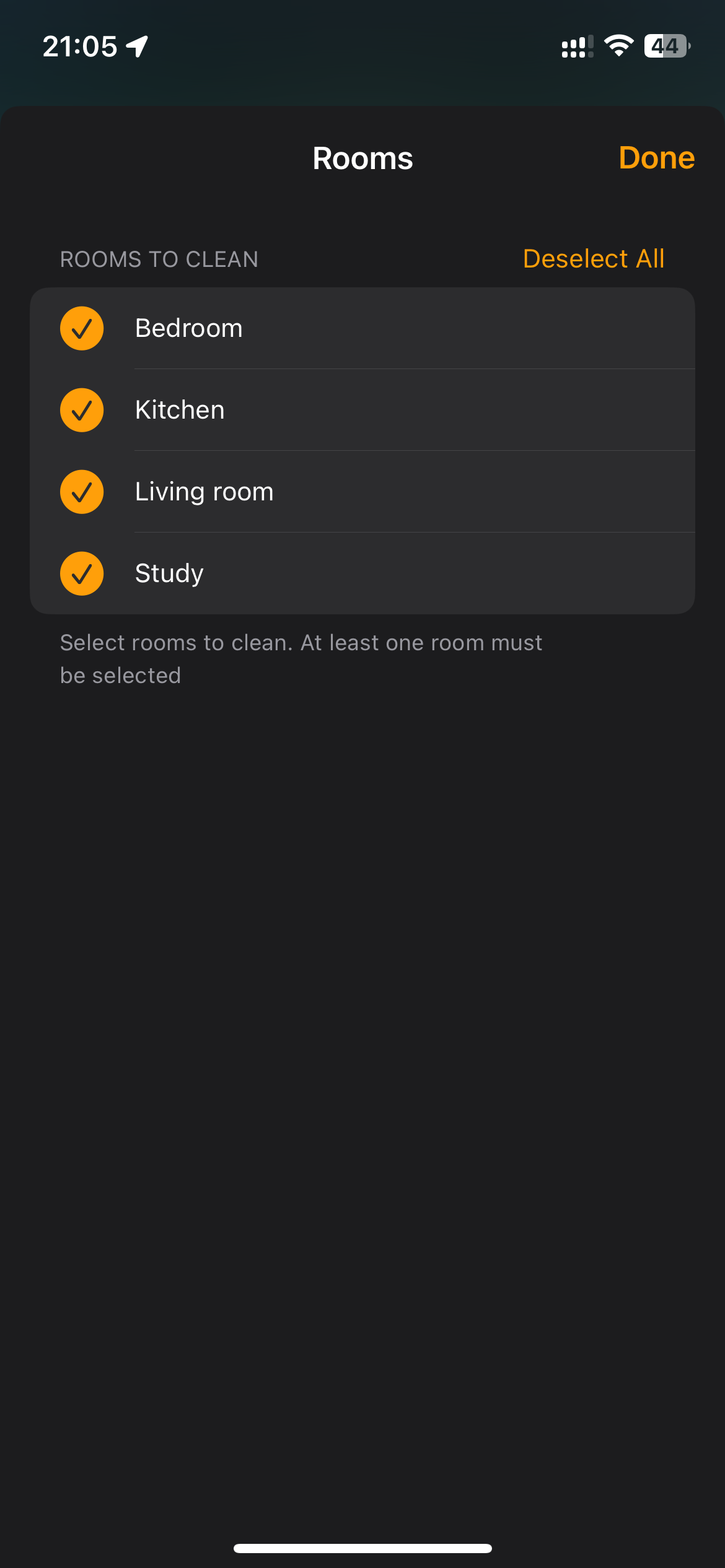
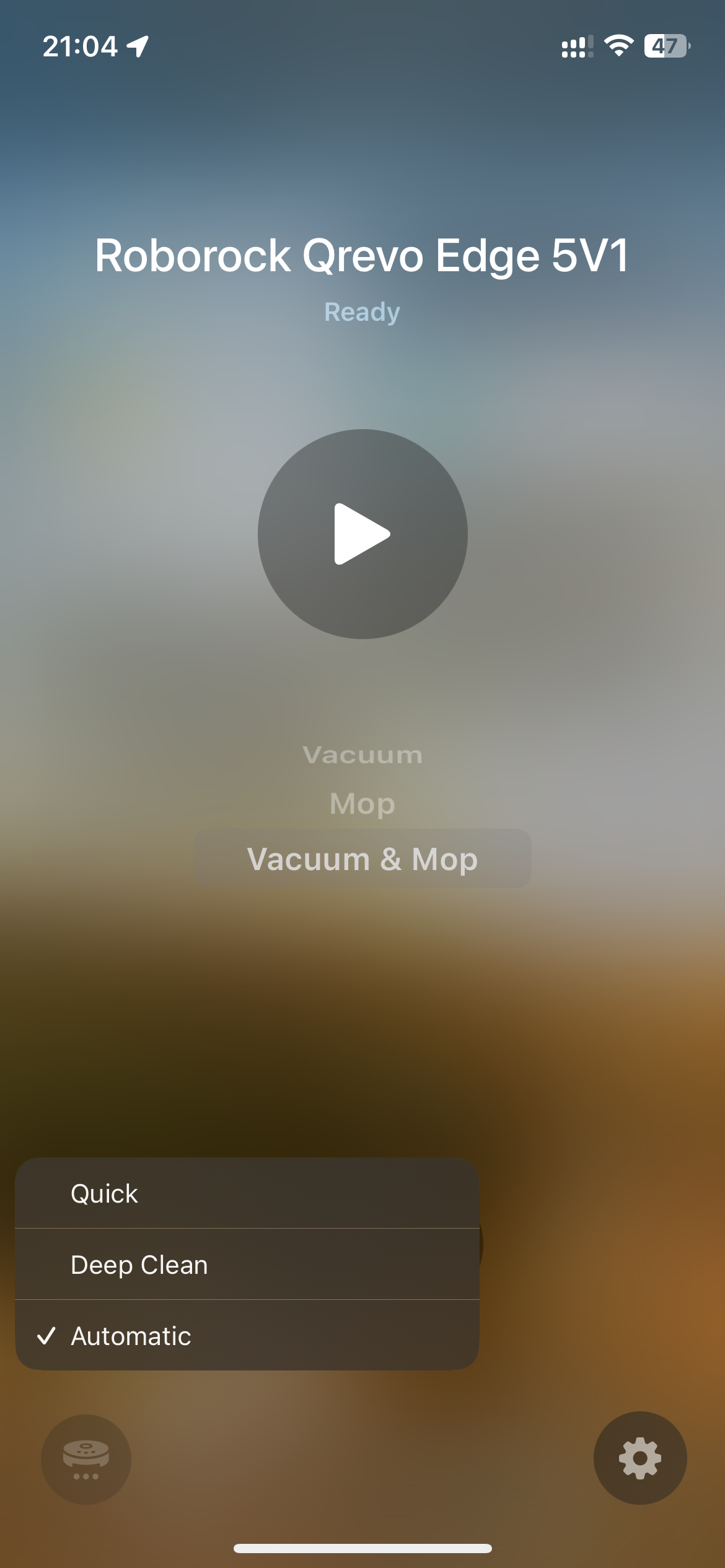
**Matterbridge Roborock Platform Plugin** is a dynamic platform plugin for [Matterbridge](https://www.npmjs.com/package/matterbridge) that integrates Roborock vacuums into the Matter ecosystem, enabling control via Apple Home and other Matter-compatible apps.

> ⭐ If you find this project useful, please consider starring the repository on GitHub:  
> [https://github.com/RinDevJunior/matterbridge-roborock-vacuum-plugin](https://github.com/RinDevJunior/matterbridge-roborock-vacuum-plugin)

---

### ⚠️ Important Notes

Requires matterbridge@3.6.1

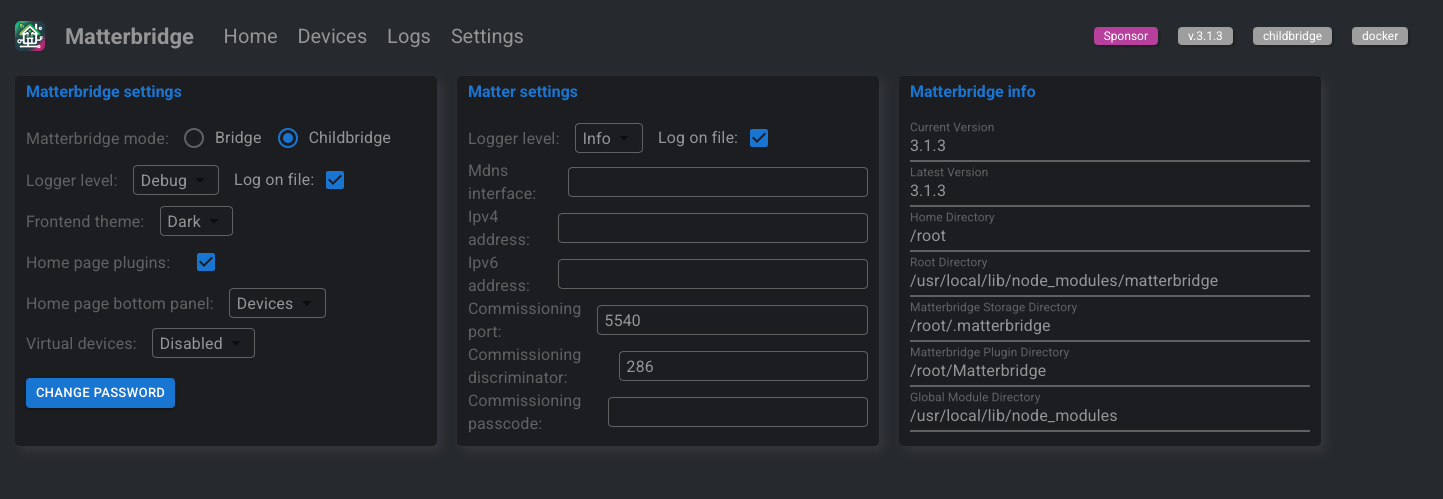
- **Matterbridge must be run in child bridge mode** for proper operation.
- **By default, one Matterbridge instance supports one Roborock vacuum.**
  If you have more than one vacuum, you can either:
  - Run separate Matterbridge instances (one per vacuum), or
  - **Enable Server Mode** in the plugin configuration — this allows a single Matterbridge instance to host multiple vacuums at once.
- To control which device(s) are exposed, add their **DUID(s)** to the **White List** in the plugin configuration. If the list is empty, all supported devices are exposed (limited to one unless Server Mode is enabled).

  More details available here: [Discussion #264](https://github.com/Luligu/matterbridge/discussions/264)

---

### 🆔 How to Get Your DUID

To get the **DUID** for your devices, you have two options:

**Option 1: From Matterbridge Logs**

1. **Start Matterbridge** with the plugin enabled.
2. **Watch the Docker console logs directly** (not the Matterbridge UI logs, as they may be truncated).
3. Look for the log message that says:
   ```text
   Initializing - devices: [...]
   ```

**Option 2: From the Roborock App**

1. Open the **Roborock app** on your phone.
2. Go to your **Device**.
3. Tap **Settings** > **Product Info**.
4. Find the **DID** field. The value will look like `rr_xxxxxxx`.
5. **Remove the `rr_` prefix** from the DID value. The remaining string is your DUID.

---

### 🚧 Project Status

- **Under active development**
- Requires **`matterbridge@3.5.5`**

---

### ➡️ [See Supported & Tested Roborock Devices](./README_SUPPORTED.md)

📋 **Apple Home ↔️ Roborock Clean Mode Mapping:**  
For a detailed table of how Apple Home clean modes map to Roborock settings, see 👉 [Apple Home ↔️ Roborock Clean Mode Mapping](./README_CLEANMODE.md)

---

### 📦 Prerequisites

- A working installation of [Matterbridge](https://github.com/Luligu/matterbridge)
- Compatible Roborock vacuum model (not all models supported yet)

---

### ⚙️ Matterbridge setting

<div align="center">
  <img src="./screenshot/IMG_6.PNG" alt="Matterbridge Configuration Screenshot" style="border-radius: 8px; max-width: 100%; box-shadow: 0 4px 12px rgba(0,0,0,0.1);" />
</div>

---

### 💬 Need Help?

🛠️ **Reporting an Issue**  
Before opening an issue, please make sure to read the instructions here:  
[📄 How to Report an Issue](./README_REPORT_ISSUE.md)

💬 **Community Support**  
Join our Discord for support, updates, and community discussions:  
👉 [Join the Matterbridge Roborock Discord](https://discord.gg/favqExHGn4)

---

### 🧱 Built With

This plugin is built on top of the official dynamic platform example:  
🔗 [matterbridge-example-dynamic-platform](https://github.com/Luligu/matterbridge-example-dynamic-platform)

---

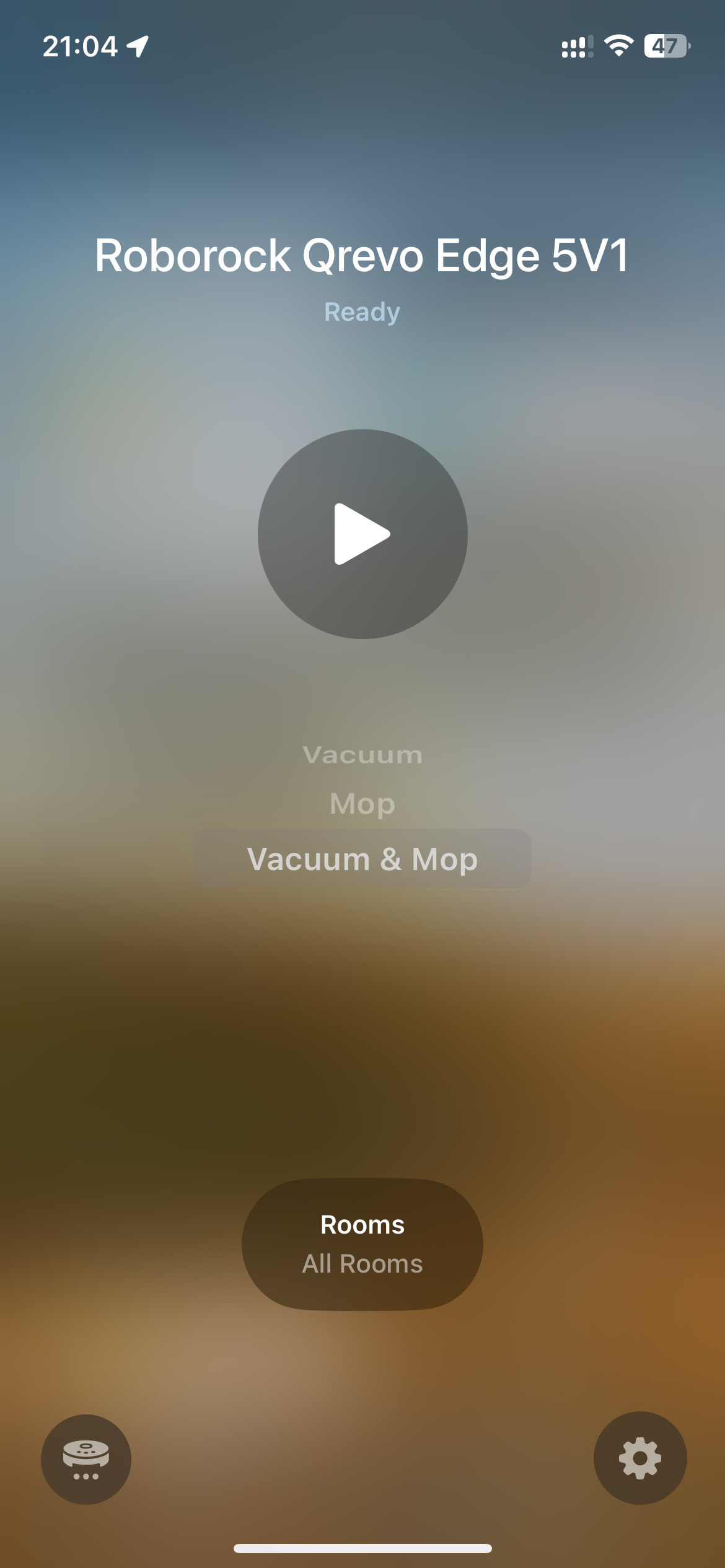
### 📸 Screenshot
<p align="center">
  <img src="./screenshot/IMG_1.PNG" alt="Screenshot1" width="292" height="633" />
  <img src="./screenshot/IMG_2.PNG" alt="Screenshot2" width="292" height="633" />
</p>
<p align="center">
  <img src="./screenshot/IMG_3.PNG" alt="Screenshot3" width="292" height="633" />
  <img src="./screenshot/IMG_4.PNG" alt="Screenshot4" width="292" height="633" />
</p>
<p align="center">
  <img src="./screenshot/IMG_5.PNG" alt="Screenshot5" width="292" height="633" />
</p>