# 🎄 md-editor-v3
    
English \| [中文](https://github.com/imzbf/md-editor-v3/blob/develop/README-CN.md)
Markdown editor for vue3, developed in `jsx` and `typescript`.
- Documentation and example: [Go](https://imzbf.github.io/md-editor-v3)
- The same series editor for react: [md-editor-rt](https://github.com/imzbf/md-editor-rt)
## ⭐️ Features
- Toolbar, screenfull or screenfull in web pages and so on.
- Themes, Built-in default and dark themes.
- Shortcut key for editor.
- Beautify your content by `prettier`(only for markdown content, not the code and other text).
- Multi-language, build-in Chinese and English(default: Chinese).
- Upload picture, paste or clip the picture and upload it.
- Render article directly(no editor, no event listener, only preview of content).
- Theme of preview, `default`, `vuepress`, `github`, `cyanosis`, `mk-cute`, `smart-blue` styles(not identical). It can be customized also(Refer to example page).
- `mermaid`(>=1.8.0), `katex` mathematical formula(>=1.9.0).
- Customize the toolbar as you like.
- On-demand Import(>=4.0.0).
## 🗺 Preview
| Default theme | Dark theme | Preview only |
| --- | --- | --- |
| 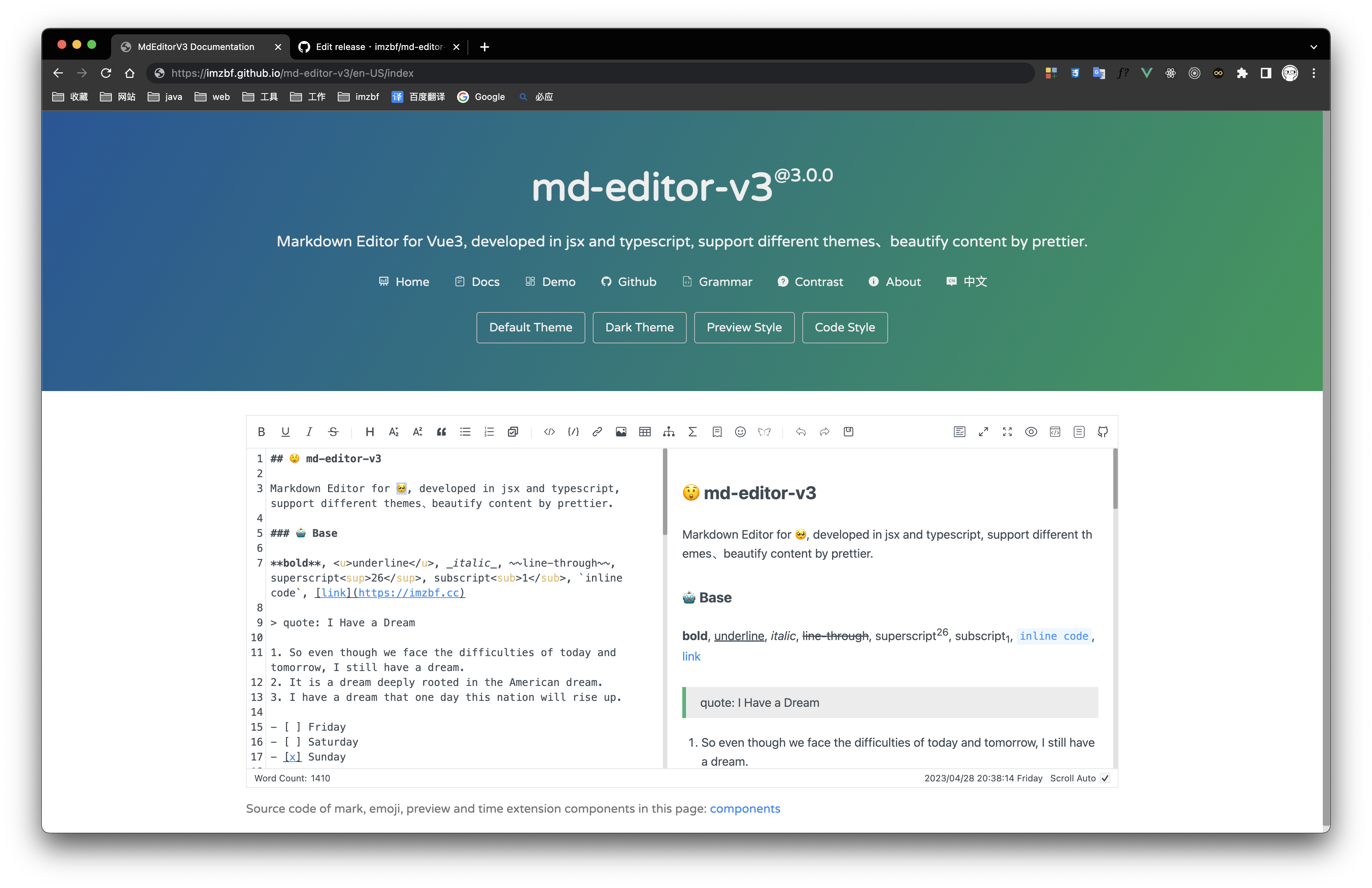 | 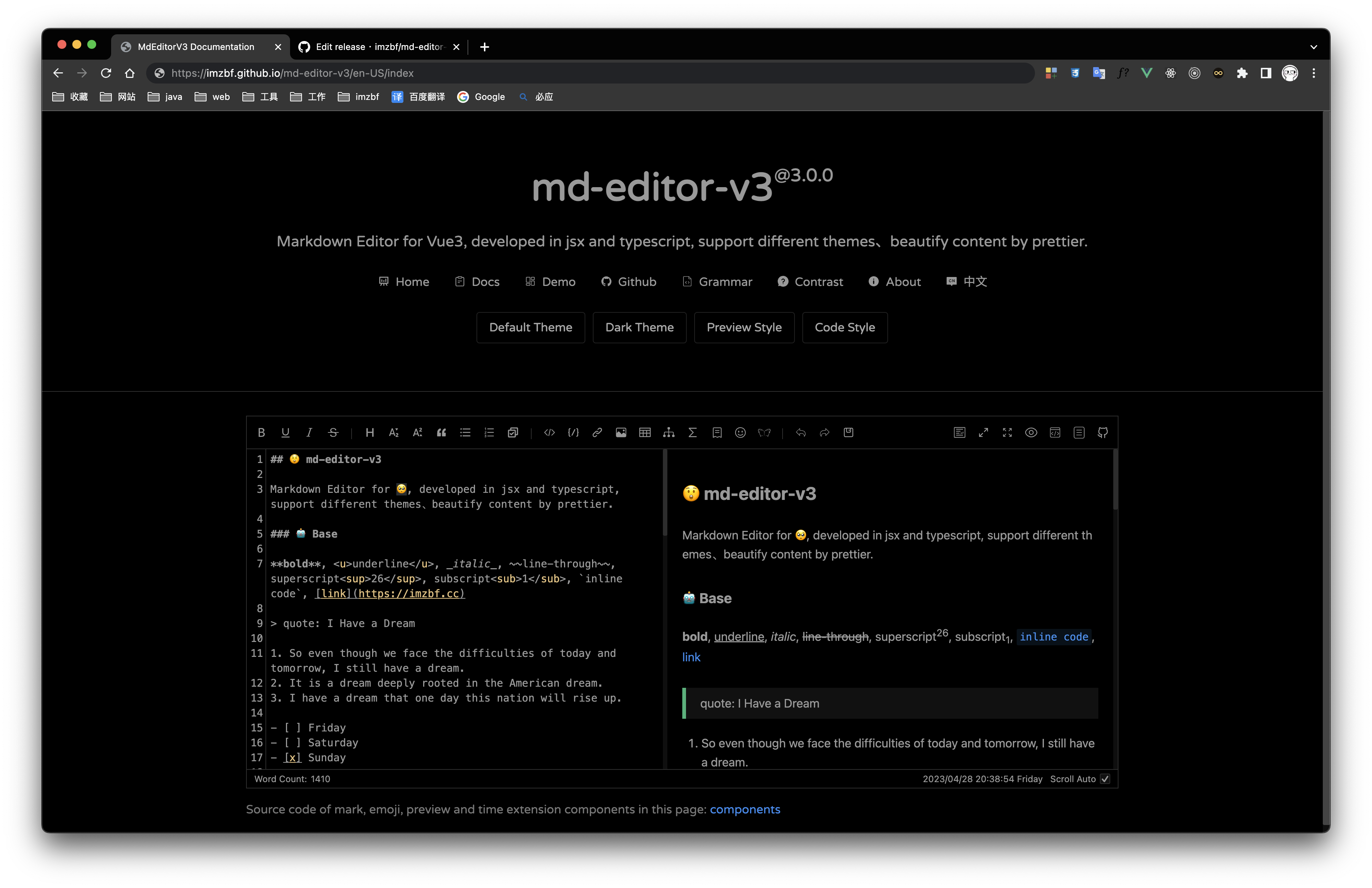 | 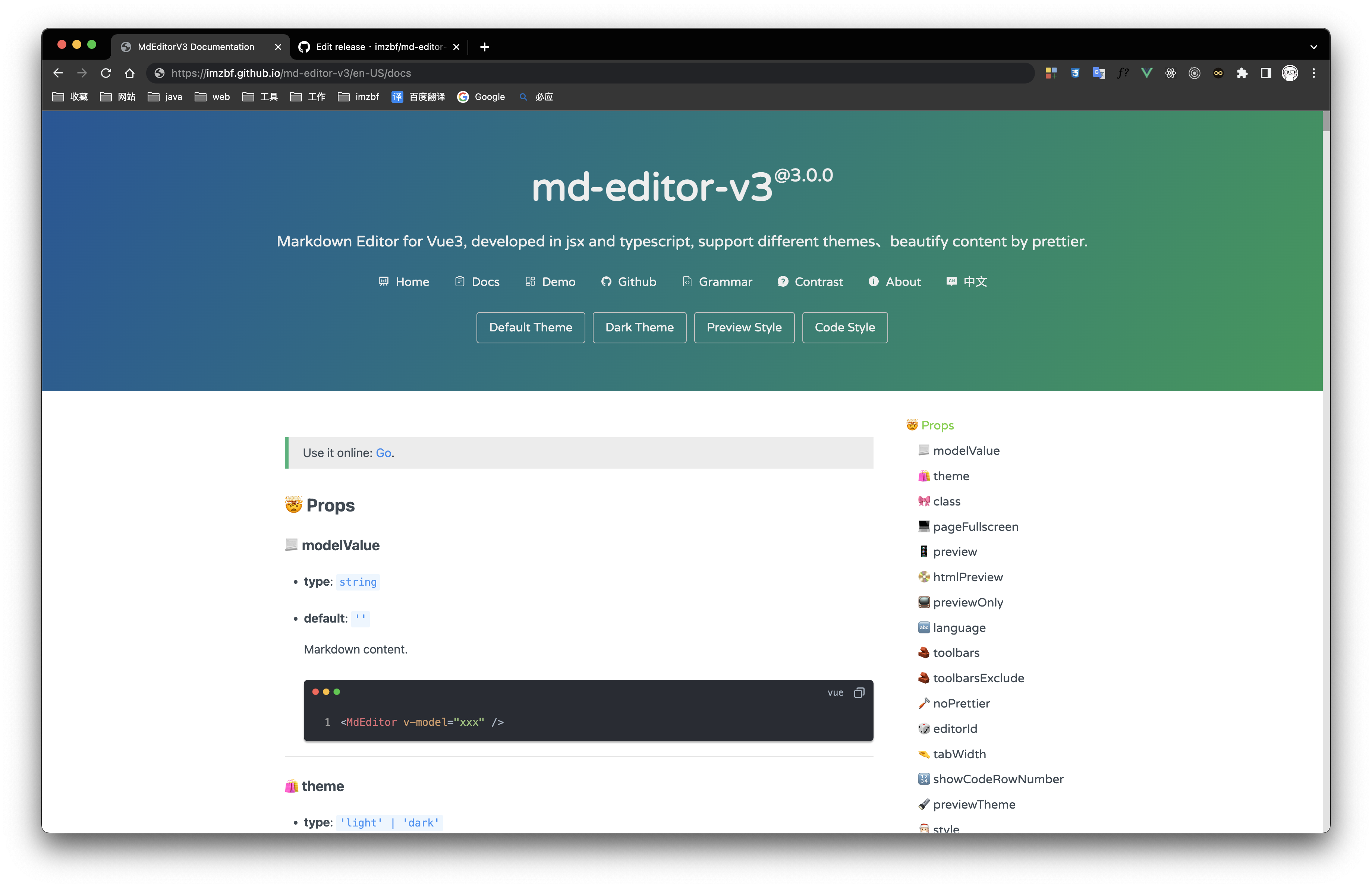 |
Inputing prompt and mark, emoji extensions
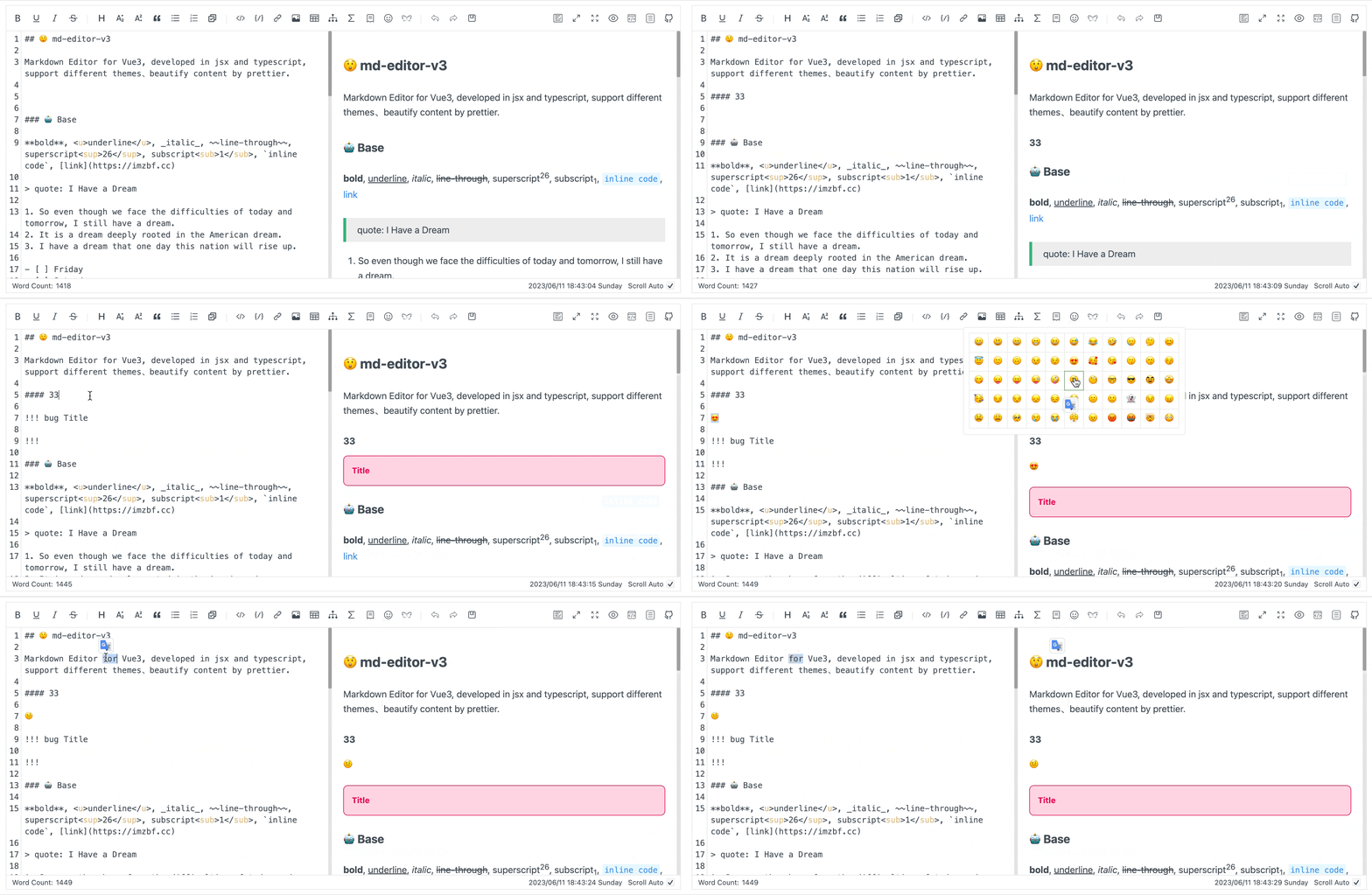
## 📦 Install
```shell
yarn add md-editor-v3
```
Use existing extension of language and theme, such as Japanese
```shell
yarn add @vavt/cm-extension
```
Use existing components of toolbar, such as exporting content as PDF
```shell
yarn add @vavt/v3-extension
```
For more ways to use or contribute, please refer to: [md-editor-extension](https://github.com/imzbf/md-editor-extension)
## 💡 Usage
When using server-side rendering, make sure to set `editorId` to a constant value.
Starting from `4.0.0`, internal components can be imported on-demand.
### ✍🏻 Display Editor
```vue
```
### 📖 Preview Only
```vue
```
When using server-side rendering, `scrollElement` should be of string type, eg: `html`, `body`, `#id`, `.class`.
---
For more usage, please visit the [document](https://imzbf.github.io/md-editor-v3).