# mmr-gl-legend
This module adds legend control which is able to create legend panel from MMR GL style to mmr-gl. It was forked from [maplibre-gl-legend](https://github.com/watergis/maplibre-gl-legend).
This module is using source code of [orangemug/legend-symbol](https://github.com/orangemug/legend-symbol). I just adopted this library to normal MMR GL Plugin. Thanks so much to develop this library!
## Installation:
```bash
npm i mmr-gl-legend
```
## Demo:
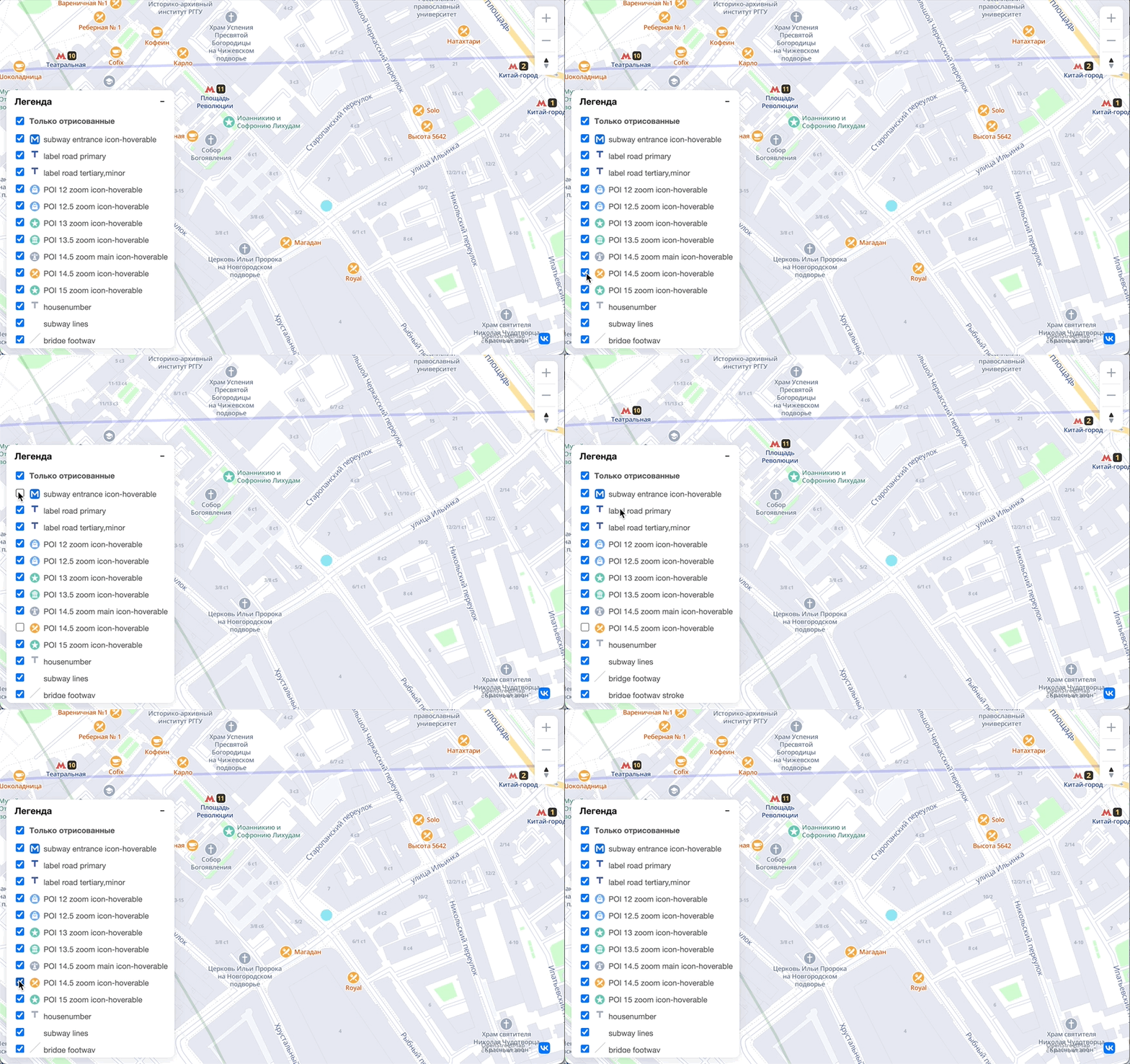
## Usage:
```ts
import { MMRLegendControl } from "mmr-gl-legend";
import 'mmr-gl-legend/dist/maplibre-gl-legend.css';
import mmrgl from 'mmr-gl';
const map = new mmrgl.Map();
//please add legend control after loading mapbox stylefiles, otherwise it causes errors...
map.on('load', function() {
const targets = {
'subway entrance icon-hoverable': 'Subway',
};
// add legend control without checkbox, and it will be hide as default
map.addControl(new MMRLegendControl(targets, {
showDefault: false,
showCheckbox: false,
onlyRendered: false
}), 'top-right');
// add legend control with checkbox, and it will be shown as default
map.addControl(new MMRLegendControl(targets, {showDefault: true}), 'bottom-right');
// add legend control with all layers, and it reverse layer order
map.addControl(new MMRLegendControl({}, {reverseOrder: false}), 'bottom-left');
})
```
Specify your layers which you want to add the legend by the control.
### Options
- showDefault
- true: Legend will be shown as default
- false: Legend will be hide as default
- default value is `true` if you don't specify the option.
- showCheckbox
- true: the checkbox for switching visibility will be added as default
- false: the checkbox will not be added as default
- default value is `true` if you don't specify the option.
- reverseOrder
- true: layers will be ordered from top.
- false: layers will be ordered from bottom.
- default value is `true` if you don't specfify the option.
- onlyRendered
- true: only rendered layers will be shown on legend as default.
- false: all layers' legend will be shown as default.
- default value will be true.
- title
- the text shown above the icons
- default: "Legend"
### Use CDN
```html
```
Furthermore, you may download specific version's scripts and css locally from [NPM](https://www.npmjs.com/package/@watergis/maplibre-gl-legend) page.
See an example HTML at [index_umd.html](./index_umd.html)
## Development
```
npm run lint
npm run format
npm run dev
```
open [http://localhost:5173](http://localhost:5173).
If there are any changes on source code, it will be reflected automatically.
## Build package
```
npm run build
```
The modules will be generated under `dist` folder.