# Nativescript ListView header plugin.
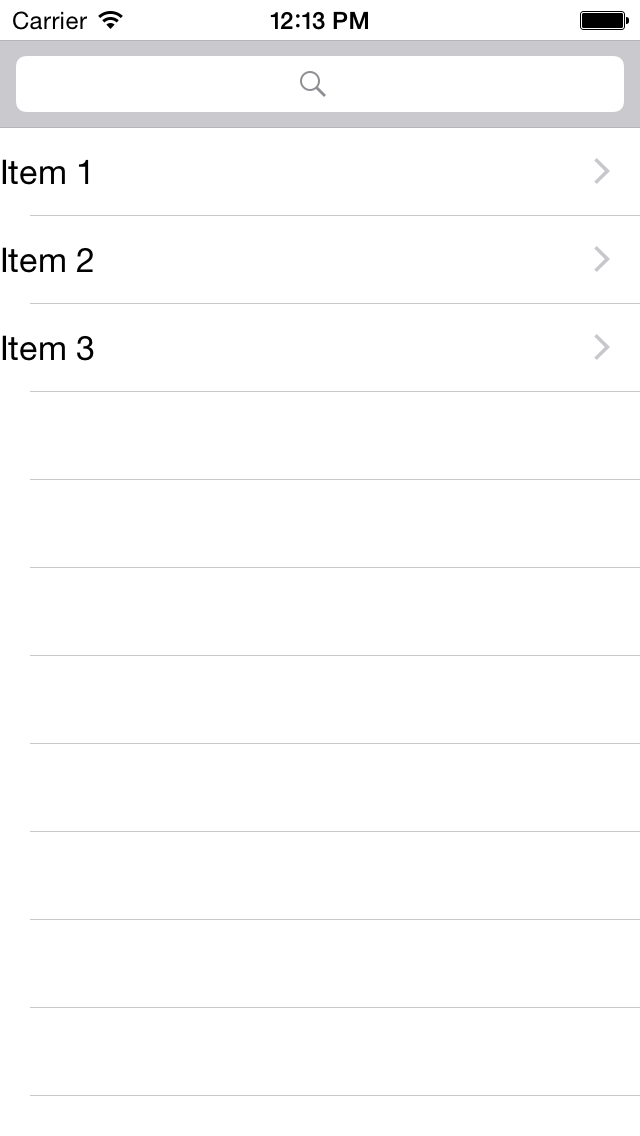
A plugin for adding headerView i.e. [tableHeaderView](https://developer.apple.com/library/ios/documentation/UIKit/Reference/UITableView_Class/#//apple_ref/occ/instp/UITableView/tableHeaderView) to ListView for iOS.
## Installation
```
tns plugin add nativescript-listview-header
```
### Examples
Include the plugin in your xml
```xml
```
Set your header view in code behind
```javascript
var searchBarModule = require("ui/search-bar");
exports.onListViewLoaded = function(args) {
var listView = args.object;
listView.tableHeaderView = new searchBarModule.SearchBar();
}
```
### Screen shot