## Dependencies
Latest version available for each version of Angular
| ngx-toast-notifier | Angular |
| ---------- | ----------- |
| current | >= 12.x |
## Install
```bash
npm install ngx-toast-notifier --save
```
`@angular/animations` package is a required dependency for the default toast
```bash
npm install @angular/animations --save
```
## Setup
**step 1:** add NgxToastNotifierModule to app NgModule, make sure you have BrowserAnimationsModule as well
```typescript
import { CommonModule } from '@angular/common';
import { BrowserAnimationsModule } from '@angular/platform-browser/animations';
import { NgxToastNotifierModule } from 'ngx-toast-notifier';
@NgModule({
imports: [
CommonModule,
BrowserAnimationsModule, // required animations module
NgxToastNotifierModule.forRoot(), // NgxToastNotifierModule added
],
bootstrap: [App],
declarations: [App],
})
class MainModule {}
```
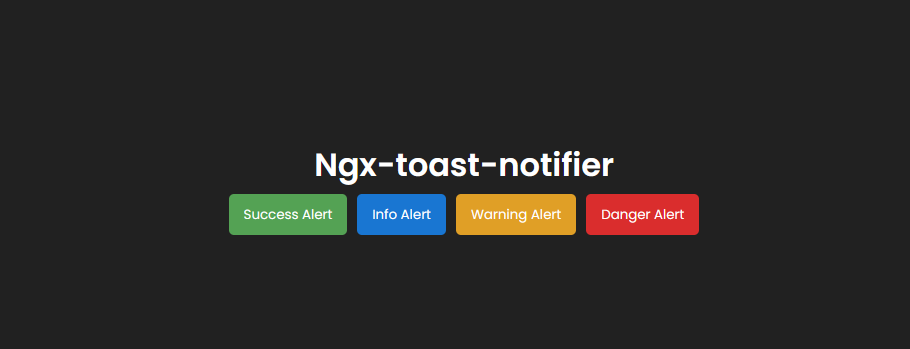
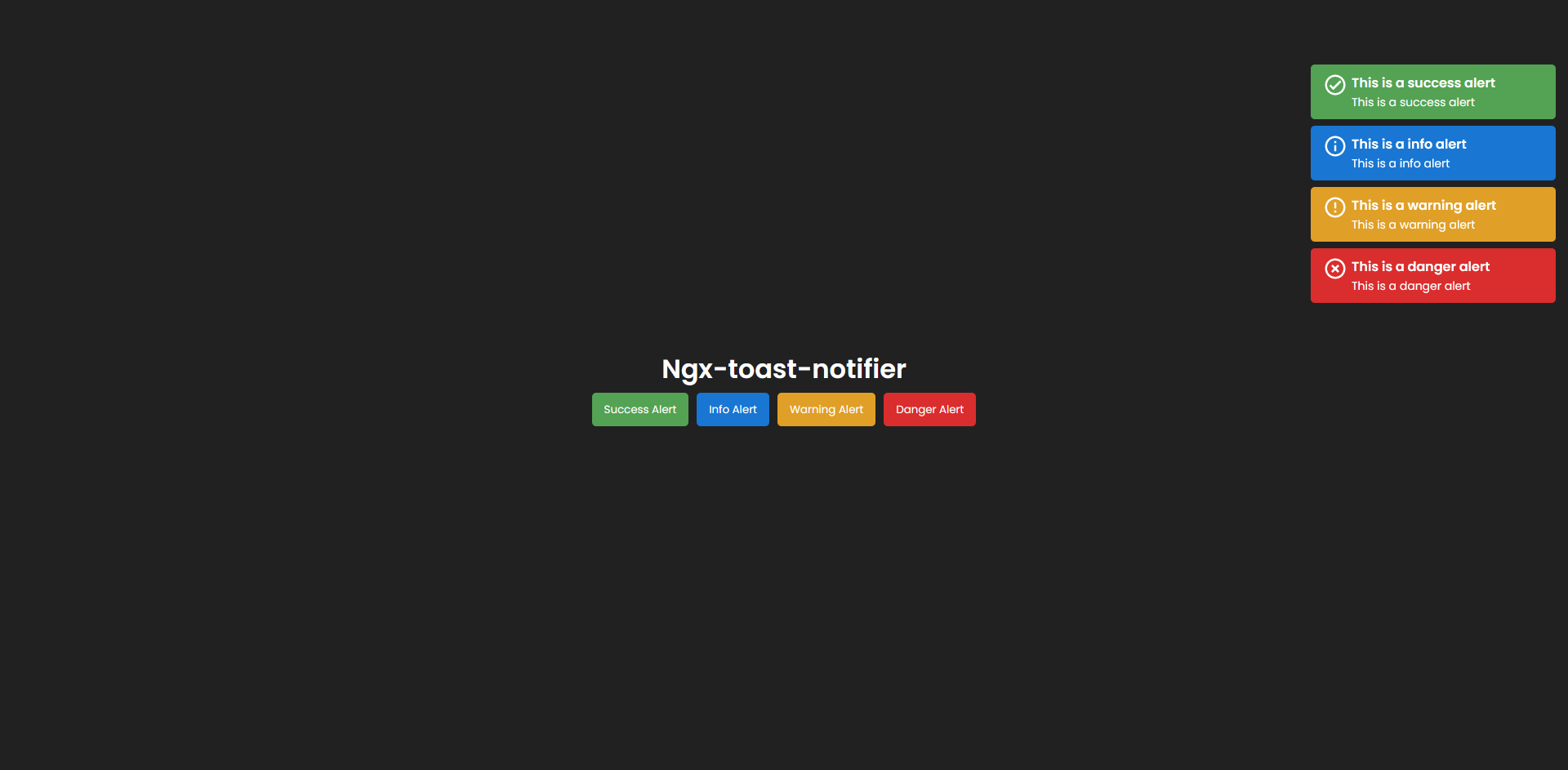
**step 2:** add the component ngx-toast-notifier in your app.component.html
```html
```
## Recomendations
**Add these styles in your styles.css:**
```scss
*{
margin: 0;
padding: 0;
box-sizing: border-box;
}
```
**Notifications use your global font-family**
## Use
```typescript
import { NgxToastService } from 'ngx-toast-notifier';
@Component({...})
export class YourComponent {
constructor(private ngxToastService: NgxToastService) {}
addSuccess():void{
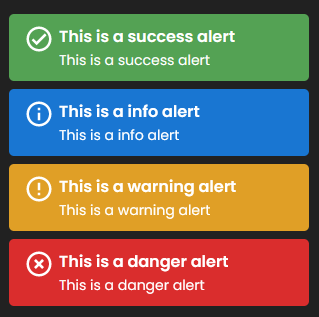
this.ngxToastService.onSuccess('This is a success alert','This is a success alert')
}
addInfo():void{
this.ngxToastService.onInfo('This is a info alert','This is a info alert')
}
addWarning():void{
this.ngxToastService.onWarning('This is a warning alert','This is a warning alert')
}
addDanger():void{
this.ngxToastService.onDanger('This is a danger alert','This is a danger alert')
}
}
```
## Options
#### Setting Global Options
Pass values to `NgxToastNotifierModule.forRoot()`
```typescript
// root app NgModule
imports: [
NgxToastNotifierModule.forRoot({
timeOut: 10000,
bgColors: {
success: '#54a254',
info: '#1976d2',
warning: '#e09f26',
danger: '#da2d2d',
}
}),
],
```