
Panda Portfolio
No more worries while making single page github portfolio websites.




## Installation
```javascript
// For npm<5.2.0
sudo npm install -g panda-portfolio
// For npm>=5.2.0
npx panda-portfolio
```
## Creating the config file
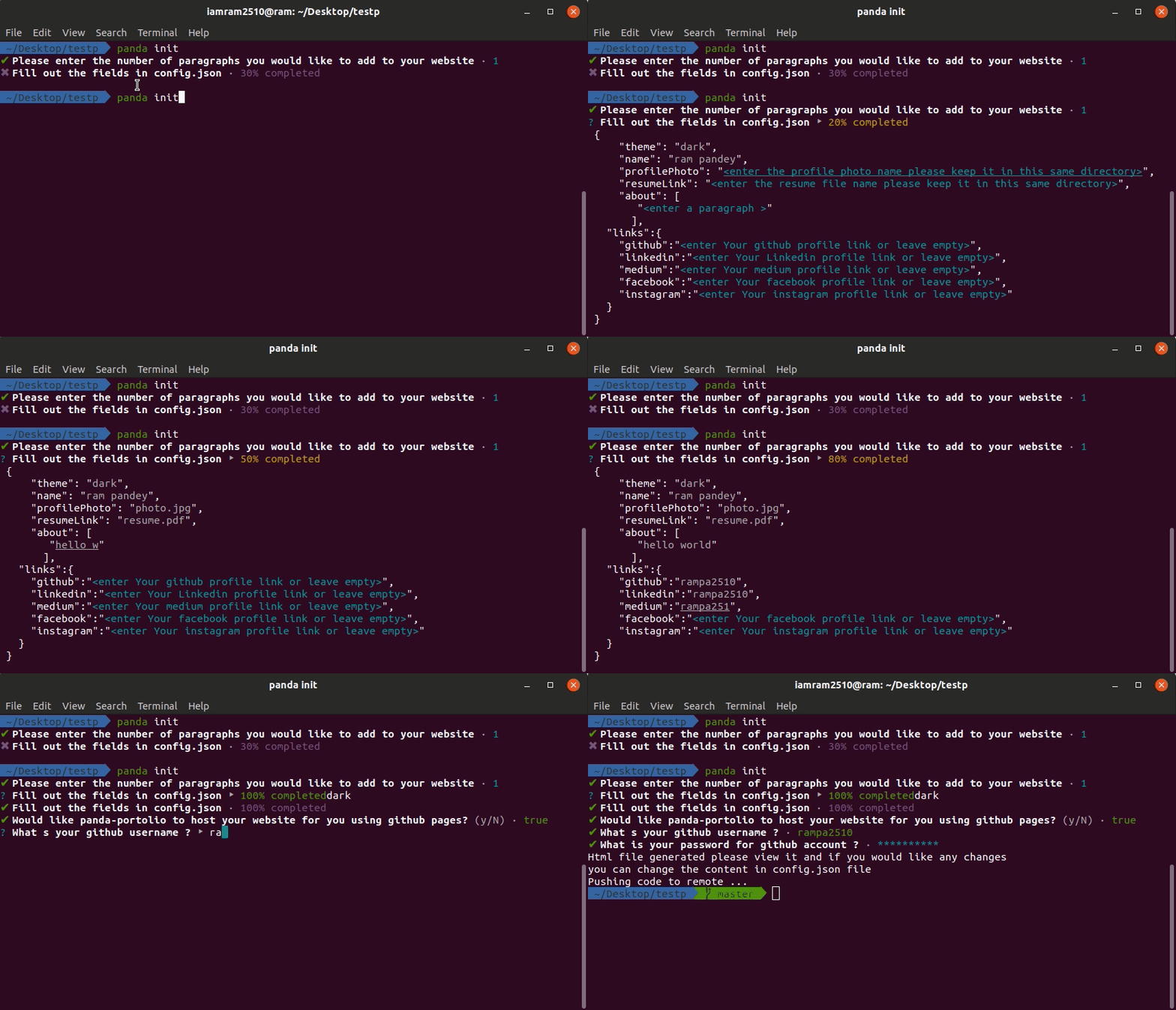
please make sure that you have the profile photo as well as resume file in the same directory
```javascript
panda init
```
## Creating the index page
```javascript
panda config.json
```
- Get your single page portfolio as index.html.
## Publishing
In case you want to publish your website to your github pages as username.github.io we recommend you checkout our inbuilt feature where you only need to give your credentials and we will automatically deploy it to your github page.
## Alternate Method
- Create a FILENAME.json file within the directory
- Paste the following content.
```javascript
{
"theme":"(dark or light)",
"name":"YOUR-NAME",
"profilePhoto":"PICTURE-LINK",
"resumeLink":"RESUME-LINK",
"about":[
"Paragraph1",
"Paragraph2",
"Paragraph3",
"So on.."
],
"links":{
"github":"YOUR-GITHUB-PROFILE",
"linkedin":"YOUR-LINKEDIN-PROFILE",
"medium":"YOUR-MEDIUM-PROFILE",
"facebook":"YOUR-FACEBOOK-PROFILE",
"instagram":"YOUR-INSTAGRAM-PROFILE"
}
}
```
- Write panda FILENAME.json to get the index.html page.
## Demo
## Example
| Theme | Picture |
| ----- | :-----------------------------------------------------------------------------------------: |
| light | 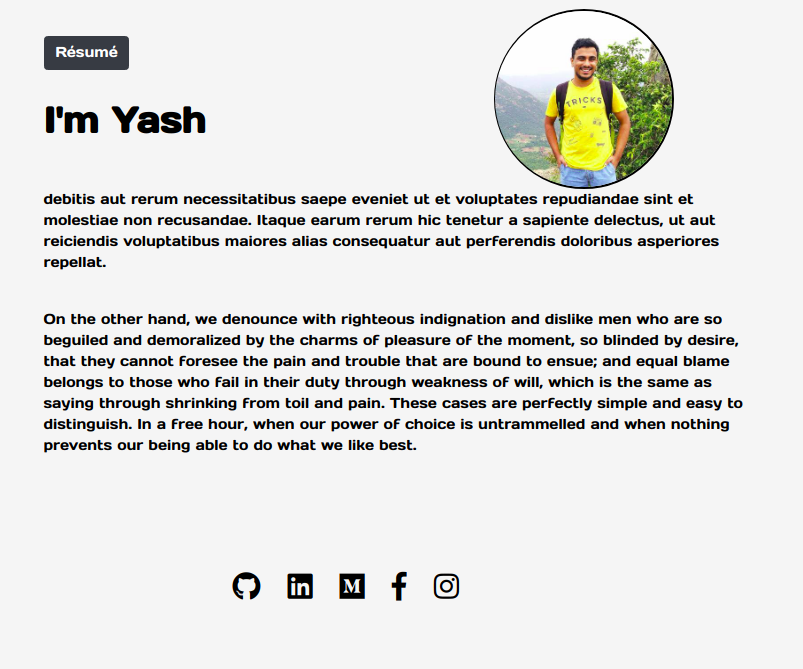 |
| dark | 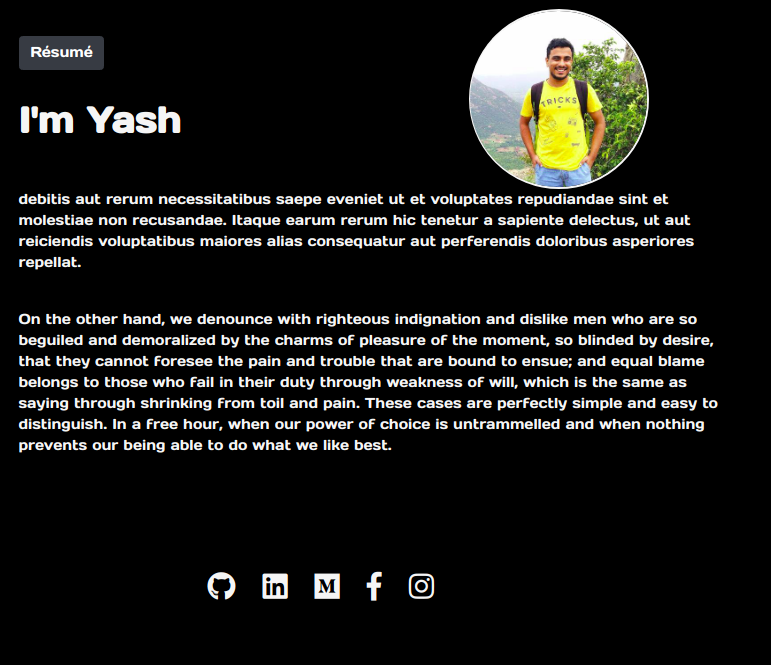 |