# parallax-react-js
## Table of contents
1. [Introduction](https://github.com/juliuswaldmann/parallax-react-js/blob/main/README.md#introduction)
* [Description](https://github.com/juliuswaldmann/parallax-react-js/blob/main/README.md#descriptiom)
* [Shoutout to Max Lukonin](https://github.com/juliuswaldmann/parallax-react-js/blob/main/README.md#shoutout-to-max-lukonin)
2. [Installation](https://github.com/juliuswaldmann/parallax-react-js/blob/main/README.md#installation)
* [Using npm](https://github.com/juliuswaldmann/parallax-react-js/blob/main/README.md#using-npm)
* [Manual Installation](https://github.com/juliuswaldmann/parallax-react-js/blob/main/README.md#manual-installation)
3. [Usage](https://github.com/juliuswaldmann/parallax-react-js/blob/main/README.md#usage)
* [Import](https://github.com/juliuswaldmann/parallax-react-js/blob/main/README.md#import)
* [Creating a Parallax effect](https://github.com/juliuswaldmann/parallax-react-js/blob/main/README.md#creating-a-parallax-effect)
* [Scroll speed](https://github.com/juliuswaldmann/parallax-react-js/blob/main/README.md#scroll-speed)
* [zIndex](https://github.com/juliuswaldmann/parallax-react-js/blob/main/README.md#zindex)
4. [License](https://github.com/juliuswaldmann/parallax-react-js/blob/main/README.md#license)
## Introduction
### Description
A libary for managing scroll speed of different components in react.
I recently found myself creating a site in react together with a friend of mine (Max Lukonin) and wanting to implement a parallax effect.
We tried a few different libaries, pure css and everything else but it just did not work.
So we decided to create our own libary.
### Shoutout to Max Lukonin
This project is a collaboration between me ([Instagram](https://www.instagram.com/julius._w/), [Github](https://github.com/juliuswaldmann)) and Max Lukonin ([Instagram](https://www.instagram.com/mxluk/), [Github](https://github.com/mxluk)). He's a very talented guy. Check out his other project [playretrogames.net](https://playretrogames.net/) (Website) where you can play all kinds of fun retro games. I personally recommend mario kart :D
## Installation
### Using npm
You can install parallax-react-js normally through npm:
`npm install parallax-react-js`
### Manual installation
Alternatively you can also install parallax-react-js directyl from the source code:
1. clone the repository with`git clone https://github.com/juliuswaldmann/parallax-react-js.git`
2. open a terminal inside of the repository folder.
3. compile the package with`npm run build`
4. run`npm pack` to create a .tgz file of the package (`npm link` DOES NOT work. You have to use`npm pack`).
5. go to the project folder you want to install the package to and open a terminal.
6. run`npm install TARBALL` where`TARBALL` is the path to the .tgz file`npm pack` created.
## Usage
### Import
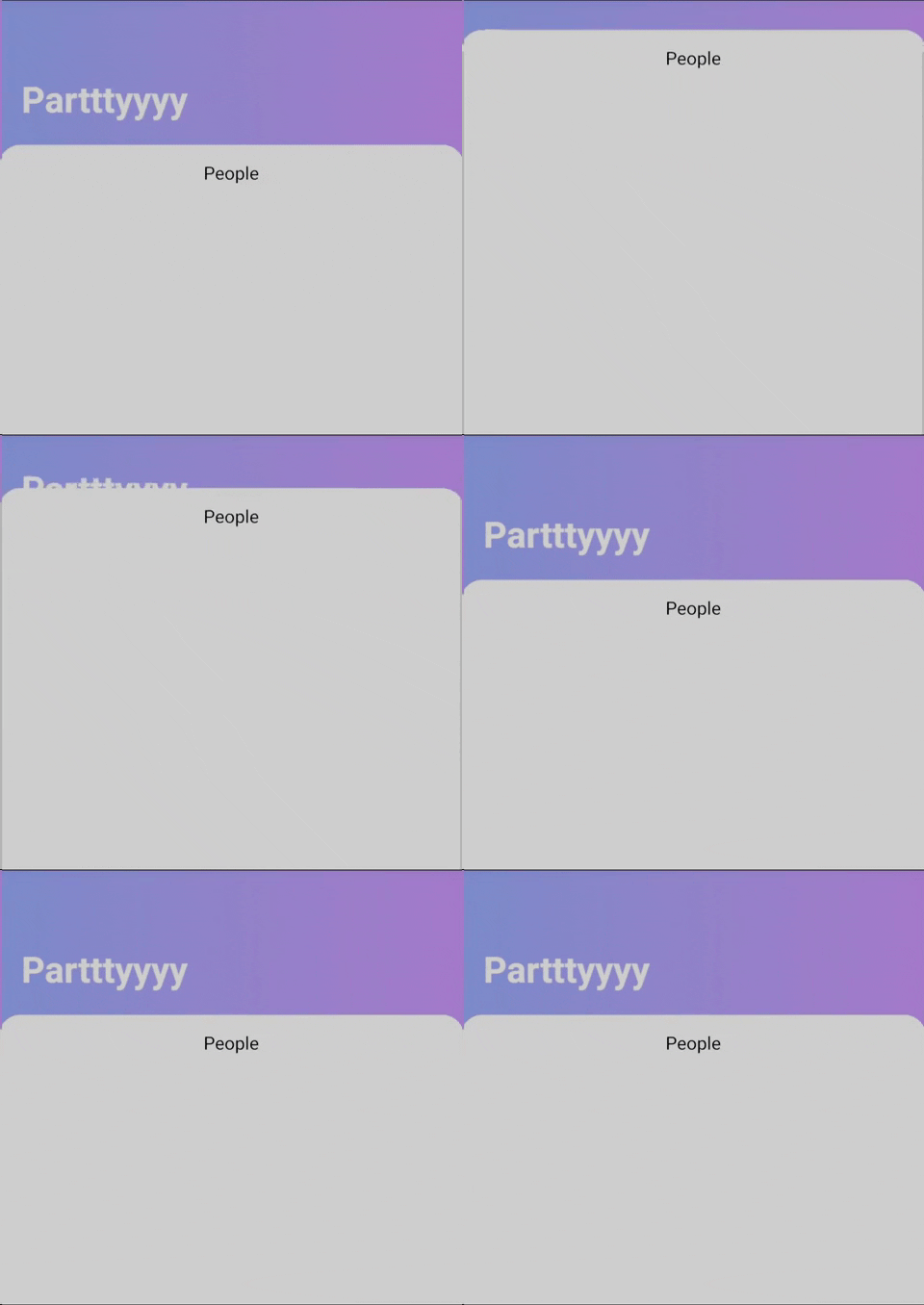
parallax-react-js exposes two components: ParallaxContainer and ParallaxLayer.
To use them just import them like this:
```JSX
import {ParallaxContainer, ParallaxLayer} from 'parallax-react-js';
```
### Creating a parallax effect
ParallaxContainer must be the scrollable element.
To create a parallax effect you must wrapp your ParallaxLayers with ParallaxContainer
```JSX
import {ParallaxContainer, ParallaxLayer} from 'parallax-react-js';
function Site () {
return (
//Wrapp your ParallaxLayers in ParallaxContainer.
//Each ParallaxLayer can have it's own children, own speed and own zIndex.
//fist layer
//Your children of the first layer
//...
//second layer
//Your children of the second layer
//...
//...
)
}
```
### Scroll speed
If you've followed along you may have noticed that each Layer just scrolls at the usual scroll speed.
This is because we haven't provided a "speed" value yet.
```JSX
//...
//this layer has a scroll speed of 120%
//...
//this layer has a scroll speed of 80%
//...
//...
```
As you can see the "speed" value is a percentage that describes the scroll speed of the children realtive to the normal scroll speed.
A ParallaxLayer with a speed value of 120% percent scrolls 1.2 times faster than normal,
a layer with the speed value 50% scrolls half as fast.
The scroll value defaults to 100% (normal scroll speed).
You can also provide negative values for some really strange behaviour :D.
### zIndex
But what if we want to specify which elements are in the front and which are in the back?
We have a solution for that! You can just provide a "zIndex" value.
```JSX
//...
//this layer has a zIndex of 2
//...
//...
```
If you are familiar with css you may know z-index. It specifies which elements are on top of whith. zIndex specifies the z-index of the ParallaxLayer main div.
The higher the zIndex value the "more in front" the element is.
If one Layer has a zIndex of -1 and another a zIndex of 0 the one with the zIndex of 0 is in front.
If another one has a zIndex of 2 that one is even more in front.
If you don't provide a zIndex the value defaults to 0 (just like in css)
## License
This code is licensed under the MIT license. For further Information read the [LICENSE](https://github.com/juliuswaldmann/parallax-react/blob/main/LICENSE) file.
MIT Licensed. Copyright (c) Julius Waldmann & Max Lukonin 2021.