# Facebook Requirements and Set-Up [PhoneGap Build]
To use this plugin you will need to make sure you've registered your Facebook app with Facebook and have an `APP_ID` [https://developers.facebook.com/apps](https://developers.facebook.com/apps).
This guide is for PhoneGap Build only. View the other guides for native setup.
## Install
To install the plugin add the following to your `config.xml`:
```
```
where
- ** \ ** - Version of the plugin. For example `0.8.0`
- ** \ ** - The Facebook application identifier. For example `123456789`
- ** \ ** - The name of your Facebook application. For example `Super Great App`
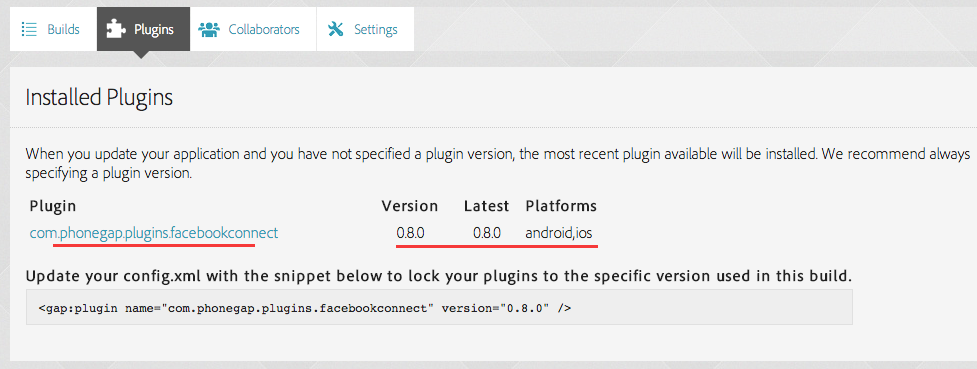
Upgade your code on PhoneGap Build website:

You should now see the following: