pinia-plugin-unistorage
uniapp 下 pinia 的本地数据缓存插件
## 引用
该插件是
[pinia-plugin-persistedstate](https://github.com/prazdevs/pinia-plugin-persistedstate)
的 `uniapp` 版本,如果你需要在纯 `vue` 或者 `nuxt` 项目中使用 `pinia`
的本地数据缓存,请使用
[pinia-plugin-persistedstate](https://github.com/prazdevs/pinia-plugin-persistedstate)。
## 动机
为了实现多端的更简单的全局本地数据缓存
## 组织 🦔
欢迎关注 **帝莎编程**
- [官网](http://dishaxy.dishait.cn/)
- [Gitee](https://gitee.com/dishait)
- [Github](https://github.com/dishait)
- [网易云课堂](https://study.163.com/provider/480000001892585/index.htm?share=2&shareId=480000001892585)
## 使用
### 安装
#### 1. `cli` 创建的 `uniapp` 项目
```shell
npm i pinia-plugin-unistorage -D
```
```js
// main.js
import { createSSRApp } from "vue";
import * as Pinia from "pinia";
import { createUnistorage } from "pinia-plugin-unistorage";
export function createApp() {
const app = createSSRApp(App);
const store = Pinia.createPinia();
// 关键代码 👇
store.use(createUnistorage());
app.use(store);
return {
app,
Pinia, // 此处必须将 Pinia 返回
};
}
```
#### 2. `hbuilderx` 创建的 `uniapp` 项目
👉 [直接插件市场安装](https://ext.dcloud.net.cn/plugin?id=8081) 后引入注册
```js
// main.js
import { createSSRApp } from "vue";
import * as Pinia from "pinia";
import { createUnistorage } from "./uni_modules/pinia-plugin-unistorage";
export function createApp() {
const app = createSSRApp(App);
const store = Pinia.createPinia();
// 关键代码 👇
store.use(createUnistorage());
app.use(store);
return {
app,
Pinia, // 此处必须将 Pinia 返回
};
}
```
### 基础
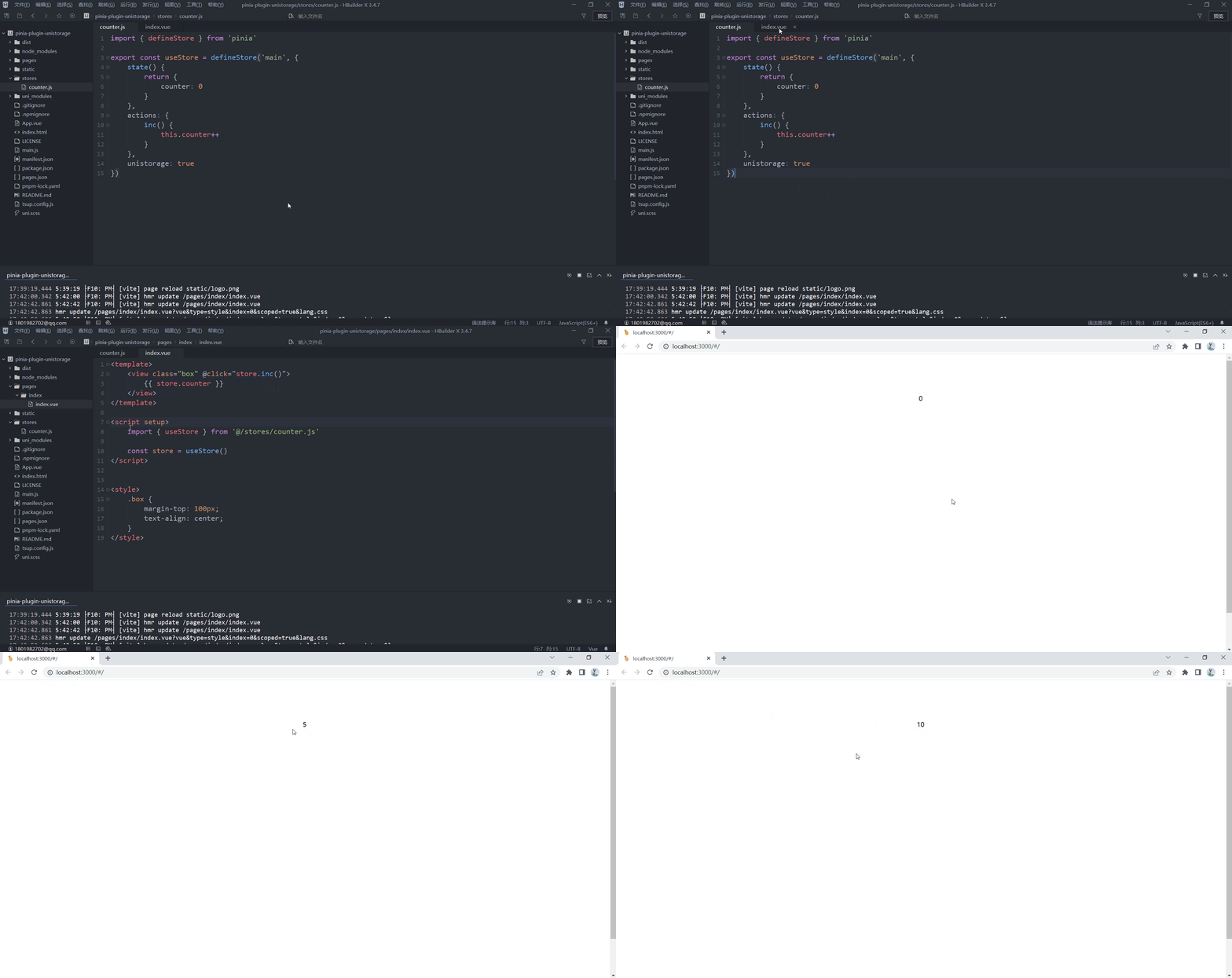
```js
import { defineStore } from "pinia";
export const useStore = defineStore("main", {
state() {
return {
someState: "hello pinia",
};
},
unistorage: true, // 开启后对 state 的数据读写都将持久化
});
```
或者 `setup` 语法也是支持的
```js
import { defineStore } from "pinia";
export const useStore = defineStore(
"main",
() => {
const someState = ref("hello pinia");
return { someState };
},
{
unistorage: true, // 开启后对 state 的数据读写都将持久化
},
);
```
### 选项
#### 钩子
```js
import { defineStore } from "pinia";
export const useStore = defineStore("main", {
state() {
return {
someState: "hello pinia",
};
},
unistorage: {
// 初始化恢复前触发
beforeRestore(ctx) {},
// 初始化恢复后触发
afterRestore(ctx) {},
},
});
```
#### 序列化
大多数情况下你并不需要了解该选项
```js
import { defineStore } from "pinia";
export const useStore = defineStore("main", {
state() {
return {
someState: "hello pinia",
};
},
unistorage: {
serializer: {
// 序列化,默认为 JSON.stringify
serialize(v) {
return JSON.stringify(v);
},
// 反序列化,默认为 JSON.parse
deserialize(v) {
return JSON.parse(v);
},
},
},
});
```
#### 其他
```js
import { defineStore } from "pinia";
export const useStore = defineStore("main", {
state() {
return {
foo: "foo",
nested: {
data: "nested pinia",
},
someState: "hello pinia",
};
},
unistorage: {
key: "foo", // 缓存的键,默认为该 store 的 id,这里是 main,
paths: ["foo", "nested.data"], // 需要缓存的路径,这里设置 foo 和 nested 下的 data 会被缓存
},
});
```
## License
Made with [markthree](https://github.com/markthree)
Published under [MIT License](./LICENSE).