[![Build Status][build-badge]][build]
[![Code Coverage][coverage-badge]][coverage]
[![downloads][downloads-badge]][npmcharts]
[![version][version-badge]][package]
[![gzip size][gzip-badge]][unpkg-dist]
[![module formats: umd, cjs, and es][module-formats-badge]][unpkg-dist]
[![Supports Preact and React][preact-badge]][preact]
[![MIT License][license-badge]][LICENSE]
## Preact Habitat
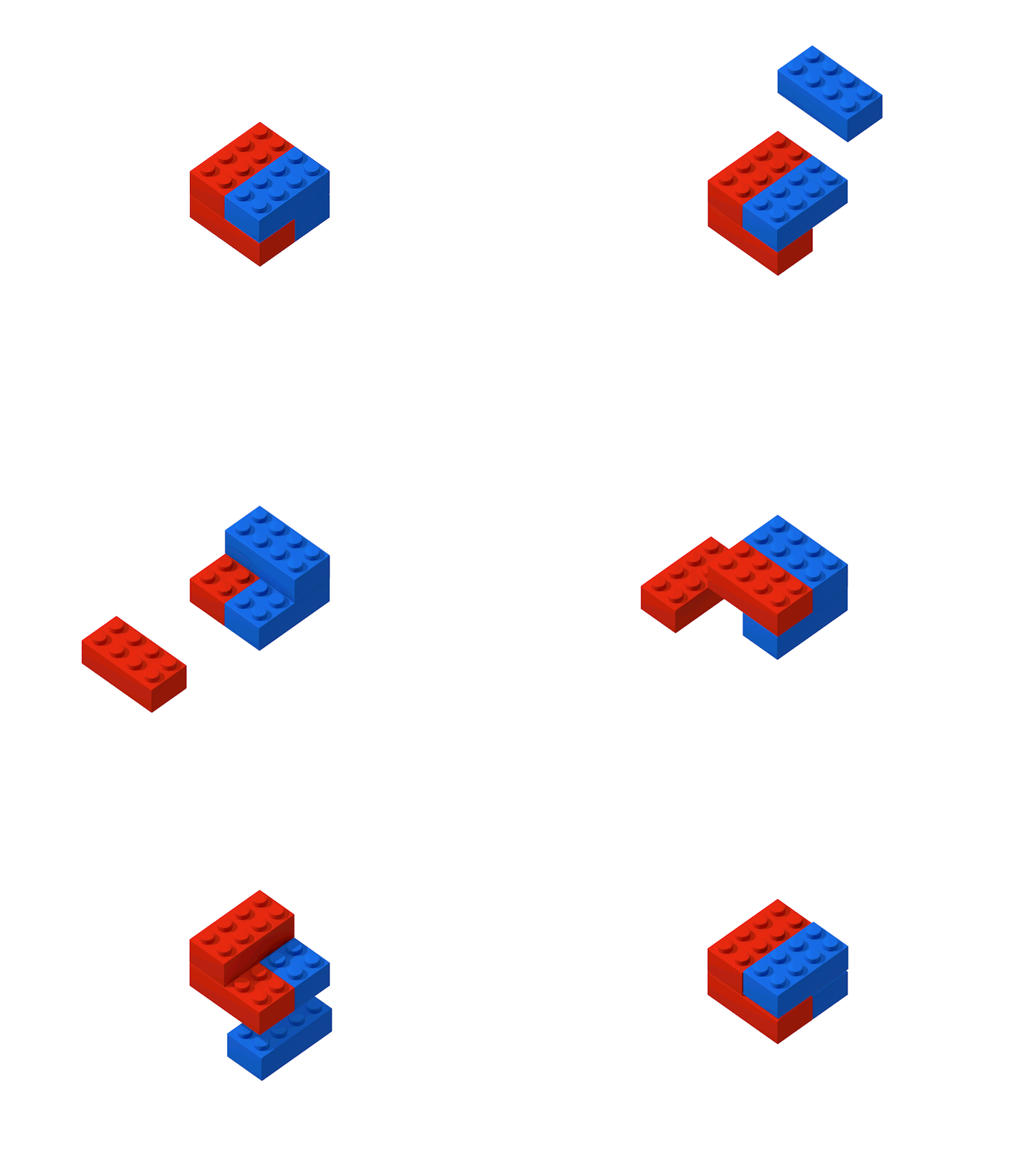
A 900 Bytes module for that will make plugging in Preact components and widgets in any CMS or website as fun as lego!
### Demos
Login Widget [Source Code 💻](https://github.com/zouhir/preact-habitat/tree/master/examples/login-form)
Login Widget Integration pen [Codepen Demo 🖋](https://codepen.io/zouhir/pen/brrOPB?editors=1000)
### Installation
```bash
npm install --save preact-habitat
```
### Core Features
- 2 ways to passing props from DOM.
- Multiple rendering options.
- Light weight ( < 1KB ).
- Compatible with React widgets through preact-compat.
- In use in high traffic web applications.
### Basic Usage Example
```js
import habitat from 'preact-habitat';
import WidgetAwesome from './components/WidgetAwesome';
const { render } = habitat(WidgetAwesome);
/**
** other selecors options:
**
** ".classname" for querying DOM element by its class name
**
** "#div-id" for querying DOM element by its ID value
**
** "[data-attribute-example='widget-here']" for querying DOM element by its data attribute name & val
**
**/
render({
selector: '.some-class', // Searches and mounts in
defaultProps: undefined, // Default props for all widgets
inline: false,
clean: false,
clientSpecified: false
});
```
in `webpack.config.js` or any other build tool bundle output format should be `UMD`:
```js
output: {
libraryTarget: 'umd'
}
```
in the DOM you'd like to mount your widget in:
```html
```
Now, build your production ready preact widget and you're all set, TADA! 🎉
## API Docs
### habitat(...)
accepts a single Preact component as its only argument
##### example:
```js
import { h } form 'preact';
import habitat from 'preact-habitat';
const Widget = () => Hello, World!
;
const { render } = habitat(Widget); // NOTE: pass Widget and not
render({
...
});
```
### render(options)
render function accepts an options Object which supports the following properties:
#### option.selector
>String: `.myclass`, `#myid`, `[data-selector="my-data-attr"]`
DOM Element selector used to retrieve the DOM elements you want to mount the widget in
#### option.defaultProps
> Object: {} || undefined (default)
Default props to be rendered throughout widgets, you can replace each value [declaring props](#passing-props).
#### option.inline
> Boolean: true || false (default)
Set to true if you want to use the parent DOM node as a host for your widget without specifing any selectors.
example:
```html
```
#### option.clean
> Boolean: true || false (default)
clean will remove all the innerHTML from the HTMl element the widget will mount in.
example:
if we set the widget to be mounted inside the selector ".beautiful-container" with {clean: true} it will remove the Loading div as soon as it renders.
```html
```
#### option.clientSpecified
> Boolean: true || false (default)
This option allows who ever using the script to specifit the selector which they'd like to mount the widget in
```html
```
### Passing Props
There are 2 ways to pass props, either via data-attributes or application/json script tag
#### via props script
Simply add a `
```
#### via data-attribute
the data attribute has to always start with `data-prop-` examples:
`data-prop-name` will be available in your component as `name`
`data-prop-version` will be available in your component as `version`
`data-prop-theme-color` will be available in your component as `themeColor` *NOTE* the lowerCamelCase when there's a -
```html
```
## License
[MIT](LICENSE) - Copyright (c) [Zouhir Chahoud](https://zouhir.org)
## Credits
Artwork By: [Oleg Turbaba, Dribble](https://dribbble.com/turbaba)
[build-badge]: https://img.shields.io/travis/zouhir/preact-habitat.svg?style=flat-square
[build]: https://travis-ci.org/zouhir/preact-habitat
[coverage-badge]: https://img.shields.io/codecov/c/github/zouhir/preact-habitat.svg?style=flat-square
[coverage]: https://codecov.io/github/zouhir/preact-habitat
[version-badge]: https://img.shields.io/npm/v/preact-habitat.svg?style=flat-square
[package]: https://www.npmjs.com/package/preact-habitat
[downloads-badge]: https://img.shields.io/npm/dm/preact-habitat.svg?style=flat-square
[npmcharts]: http://npmcharts.com/compare/preact-habitat
[license-badge]: https://img.shields.io/npm/l/preact-habitat.svg?style=flat-square
[license]: https://github.com/zouhir/preact-habitat/blob/master/LICENSE
[preact-badge]: https://img.shields.io/badge/%E2%9A%9B%EF%B8%8F-preact-6F2FBF.svg?style=flat-square
[preact]: https://preactjs.com
[gzip-badge]: http://img.badgesize.io/https://unpkg.com/preact-habitat@3.0.2/dist/preact-habitat.umd.js?compression=gzip&label=gzip%20size&style=flat-square
[unpkg-dist]: https://unpkg.com/preact-habitat/dist/
[module-formats-badge]: https://img.shields.io/badge/module%20formats-umd%2C%20cjs%2C%20es-green.svg?style=flat-square
[github-star-badge]: https://img.shields.io/github/stars/zouhir/preact-habitat.svg?style=social
[github-star]: https://github.com/zouhir/preact-habitat/stargazers