# What's new in v2.5.5
- [What's new in v2.5.5](#whats-new-in-v255)
- [Extra scale values](#extra-scale-values)
- [New `draggable` method, modifiers and properties in the Animation module](#new-draggable-method-modifiers-and-properties-in-the-animation-module)
- [The `draggable` method](#the-draggable-method)
- [`drag:` and `drop:` prefixes ( modifiers )](#drag-and-drop-prefixes--modifiers-)
- [`draggingType` property](#draggingtype-property)
- [`vertical` and `horizontal` constraints](#vertical-and-horizontal-constraints)
## Extra scale values
Added some extra values for the `scale` property
```css
// Component(s): Ti.UI.ScrollView
// Property(ies): scale
'.scale-0': { scale: '0' }
'.scale-5': { scale: '.05' }
'.scale-10': { scale: '.10' }
'.scale-25': { scale: '.25' }
'.scale-50': { scale: '.5' }
'.scale-75': { scale: '.75' }
'.scale-90': { scale: '.9' }
'.scale-95': { scale: '.95' }
'.scale-100': { scale: '1' }
'.scale-105': { scale: '1.05' }
'.scale-110': { scale: '1.1' }
'.scale-125': { scale: '1.25' }
'.scale-150': { scale: '1.5' }
```
## New `draggable` method, modifiers and properties in the Animation module
- Now you can convert any View or a set of Views into draggable elements by using the new `draggable` method.
- You can set **basic animations** when dragging or dropping elements with the modifiers `drag:` and `drop:`.
- You can apply or animate the animations either globally or locally with the `draggingType` property.
- You can constraint any View to horizontal or vertical movement with the `constraint` property.
**To install `purgetss.ui` module in your project, run:**
```bash
> purgetss module
```
It will install `purgetss.ui` inside your `lib` folder.
**For more information and available methods, modifiers and properties, see [Animation Module](https://github.com/macCesar/purgeTSS/blob/master/docs/whats-new/v2.5.0.md#animation-module)**
### The `draggable` method
```javascript
$.draggableAnimation.draggable([$.red, $.green, $.blue]);
```
**You can use any `Animation` element created in your view to use the `draggable` method, but by using one Animation on a set of Views, it will handle the zIndex of every draggable element automatically.**
```xml
```
```javascript
$.index.open();
$.draggableAnimation.draggable([$.red, $.green, $.blue]);
```
***\* low framerate gif***
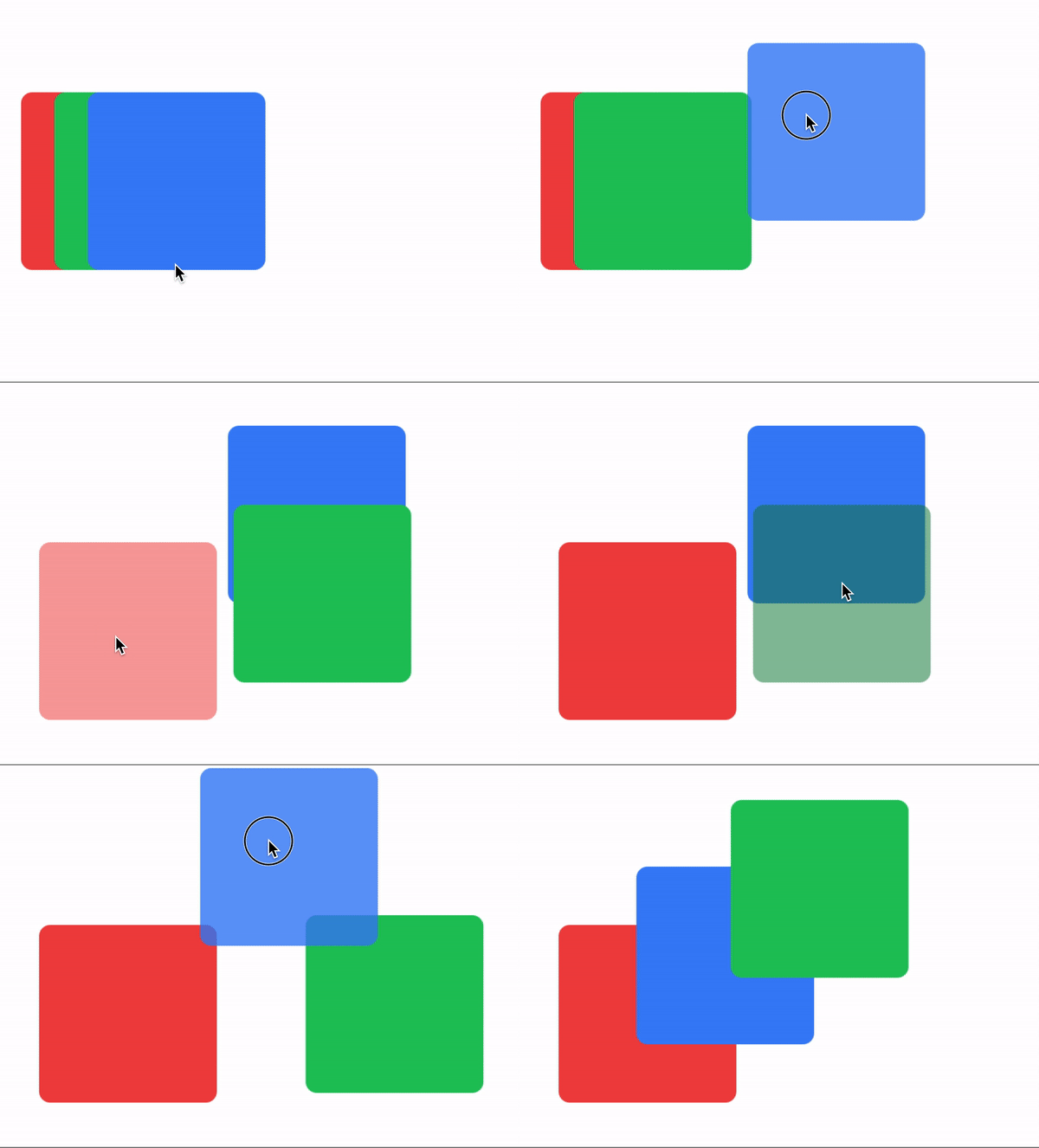
### `drag:` and `drop:` prefixes ( modifiers )
You can set **basic animations** while dragging and dropping elements.
You can create an `Animation` element with a “global” set of modifiers or you can set modifiers separately to each view.
Local modifiers will overwrite any global modifier.
**To simplify things... We are restricting the type of animations that can be apply while dragging ( or dropping ). Mainly we are not applying any `size`, `scale` or `anchorPoint` transformation.**
```xml
```
***\* low framerate gif***
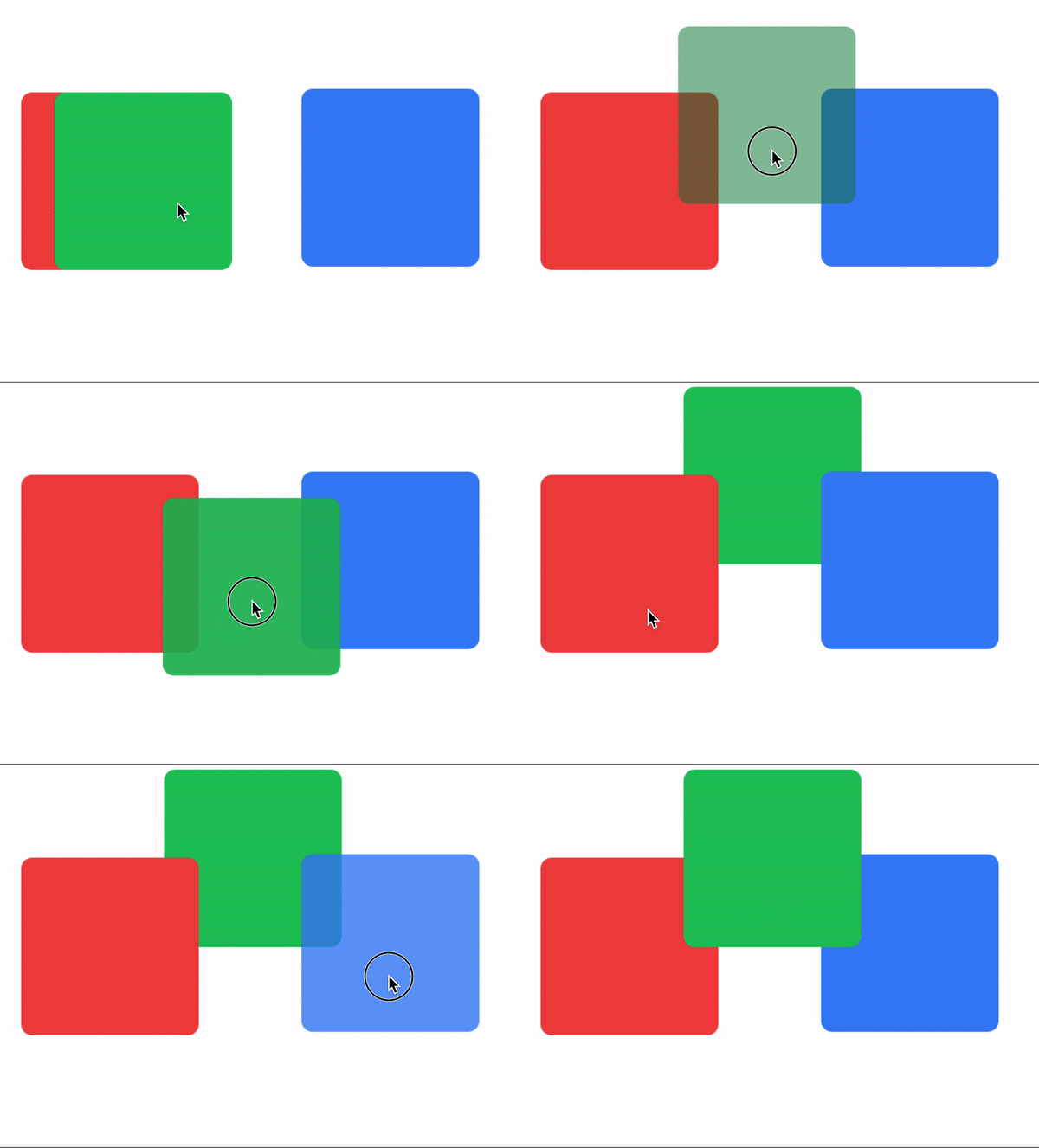
### `draggingType` property
For controlling how `drag:` and `drop:` modifiers are applied, either by animating: `drag-animate` ( *default* ) or by applying: `drag-apply` the properties.
```css
// Component(s): For the Animation Component
// Property(ies): draggingType
'.drag-apply': { draggingType: 'apply' }
'.drag-animate': { draggingType: 'animate' }
```
In the following example, the `Animation` element is setting the global dragging type to `drag-apply`, but the green square is overwriting it to `drag-animate`.
```xml
```
***\* low framerate gif***
### `vertical` and `horizontal` constraints
Add a vertical and horizontal constraint to any `dragging` element.
```css
// Component(s): Ti.UI.Animation
// Property(ies): A custom property to use it with the Animation module
'.horizontal-constraint': { constraint: 'horizontal' }
'.vertical-constraint': { constraint: 'vertical' }
```
In this example the `card` will move only from side to side.
```xml
```
```javascript
$.index.open();
$.draggableAnimation.draggable($.card);
```
***\* low framerate gif***
 ***\* low framerate gif***
### `drag:` and `drop:` prefixes ( modifiers )
You can set **basic animations** while dragging and dropping elements.
You can create an `Animation` element with a “global” set of modifiers or you can set modifiers separately to each view.
Local modifiers will overwrite any global modifier.
**To simplify things... We are restricting the type of animations that can be apply while dragging ( or dropping ). Mainly we are not applying any `size`, `scale` or `anchorPoint` transformation.**
```xml
***\* low framerate gif***
### `drag:` and `drop:` prefixes ( modifiers )
You can set **basic animations** while dragging and dropping elements.
You can create an `Animation` element with a “global” set of modifiers or you can set modifiers separately to each view.
Local modifiers will overwrite any global modifier.
**To simplify things... We are restricting the type of animations that can be apply while dragging ( or dropping ). Mainly we are not applying any `size`, `scale` or `anchorPoint` transformation.**
```xml
 ***\* low framerate gif***
### `draggingType` property
For controlling how `drag:` and `drop:` modifiers are applied, either by animating: `drag-animate` ( *default* ) or by applying: `drag-apply` the properties.
```css
// Component(s): For the Animation Component
// Property(ies): draggingType
'.drag-apply': { draggingType: 'apply' }
'.drag-animate': { draggingType: 'animate' }
```
In the following example, the `Animation` element is setting the global dragging type to `drag-apply`, but the green square is overwriting it to `drag-animate`.
```xml
***\* low framerate gif***
### `draggingType` property
For controlling how `drag:` and `drop:` modifiers are applied, either by animating: `drag-animate` ( *default* ) or by applying: `drag-apply` the properties.
```css
// Component(s): For the Animation Component
// Property(ies): draggingType
'.drag-apply': { draggingType: 'apply' }
'.drag-animate': { draggingType: 'animate' }
```
In the following example, the `Animation` element is setting the global dragging type to `drag-apply`, but the green square is overwriting it to `drag-animate`.
```xml
 ***\* low framerate gif***
### `vertical` and `horizontal` constraints
Add a vertical and horizontal constraint to any `dragging` element.
```css
// Component(s): Ti.UI.Animation
// Property(ies): A custom property to use it with the Animation module
'.horizontal-constraint': { constraint: 'horizontal' }
'.vertical-constraint': { constraint: 'vertical' }
```
In this example the `card` will move only from side to side.
```xml
***\* low framerate gif***
### `vertical` and `horizontal` constraints
Add a vertical and horizontal constraint to any `dragging` element.
```css
// Component(s): Ti.UI.Animation
// Property(ies): A custom property to use it with the Animation module
'.horizontal-constraint': { constraint: 'horizontal' }
'.vertical-constraint': { constraint: 'vertical' }
```
In this example the `card` will move only from side to side.
```xml
 ***\* low framerate gif***