# qui-picker

> 选择器组件，支持多级联动

## 预览

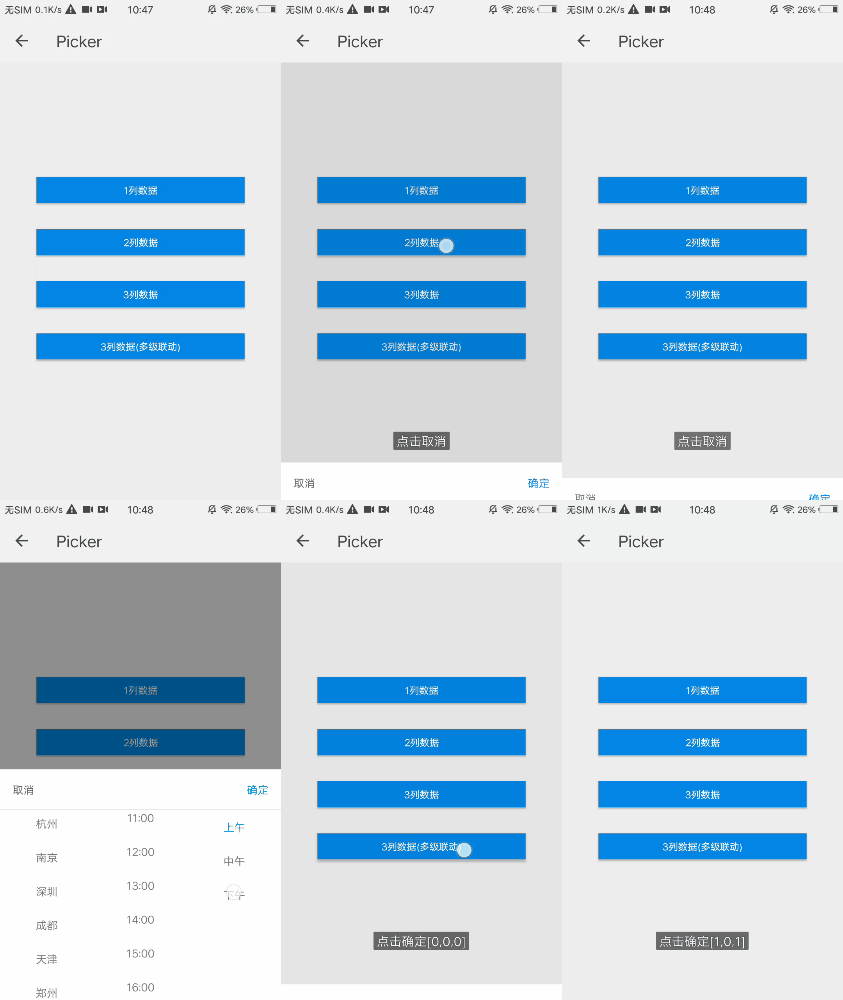
<img src="https://qapp-ui.github.io/qapp-ui/docs/assets/qui-picker.gif" width="300"/>

## 依赖接口

无

## 使用方法
	
```ux
<import name="qui-picker" src="@qapp-ui/qui-picker/index"></import>
<template>
  <div class="page-doc">
    <input class="input-button" type="button" value="3列数据(多级联动)" onclick="showpicker()" />
    <qui-picker visible="{{pickerData.visible}}" type="{{pickerData.type}}" sel-indexs="{{pickerData.selIndexs}}" list="{{pickerData.list}}"
      @qui-overlay-click="overlayClick" @qui-cancel-click="cancelClick" @qui-confirm-click="confirmClick"></qui-picker>
  </div>
</template>

<script>
  export default {
    private: {
      pickerData: {
        visible: '0',
        type: 'chain',
        selIndexs: [1, 0, 1],
        list: [
          {
            name: '北京',
            children: [{
              name: '北京市',
              children: [{
                name: '昌平区',
              },{
                name: '朝阳区',
              },{
                name: '大兴区',
              },{
                name: '东城区',
              }]
            }]
          },
          {
            name: '百色市',
            children: [{
                name: '德保县',
              },{
                name: '靖西市',
              },{
                name: '乐业县',
              },{
                name: '隆林各族自治县',
            }]
          }
        ]
      }
    }
  }
</script>
```

更详细代码可以参考 [qui-picker demo](https://github.com/qapp-ui/qapp-ui/blob/master/src/Picker/index.ux)

### 参数 

| 属性名 | 类型 | 是否必填 | 默认值 | 描述 |
|-------------|------------|--------|-----|-----|
| visible | `String` | `N` | `0` | 是否显示，`'1'`表示显示，`'0'`表示隐藏 |
| cancelText | `String` | `N` | `取消` | 取消文案 |
| confirmText | `String` | `N` |`确定`| 确定文案 |
| background | `String` |`N`| `rgba(0,0,0,0.4)` | 蒙层背景色 |
| list | `Array` |`N`| `[]` | 显示数据 |
| selIndexs | `Array` |`N`| `[]` | 默认选中的数据索引值 |
| type | `String` |`N`| `default` | 选择器模式(默认为不联动模式，`chain`是多级联动模式) |


### 事件

| 事件名 | 参数 | 描述 | 
|-------|-----|-----|
| qui-cancel-click | `-` | 取消点击事件 | 
| qui-confirm-click | `{selIndexs:[]}` | 确定点击事件，返回选中索引值 | 
| qui-overlay-click | `-` | 蒙层点击事件 | 


### 注意点
- 选择器分为多级联动模式，和不联动。 模式参数`type`默认为`default`，表示当前选择器 不是多级联动模式，参数`list`传入多列数组:（[ ['北京','上海','广州','杭州','南京','深圳','成都'], ['上午','中午','下午'] ]）
- 模式参数`type`传入 `chain`则为多级联动模式，`list`传入多个object对象，其中name为显示名，children为子列内容: [{ name: '北京', children: [{ name: '北京市', children: [{name: '昌平区',},{name: '朝阳区',},{name: '大兴区',},{name: '东城区',}]}]]。关于不同的模式，传入不同的参数可具体参看demo