# Component ExampleViewer
[](https://www.npmjs.com/package/quasar-ui-example-viewer)
[](https://www.npmjs.com/package/quasar-ui-example-viewer)
# Example Viewer
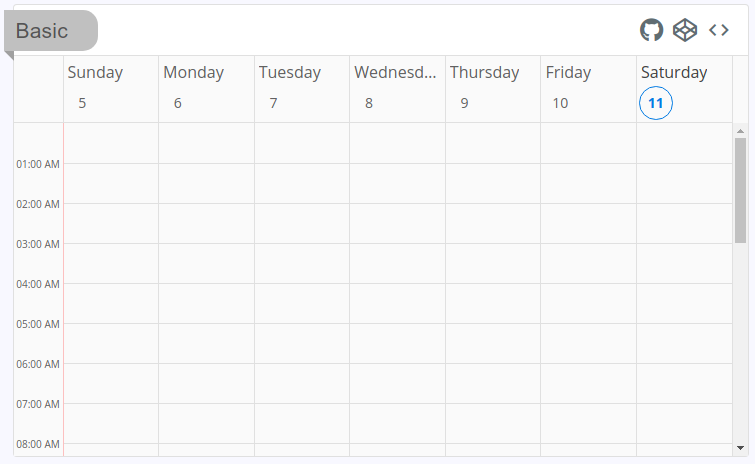
The Example Viewer component will show output of a Vue SFC (single file component). On the component's top toolbar, it has links to the Github repo, Codepen and View Sources.
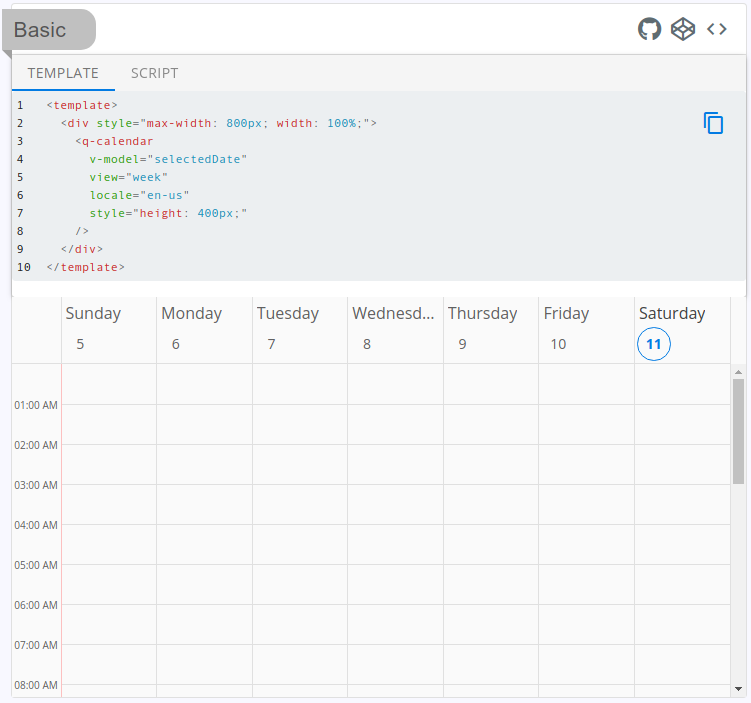
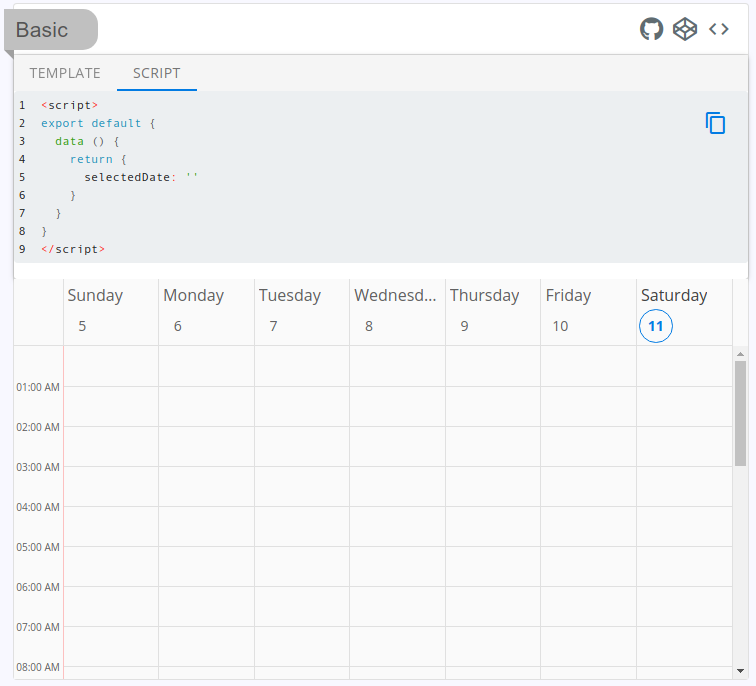
When View Sources is clicked, you will get tabs for each section of a Vue SFC (single file component) file. This also includes a "copy to clipboard" icon.
# Dependencies
ExampleViewer has dependencies on `@quasar/qmarkdown` and `@quasar/qribbon`. Please install them into your Quasar project with the following:
```bash
quasar ext add @quasar/qmarkdown
quasar ext add @quasar/qribbon
```
If you use something other than the @quasar/cli, then install as appropriate for your system. You will need to install the UI compnent of these dependendies. They are `@quasar/quasar-ui-qmarkdown` and `@quasar/quasar-ui-qribbon`.
# Usage
## Quasar CLI project
Install the [App Extension](../app-extension).
**OR**:
Create and register a boot file:
```js
import Vue from 'vue'
import Plugin from 'quasar-ui-example-viewer'
import 'quasar-ui-example-viewer/dist/index.css'
Vue.use(Plugin)
```
**OR**:
```html
```
## Vue CLI project
```js
import Vue from 'vue'
import Plugin from 'quasar-ui-example-viewer'
import 'quasar-ui-example-viewer/dist/index.css'
Vue.use(Plugin)
```
**OR**:
```html
```
## UMD variant
Exports `window.ExampleViewer`.
Add the following tag(s) after the Quasar ones:
```html
```
If you need the RTL variant of the CSS, then go for the following (instead of the above stylesheet link):
```html
```
# Donate
If you appreciate the work that went into this, please consider [donating to Quasar](https://donate.quasar.dev).
# License
MIT (c) Jeff Galbraith