# React Audio Spectrum
> An audio spectrum visualizer for react.
Fork rewrited to typescript
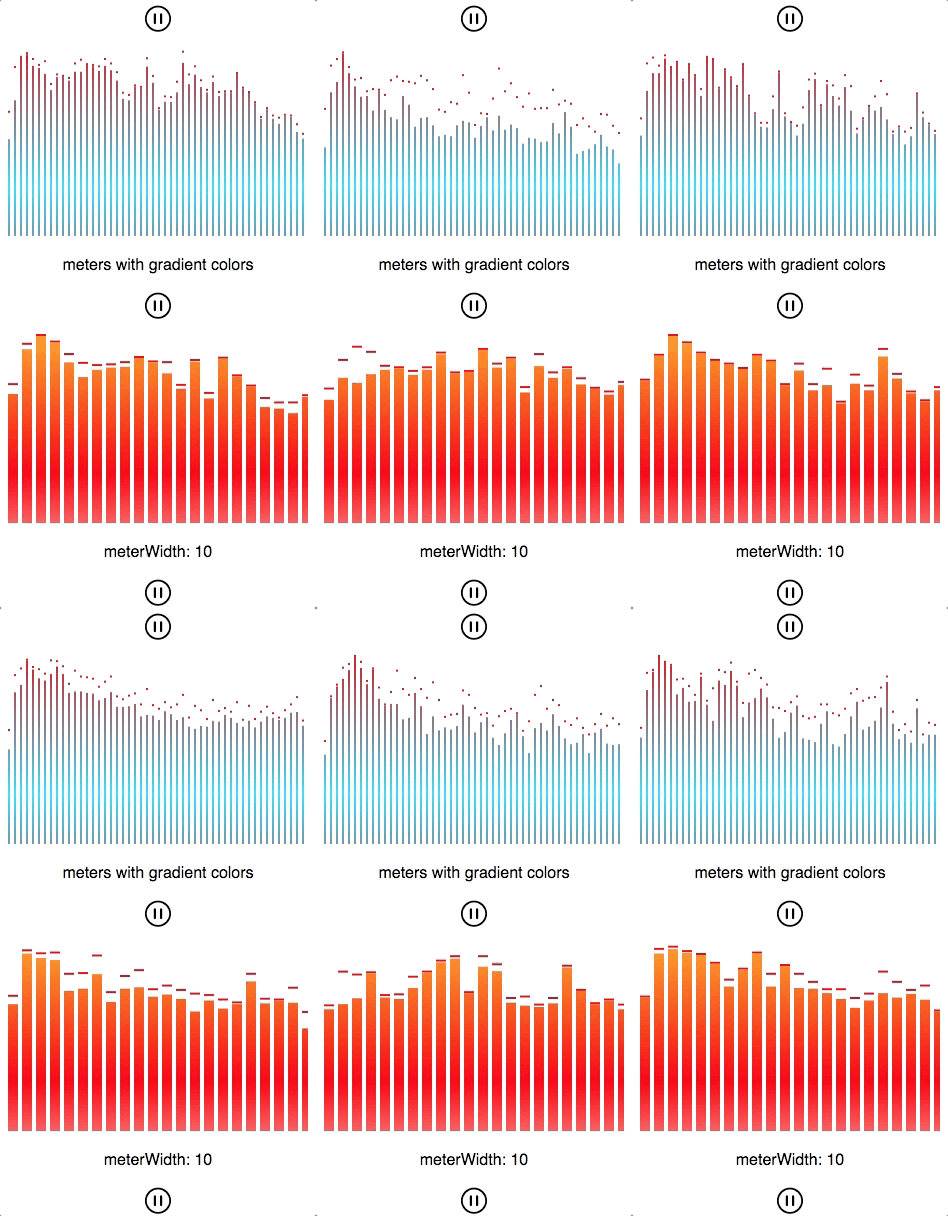
## Live Demo
> https://hu-ke.github.io/react-audio-spectrum/
## Getting Started
```
```
### you can also pass audio element to the component
```
this.audioEle = new Audio('path/to/your/song.mp3)
```
if you use both `audioId` and `audioEle` props, the component will ignore `audioEle`.
## Props
| property | description | type|default| isRequired |
|---------|---------|-------------|---------|--------|
| id| canvas id|number/string| a random string|false|
|width|canvas width|number|300|false|
|height|canvas height|number|200|false|
|audioId|id of the target audio element|number/string| - |false|
|audioEle|target audio element|audio object| - |false|
|capColor|color of caps|string|#FFF|false|
|capHeight|height of caps|string|2|false|
|meterWidth|width of meters|number|2|false|
|meterColor|color of meters|string/array|[{stop: 0, color: '#f00'},{stop: 0.5, color: '#0CD7FD'},{stop: 1, color: 'red'}]|false|
|gap|gap between meters|number|10|false|
## Install
```
yarn add react-audio-spectrum2 --save
or
npm install react-audio-spectrum2 --save
```
## Contributing
react-audio-spectrum2 is a free and open source react library, and I appreciate any help you're willing to give - whether it's fixing bugs, improving documentation, or suggesting new features.