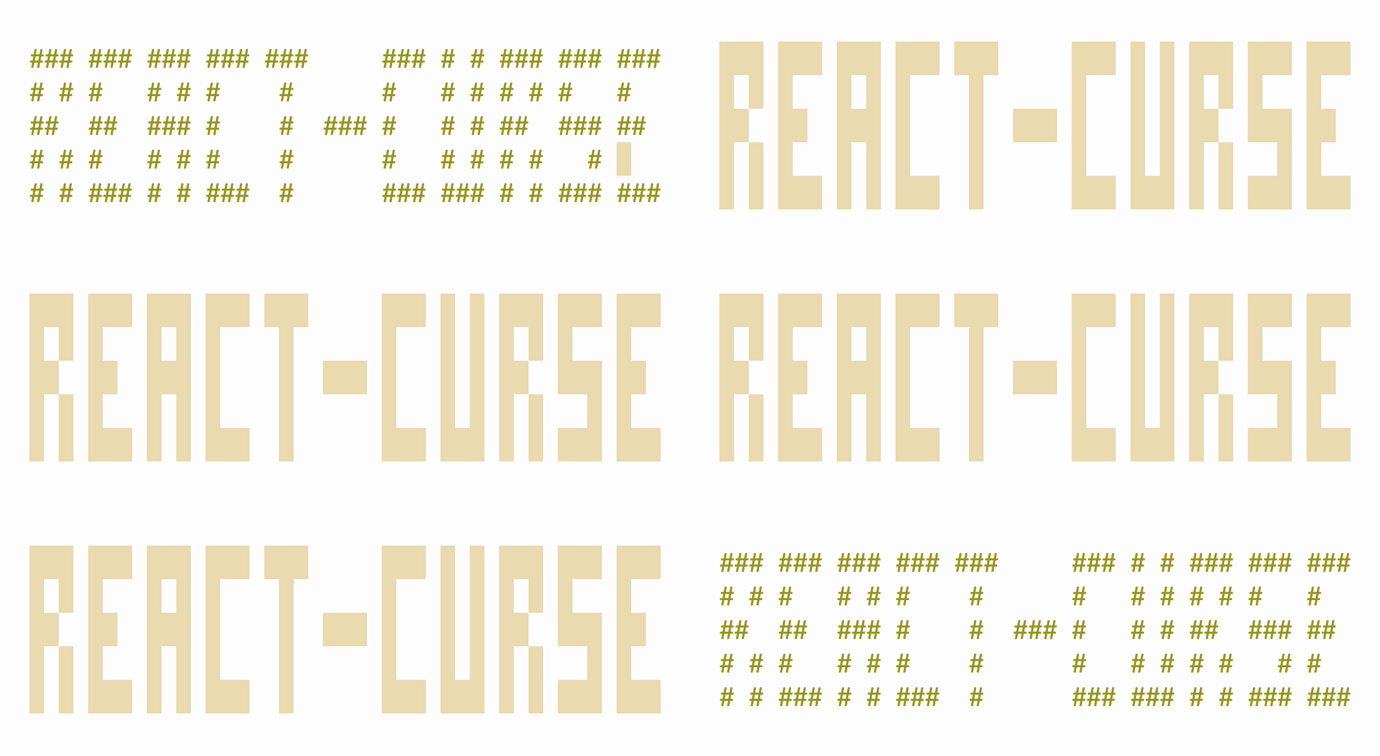
# react-curse
A curses-like blazingly fast react renderer
- It is fast, intuitive and easy to use
- It draws only changed characters
- It uses a small amount of SSH traffic
See it in action:

Still here? Let's go deeper:
- It has fancy components that are ready to use or can be tree-shaked from your final bundle
- It supports keyboard and mouse
- It works in fullscreen and inline modes
- It has cool hooks like animation with trail
- It is solely dependent on react
- It can generate an all-in-one bundle around 100 kb
You can easily build full-scale terminal UI applications like:
## Apps that use it
- [mngr](https://github.com/infely/mngr) - Database manager supports mongodb, mysql/mariadb, postgresql, sqlite and json-server
- [nfi](https://github.com/infely/nfi) - Simple nerd fonts icons cheat sheet that allows you to quickly find and copy glyph to clipboard
## Installation
Just run `npm init react-curse` answer a few questions and you are ready to go
## Examples
#### Hello world
```jsx
import React from 'react'
import ReactCurse, { Text } from 'react-curse'
const App = ({ text }) => {
return {text}
}
ReactCurse.render(
counter: {counter}
)
}
ReactCurse.render(`](#text)
- [``](#banner)
- [``](#bar)
- [``](#block)
- [``](#canvas), [``](#point), [``](#line)
- [``](#list)
- [``](#listtable)
- [``](#Scrollbar)
- [``](#separator)
- [``](#spinner)
- [``](#view)
- [Hooks](#hooks)
- [`useAnimation`](#useanimation), [`useTrail`](#usetrail), [``](#trail)
- [`useChildrenSize`](#usechildrensize)
- [`useClipboard`](#useclipboard)
- [`useInput`](#useinput)
- [`useMouse`](#usemouse)
- [`useSize`](#usesize)
- [`useWordWrap`](#useWordWrap)
- [API](#api)
- [`render`](#render)
- [`inline`](#inline)
- [`bell`](#bell)
- [`exit`](#exit)
## Components
### ``
Base component\
The only component required to do anything\
Every other component uses this one to draw
##### y?, x?: `number` | `string`
Position from top left corner relative to parent\
Content will be cropped by parent\
See `absolute` to avoid this behavior\
Example: `32, '100%', '100%-8'`
##### height?, width?: `number` | `string`
Size of block, will be cropped by parent\
See `absolute` to avoid this behavior
##### absolute?: `boolean`
Makes position and size ignoring parent container
##### background?, color?: `number` | `string`
Background and foreground color\
Example: `31, 'Red', '#f04020', '#f42'`
##### clear?: `boolean`
Clears block before drawing content\
`height` and `width`
##### block?: `boolean`
Moves cursor to a new line after its content relative to parent
##### bold?, dim?, italic?, underline?, blinking?, inverse?, strikethrough?: `boolean`
Text modifiers
#### Examples
```jsx
hello world
hello world
hello world
hello world
hello world
hello world
```

### ``
Displays big text
##### y?, x?: `number` | `string`
##### background?, color?: `number` | `string`
##### children: `string`
#### Examples
```jsx
{new Date().toTimeString().substring(0, 8)}
```

### ``
Displays vertical or horizontal bar with 1/8 character resolution
##### type: `'vertical'` | `'horizontal'`
##### y & height, x & width: `number`
#### Examples
```jsx
<>
{[...Array(24)].map((_, index) => (
`

### ``
Aligns content
##### width?: `number`
##### align?: `'left'` | `'center'` | `'right'` = `'left'`
#### Examples
```jsx
left
center
right
```

### ``
Create a canvas for drawing with one these modes
##### mode: `{ h: 1, w: 1 }` | `{ h: 2, w: 1 }` | `{ h: 2, w: 2 }` | `{ h: 4, w: 2 }`
Pixels per character
##### height, width: `number`
Size in pixels
##### children: (`Point` | `Line`)`[]`
#### ``
Draws a point at the coordinates
##### y, x: `number`
##### color?: `number` | `string`
#### ``
Draws a line using coordinates
##### y, x, dy, dx: `number`
##### color?: `number` | `string`
#### Examples
```jsx
```

Braille's font demo (`{ h: 4, w: 2 }`)

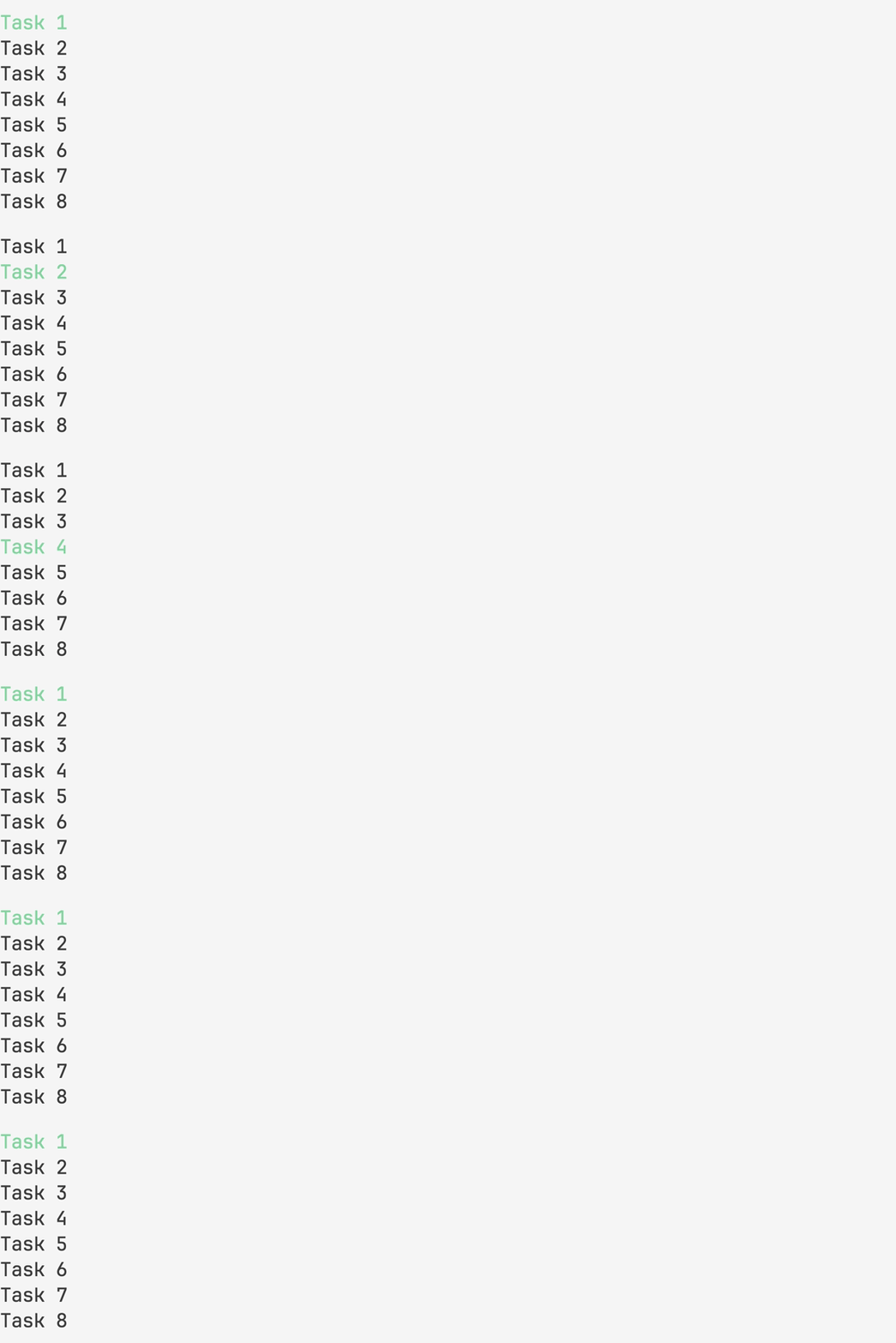
### ``
Creates a list with navigation support\
Vim shortcuts are supported
##### focus?: `boolean`
##### initialPos?: { y: `number` }
##### data?: `any[]`
##### renderItem?: `(object) => JSX.Element`
##### height?, width?: `number`
##### scrollbar?: `boolean`
##### scrollbarBackground?: `boolean`
##### scrollbarColor?: `boolean`
##### vi?: `boolean` = `true`
##### pass?: `any`
##### onChange?: `(object) => void`
##### onSubmit?: `(object) => void`
#### Examples
```jsx
const items = [...Array(8)].map((_, index) => ({ id: index + 1, title: `Task ${index + 1}` }))
return (
{item.title} }
/>
)
```
### ``: ``
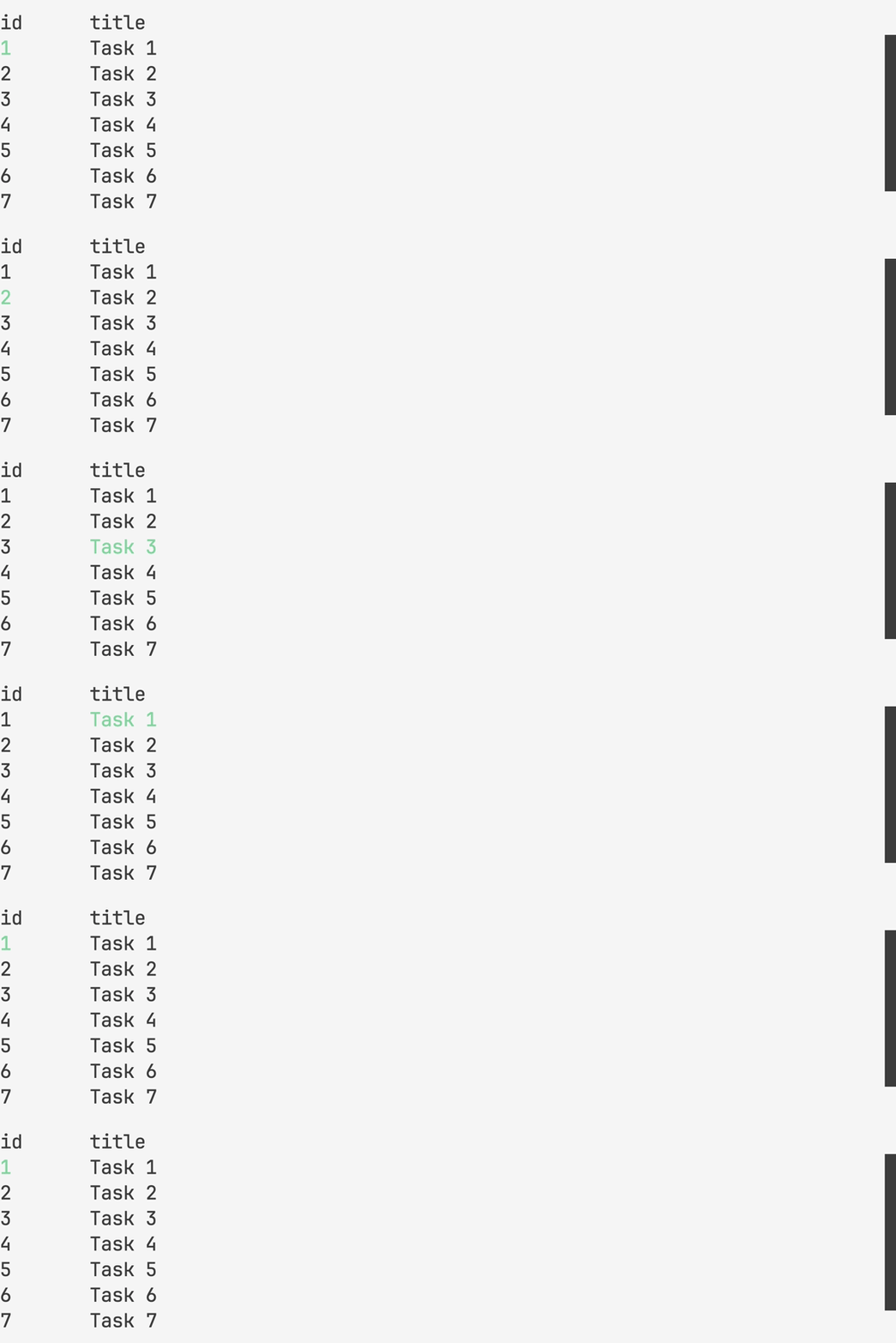
Creates a table with navigation support\
Vim shortcuts are supported
##### mode?: `'cell'` | `'row'` = `'cell'`
##### head?: `any[]`
##### renderHead?: `(object) => JSX.Element`
##### data?: `any[][]`
#### Examples
```jsx
const head = ['id', 'title']
const items = [...Array(8)].map((_, index) => [index + 1, `Task ${index + 1}`])
return (
item.map((i, key) => (
{i}
))
}
data={items}
renderItem={({ item, x, y, index }) =>
item.map((text, key) => (
{text}
))
}
/>
)
```
### ``
Draws a scrollbar with 1/8 character resolution
##### type?: `'vertical'` | `'horizontal'` = `'vertical'`
##### offset: `number`
##### limit: `number`
##### length: `number`
##### background?, color?: `number` | `string`
#### Examples
```jsx
`
Draws a vertical or horizontal line
##### type: `'vertical'` | `'horizontal'`
##### height, width: `number`
#### Examples
```jsx
`
Draws an animated spinner
##### children?: `string`
#### Examples
```jsx
-\|/
```

### ``
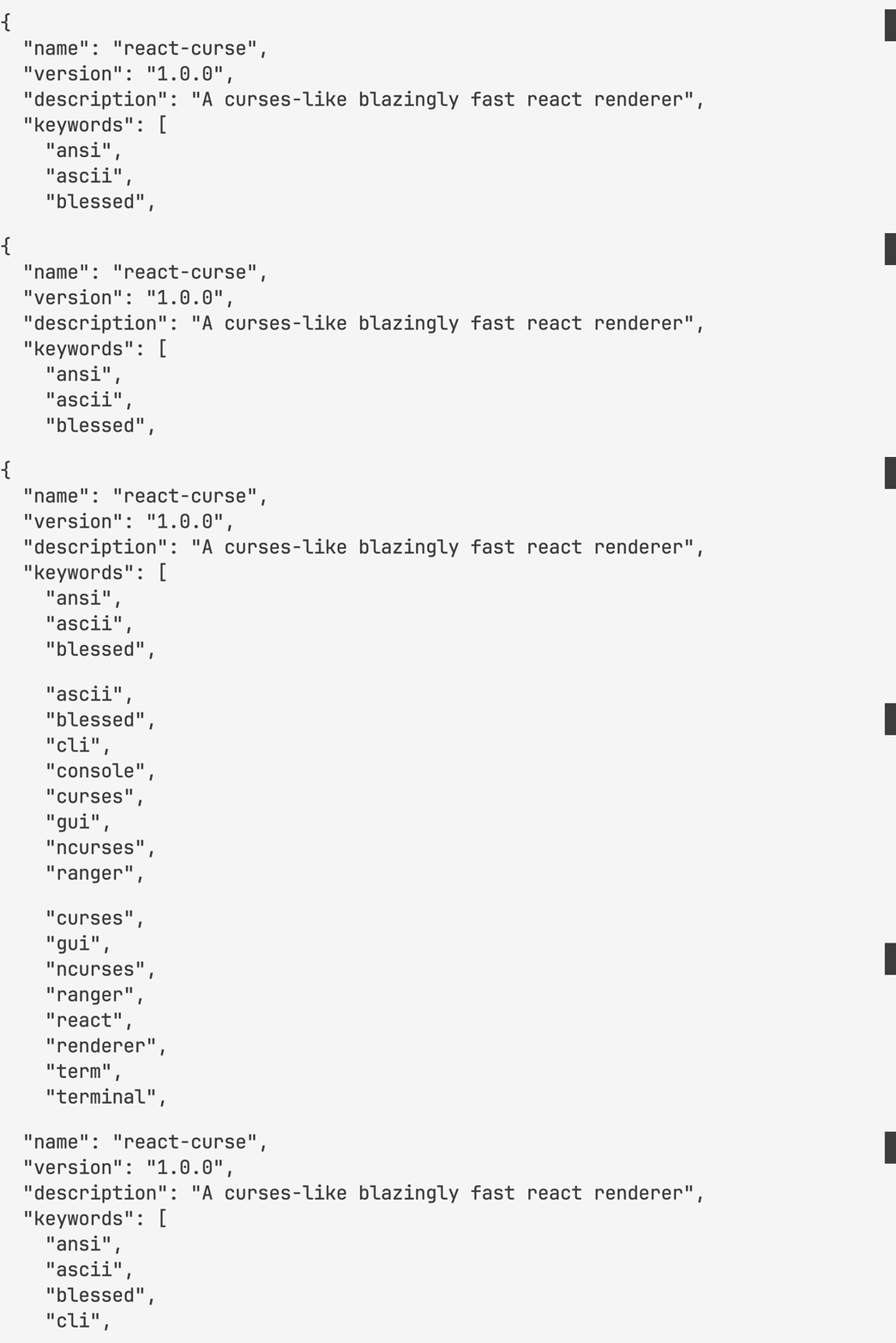
Creates a scrollable viewport\
Vim shortcuts are supported
##### focus?: `boolean`
##### height?: `number`
##### scrollbar?: `boolean`
##### vi?: `boolean` = `true`
##### children: `any`
#### Examples
```jsx
{JSON.stringify(json, null, 2)}
```
## hooks
### `useAnimation`
##### (time: `number`, fps?: `'number'` = `60`) => `object`
Creates a timer for a specified duration\
That gives you time and interpolation functions each frame of animation
#### return
##### ms: `number`
##### interpolate: (from: `number`, to: `number`, delay?: `number`)
##### interpolateColor: (from: `string`, to: `string`: delay?: `number`)
#### Examples
```jsx
const { ms } = useAnimation(1000, 4)
return ms // 0, 250, 500, 750, 1000
```
```jsx
const { interpolate } = useAnimation(1000, 4)
return interpolate(0, 80) // 0, 20, 40, 60, 80
```
```jsx
const { interpolateColor } = useAnimation(1000, 4)
return interpolateColor('#000', '#0f8') // #000, #042, #084, #0c6, #0f8
```

#### ``
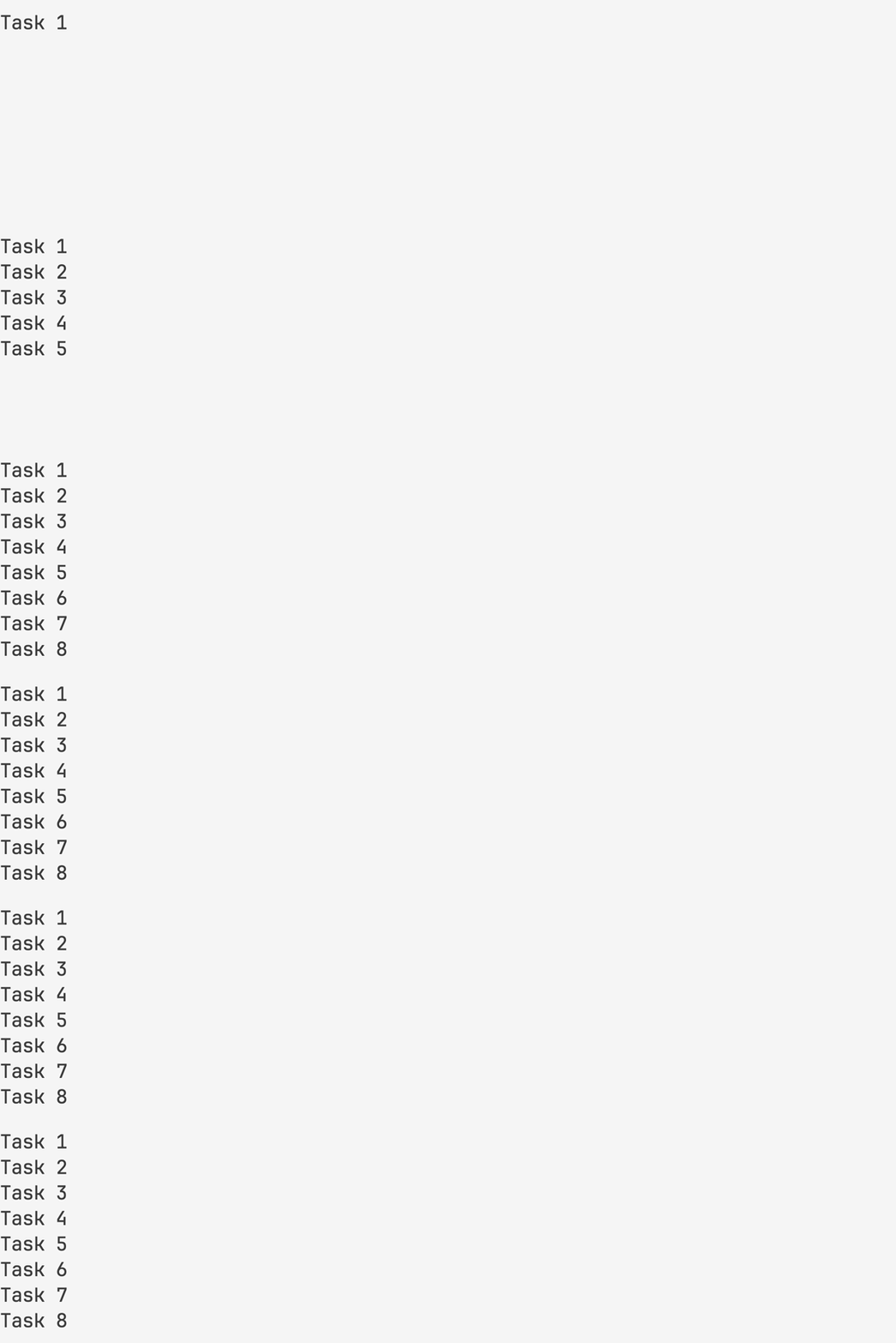
Mutate array of items to show one by one with latency
##### delay: `number`
##### children: `JSX.Element[]`
#### Examples
```jsx
const items = [...Array(8)].map((_, index) => ({ id: index + 1, title: `Task ${index + 1}` }))
return (
{items.map(({ id, title }) => (
{title}
))}
)
```
#### `useTrail`
##### (delay: `number`, items: `JSX.Element[]`, key?: `string` = `'key'`) => `JSX.Element[]`
Same as `` but hook\
You can pass it to `data` property of `` component for example
#### Examples
```jsx
```
### `useChildrenSize`
##### (value: `string`) => `object`
Gives you content size
#### return
##### height, width: `number`
#### Examples
```jsx
useChildrenSize('1\n22\n333') // { height: 3, width: 3 }
```
### `useClipboard`
#### () => `array`
Allows you to work with the system clipboard
#### return
##### getClipboard: `() => string`
##### setClipboard: `(value: string) => void`
#### Examples
```jsx
const { getClipboard, setClipboard } = useClipboard()
const string = getClipboard()
setClipboard(string.toUpperCase()) // copied
```
### `useInput`
##### (callback: `(string) => void`, dependencies: `any[]`) => `void`
Allows you to handle keyboard input
#### Examples
```jsx
set[(counter, setCounter)] = useState(0)
useInput(
input => {
if (input === 'k') setCounter(counter + 1)
if (input === 'j') setCounter(counter - 1)
},
[counter]
)
```
### `useMouse`
##### (callback: `(object) => void`, dependencies: `any[]`)
Allows you to handle mouse input
#### Examples
```jsx
set[(counter, setCounter)] = useState(0)
useMouse(
event => {
if (event.type === 'wheelup') setCounter(counter + 1)
if (event.type === 'wheeldown') setCounter(counter - 1)
},
[counter]
)
```
### `useSize`
##### () => `object`
Gives you terminal size\
Updates when size is changing
#### return
##### height, width: `number`
#### Examples
```jsx
useSize() // { height: 24, width: 80 }
```
### `useWordWrap`
##### (text: `string`, width?: `number`) => `object`
Gives your text a word wrap
#### return
##### height, width: `number`
#### Examples
```jsx
useWordWrap('hello world', 5) // hello\nworld
```
## API
### `render` (children: `JSX.Element`) => `void`
Renders your fullscreen application to `stdout`
### `inline` (children: `JSX.Element`) => `void`
Renders your inline application to `stdout`
### `bell`
#### () => `void`
Makes a terminal bell
```jsx
bell() // ding
```
### `exit`
##### (code: `number` = `0`) => `void`
Allows you to exit from an application that waits for user input or has timers
#### Examples
```jsx
useInput(input => {
if (input === 'q') exit()
})
```