# React-fileupload-progress [](https://travis-ci.org/georgeOsdDev/react-fileupload-progress) [](http://badge.fury.io/js/react-fileupload-progress)
[](https://gyazo.com/581f05bc048cd38ea8e5a2f535b17bed)
React component of Input file and progress bar.
This component watch xhr uploading process, and trigger some events.
## Installation
```bash
npm install --save react-fileupload-progress
```
## API
### `FileUploadProgress`
#### Props
* `url`: File upload endpoint url.
`React.PropTypes.string.isRequired`
* `method`: Http request method.
`React.PropTypes.string.isRequired`
##### Events
These handler will called on XMLHttpRequest's progress events.
See also [Using XMLHttpRequest on MDN](https://developer.mozilla.org/en/docs/Web/API/XMLHttpRequest/Using_XMLHttpRequest).
* `onProgress`: Called when `xhr` was loaded. Third parameter is the progress of uploading process(0 ~ 100).
`React.PropTypes.func(e, request, progress)`
* `onLoad`: Called when `xhr` was loaded.
`React.PropTypes.func(e, request)`
* `onError`: Called when `xhr` become error.
`React.PropTypes.func(e, request)`
* `onAbort`: Called when `xhr` was aborted.
`React.PropTypes.func(e, request)`
##### Customization
It is possible to customize view and form.
* `formRenderer`: For custom form rendering, **Typo is fixed(#4) from v0.2.0**
`onSubmitHandler` should be attach on your custom form's submit event. When `onSubmitHandler` is called, this component start observe `xhr`.
`React.PropTypes.func(onSubmitHandler)`
* `formGetter`: If custom `formRenderer` is used, you need to implement this method and must return `FormData` object.
`React.PropTypes.func => {return form}`
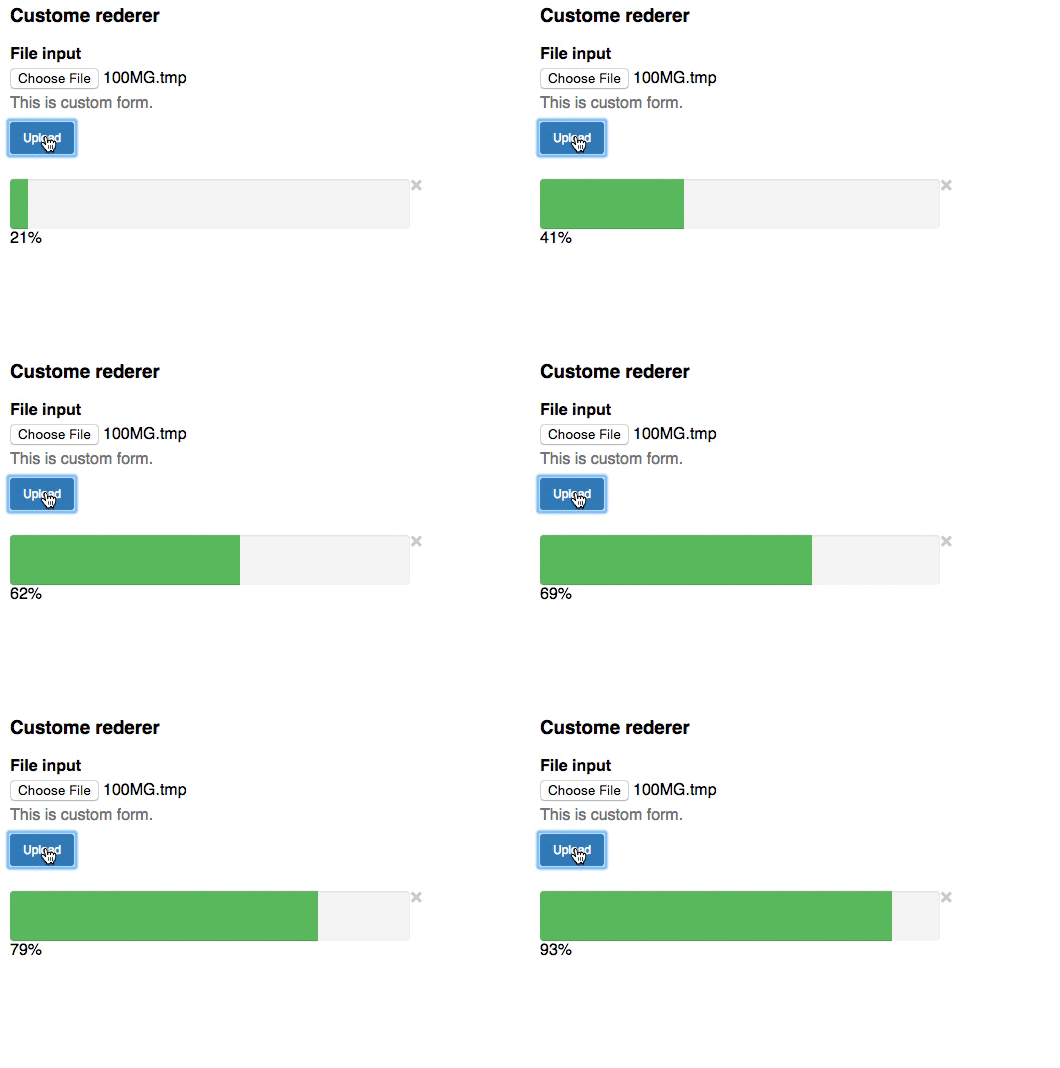
* `progressRenderer`: For custom progress rendering,
First parameter is the progress of uploading process(0 ~ 100).
If `xhr` has error, second parameter will be `true`.
When third parameter is called, current `xhr` will be aborted.
`React.PropTypes.func(progress, hasError, cancelHandler)`
* `formCustomizer`: Called before `xhr` send. You can add any custom form parameter(e.g: id, name, etc) with this method. Must return `form` given as argument.
`React.PropTypes.func(form) => {return form}`
* `beforeSend`: Called before `xhr` send. You can customize `xhr`(e.g: HTTPHeader, etc) with this method. Must return `request` given as argument.
`React.PropTypes.func(request) => {return request}`
[](https://gyazo.com/f6428f29681c9aab16fc62771bb1980d)
## Usage example
```javascript
'use strict';
import React from 'react';
import FileUploadProgress from 'react-fileupload-progress';
class App extends React.Component {
constructor(props) {
super(props);
}
render() {
return (
Default style
{console.log('progress', e, request, progress);}}
onLoad={ (e, request) => {console.log('load', e, request);}}
onError={ (e, request) => {console.log('error', e, request);}}
onAbort={ (e, request) => {console.log('abort', e, request);}}
/>
)
}
};
React.render(, document.getElementById('out'));
```
See also [example](https://github.com/georgeOsdDev/react-fileupload-progress/tree/develop/example)
```bash
npm install # or yarn
npm run start:example
```
## Build
```bash
npm run build
```
## Tests
```bash
npm test
```