# React Full Gallery
A react image gallery with upload, edit, remove images.
## Installation
In your project directory, run:
#### `npm install react-full-gallery`
## Demo
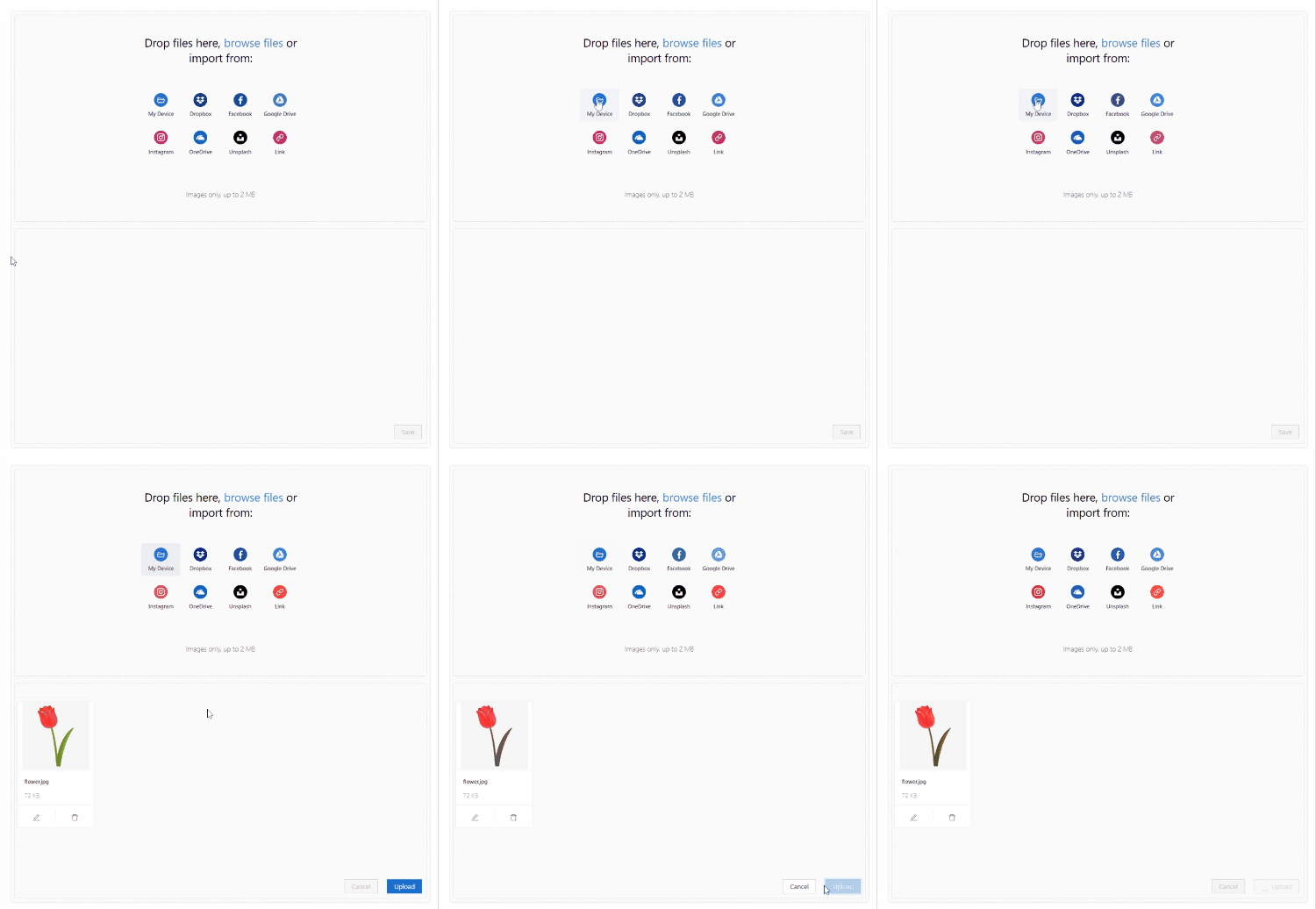
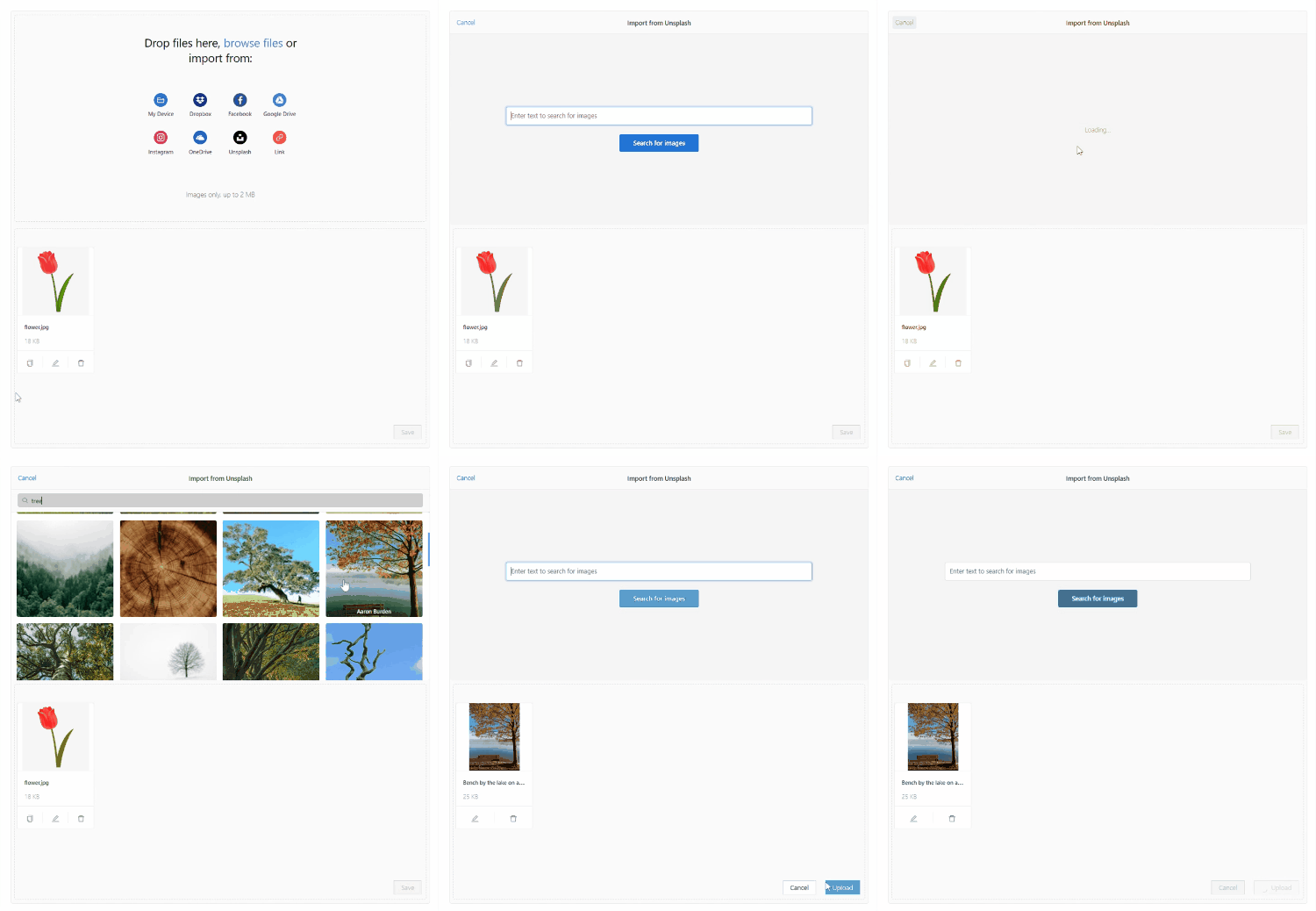
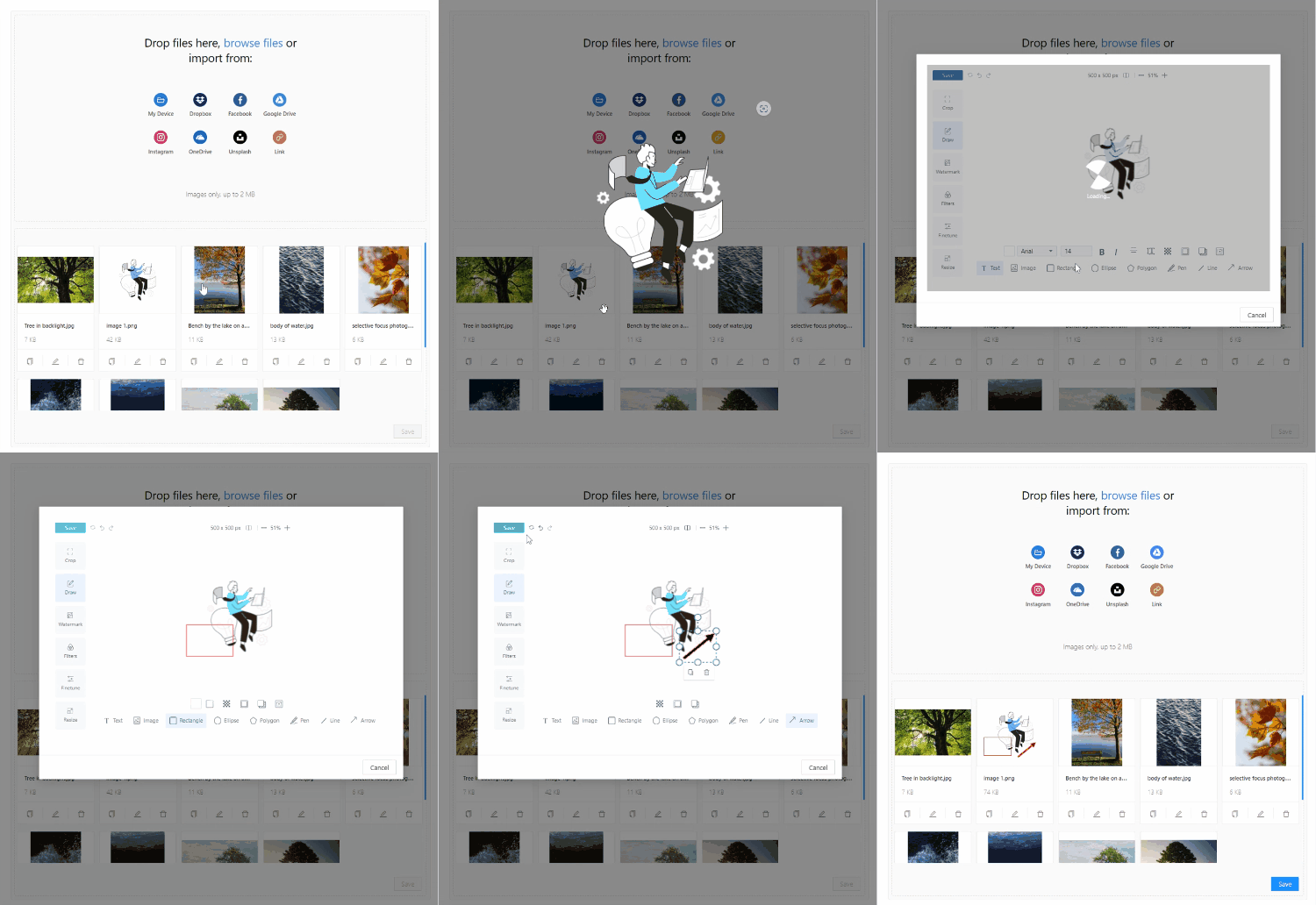
Here are the demos of some features like inserting image from unsplash and editing images.
### Insert image from local
### Insert image from Unsplash
### Edit Image
## How to use
```javascript
import ImageGallery from 'react-full-gallery';
```
```javascript
```
## Types
```javascript
type UppyFileType = UppyFile, Record>;
```
## Interfaces
```javascript
interface FilesInterface {
[key: string]: UppyFileType;
}
```
```javascript
interface ImageInterface {
// Id of the image.
id: string;
// Original URL of the image.
originalUrl: string;
// Preview URL of the image which is used for image gallery to show the images. If set to undefined, the originalUrl will be used.
previewUrl?: string;
// Name of the image.
name: string;
// How many times the image is used in your website/content/etc.
numberOfUse?: number;
// The filed is used to know if the image was edited by the user or not.
modified?: boolean;
}
```
```javascript
interface ImageGalleryInterface {
// Companion handles the server-to-server communication between your server and file storage providers such as Google Drive, Dropbox, etc. Read more here: https://uppy.io/docs/companion/
companionUrl: string;
// List of the image providers.
remoteSources?: ('Box' | 'Dropbox' | 'Facebook' | 'GoogleDrive' | 'Instagram' | 'OneDrive' | 'Unsplash' | 'Url' | 'Zoom')[];
// Target id of the image gallery HTML element.
targetId: string;
// Target id of the image gallery form HTML element.
formTargetId: string;
// Target id of the image gallery dropzone HTML element.
dropTargetId?: string;
// Height of the image gallery.
height?: number;
// Some custom tips/notes for your users
note: string;
// Style of the image gallery.
style?: React.CSSProperties;
// An array of your images.
images: ImageInterface[];
// Max allowed size for each image.
maxFileSize?: number;
// Allowed types for images.
allowedFileTypes?: string[];
// Loading state.
loading?: boolean;
// Allow multiple edit.
allowMultipleEdit?: boolean;
// Allow multiple delete.
allowMultipleDelete?: boolean;
// Your custom logic before adding an image.
onBeforeFileAdded?: (currentImage: UppyFileType, images: FilesInterface) => UppyFileType | undefined | boolean;
// Your custom logic before uploading images.
onBeforeUpload?: (images: FilesInterface) => FilesInterface | boolean;
// Your upload handler.
handleUploadImages: (newImages: ImageInterface[]) => Promise;
// Your update handler.
handleUpdateImages: (modifiedImages: ImageInterface[]) => Promise;
// Your remove handler.
handleRemoveImages: (removedImages: ImageInterface[], newImages: ImageInterface[]) => Promise;
}
```