# React Image Filter
Lightweight React component, for applying color filters on images,
works in all modern browsers plus IE10+ and Edge.
Made because CSS filters don't work in IE and Edge :(
Component is written as ES module, so it will work with webpack and other module bundlers (which is standard for React apps anyway). Tested with `react-create-app` and my boilerplate, [Marvin](https://github.com/workco/marvin).
## Demo
Check the [interactive demo](https://stanko.github.io/react-image-filter/).
[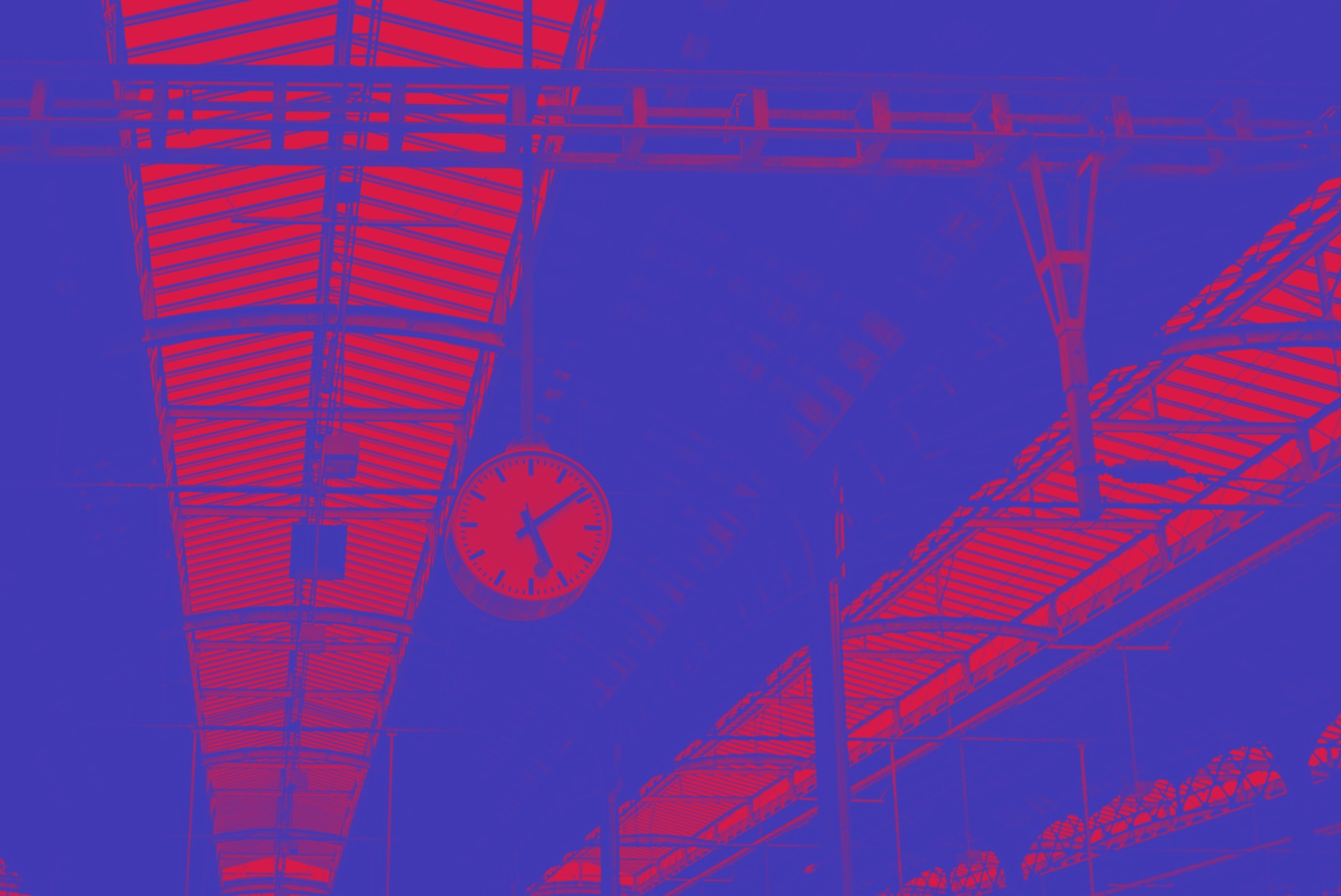](https://stanko.github.io/react-image-filter/)
## Quick start
Get it from [npm](https://www.npmjs.com/package/react-image-filter)
```
$ npm install --save react-image-filter
```
Import and use it in your React app.
```javascript
import React, { Component } from 'react';
import ImageFilter from 'react-image-filter';
class Example extends Component {
render() {
return (
);
}
}
```
## Table of contents
* [Props](#user-content-props)
* [Browser support](#user-content-browser-support)
* [License](#user-content-license)
## Props
* **image** string, *required*
Your image (URL or base64 encoded)
* **filter** string or array, *required*
Color filter to be applied, passed to [feColorMatrix](https://developer.mozilla.org/en-US/docs/Web/SVG/Element/feColorMatrix).
This is array of 20 numbers, example:
```javascript
[
0.3, 0.45, 0.1, 0, 0,
0.2, 0.45, 0.1, 0, 0,
0.1, 0.3, 0.1, 0, 0,
0, 0, 0, 1, 0,
];
```
Following presets are available (strings):
* `duotone` - if you selected duotone, you have to pass `colorOne` and `colorTwo` as well, check beneath
* `invert`
* `grayscale`
* `sepia`
If you have ideas for new presets, please open an issue titled `Preset: `, so I can add it. Cheers!
* **colorOne** array
The first color for duotone filter, array of three numbers which are RED / GREEN / BLUE color values, example:
```javascript
[40, 50, 200]
```
* **colorTwo** array
The second color for duotone filter. Same as `colorOne`.
* **preserveAspectRatio** string, default: 'none', *required*
Aspect ratio string, passed to image's [preserveAspectRatio]( https://developer.mozilla.org/en-US/docs/Web/SVG/Attribute/preserveAspectRatio).
You can pass string `cover` to apply the same effect as CSS `background-size: cover`.
* **className** string
CSS class name (it will be applied along with `ImageFilter` class name).
* **style** object
CSS style to be applied on wrapper div. Please note that this will override style applied in component.
* **svgStyle** object
CSS style to be applied on the SVG element. Please note that this will override style applied in component.
* **svgProps** object
Other props to be passed to SVG, example:
```javascript
{
'aria-label': 'My awesome image',
tabIndex: -1,
}
```
* **onChange** function
Callback to be called on filter change.
## Browser support
Modern browsers and IE10+.
## License
Released under [MIT License](LICENSE.md).