# react-native-confirmation-code-field
[](https://www.npmjs.com/package/react-native-confirmation-code-field)
[](https://www.npmtrends.com/react-native-confirmation-code-field)
[](https://packagephobia.com/result?p=react-native-confirmation-code-field)
[](https://github.com/retyui/react-native-confirmation-code-field/actions/workflows/nodejs.yml)
A simple react-native confirmation code field compatible with iOS, Android.
### Links
- [Documentation](API.md)
- [Example app](examples/DemoCodeField)
- [Live Expo app](https://snack.expo.dev/@retyui/demo-for-react-native-confirmation-code-field)
### Component features:
- 🔮 Simple and tiny `3.8 KB`. Easy to use;
- 🚀 React Compiler compatible;
 - 🚮 Clearing part of the code by clicking on the cell;
- 🍎 Support "fast paste SMS-code" on iOS & Web. And custom code paste for Android;
- ⚡ TextInput `ref` support;
- 🛠 Highly customizable. Can be used as masked TextInput;
- 🤓 Readable [changelog](CHANGELOG.md).
## Screenshots
| | |
| --- | --- |
| [](examples/DemoCodeField/src/AnimatedExample) | [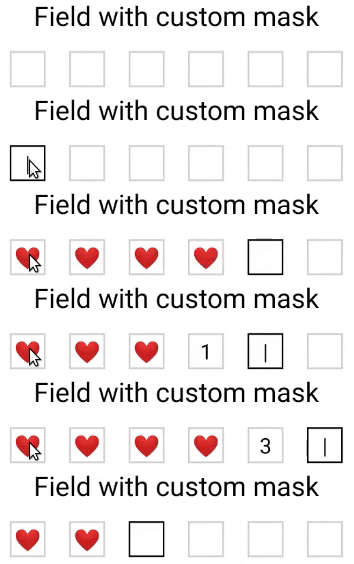](examples/DemoCodeField/src/MaskExample)
- 🚮 Clearing part of the code by clicking on the cell;
- 🍎 Support "fast paste SMS-code" on iOS & Web. And custom code paste for Android;
- ⚡ TextInput `ref` support;
- 🛠 Highly customizable. Can be used as masked TextInput;
- 🤓 Readable [changelog](CHANGELOG.md).
## Screenshots
| | |
| --- | --- |
| [](examples/DemoCodeField/src/AnimatedExample) | [](examples/DemoCodeField/src/MaskExample)
[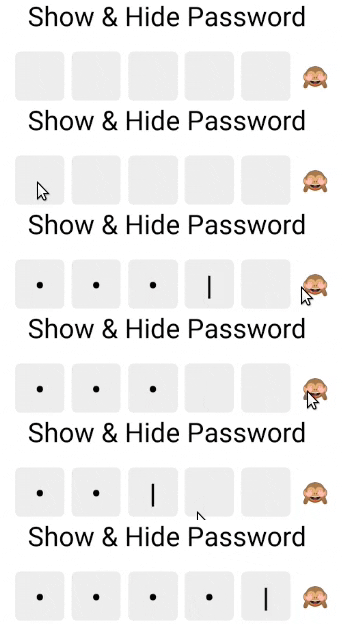](examples/DemoCodeField/src/UnmaskExample)
[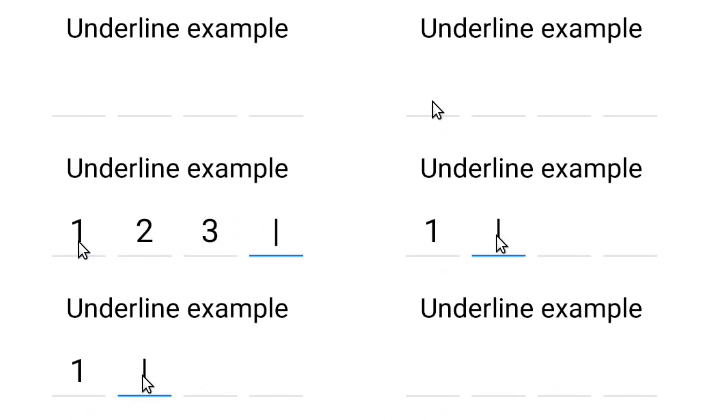](examples/DemoCodeField/src/UnderlineExample)
[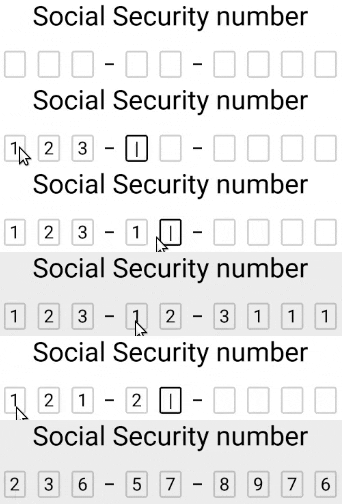](examples/DemoCodeField/src/FormattingExample) |
## Install
```sh
yarn add react-native-confirmation-code-field
# ^^^ React 19 required!
# if you want to use it with React 18, use version 8.x.x
```
## How it works
I use an invisible `` component that will be stretched over ` | ` components.
JSX structure looks like that:
```jsx
// Root view (rectangle with a red border on 3d visualization below)
// Each Cell element is result of a `renderCell` function (gray boxes)
1 |
2 |
3 |
| |
|
|
// Invisible Text Input with absolute position (gray rectangle with text '123')
```
[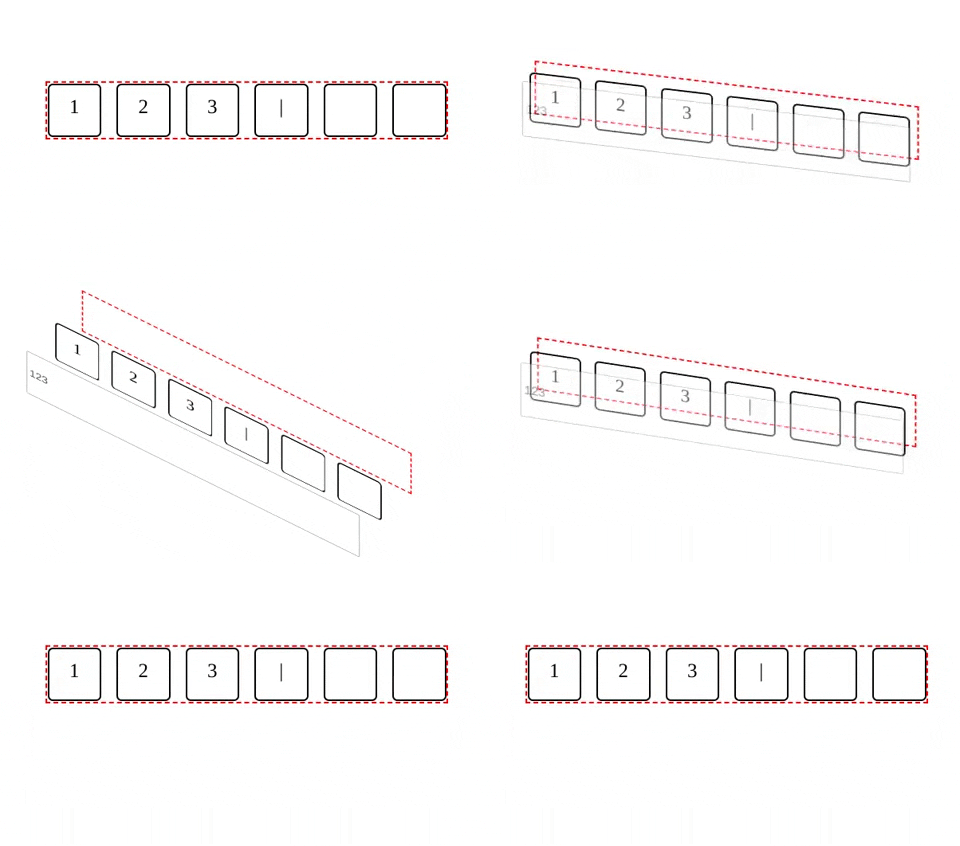](https://codepen.io/retyui/pen/WNGdNdJ)
It needs to solve next problems:
- When user pastes code from SMS on iOS [issue#25](https://github.com/retyui/react-native-confirmation-code-field/issues/25#issuecomment-446497934)
- Better UX when user types fast, or system sluggish, characters might lost when component switching focus between ``.
## Basic example
I took a minimal implementation approach.
It mean that this component provides low-level functionality so you can create incredible UI without tears 😭.
I recommend you start with creating your own wrapper where you apply all styles and basic configuration.
You can use a ready-made solution out of the box:
- [Animated variant](examples/DemoCodeField/src/AnimatedExample)
- [Formatting example](examples/DemoCodeField/src/FormattingExample)
- [Underline variant](examples/DemoCodeField/src/UnderlineExample)
- [Show & Hide password](examples/DemoCodeField/src/UnmaskExample)
- [Mask variant](examples/DemoCodeField/src/MaskExample)
```tsx
import React, {useState} from 'react';
import {SafeAreaView, Text, StyleSheet, Platform} from 'react-native';
import type {TextInputProps} from 'react-native';
import {
CodeField,
Cursor,
useBlurOnFulfill,
useClearByFocusCell,
} from 'react-native-confirmation-code-field';
const styles = StyleSheet.create({
root: {flex: 1, padding: 20},
title: {textAlign: 'center', fontSize: 30},
codeFieldRoot: {marginTop: 20},
cell: {
width: 40,
height: 40,
lineHeight: 38,
fontSize: 24,
borderWidth: 2,
borderColor: '#00000030',
textAlign: 'center',
color: '#000', // text color
},
focusCell: {
borderColor: '#000',
},
});
const CELL_COUNT = 6;
const autoComplete = Platform.select({
android: 'sms-otp',
default: 'one-time-code',
});
function App() {
const [value, setValue] = useState('');
const ref = useBlurOnFulfill({value, cellCount: CELL_COUNT});
const [props, getCellOnLayoutHandler] = useClearByFocusCell({
value,
setValue,
});
return (
Verification
(
{symbol || (isFocused && )}
)}
/>
);
};
export default App;
```
### Compatibility
For `react-native@0.63.x` and below use `yarn add react-native-confirmation-code-field@6`, otherwise use the latest version `yarn add react-native-confirmation-code-field`