# react-native-draggable-grid
## 例子
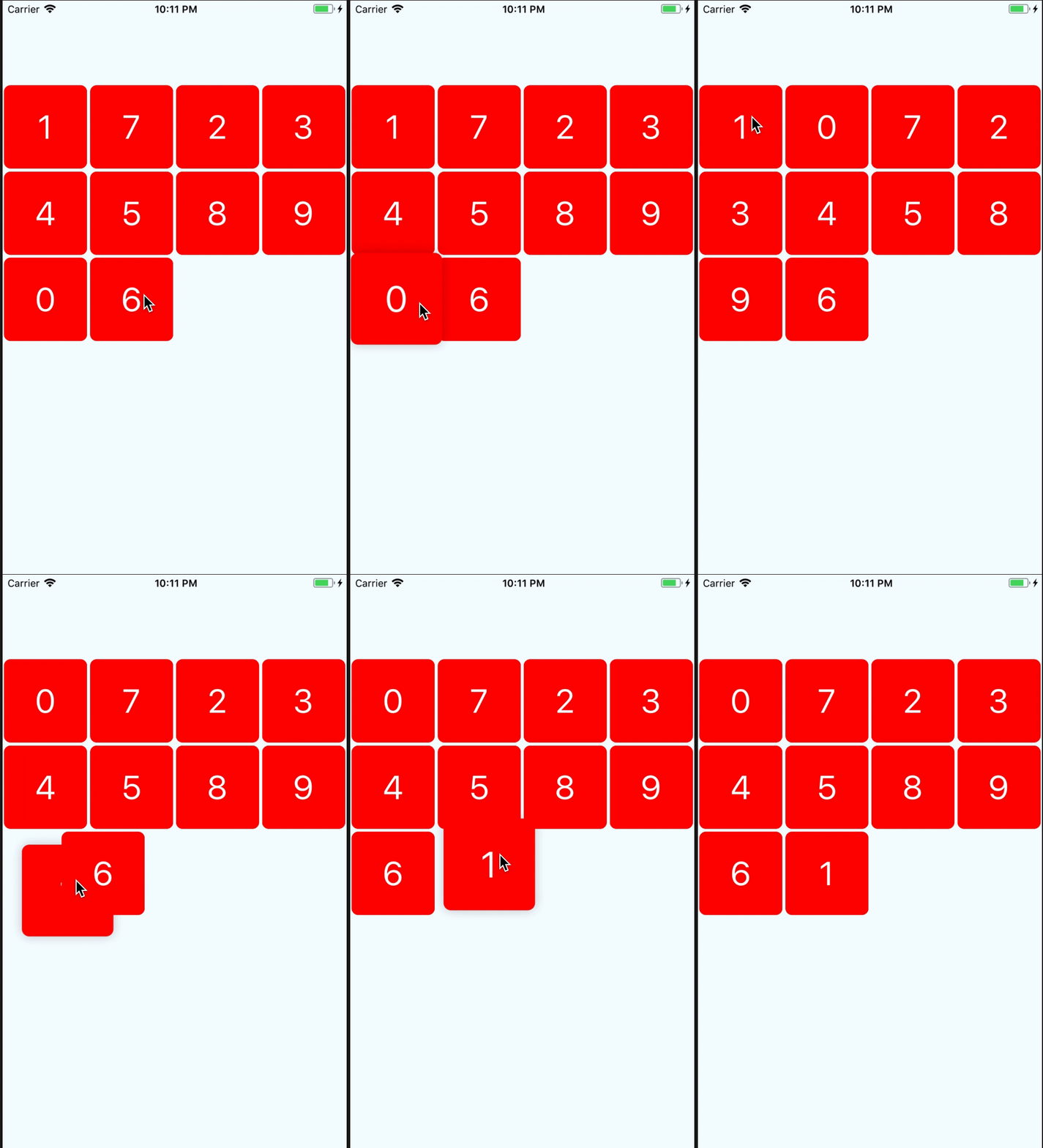
[example](https://github.com/SHISME/react-native-draggable-grid-instance)
## 教程
## 安装
```bash
npm install react-native-draggable-grid --save
```
## 用法
```javascript
import React from 'react';
import {
View,
StyleSheet,
Text,
} from 'react-native';
import { DraggableGrid } from 'react-native-draggable-grid';
interface MyTestProps {
}
interface MyTestState {
data:{key:string, name:string}[];
}
export class MyTest extends React.Component{
constructor(props:MyTestProps) {
super(props);
this.state = {
data:[
{name:'1',key:'one'},
{name:'2',key:'two'},
{name:'3',key:'three'},
{name:'4',key:'four'},
{name:'5',key:'five'},
{name:'6',key:'six'},
{name:'7',key:'seven'},
{name:'8',key:'eight'},
{name:'9',key:'night'},
{name:'0',key:'zero'},
],
};
}
public render_item(item:{name:string, key:string}) {
return (
{item.name}
);
}
render() {
return (
{
this.setState({data});// 因为使用了 hooks 的缘故,每次释放时会重新render,render会触发检查props和draggble grid缓存的排序的差异,并且使用props的顺序,所以需要每次释放的时候重新设置props的顺序
}}
/>
);
}
}
const styles = StyleSheet.create({
button:{
width:150,
height:100,
backgroundColor:'blue',
},
wrapper:{
paddingTop:100,
width:'100%',
height:'100%',
justifyContent:'center',
},
item:{
width:100,
height:100,
borderRadius:8,
backgroundColor:'red',
justifyContent:'center',
alignItems:'center',
},
item_text:{
fontSize:40,
color:'#FFFFFF',
},
});
```
## Props
| 参数名 | 参数类型 | 是否必要 | 描述 |
| :-------- | :---- | :------- | :---------- |
| numColumns | number | yes | 一行要渲染多少个选项|
| data | array | yes | 数据必须有唯一的id, 子组件的渲染依赖于这个id|
| renderItem |(item, order:number) => ReactElement| yes | 渲染子组件|
| itemHeight | number | no | 设置子组件高度,如果没有设置,会设置成和动态计算出的 itemWidth 一样大 |
| dragStartAnimation | object | no | 自定义拖动时启动的动画 |
| style | object | no | 容器的样式 |
## Event Props
| 参数名 | 类型 | 是否必要 | 描述 |
|:-----------------|:-------------------------------------------------| :------- |:---------------------|
| onItemPress | (item) => void | no | 子组件点击时的回调 |
| onDragStart | (startDragItem) => void | no | 开始拖动是的回调 |
| onDragRelease | (data) => void | no | 拖动释放时的回调,会返回排序之后的数据 |
| onResetSort | (data) => void | no | 拖动时重新排序的回调,会返回排序后的数据 |
| onDragging | (gestureState: PanResponderGestureState) => void | no | 拖动时的回调函数,返回拖动的组件的位置 |
| onDragItemActive | (item) => void | no | 当要拖动的选项被激活的时候触发 |
## Item Props
| parameter | type | required | description |
| :-------- | :---- | :------- | :---------- |
| disabledDrag | boolean | no | 禁止选项拖动 |
| disabledReSorted | boolean | no | 禁止选项被重新排序 |
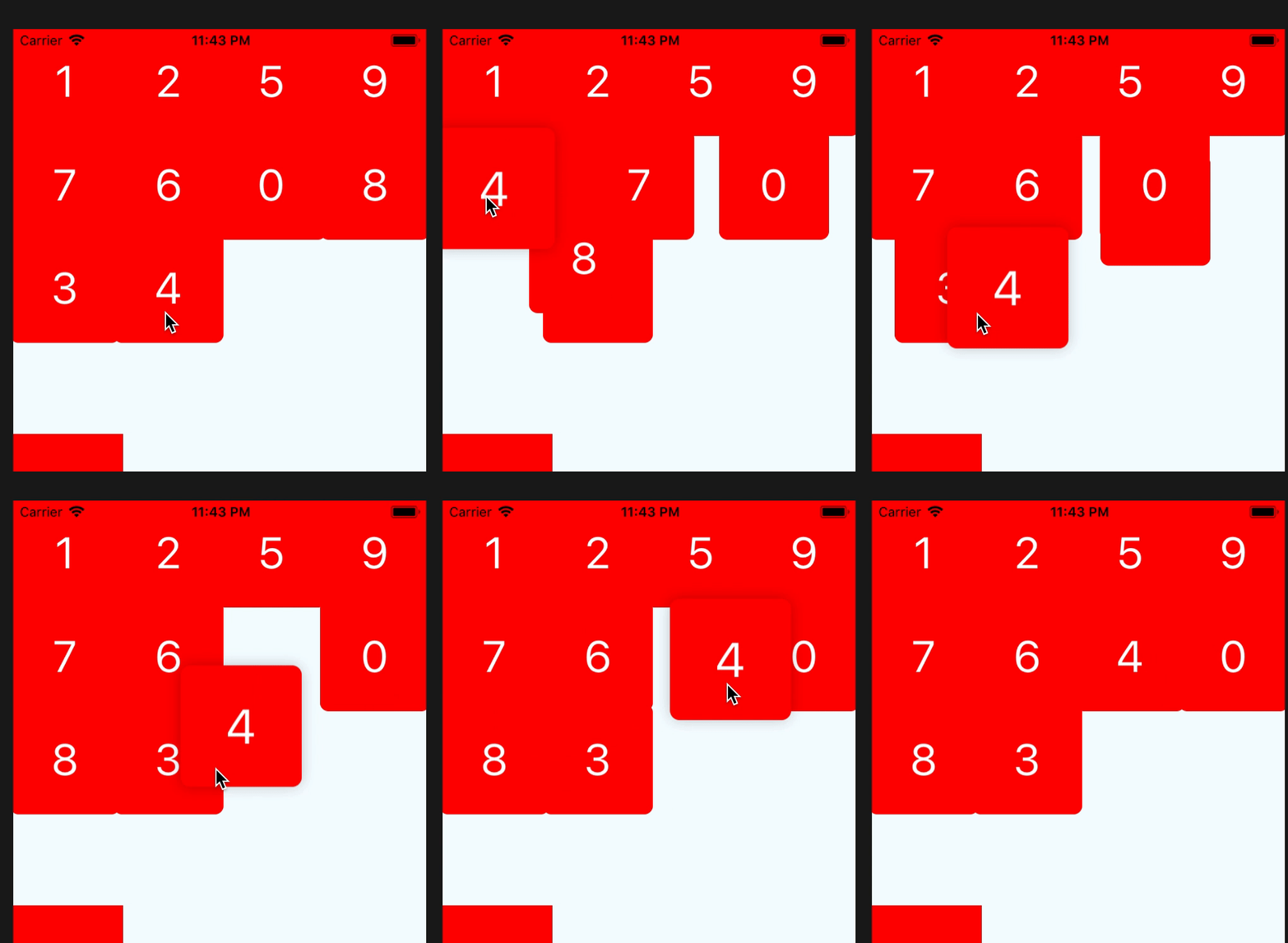
设置 `disabledResorted` 为 `true`, 那么那个选项拖动时排序的时候就会被忽略
## 自定义拖动开始时的动画
如果你想自定义拖动开始时的动画,你可以这样使用
```javascript
render() {
return (
);
}
private onDragStart = () => {
this.state.animatedValue.setValue(1);
Animated.timing(this.state.animatedValue, {
toValue:3,
duration:400,
}).start();
}
```
## 通过 props 重新排序
如果你想删除,或者添加,或者重新排序数据,你可以通过修改data来达到目的,组件会根据新的 props.data 来计算出如何排序,删除,添加子组件
> 需要注意的是,data 中的数据必须要有key,而且必须唯一