# @nlabs/react-native-image-gallery

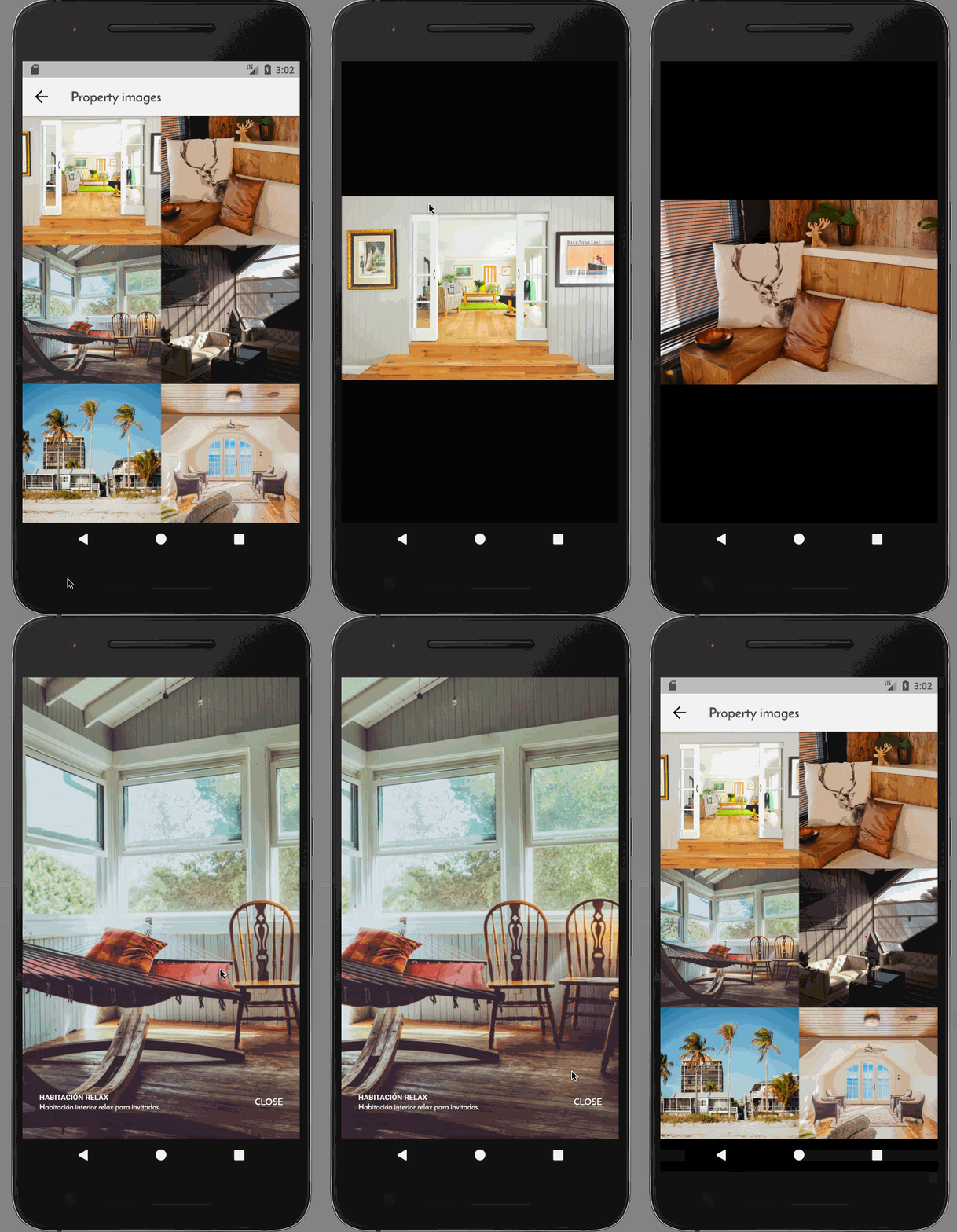
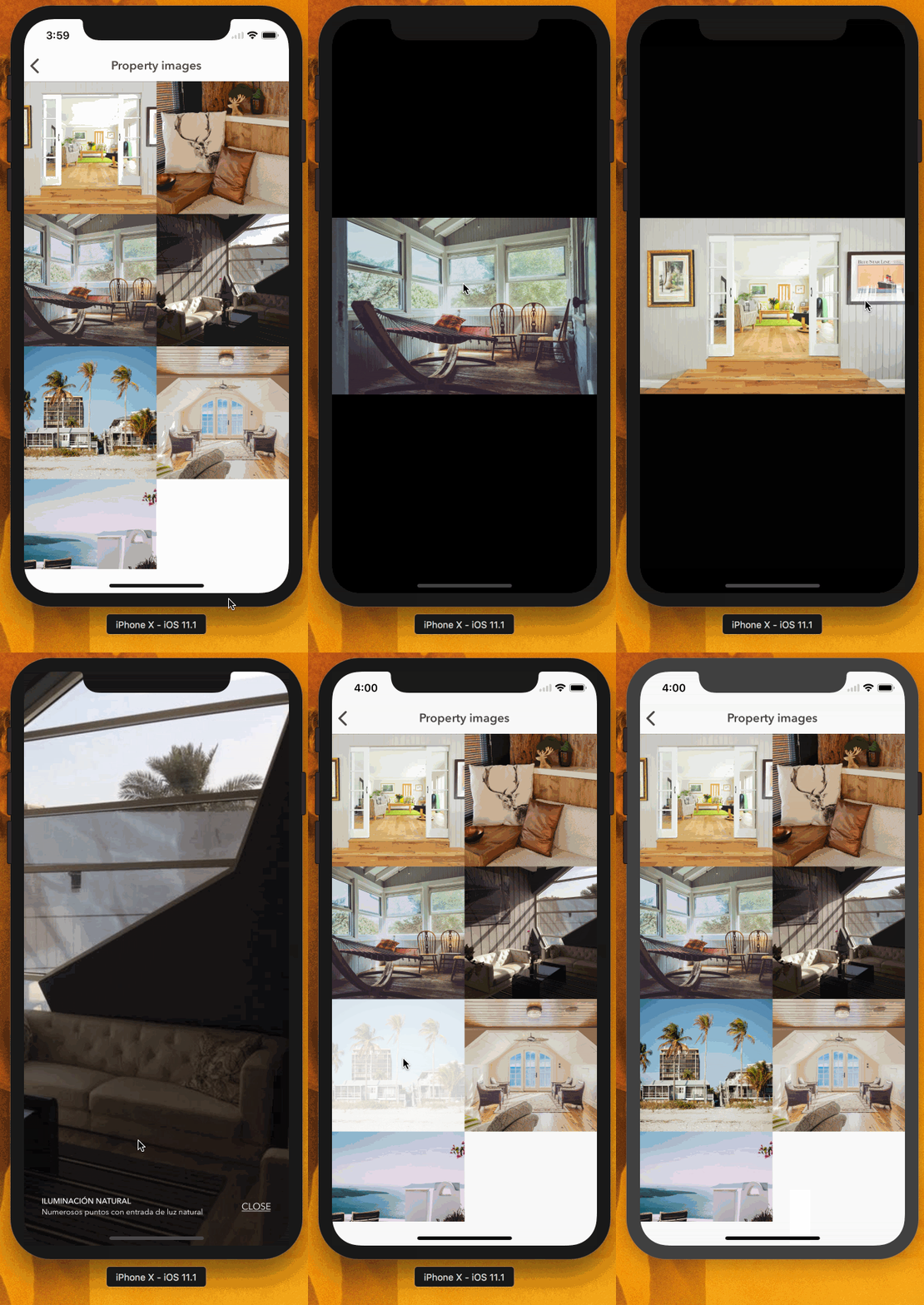
A React Native component to display a gallery of images.

[![npm version](https://img.shields.io/npm/v/arkhamjs.svg?style=flat-square)](https://www.npmjs.com/package/arkhamjs)
[![Travis](https://img.shields.io/travis/nitrogenlabs/arkhamjs.svg?style=flat-square)](https://travis-ci.org/nitrogenlabs/arkhamjs)

[![npm downloads](https://img.shields.io/npm/dm/arkhamjs.svg?style=flat-square)](https://www.npmjs.com/package/arkhamjs)

[![TypeScript](https://badges.frapsoft.com/typescript/version/typescript-next.svg?v=101)](https://github.com/ellerbrock/typescript-badges/)

[![Issues](http://img.shields.io/github/issues/nitrogenlabs/arkhamjs.svg?style=flat-square)](https://github.com/nitrogenlabs/arkhamjs/issues)
[![Gitter](https://img.shields.io/gitter/room/NitrgenLabs/arkhamjs.svg?style=flat-square)](https://gitter.im/NitrogenLabs/arkhamjs)
[![MIT license](http://img.shields.io/badge/license-MIT-brightgreen.svg?style=flat-square)](http://opensource.org/licenses/MIT)

### Preview

<p align="center">
<img src="https://raw.githubusercontent.com/wiki/InterfaceKit/react-native-interactive-image-gallery/ios.gif" alt="iOS" width="300" />
<img src="https://raw.githubusercontent.com/wiki/InterfaceKit/react-native-interactive-image-gallery/android.gif" alt="Android" width="300" />
</p>

### Installation

Using [npm](https://www.npmjs.com/):
```bash
$ npm install --save @nlabs/react-native-image-gallery
```
or
```bash
$ yarn add @nlabs/react-native-image-gallery
```

### Usage

```javascript
import {ImageGallery} from '@nlabs/react-native-image-gallery';

class Images extends React.PureComponent {
  render() {
    const {images} = this.props;
    const imageUrls = images.map((img) => ({
        url: img.uri,
        id: img.id,
        title: img.title,
        description: img.description
      })
    );
    return <ImageGallery images={imageUrls} />;
  }
}
```