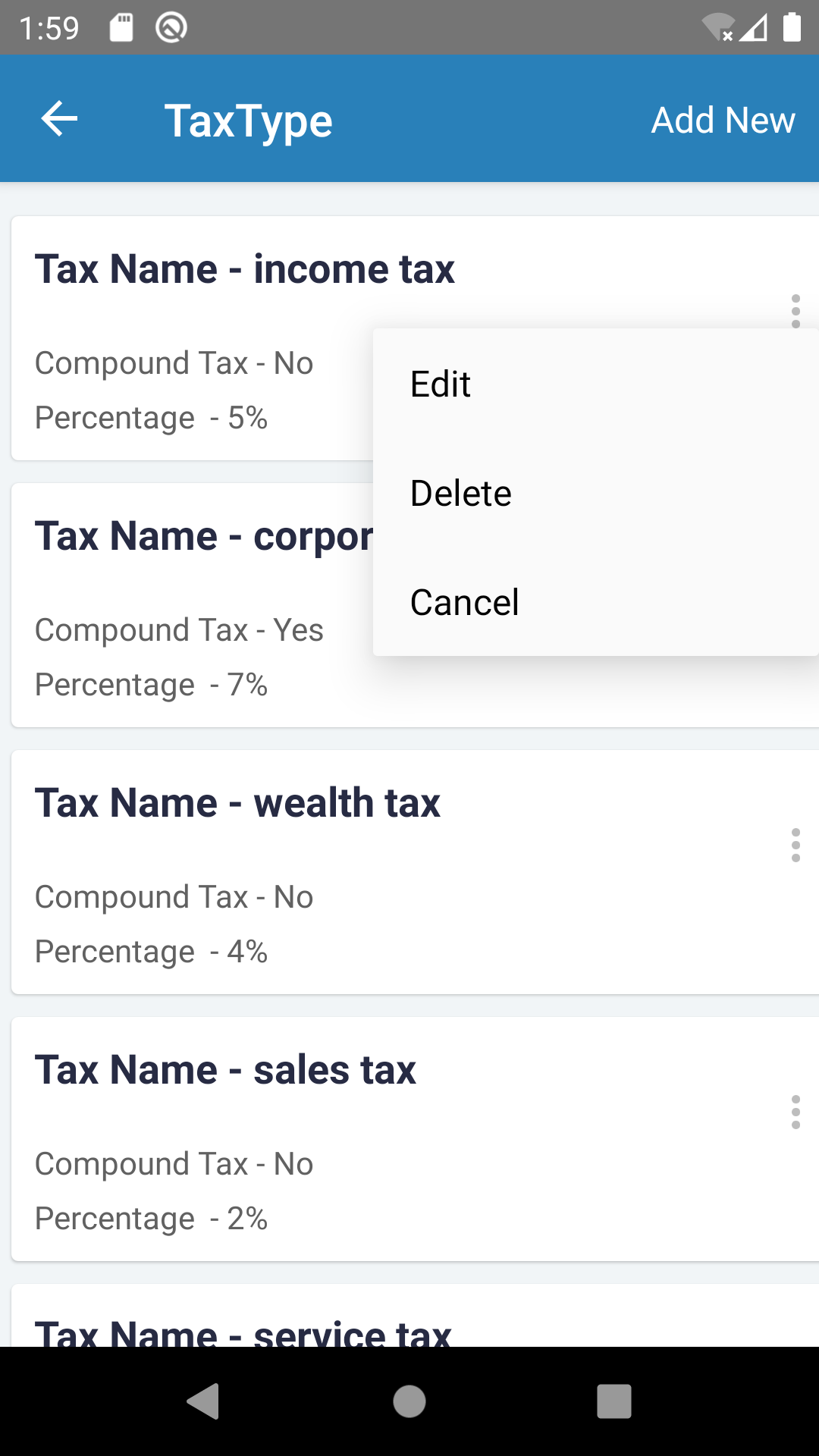
# react-native-option-menu
A native looking options dialog for IOS, and Android and Web. ( Functional Component)
To Download, run: npm i react-native-option-menu.
Visit : https://www.npmjs.com/package/react-native-option-menu
Usage example:
import OptionsMenu from "react-native-option-menu";
const MoreIcon = require("../../assets/more/more.png");
Note that button is a required prop (pass in a png of the desired button).
As an alternative to the button and style props, you can just pass in a full custom component:
const myIcon = ()
Destructive index in an iOS only prop. It will appear as a red index.
Options: an array of strings that will be displayed in the menu.
Actions: an array of functions to be executed for every menu item. Note that the orders of options an actions have to match.
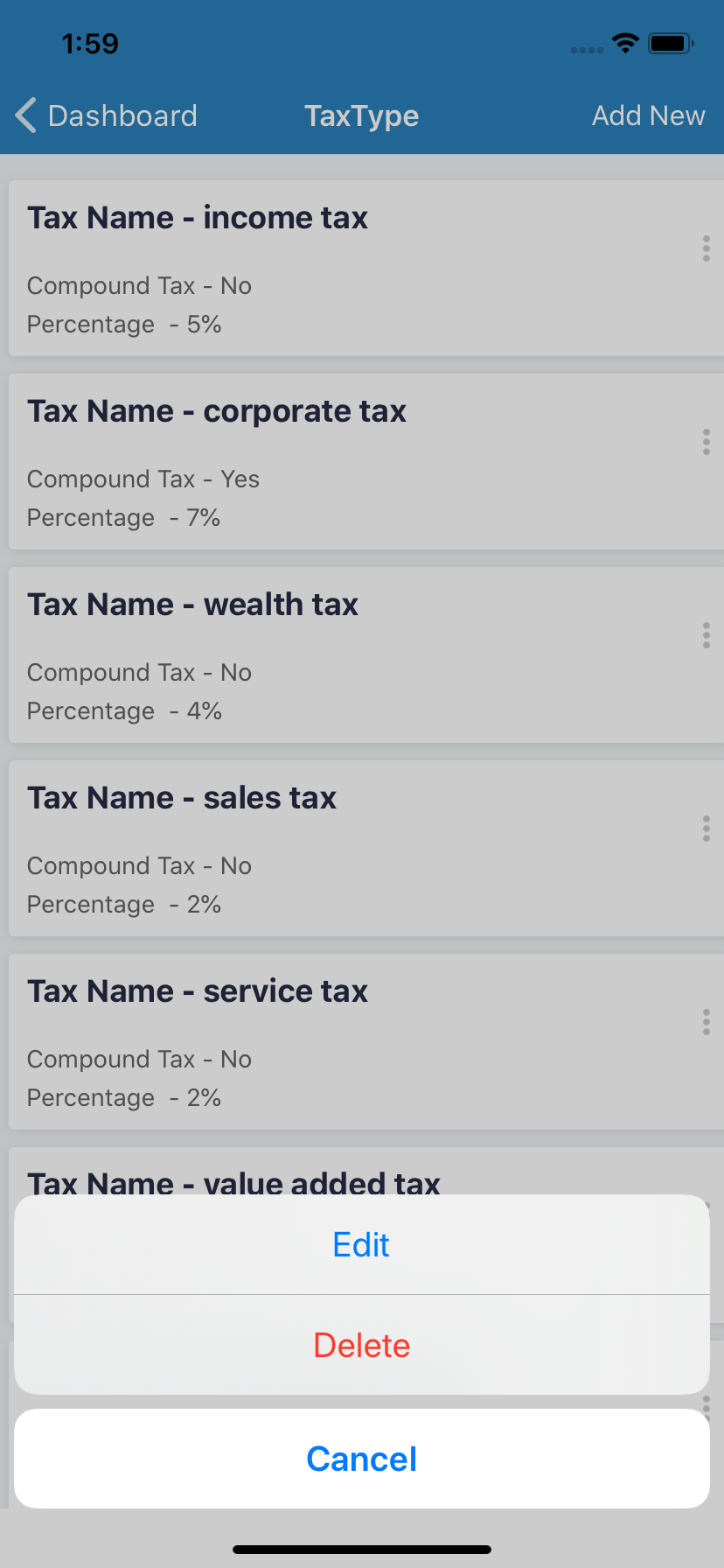
iOS Screenshot:
Android Screenshot: