# React Native Paysofter
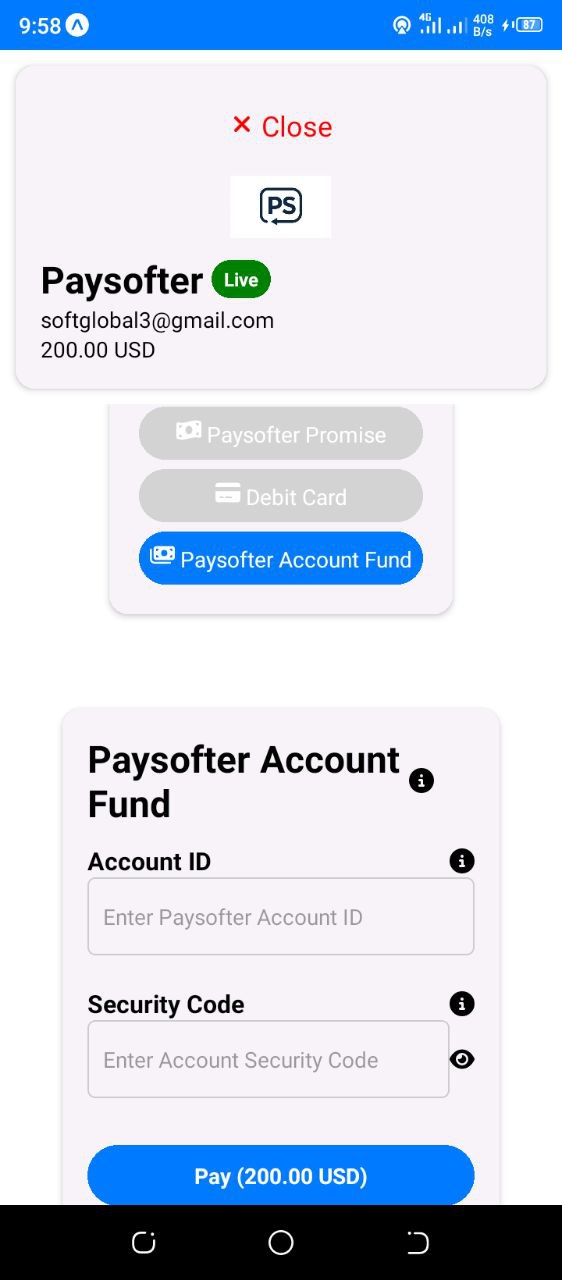
This is a React Native package for integrating Paysofter payment gateway into your React Native andriod and iOS applications.
## Installation
To install the package, run:
```bash
npm install react-native-paysofter
```
## Usage
Here are basic examples of how to use the `react-native-paysofter` library in your React Native project.
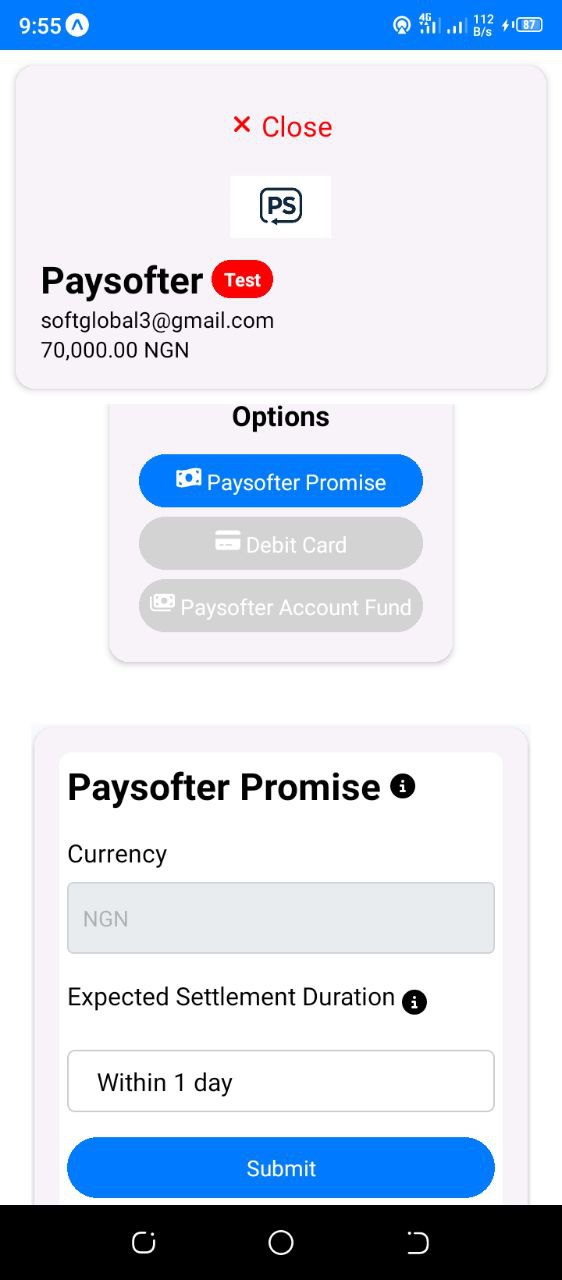
### Example 1: Basic Payment Setup
```jsx
import React from "react";
import { Paysofter } from "react-native-paysofter";
const App = () => {
const amount = 100; // Amount in USD, e.g., 100 USD
const paysofterPublicKey = "test_api_key_abc123"; // Replace with your actual Paysofter public key
const handleSuccess = () => {
console.log("Payment successful!");
};
const handleClose = () => {
console.log("Payment window closed.");
};
return (
);
};
export default App;
```
### Example 2: Payment Setup with "Pay Now" Button Option
```jsx
import React, { useState } from "react";
import { View, Button } from "react-native";
import { Paysofter } from "react-native-paysofter";
const App = () => {
const [showPayment, setShowPayment] = useState(false);
const amount = 5000; // Amount in Nigerian Naira, e.g., NGN 5,000
const currency = "NGN"; // Nigerian Naira
const email = "buyer@example.com"; // Buyer's email
const paysofterPublicKey = "test_api_key_abc123"; // Replace with your actual Paysofter public key
const handleSuccess = () => {
console.log("Payment successful!");
setShowPayment(false); // Hide payment component after success
};
const handleClose = () => {
console.log("Payment window closed.");
setShowPayment(false); // Hide payment component when closed
};
return (
{!showPayment ? (
);
};
export default App;
```
### Example 3: Payment Setup with "Pay Now" Button Option and Input Fields
```jsx
import React, { useState } from "react";
import {
SafeAreaView,
ScrollView,
View,
Button,
TextInput,
StyleSheet,
Text,
} from "react-native";
import { Paysofter } from "react-native-paysofter";
const App = () => {
const [showPayment, setShowPayment] = useState(false);
const [amount, setAmount] = useState(5000); // Default amount
const [currency, setCurrency] = useState("NGN"); // Default currency
const [email, setEmail] = useState("buyer@example.com"); // Default email
const [paysofterPublicKey] = useState("test_api_key_abc123"); // Replace with your actual Paysofter public key
// const referenceId = `RID${Math.floor(Math.random() * 10000000000000000)}`; // Generate a 17-digit random payment reference with RID prefix
const referenceId = `RID${new Date()
.toISOString()
.slice(2, 19)
.replace(/[-T:]/g, "")}${Math.floor(Math.random() * 100000)}`; // Or generate a 17-digit payment reference with RID prefix starting with the timestamp and random numbers appended at the end.
console.log("referenceId:", referenceId);
const handleSuccess = () => {
console.log("Payment successful!");
setShowPayment(false); // Hide payment component after success
};
const handleClose = () => {
console.log("Payment window closed.");
setShowPayment(false); // Hide payment component when closed
};
return (
Checkout
{!showPayment ? (
<>
setAmount(Number(text))}
/>
setCurrency(text)}
/>
setEmail(text)}
/>
);
};
const styles = StyleSheet.create({
safeArea: {
flex: 1,
backgroundColor: "#fff",
},
scrollView: {
flexGrow: 1,
justifyContent: "center",
alignItems: "center",
padding: 20,
},
container: {
justifyContent: "center",
alignItems: "center",
width: "100%",
},
title: {
fontSize: 24,
fontWeight: "bold",
textAlign: "center",
padding: 20,
},
input: {
height: 40,
borderColor: "#ccc",
borderWidth: 1,
borderRadius: 5,
marginBottom: 10,
paddingHorizontal: 10,
width: "80%",
},
});
export default App;
```
## Props
| Prop Name | Type | Description |
| :------------------- | :------- | :--------------------------------------------------------------------------------------------------------------------------------------------------------------------------------------------------------------------------------------------------------------------------------------------------------------- |
| `amount` | Number | The amount to be paid. |
| `currency` | String | The currency in which the payment is to be made (e.g., USD, NGN). |
| `email` | String | The email address of the user making the payment. |
| `paysofterPublicKey` | String | Your Paysofter public key for processing the payment. |
| `onSuccess` | Function | Callback function to handle the success of the payment. |
| `onClose` | Function | Callback function to handle the closing of the payment window. |
| `showPromiseOption` | Boolean | Whether to show the Promise payment option (default: true). If all options are declared false, then Promise payment option defaults to true. |
| `showFundOption` | Boolean | Whether to show the Fund Account payment option. |
| `showCardOption` | Boolean | Whether to show the Card payment option. |
| `buyerName` | String | The buyer's name for the Card payment option. This information is optional with maximum length of 225 characters, and the buyer may choose not to provide it. |
| `buyerPhoneNumber` | String | The buyer's phone number for the Card payment option. This information is optional, and the buyer may choose not to provide it. |
| `referenceId` | String | A unique identifier for the payment serving as a reference for the payment options. Either generate a 17-digit random payment reference with RID prefix, or generate a 17-digit payment reference with RID prefix starting with a timestamp and a small random number appended at the end. Paysofter also generates a transaction ID (TID) to reference every payment transaction. |
| `qty` | Number | The quantity or number of units paid for in the transaction. This is optional and ranges from 1 to 10,000 units. |
| `productName` | String | The name of the product being purchased in the transaction. This is optional with maximum length of 225 characters. |
## Contributing to the Project
1. **Fork the Repository:** Begin by forking the repository to your GitHub account.
2. **Create a New Feature Branch:** Create a branch for your feature or bug fix using the following command:
```bash
git checkout -b feature-name
```
3. **Commit Your Changes:** Once you’ve made your changes, commit them with a meaningful message:
```bash
git commit -am 'Description of the changes made'
```
4. **Push to the Branch:** Push your feature branch to the repository:
```bash
git push origin feature-name
```
5. **Submit a Pull Request:** Finally, submit a pull request for review and integration.
## Additional Configuration Options
For further configuration options, please refer to the [Paysofter Documentation](https://paysofter.com/docs/).