# react-native-radial-gradient
## Getting started
`$ npm install react-native-radial-gradient --save`
### Mostly automatic installation
`$ react-native link react-native-radial-gradient`
### Manual installation
#### iOS
1. In XCode, in the project navigator, right click `Libraries` ➜ `Add Files to [your project's name]`
2. Go to `node_modules` ➜ `react-native-radial-gradient` and add `SRSRadialGradient.xcodeproj`
3. In XCode, in the project navigator, select your project. Add `libSRSRadialGradient.a` to your project's `Build Phases` ➜ `Link Binary With Libraries`
4. Run your project (`Cmd+R`)
#### Android
1. Open up `android/app/src/main/java/[...]/MainApplication.java`
- Add `import com.surajit.rnrg.RNRadialGradientPackage;` to the imports at the top of the file
- Add `new RNRadialGradientPackage()` to the list returned by the `getPackages()` method
2. Append the following lines to `android/settings.gradle`:
```
include ':react-native-radial-gradient'
project(':react-native-radial-gradient').projectDir = new File(rootProject.projectDir, '../node_modules/react-native-radial-gradient/android')
```
3. Insert the following lines inside the dependencies block in `android/app/build.gradle`:
```
compile project(':react-native-radial-gradient')
```
If you've defined *[project-wide properties](https://developer.android.com/studio/build/gradle-tips.html)* in your root `build.gradle`, this library will detect the presence of the following properties:
```groovy
buildscript {...}
allprojects {...}
/**
+ Project-wide Gradle configuration properties
*/
ext {
compileSdkVersion = 26
targetSdkVersion = 26
buildToolsVersion = "26.0.2"
}
```
## Usage
```javascript
import RadialGradient from 'react-native-radial-gradient';
// TODO: What to do with the module?
{child elements}
```
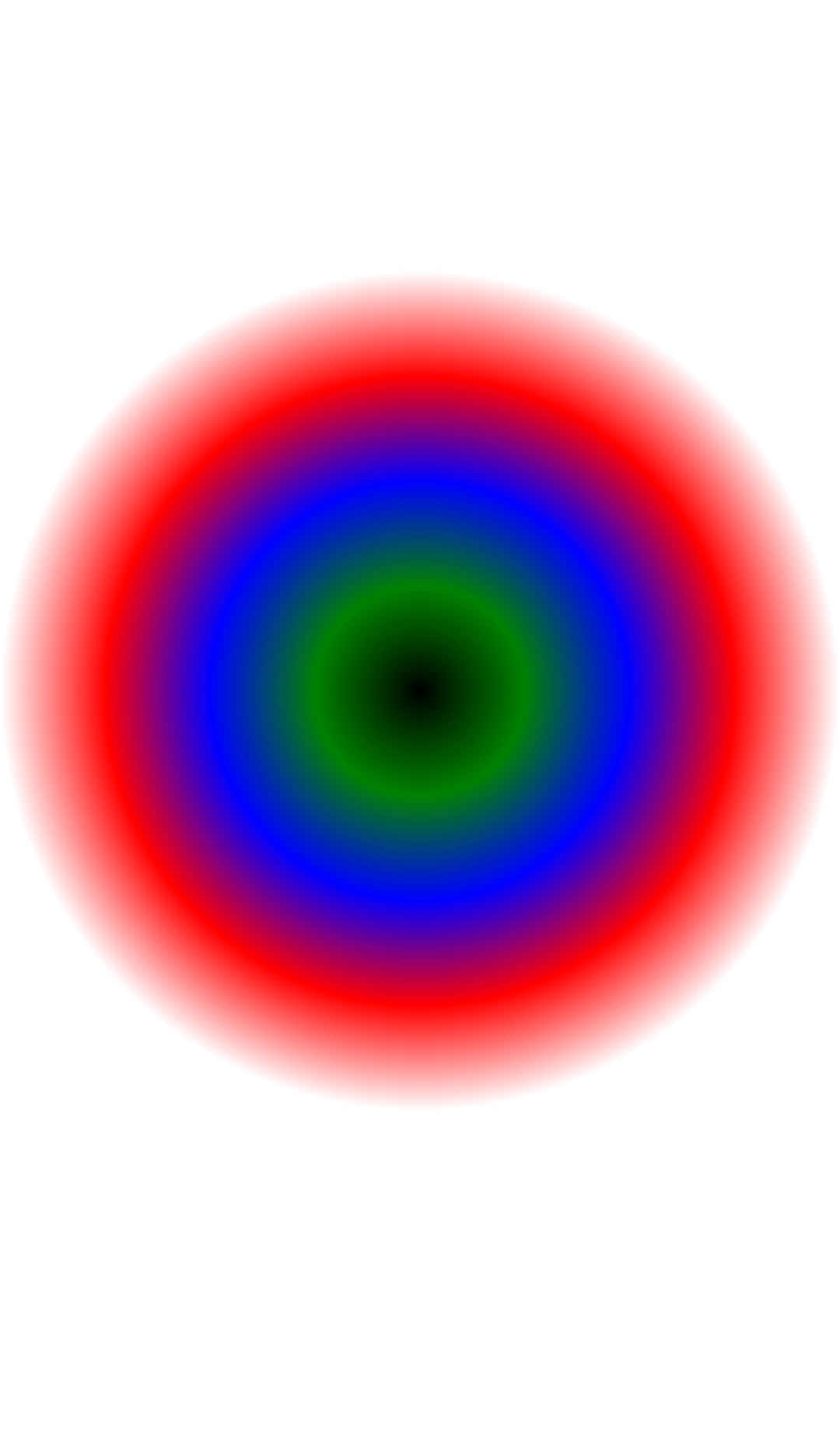
## Some output gradient
1.
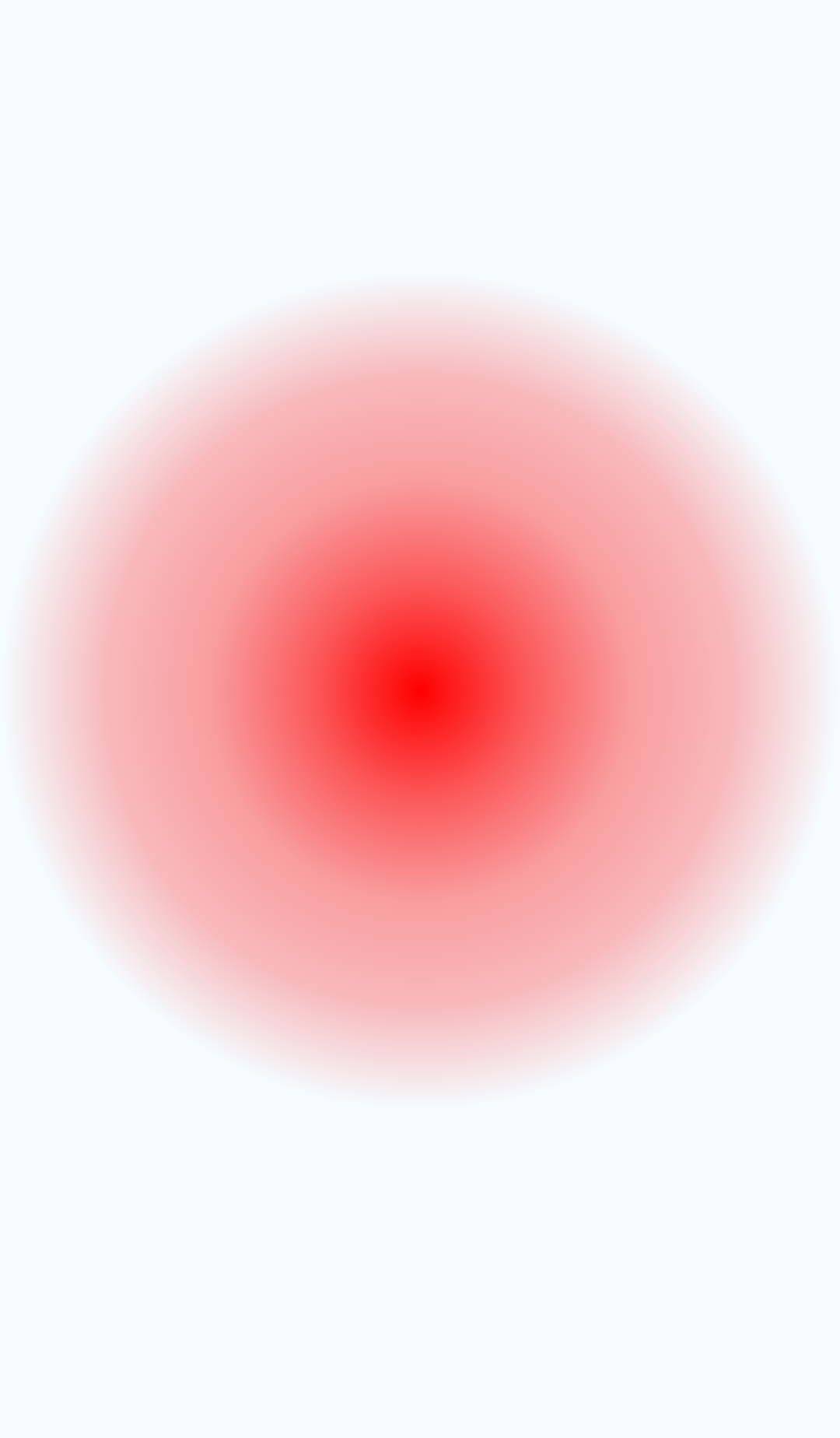
2.
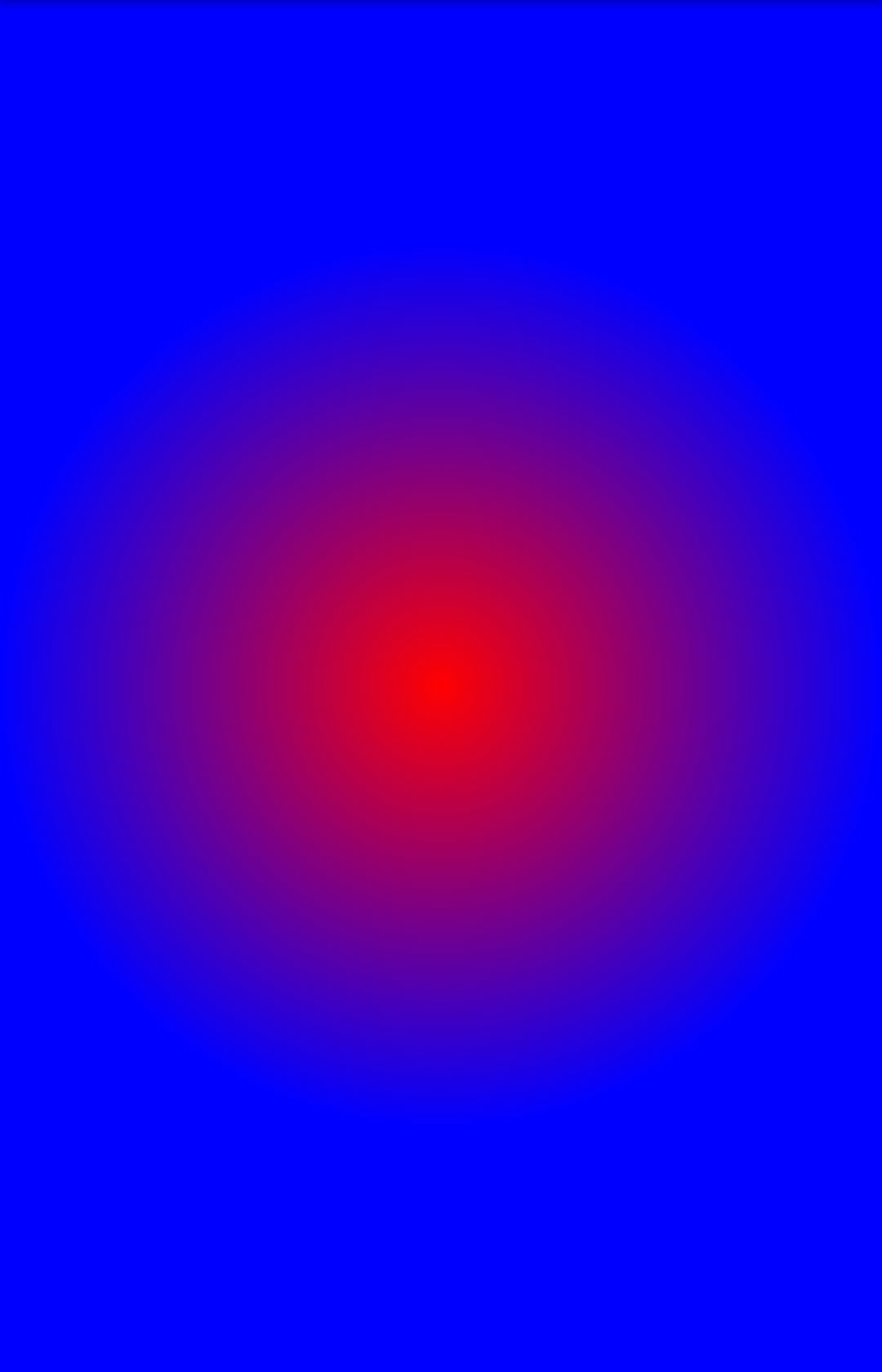
3.
## Props
#### colors
An array of at least one color value. Color can be represented using string(i.e 'red', 'blue', 'black' etc.) or in #RRGGBB format.
#### center
An optional array of float value. If provided, it must contain x and y coordinate of the center of the gradient.
If nothing is provided then the center of the gradient will be at the middle of the element.
#### radius
A float value of the radius of the radial gradient. By default it is min(width/2,height/2)
#### stops
An optional array of numbers defining the location of each gradient color stop.
The relative position of each corresponding color is in the colors array.
Valid values are between 0.0f and 1.0f.
Example: [0.1, 0.75, 1] means that first color will take 0% - 10%, second color will take 10% - 75% and finally third color will occupy 75% - 100%. By default all color will be distributed evenly.