# react-native-scroll-into-view
[](https://www.npmjs.com/package/react-native-scroll-into-view)
[](https://www.npmjs.com/package/react-native-scroll-into-view)
[](https://travis-ci.com/slorber/react-native-scroll-into-view)
[](https://twitter.com/sebastienlorber)
Scroll a ReactNative View ref into the visible portion of a `ScrollView`.
Similar to `DOMElement.scrollIntoView()` for web, with some extras.
```
yarn add react-native-scroll-into-view
// or
npm install react-native-scroll-into-view --save
```
There is **no native code**: this library is compatible with Expo managed workflow.
[](https://expo.io)
---
# Sponsor
**[ThisWeekInReact.com](https://thisweekinreact.com)**: the best newsletter to stay up-to-date with the React ecosystem:
[](https://thisweekinreact.com)
---
# Why ?
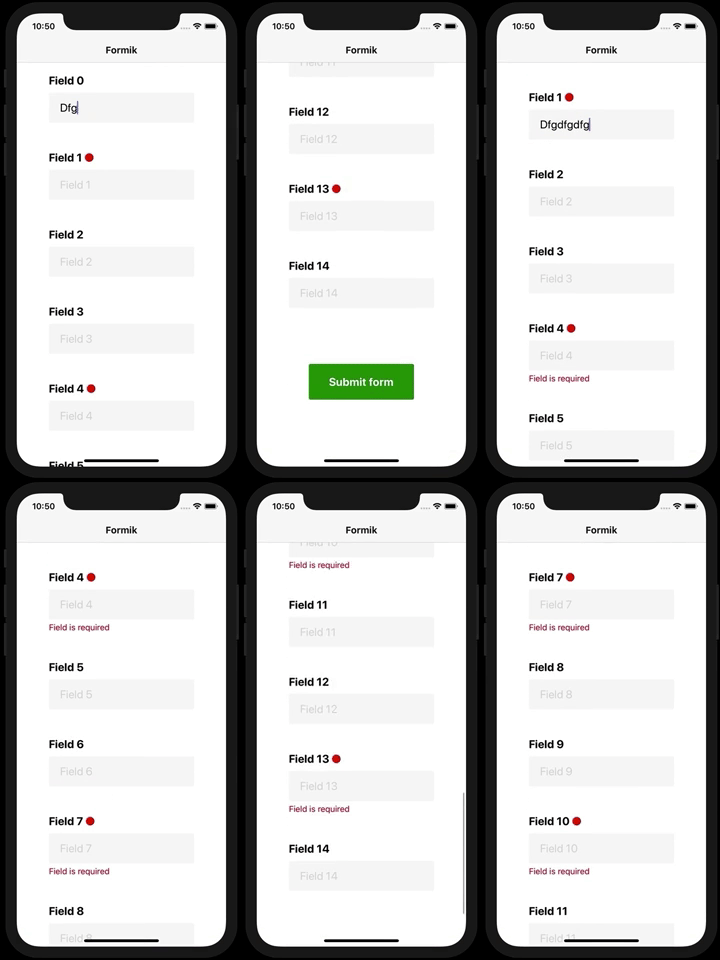
On long scrollable forms, can ensure errors become visible to the user on submit:
Building some kind of "sections index":
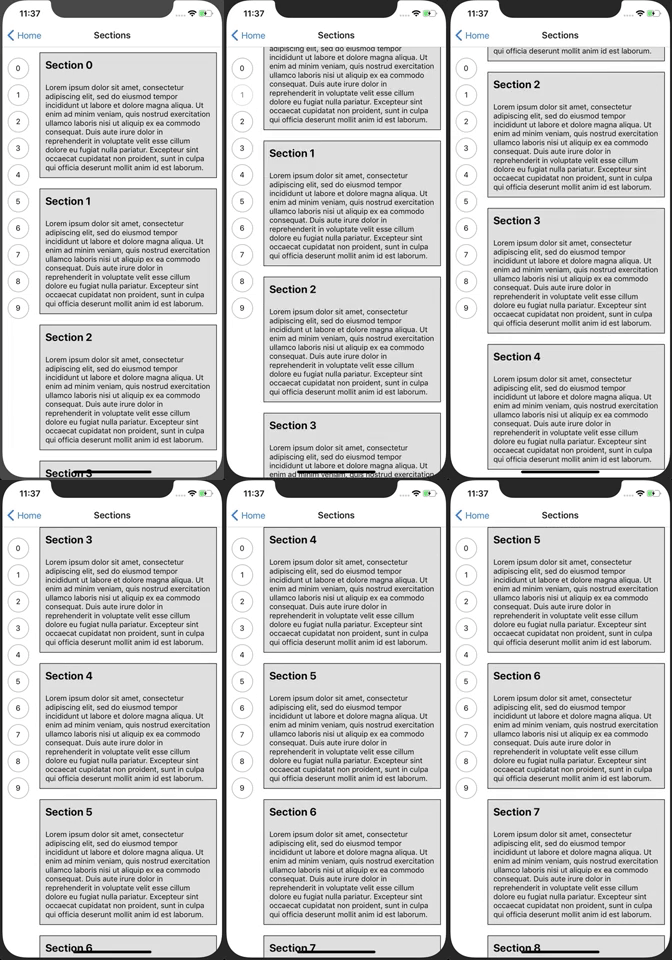
But really you are free to build whatever you want with it
# Features:
- Declarative component API
- Imperative hook API
- Configurable at many levels
- Different alignment modes
- Insets
- Typescript definitions
- Support for composition/refs/other ScrollView wrappers (`Animated.ScrollView`, `react-native-keyboard-aware-scroll-view`, `glamorous-native`...)
Note we don't plan to support anything else than ScrollView. Virtualized lists generally offer methods to scroll to a given index.
# Minimal hooks example
```js
import { View, Text, ScrollView } from 'react-native';
import {
wrapScrollView,
useScrollIntoView,
} from 'react-native-scroll-into-view';
const CustomScrollView = wrapScrollView(ScrollView);
function MyScreen() {
return (
);
}
function MyScreenContent() {
const scrollIntoView = useScrollIntoView();
const viewRef = useRef();
return (
<>
// in android if the scroll is not working then add renderToHardwareTextureAndroid this to view
Some long ScrollView contentWill be scrolled into view on button press
);
}
```
# API
```js
import {
ScrollIntoView, // enhanced View container
wrapScrollView, // simple wrapper, no config
wrapScrollViewConfigured, // complex wrapper, takes a config
useScrollIntoView, // access hook for imperative usage
} from 'react-native-scroll-into-view';
// Available options with their default value
const options = {
// auto: ensure element appears fully inside the view (if not already inside). It may align to top or bottom.
// top: align element to top
// bottom: align element to bottom
// center: align element at the center of the view
align: 'auto',
// Animate the scrollIntoView() operation
animated: true,
// By default, scrollIntoView() calls are throttled a bit because it does not make much sense
// to scrollIntoView() 2 elements at the same time (and sometimes even impossible)
immediate: false,
// Permit to add top/bottom insets so that element scrolled into view
// is not touching directly the borders of the scrollview (like a padding)
insets: {
top: 0,
bottom: 0,
},
// Advanced: use these options as escape hatches if the lib default functions do not satisfy your needs
computeScrollY: (scrollViewLayout, viewLayout, scrollY, insets, align) => {},
measureElement: viewRef => {},
};
// Wrap the original ScrollView
const CustomScrollView = wrapScrollView(ScrollView);
// Use the wrapped CustomScrollView as a replacement of ScrollView
function MyScreen() {
return (
);
}
// Implement ScreenContent (inner of the ScrollView) with the useScrollIntoView and refs
function ScreenContent() {
const scrollIntoView = useScrollIntoView();
const viewRef = useRef();
return (
<>
Some long ScrollView contentWill be scrolled into view on button press
);
}
// Or implement ScreenContent (inner of the ScrollView) with class + declarative ScrollIntoView component
class ScreenContent extends React.Component {
render() {
return (
<>
This will scroll into view on mountThis will scroll into view on mount and will be centeredThis will scroll into view on mount without any animation
This will not throttle scrollIntoView calls, as by default it does
not make much sense to scroll into view multiple elements at the
same time...
This will scroll into view whenever enabled becomes true
This will scroll into view whenever scrollIntoViewKey changes
This will scroll into on update (if it becomes enabled, or key
changes)
This will scroll into view on mount with custom option props
(this.scrollIntoViewRef = ref)}
>
This will scroll into view when the button is pressed
);
}
}
```
You can also configure the HOC:
```js
const CustomScrollView = wrapScrollViewConfigured({
// SIMPLE CONFIG:
// ScrollIntoView default/fallback options
options: scrollIntoViewOptions,
// ADVANCED CONFIG:
// Use this if you use a ScrollView wrapper that does not use React.forwardRef()
refPropName: 'ref',
// unwraps the ref that the wrapped ScrollView gives you (this lib need the bare metal ScrollView ref)
getScrollViewNode: ref => ref,
// fallback value for throttling, can be overriden by user with props
scrollEventThrottle: 16,
})(ScrollView);
```
All these hoc configurations can also be provided to the `CustomScrollView` as props.
# Demos:
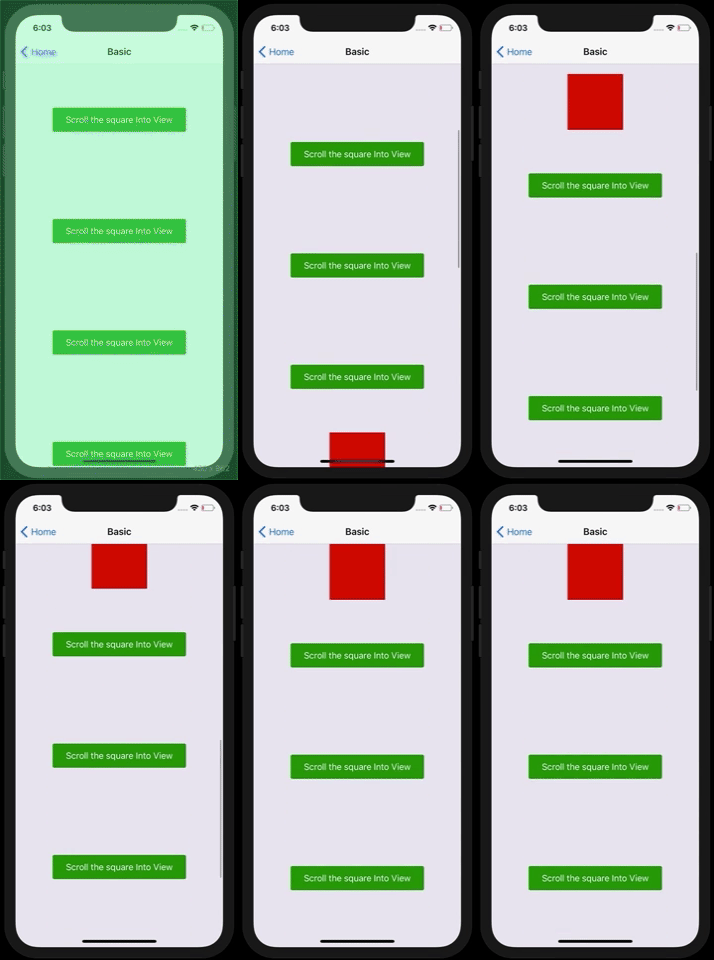
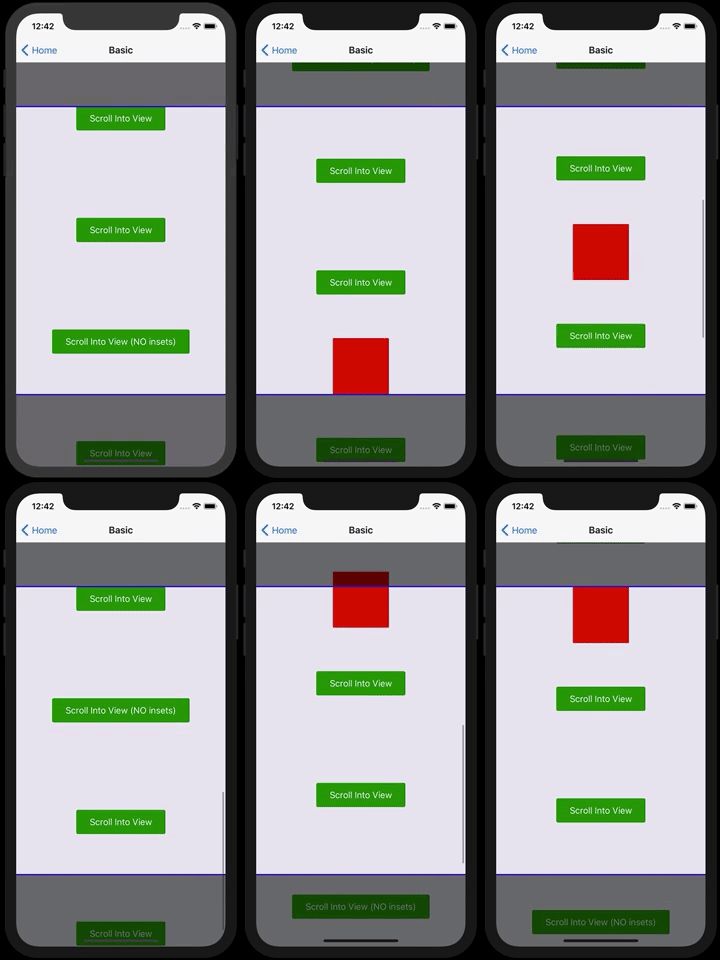
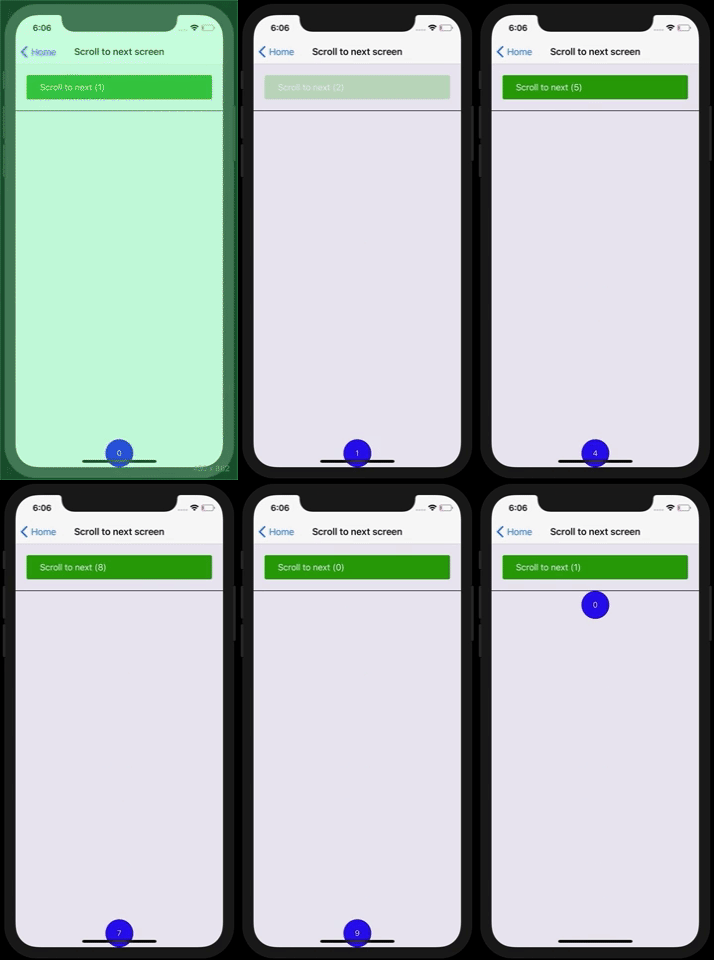
You can run the example folder as an Expo app with `yarn start`
It is also [published on Expo](https://expo.io/@slorber/react-native-scroll-into-view)


# Recipes
## Using in forms:
The integration with form libraries like [Formik](https://github.com/jaredpalmer/formik) and Redux-form is very simple (see [Formik example](https://github.com/slorber/react-native-scroll-into-view/blob/master/example/screens/FormikScreen.tsx))

- By default, the first error field of the form will reveal itself
- `enabled={!!error}` means we'll only scroll into view fields that have an error
- `scrollIntoViewKey={submitCount}` means we'll scroll into view fields which still have errors on every Formik submit attempt (`submitCount` is provided by Formik)
## Using with `react-native-keyboard-aware-scroll-view`
`KeyboardAwareScrollView` does not forward refs by default so we need to obtain ref by using the `innerRef` prop:
```
const ScrollIntoViewScrollView = wrapScrollViewConfigured({
refPropName: 'innerRef',
})(KeyboardAwareScrollView);
```
# TODOs:
- Tests
- Universal/Web support
- Support horizontal ScrollView?
# Contribute
If your changes are impactful, please open an issue first.
# License
MIT
Some code is inspired from contribution of @sebasgarcep of an initial scrollIntoView support for [react-native-keyboard-aware-scroll-view](https://github.com/APSL/react-native-keyboard-aware-scroll-view)
# Hire a freelance expert
Looking for a React/ReactNative freelance expert with more than 5 years production experience?
Contact me from my [website](https://sebastienlorber.com/) or with [Twitter](https://twitter.com/sebastienlorber).