# react-tab-view
[](https://badge.fury.io/js/react-tab-view)
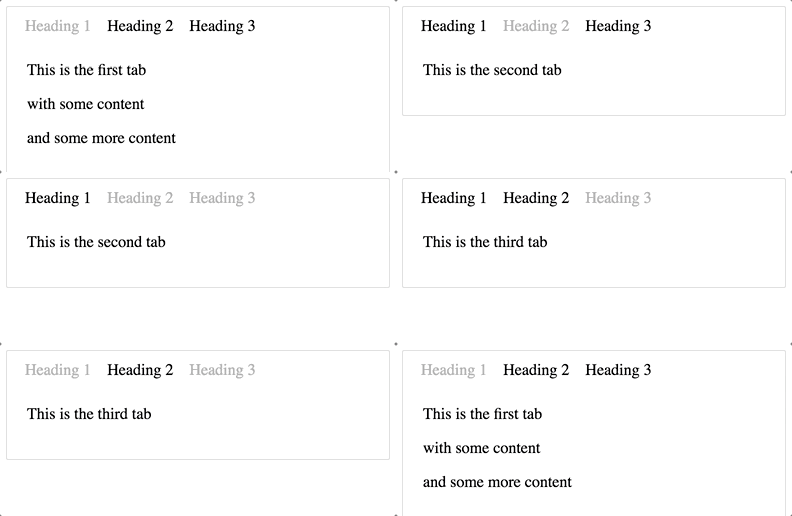
react-tab-view is a simple tabs component using react.js.
## Install
`yarn add react-tab-view`
## Usage
```jsx
import { Tabs, Tab } from 'react-tab-view'
import ReactDOM from 'react-dom'
import React, { Component } from 'react'
class TestComponent extends Component {
handleChange(e) {
this.setState({ value: e })
console.log(e)
}
render() {
const headers = ['Heading 1', 'Heading 2', 'Heading 3']
return (
This is the first tab
with some content
This is the second tab
This is the third tab
)
}
}
ReactDOM.render(, document.getElementById('root'))
```
## Styles
Uses styled-components 💅 for the base styling.
## Development
yarn
yarn dev
## Test
yarn test
## Build
yarn
yarn build
## Publish
npm login
npm version patch
git add -A
git push origin master
npm publish
## License
[MIT](http://isekivacenz.mit-license.org/)