 # Reactive: React Video Editor
Reactive is a react based video editor make with the mission to build the simplest yet powerful video editing software. So, buckle up & let's get started!
## Getting started:
1. Please make sure you have npm installed
2. Clone the repository, and run ```npm install```. This downloads all the dependencies required.
3. Now, it's the time to fire up our server 🚀. Run ```npm start``` to do so.
4. Congratulations! You are all set to experience the simplicity of the great in-browser video editing software!
## How reactive is Reactive?
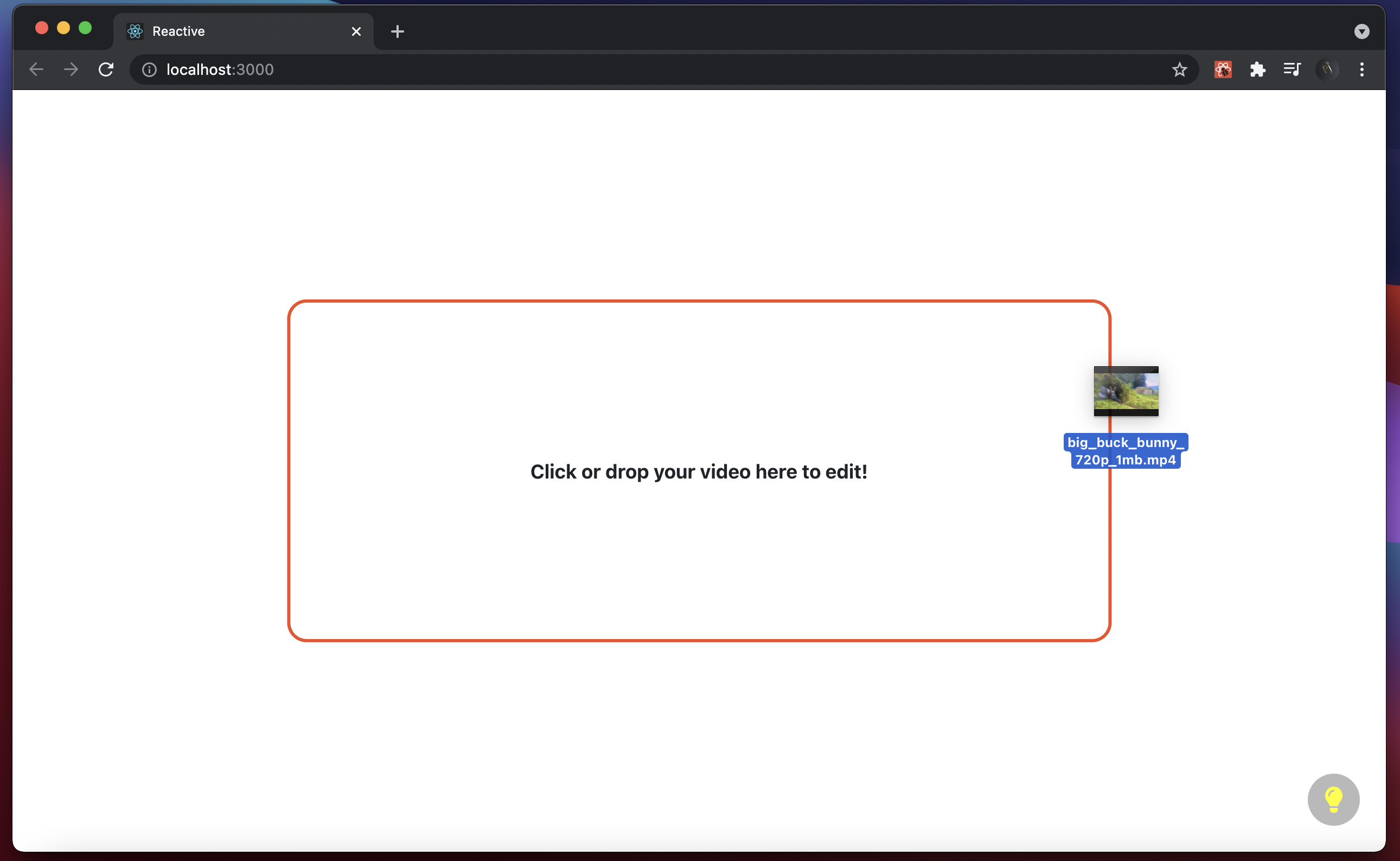
1. Drag and drop your videos to edit.
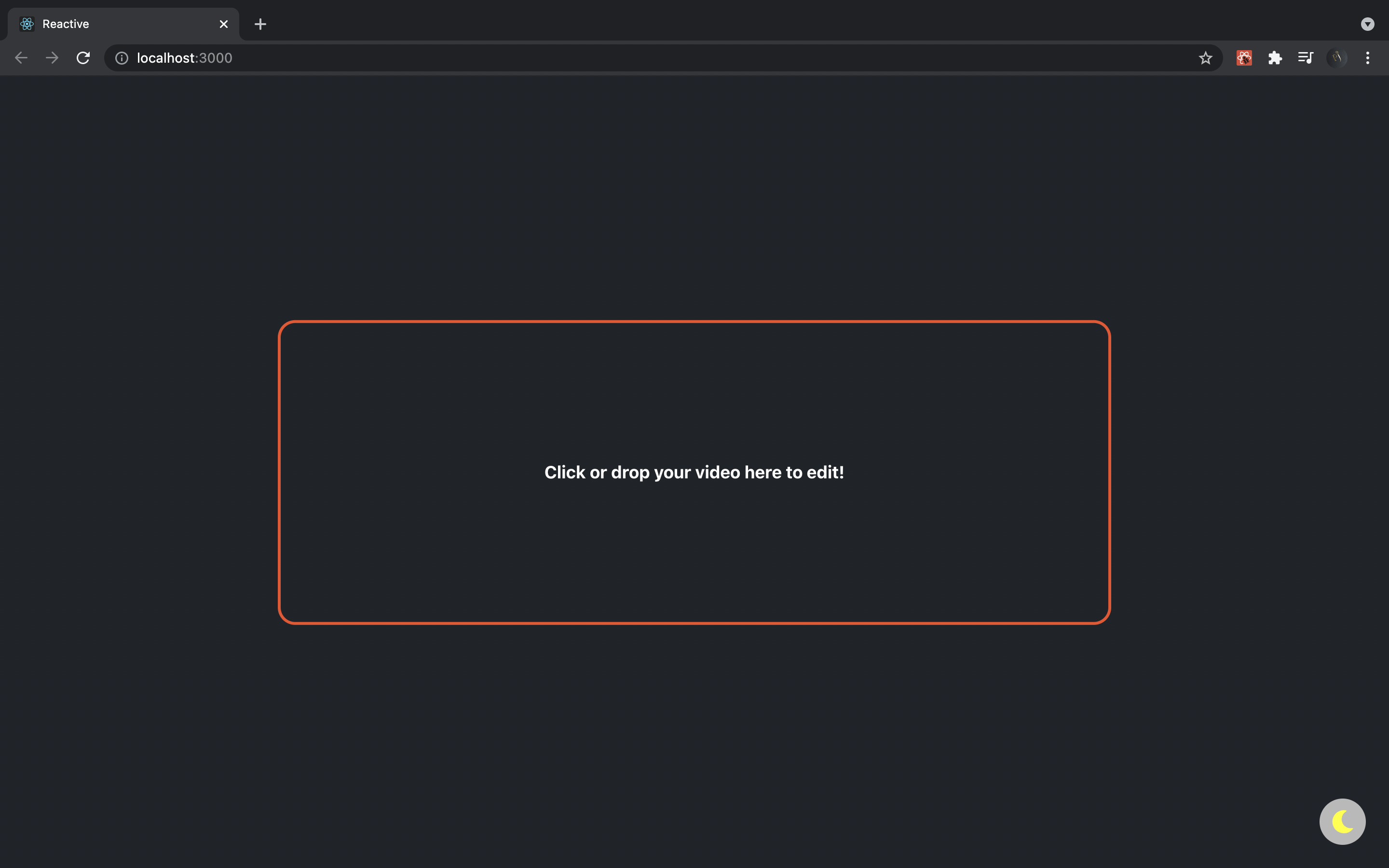
2. Edit based on your mood: Light & Dark themes makes reactive even more user friendly.
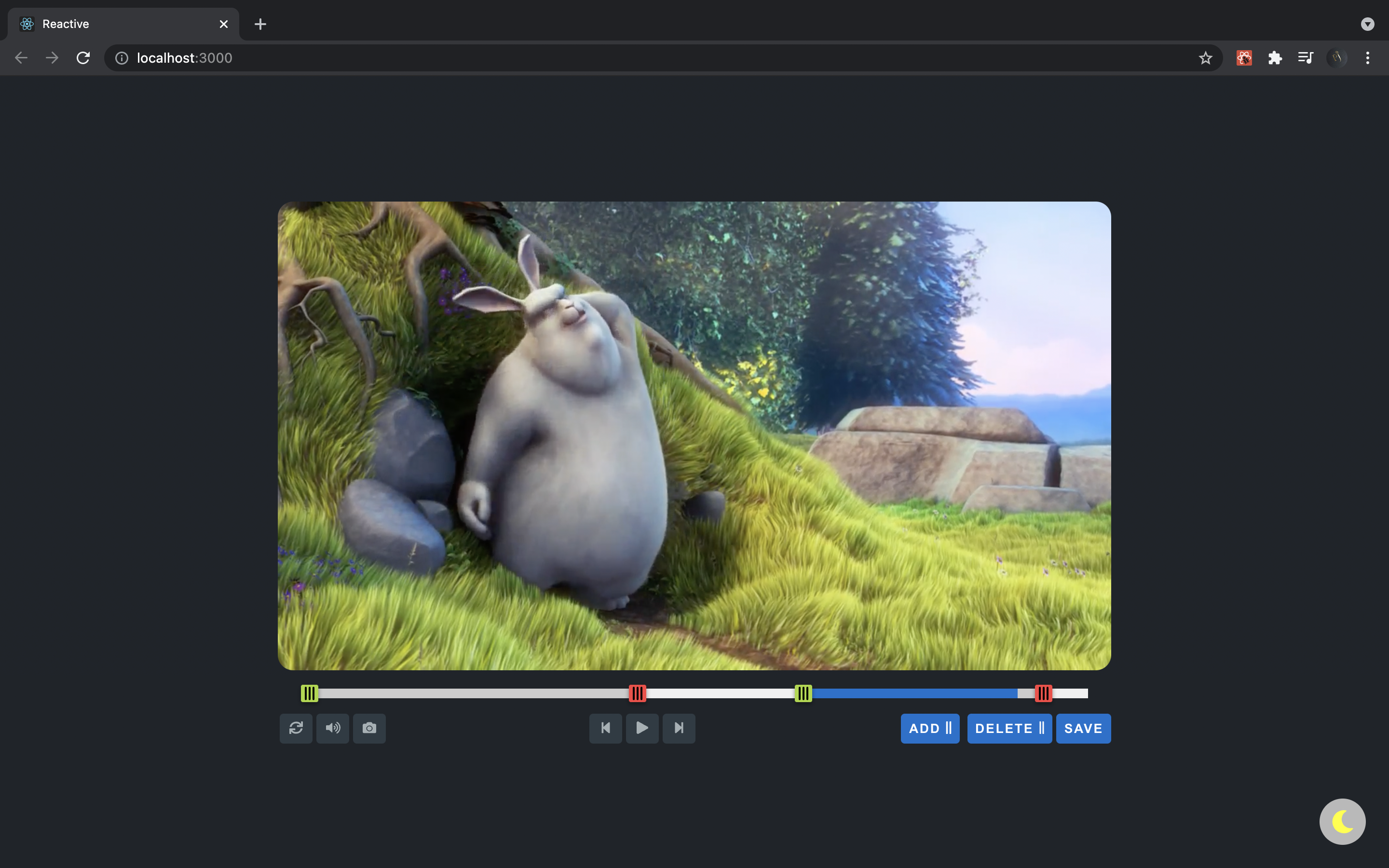
3. Edit seamlessly
# Reactive: React Video Editor
Reactive is a react based video editor make with the mission to build the simplest yet powerful video editing software. So, buckle up & let's get started!
## Getting started:
1. Please make sure you have npm installed
2. Clone the repository, and run ```npm install```. This downloads all the dependencies required.
3. Now, it's the time to fire up our server 🚀. Run ```npm start``` to do so.
4. Congratulations! You are all set to experience the simplicity of the great in-browser video editing software!
## How reactive is Reactive?
1. Drag and drop your videos to edit.
2. Edit based on your mood: Light & Dark themes makes reactive even more user friendly.
3. Edit seamlessly