# react_size_chart
Smart size chart by Vestofy for apparel, include size chart and size recommender.
Please note: Size charts currently can be created only on **'Size Chart Maker | Vestofy'** iOS/Mac app.
## Features
- Customizable 'Size guide' button
- Popup dialog size guide
- Size chart unit coversion (Metric, Imperial)
- Size recommender with automatic body size prediction by age, height and weight.
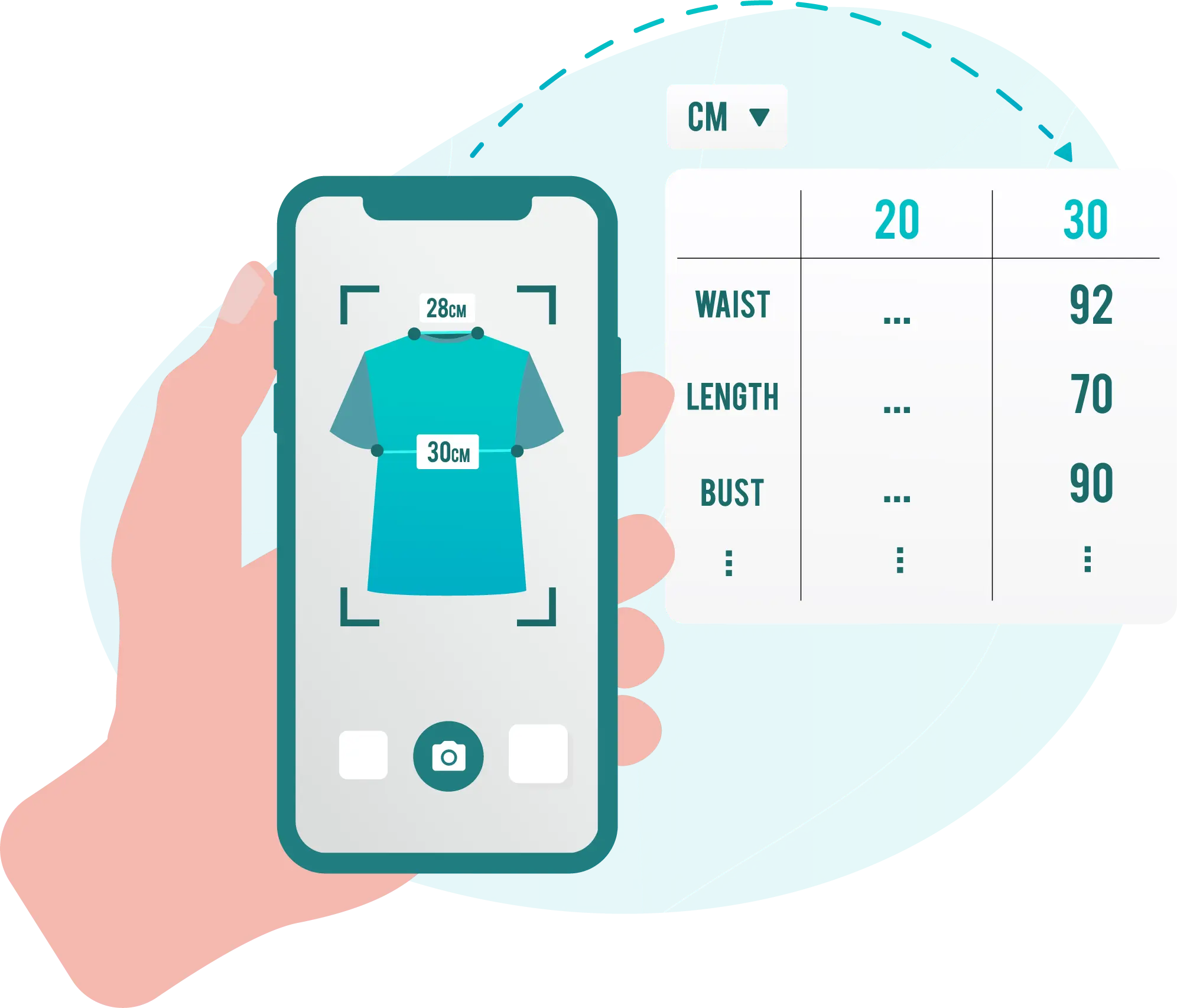
- Exact size match according to shoppers own garment dimension (Measured by Vestofy mobile app).
## Installation
```bash
npm install react_size_chart
```
## Getting started
1. For standalone website dowload [Size Chart Maker | Vestofy](https://apps.apple.com/us/app/size-chart-maker-vestofy/id1534281434) app from iOS/Mac AppStore [here].
2. Currently size charts creation a availible via iOS/Mac and [Shopify](https://apps.shopify.com/size-chart-creator) only.
3. Follow the instruction on the app to retrieve relevent id's.
4. Click the **''** button for Size chart/Product/Collection to retrieve required prop's.
5. Example code:
```
import {Vestofy} from 'react_size_chart'; // Size guide button
import {VestofySizeChartPopup} from 'react_size_chart'; // Size guide popup
/*Single size chart*/
/*Specific product size charts*/
/*Size chart for product vendor*/
```
## API Reference
| prop | Type | Description | Default value |
| :-------- | :------- | :-------- | :------------------------- |
| `shop (Required)` | `string` | Store identifier | Parameter from app |
| `size_chart_id` | `string` | Display specific size chart identifier | |
| `product_type` | `string` | Product type | |
| `vendor` | `string` | Product vendor | |
| `tags` | `string` | Product tags | |
| `locale` | `string` | Size guide popup language | en (default), ar, es, he, pt, ru, zh |
| `options` | `options` | Aditional options | see below
## Options
| prop | Type | Description | Default value |
| :-------- | :------- | :------------ | :------------------------- |
| `Popup` | `boolean` | Show size guide in popup | false |
| `DialogTitle` | `string` | Title on size guide popup |'Size Guide' |
| `ButtonText` | `string` | Show size guide button text title |'Fitting Room'|
| `ButtonTextSize` | `number`| Show size guide button text size | 15 |
| `ButtonTextColor` | `string`| Show size guide button text color | '#000000' |
| `ButtonBackgroundColor` | `string` | Show size guide button background color. | '#FF000000' |
| `ButtonImgSrc` | `string` | Icon on show size guide button |meter_icon |
| `btnAlign` | `enum` | How to align show size guide button |eAlignLeft |
| `border` | `object` | Add border to show size guide button | No border |
| `advice` | `boolean` | Show size advice near on parent page |true |
| `adviceText` | `string` | Title near size advice |'Find your best size' |
| `adviceBackgroundColor` | `string` | background color on dvice |'#FAB823' |
| `dev` | `boolean` | force reload when developing (Slow! Not recomended in production web site) |false |
## Keywords
clothing apparel size chart guide recommender fitting vestofy maker
## License
[MIT](https://choosealicense.com/licenses/mit/)
## Feedback
For support or feedback, please reach out to us at contact@vestofy.com
## Supported by
[Vestofy](https://vestofy.com)