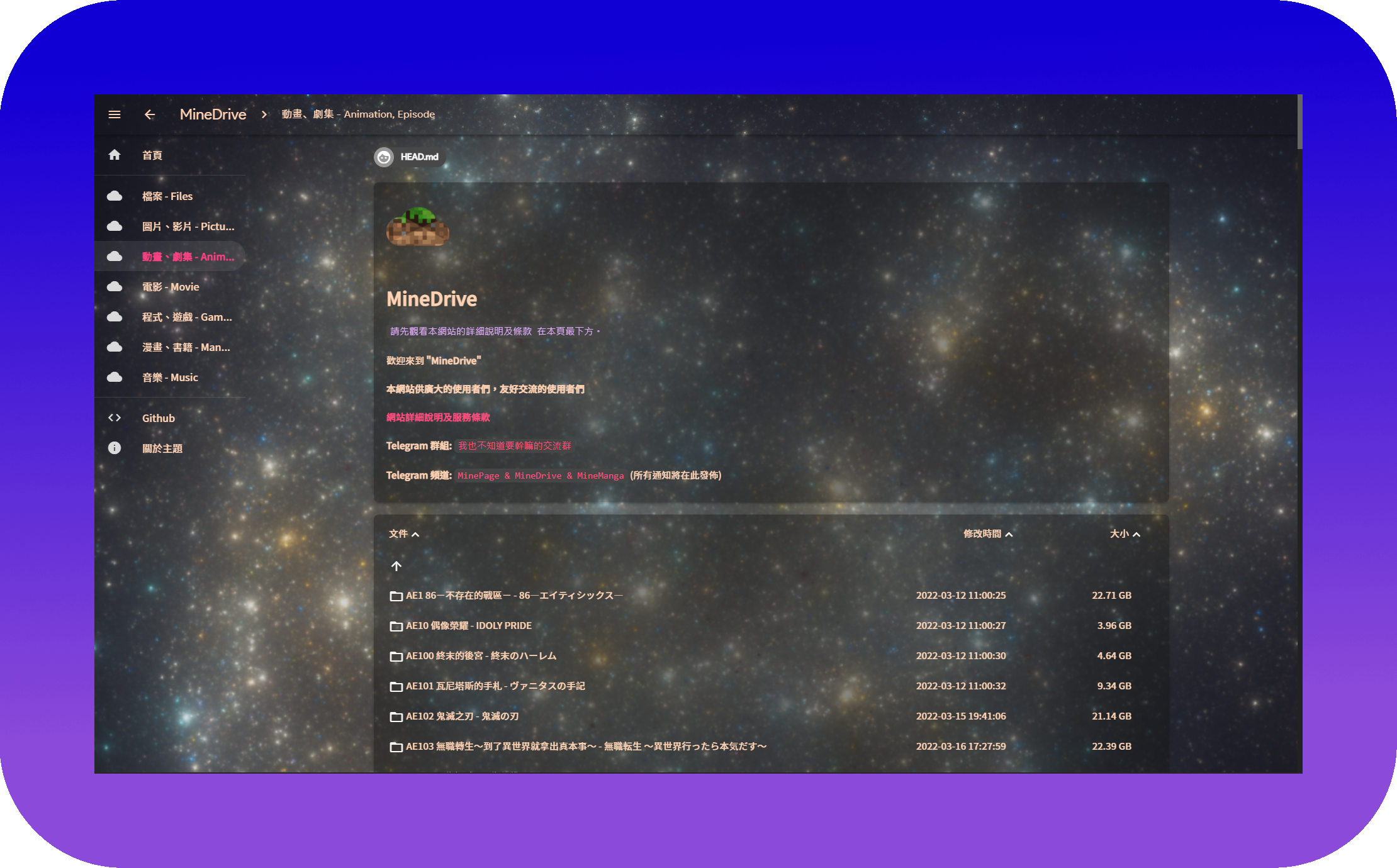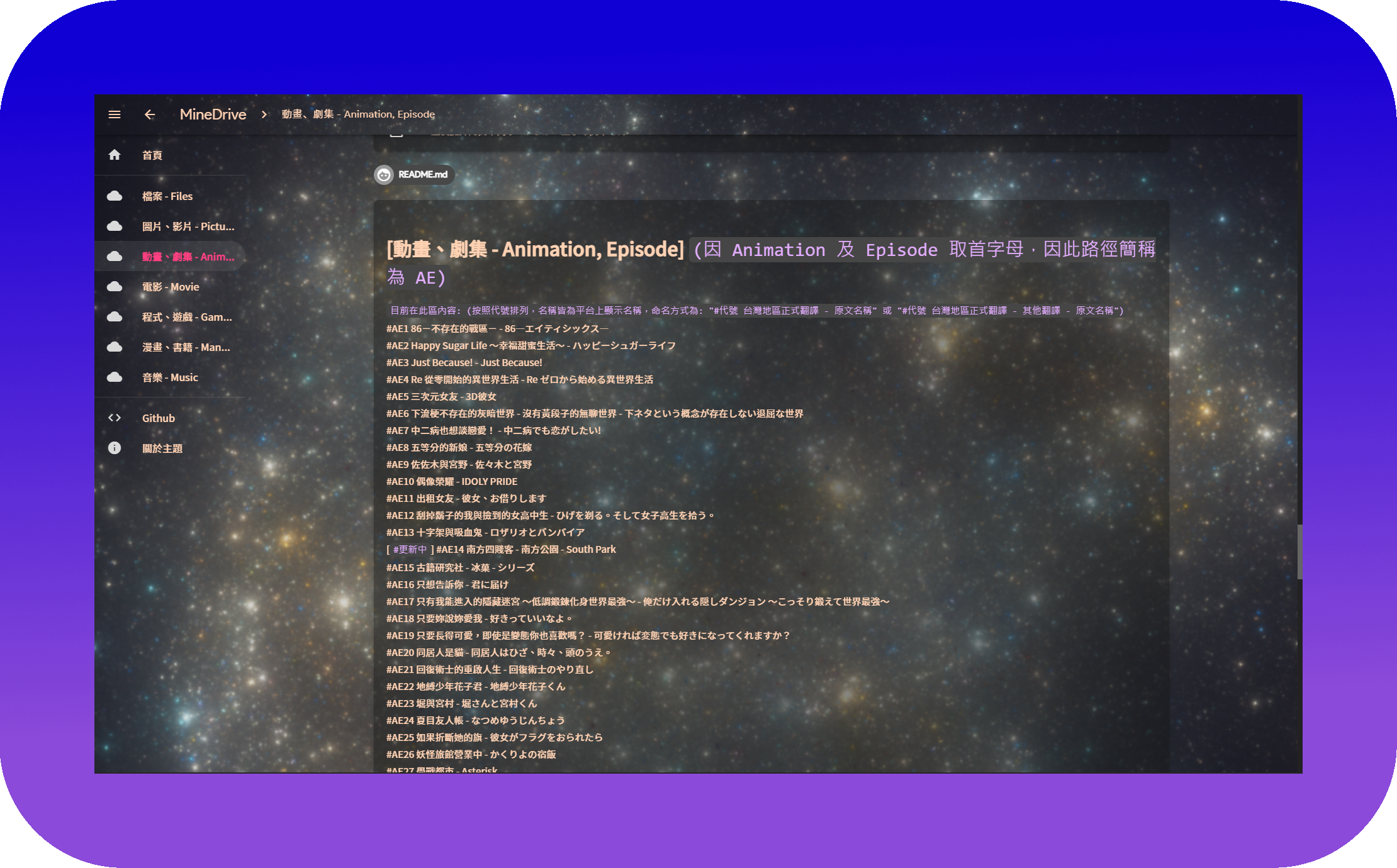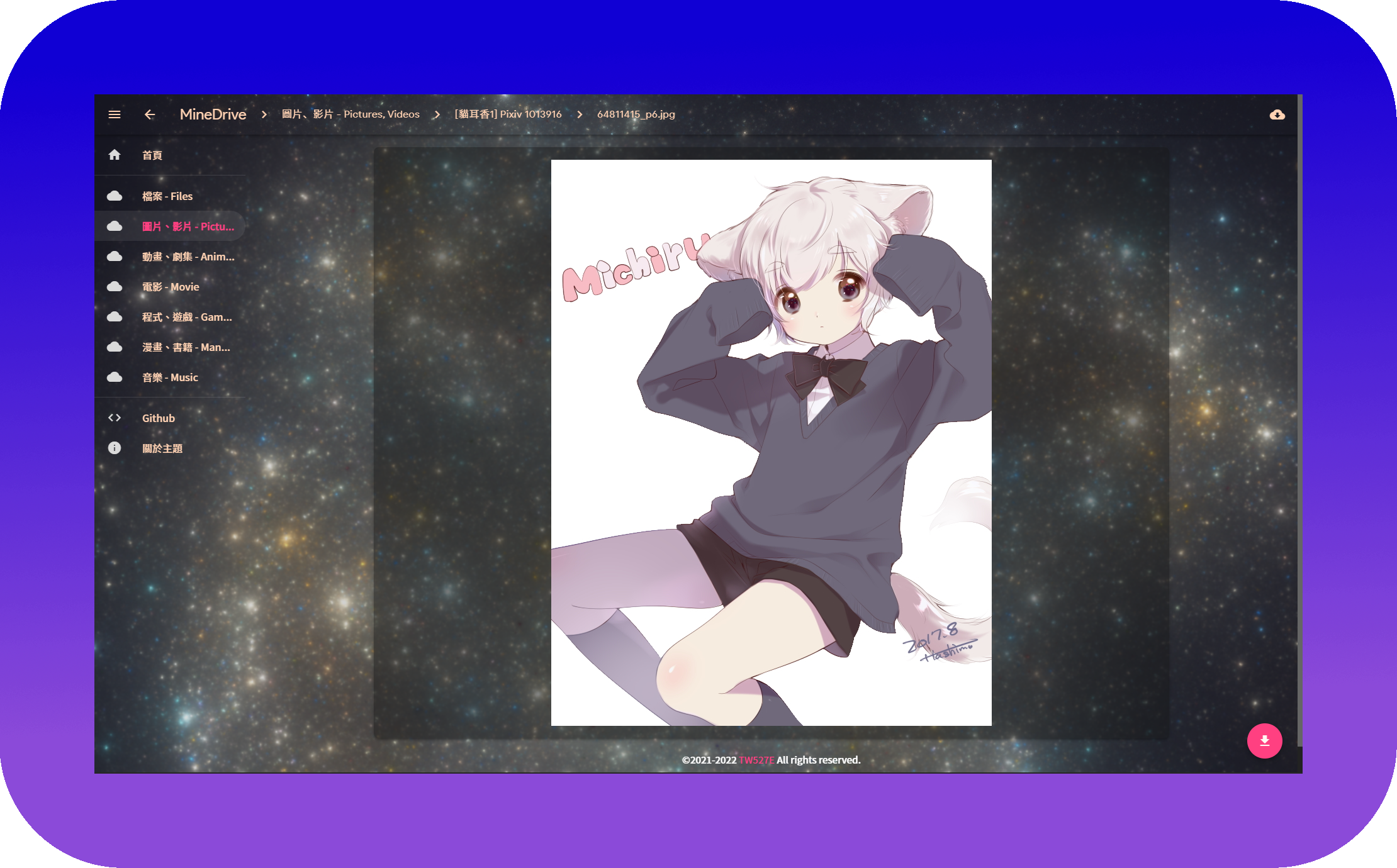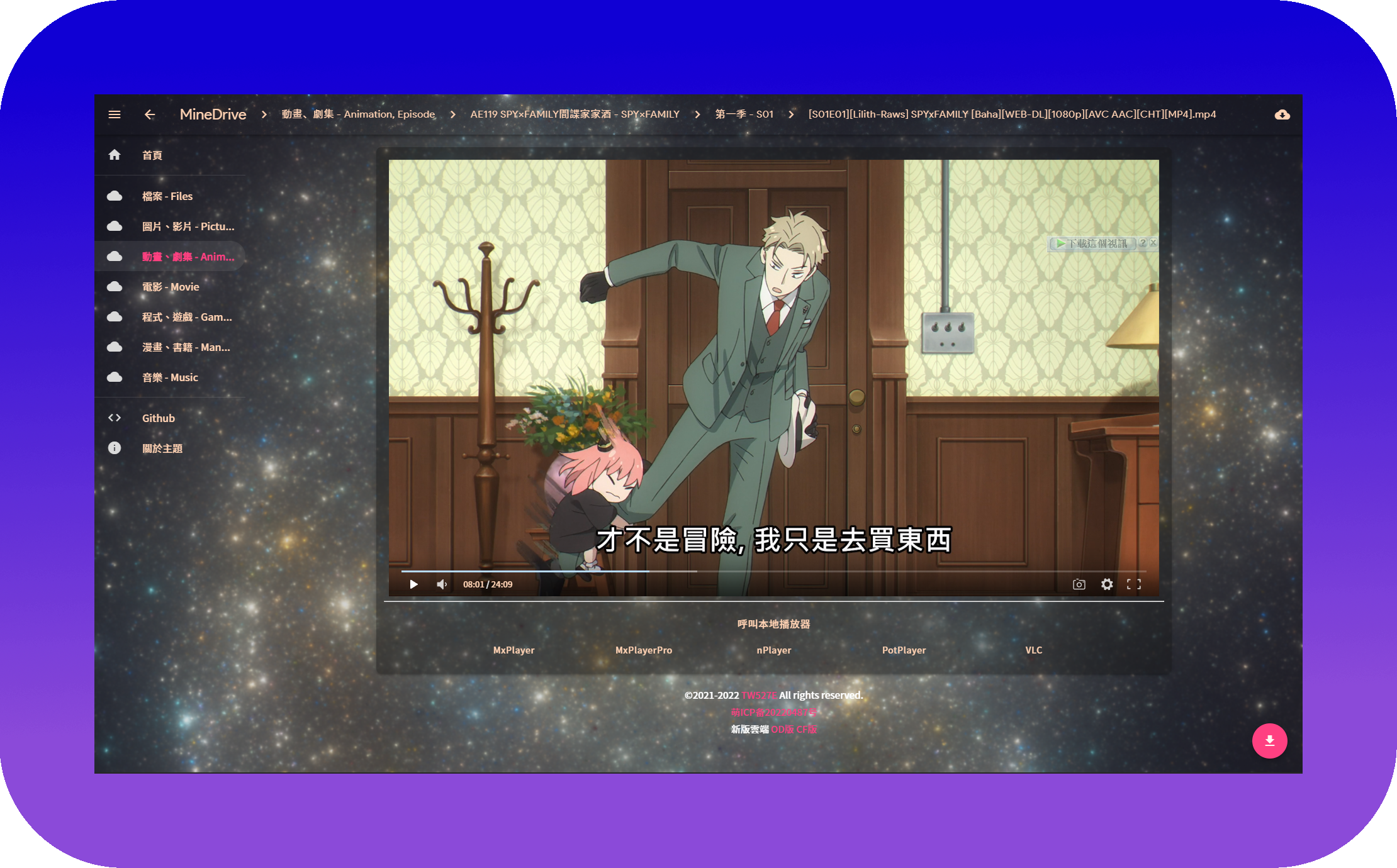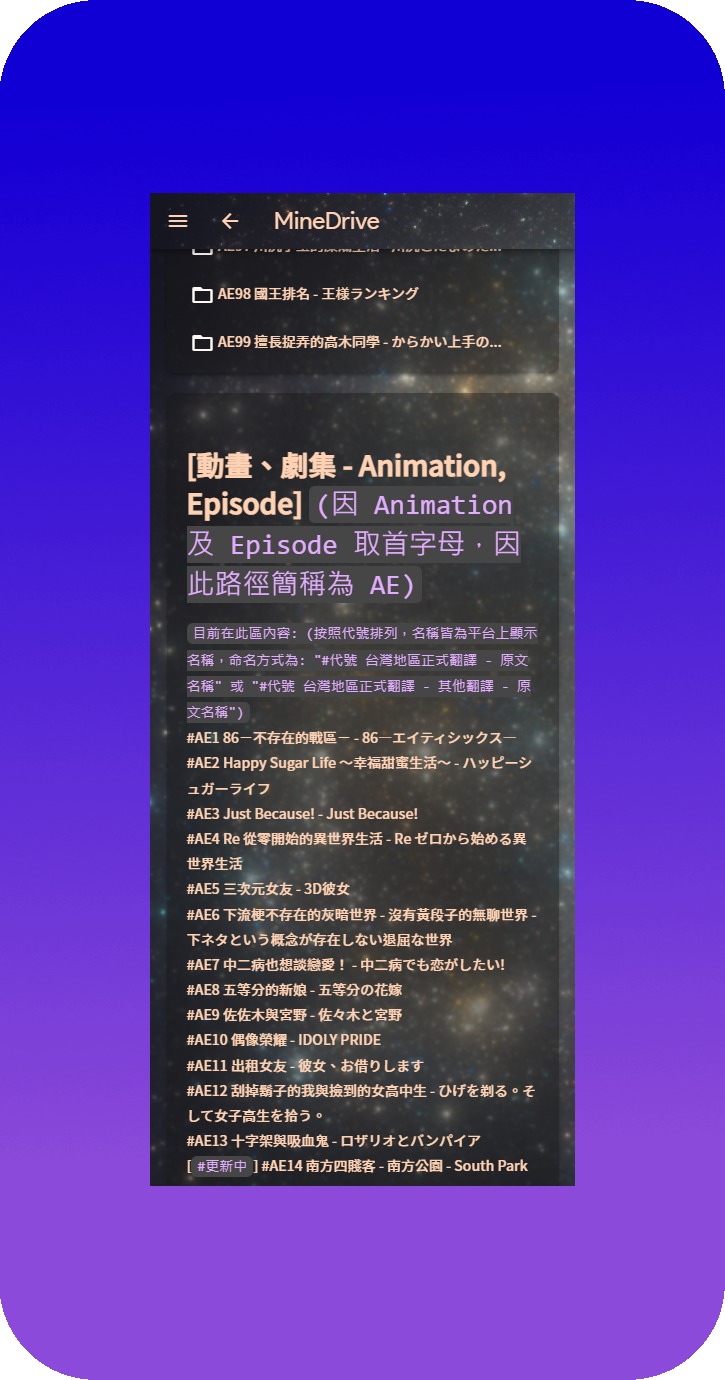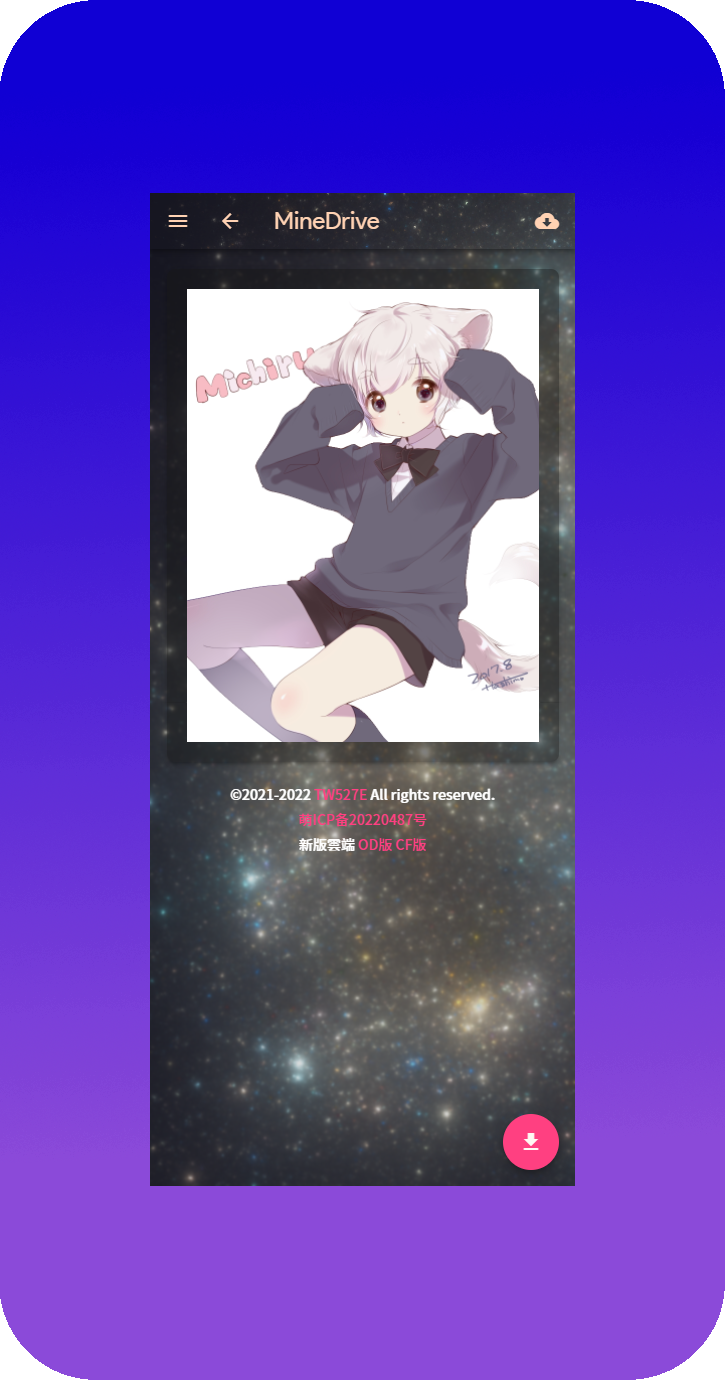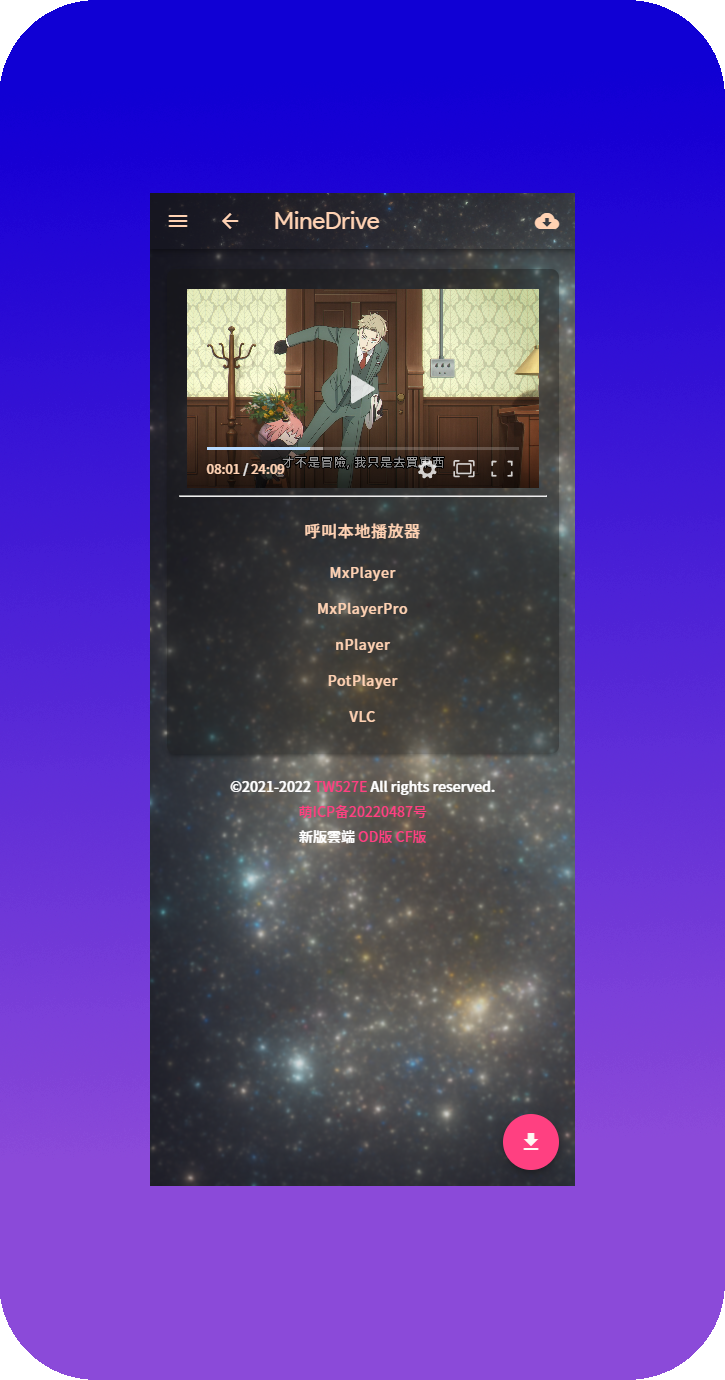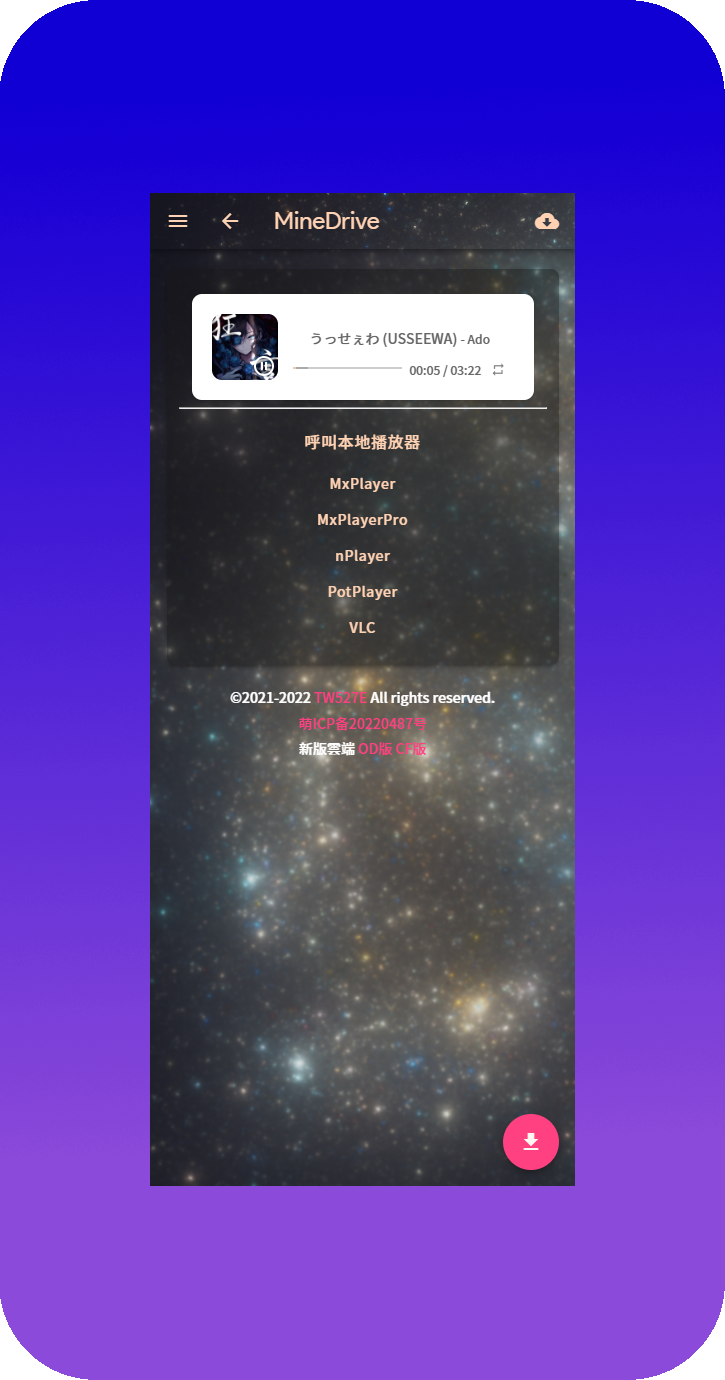






<br />
<p align="center">
  <a href="https://replit-d.tw527e.eu.org" target="blank">
    <img src="Readme/Icon.png" alt="Logo" width="156" height="156">
  </a>
  <h2 align="center" style="font-weight: 600">renexmoe-tw527e-edition</h2>

  <p align="center">
    高颜值 OneManager 主题
    <br /><br />
    <a href="README.md"><img src="https://img.shields.io/badge/%E7%B9%81%E9%AB%94%E4%B8%AD%E6%96%87-README.md-blue?style=for-the-badge&logo=Radar" alt="繁體中文 README.MD"></a>&nbsp;&nbsp;<a href="https://replit-d.tw527e.eu.org"><img src="https://img.shields.io/badge/%E9%A0%90%E8%A6%BD-DEMO-blue?style=for-the-badge&logo=Cockpit" alt="预览 DEMO"></a>&nbsp;&nbsp;<a href="https://github.com/TW527E/renexmoe-tw527e-edition/releases/latest"><img src="https://img.shields.io/github/v/release/TW527E/renexmoe-tw527e-edition.svg?include_prereleases&logo=GitHub&style=for-the-badge" alt="GitHub Release"></a>&nbsp;&nbsp;<a href="https://www.npmjs.com/package/renexmoe-tw527e-edition"><img src="https://img.shields.io/npm/v/renexmoe-tw527e-edition?logo=npm&style=for-the-badge" alt="npm"></a>&nbsp;&nbsp;<a href="https://gitlab.com/TW527E/renexmoe-tw527e-edition/-/releases"><img src="https://img.shields.io/gitlab/v/release/TW527E/renexmoe-tw527e-edition.svg?include_prereleases&logo=GitLab&style=for-the-badge" alt="GitHub Release"></a>&nbsp;&nbsp;
    <a href="https://t.me/Cheng_Group"><img src="https://img.shields.io/badge/Telegram-Group-blue?style=for-the-badge&logo=Telegram" alt="Telegran Gruop"></a>
    <br />
    <br />
  </p>
</p>

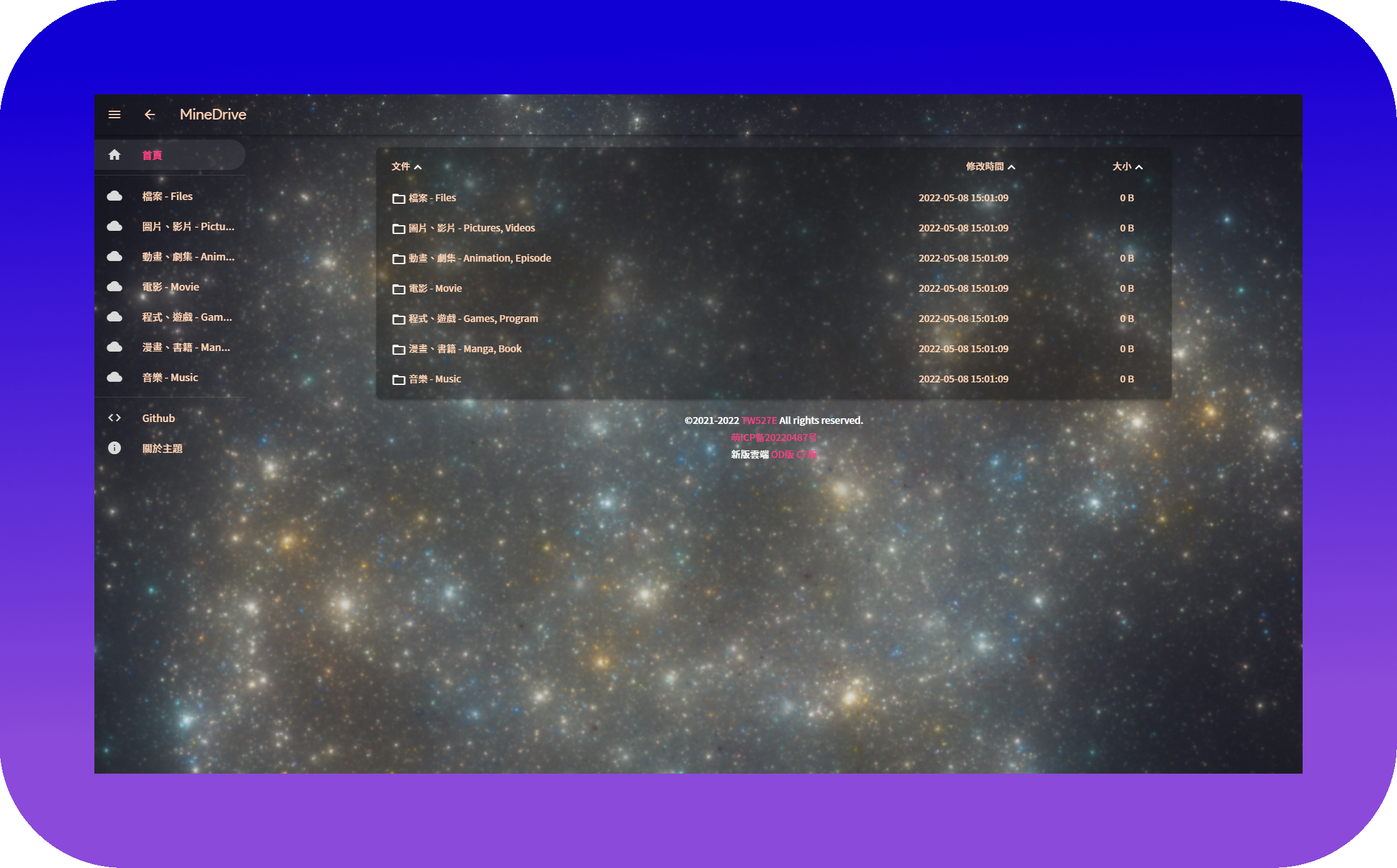
![PC-Home](Readme/PC-Home.png)

## ✨ 特性

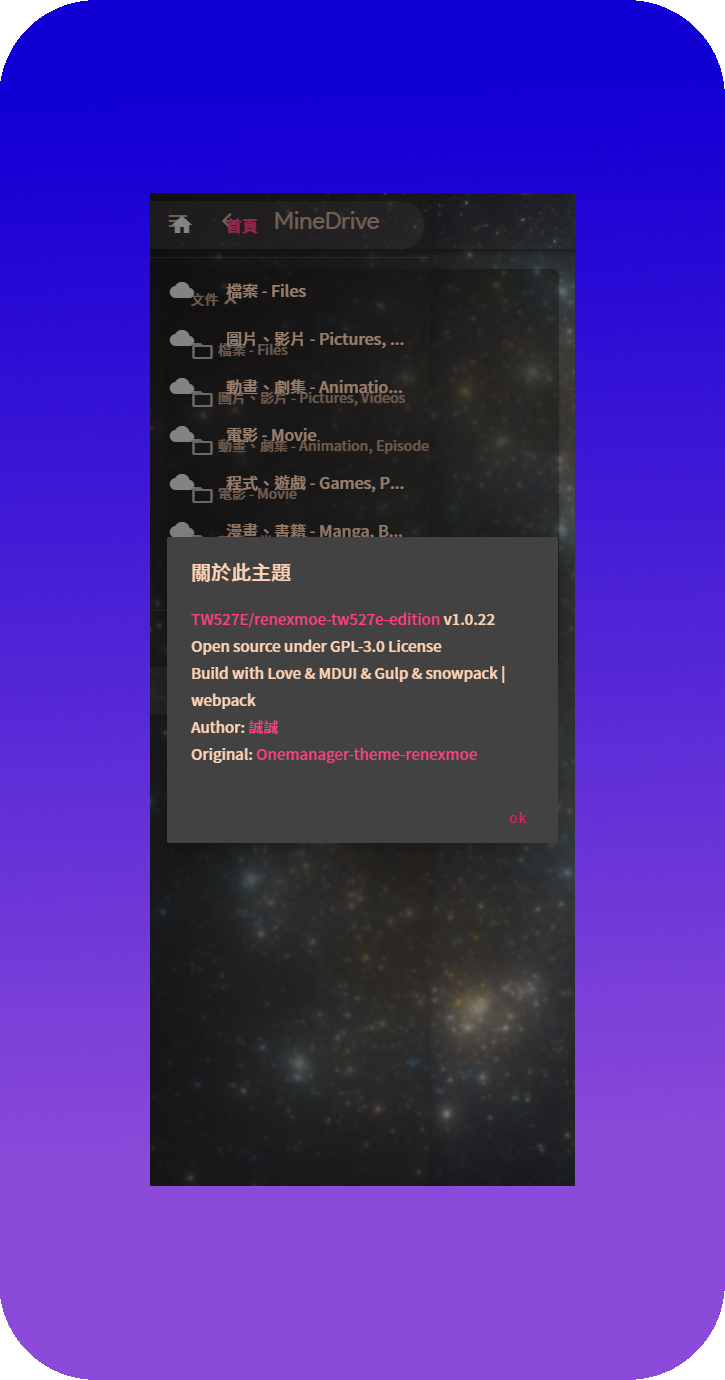
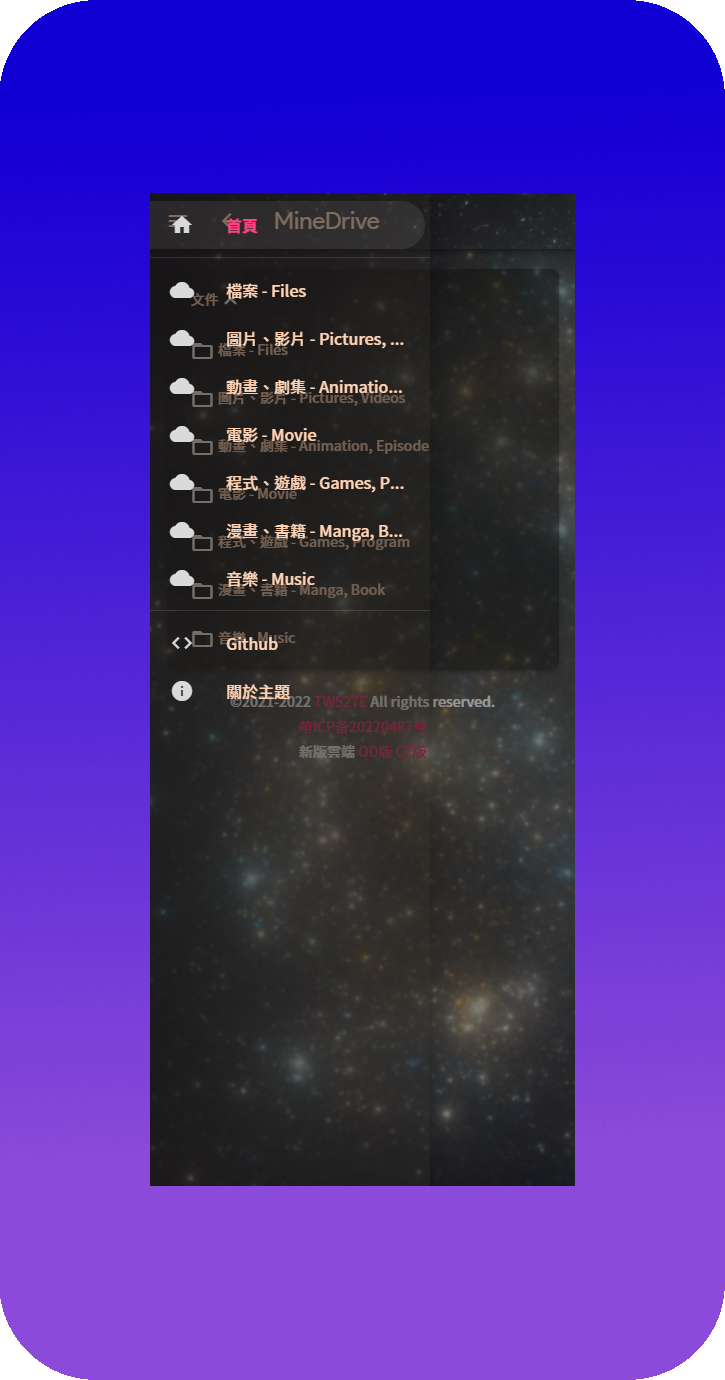
- 🪵 增加 **`侧边栏`**
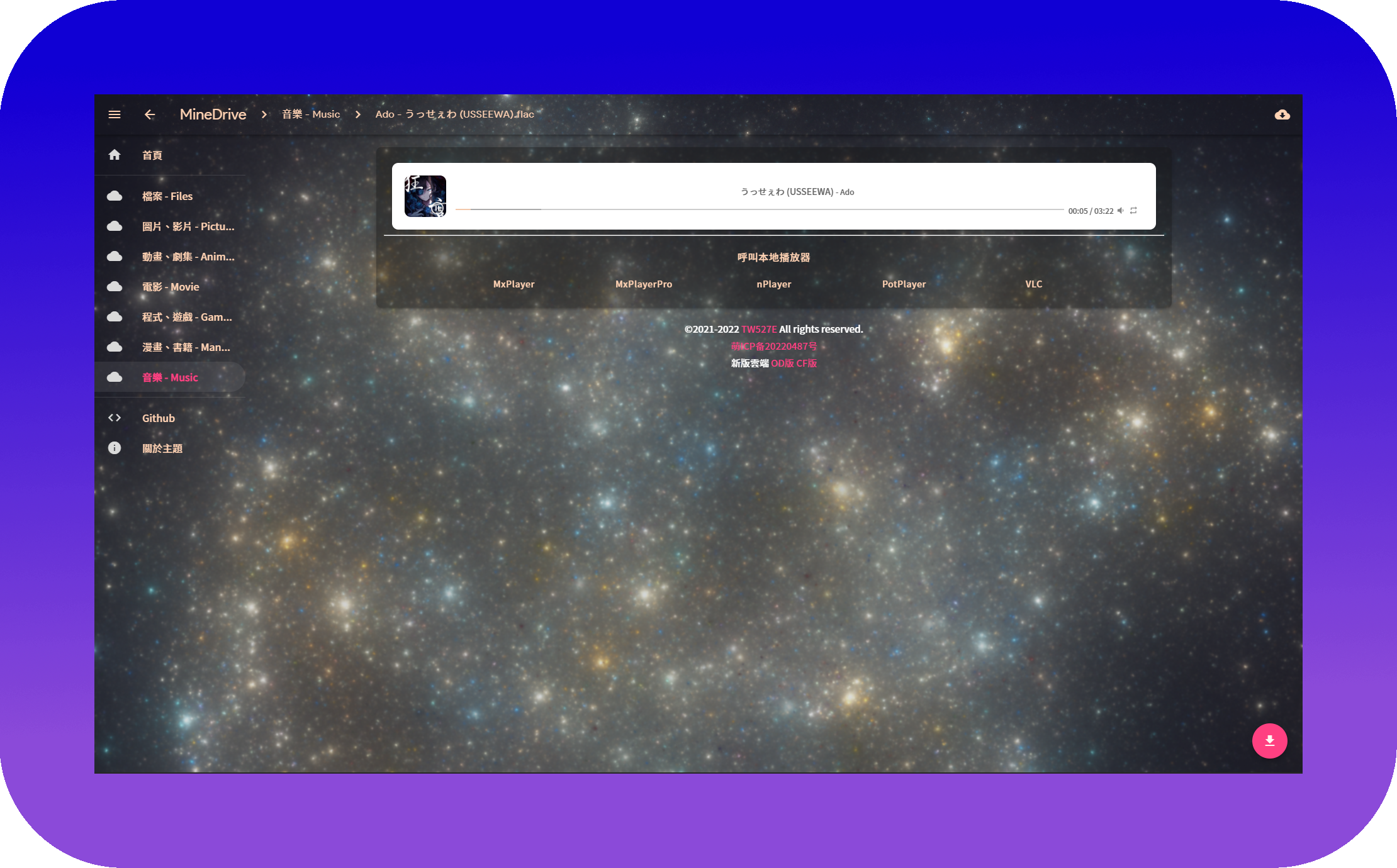
- 📟 增加 **`呼叫本地播放器`**
- ⏏️ 新增 **`页脚`**
- 📍 **`backgroundm`** 选项调用至 **`网页 Icon`**
- 🔲 增加 **`背景毛玻璃`**
- 🎨 **`主題颜色`** 调整为 **`奶茶色`**
- 📦 **`CDN`** 提供 [**`多種`**](releases) 使用
- 📺 **`影片播放器`** 更改为 [**`DPlayer`**](https://dplayer.js.org)
- 🎵 **`音频播放器`** 更改为 [**`APlayer`**](https://aplayer.js.org)
- 🕓 增加 **`自动恢复上次播放时间`**
- 📶 **`路径`** 显示于画面最上方


<Details>
<Summary>🛠️ 修改项目</Summary>
<Pre>

🔴 比较对象 [186526/onemanager-theme-renexmoe](https://github.com/186526/onemanager-theme-renexmoe)

- 🌏 将 **`语言`** 更改为 **`繁体中文`**
- 📍 将 **`backgroundm`** 选项内容调用至 **`网页 Icon`**
- 🔲 增加 **`背景毛玻璃`**
- 🎨 **`主题颜色`** 调整为 **`奶茶色`**
- 📜 修复 **`PDF 预览`**
- 📑 修复 **`OFFICE 预览排版`**
- 📦 **`CDN`** 提供 [**`多種`**](releases) 使用
- 📺 **`影片播放器`** 更改为 [DPlayer](https://dplayer.js.org)
- 🎵 **`音频播放器`** 更改为 [APlayer](https://aplayer.js.org)
- 🕓 增加 **`自动恢复上次播放时间`**
- 📟 增加 **`呼叫本地播放器`**
- 🔠 将 **`字体`** 更改为 [Noto Sans TC SC HK](https://fonts.google.com/noto/fonts)
- ⏏️ 新增 **`页脚`**
- 📶 修复 **`路径未显示盘名`**
- 📲 修复 **`登入按鈕`**

</Pre>
</Details>


## 📚 使用方法

此版本由 [@TW527E](https://github.com/TW527E) 维护，作用于 [OneManager-php](https://github.com/qkqpttgf/OneManager-php)

访问此项目的 [Releases](releases) 页面下载主题文件

### ✅ 1: 下载至目录

1. 下载 [**`renexmoe-tw527e-edition`**](https://github.com/TW527E/renexmoe-tw527e-edition/releases)
2. 将 **`renexmoe-tw527e-edition.html`** 复制至 **`/OneManager 根目錄/theme`**

### 🔧 2: 使用我的 OneManager-php

1. 登录您的 OneManager 后台，并进入设置
2. 选择 **`首页`** 页面
3. 在 **`Update from`** 选择 `Github` `TW527E` `OneManager-php` `master`
4. 点击 **`一鍵更新`**
5. 等待更新，完成

### 🍄 3: 通过 customTheme 选项 (等待 🍄 修复ww)

1. 登入您的 OneManager 后台，并进入设置
2. 选择 **`平台变量`** 页面
3. 在 **`customTheme`** 选项内，输入 **`以下几个cdn中的其中一个`**
- (UNPKG: **`https://unpkg.com/renexmoe-tw527e-edition@latest/renexmoe-tw527e-edition.html`**)
- (饿了么 CDN: **`https://npm.elemecdn.com/renexmoe-tw527e-edition@latest/renexmoe-tw527e-edition-elemecdn.html`**)
- (Statically: **`https://raw.githubusercontent.com/TW527E/renexmoe-tw527e-edition/master/renexmoe-tw527e-edition-statically.html`**)
- (JsDelivr CDN: **`https://cdn.jsdelivr.net/gh/TW527E/renexmoe-tw527e-edition@latest/renexmoe-tw527e-edition-jsdelivr-cdn.html`**)
- (JsDelivr Fastly: **`https://fastly.jsdelivr.net/gh/TW527E/renexmoe-tw527e-edition@latest/renexmoe-tw527e-edition-jsdelivr-fastly.html`**)
- (JsDelivr Gcore: **`https://gcore.jsdelivr.net/gh/TW527E/renexmoe-tw527e-edition@latest/renexmoe-tw527e-edition-jsdelivr-gcore.html`**)
- (JsDelivr OriginFastly: **`https://originfastly.jsdelivr.net/gh/TW527E/renexmoe-tw527e-edition@latest/renexmoe-tw527e-edition-jsdelivr-originfastly.html`**)
4. 套用设置
5. 等待缓存刷新，完成


## 🔧 主題设置

<Details>
<Summary>🔲 背景毛玻璃</Summary>
<Pre>

1. 登入您的 OneManager 后台，并进入设置
2. 选择 **`平台变量`** 页面
3. 在 **`customScript`** 选项内，输入 **`<script>document.querySelector('.blur').style = "backdrop-filter: blur(2px); -webkit-backdrop-filter: blur(2px)"</script>`**
- (可自行调整数字 "2" 的大小，越大越模糊，越小越清楚)
4. 套用设置
5. 等待缓存刷新，完成 **`(请等待至少30分钟，使customScript选项生效)`**
</Pre>
</Details>

<Details>
<Summary>⏏️ 页脚</Summary>
<Pre>

1. 登入您的 OneManager 后台，并进入设置
2. 选择 **`平台变量`** 页面
3. 在 **`customScript`** 选择内，输入 **`<script>document.getElementById("footer").innerHTML='頁腳內容';</script>`**
4. 套用设置
5. 等待缓存刷新，完成 **`(请等待至少30分钟，使customScript选项生效)`**
</Pre>
</Details>


## 🧿 已知问题

<Details>
<Summary><strong><code>音乐播放器</code></strong> 在部分种类云端会触发防盗链，已将备用方案设为恢复原本播放器</Summary>
<Pre> 
已知：

- [x] 🟧 **`阿里云盘`**
</Pre>
</Details>

<Details>
<Summary><strong><code>iOS</code></strong> 在部分内容支持不佳或处理速度异常</Summary>
<Pre>
已知：

- 🎵 **`音乐播放器`**: 在不特定的情況下，因连结跳转 iOS 拒绝存取
- 📺 **`影片播放器`**: 在尚未快取完成时，就开始播放，导致看起來好像已经开始播放，却无画面，直到快取完成时，才重新播放
- 🔳 **`背景圖片`**: 在众多文件的页面中，背景会被拉长 [Safari Bug 219324](https://webkit.org/b/219324)
</Pre>
</Details>


## 📜 开源协议

依据源仓库之开源协议，本仓库采用 [GPL-3.0 协议](https://spdx.org/licenses/GPL-3.0-only.html)进行开源


## 🔴 灵感来源

源代码来自 [186526/onemanager-theme-renexmoe](https://github.com/186526/onemanager-theme-renexmoe)

此版本修改来自 [jssycszyj/renexmoe-cdn](https://github.com/jssycszyj/renexmoe-cdn)

Readme 写法及图片做法来自 [qier222/YesPlayMusic](https://github.com/qier222/YesPlayMusic)

- [qkqpttgf/OneManager-php](https://github.com/qkqpttgf/OneManager-php)

- [zdhxiong/mdui](https://github.com/zdhxiong/mdui)

- [DIYgod/DPlayer](https://github.com/DIYgod/DPlayer)

- [DIYgod/APlayer](https://github.com/DIYgod/APlayer)

- [aadsm/jsmediatags](https://github.com/aadsm/jsmediatags)

- [Xhofe/alist](https://github.com/Xhofe/alist)

- [mjackson/unpkg](https://github.com/mjackson/unpkg)

- [fontsource/fontsource](https://github.com/fontsource/fontsource)

- [highlightjs/cdn-release](https://github.com/highlightjs/cdn-release)

- [mozilla/pdf.js](https://github.com/mozilla/pdf.js)

- [linkgod/SHA-1](https://github.com/linkgod/SHA-1)


## 🎗️ 支持我

目前可以以下列方式支持我

- ⭐ Star 这个仓库
- 🔌 Fork 这个仓库
- 👥 <a href="https://t.me/Cheng_Group">加入 Telegram 群组</a>
- 🔴 目前还无法通过赞助的方式支持我 `(未成年又没有银行账户w)`


## 🖼️ 截图 `(v1.0.22)`

<Details>
<Summary>💻 电脑</Summary>
<Pre>

![PC-Home](Readme/PC-Home.png)
![PC-HEAD.md](Readme/PC-HEAD.md.png)
![PC-README.md](Readme/PC-README.md.png)
![PC-Picture](Readme/PC-Picture.png)
![PC-Video](Readme/PC-Video.png)
![PC-Music](Readme/PC-Music.png)
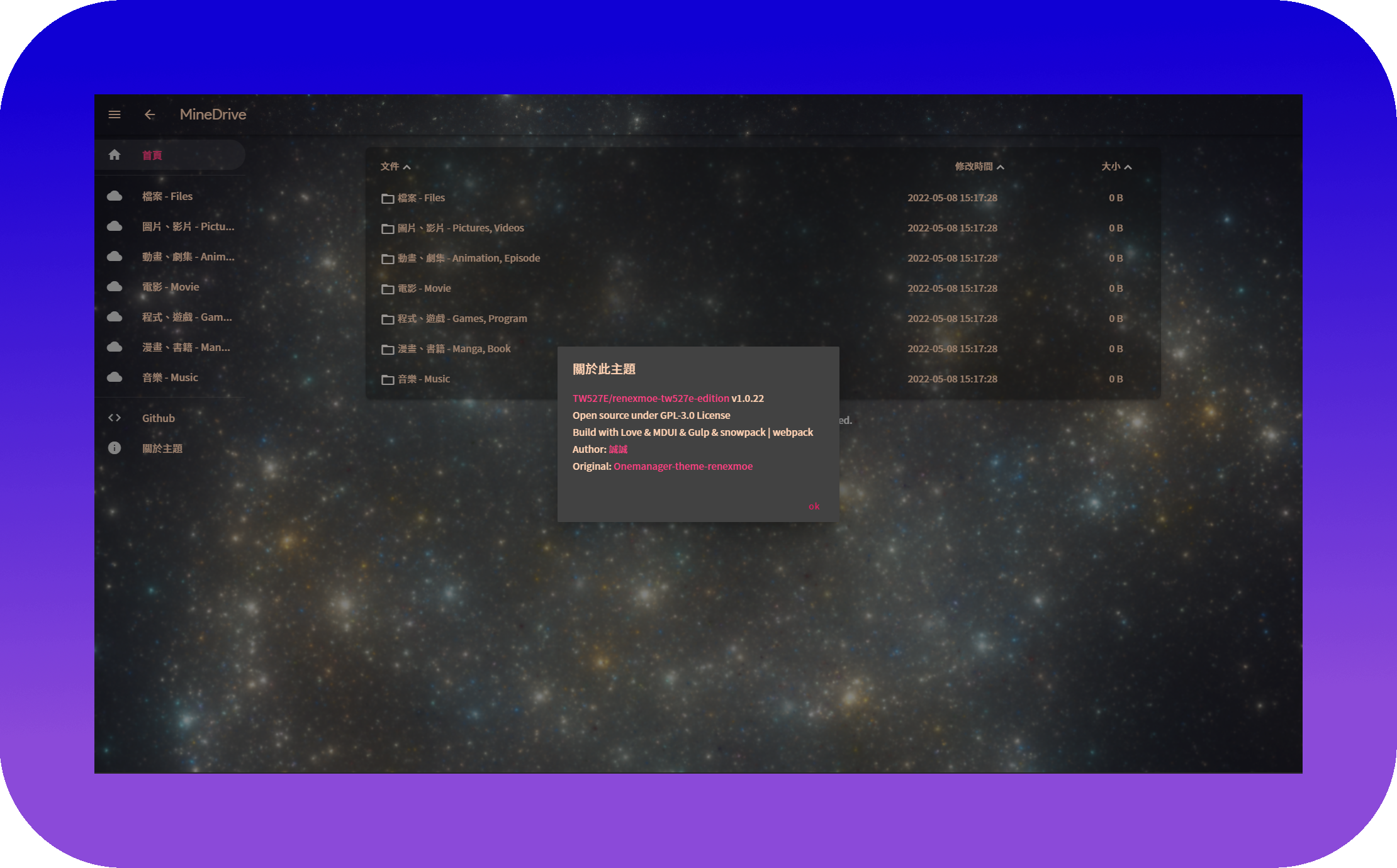
![PC-About](Readme/PC-About.png)

</Pre>
</Details>

<Details>
<Summary>📱 手机</Summary>
<Pre>

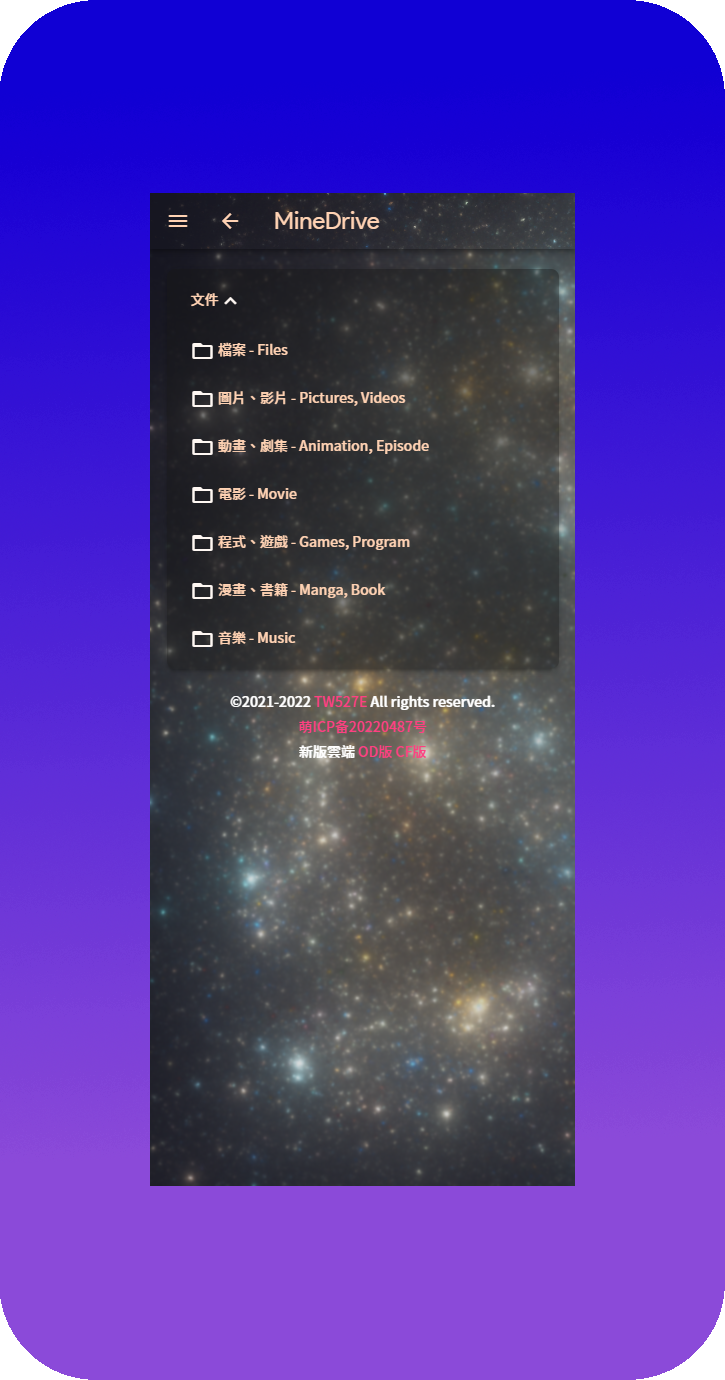
![Mobile-Home](Readme/Mobile-Home.png)
![Mobile-HEAD.md](Readme/Mobile-HEAD.md.png)
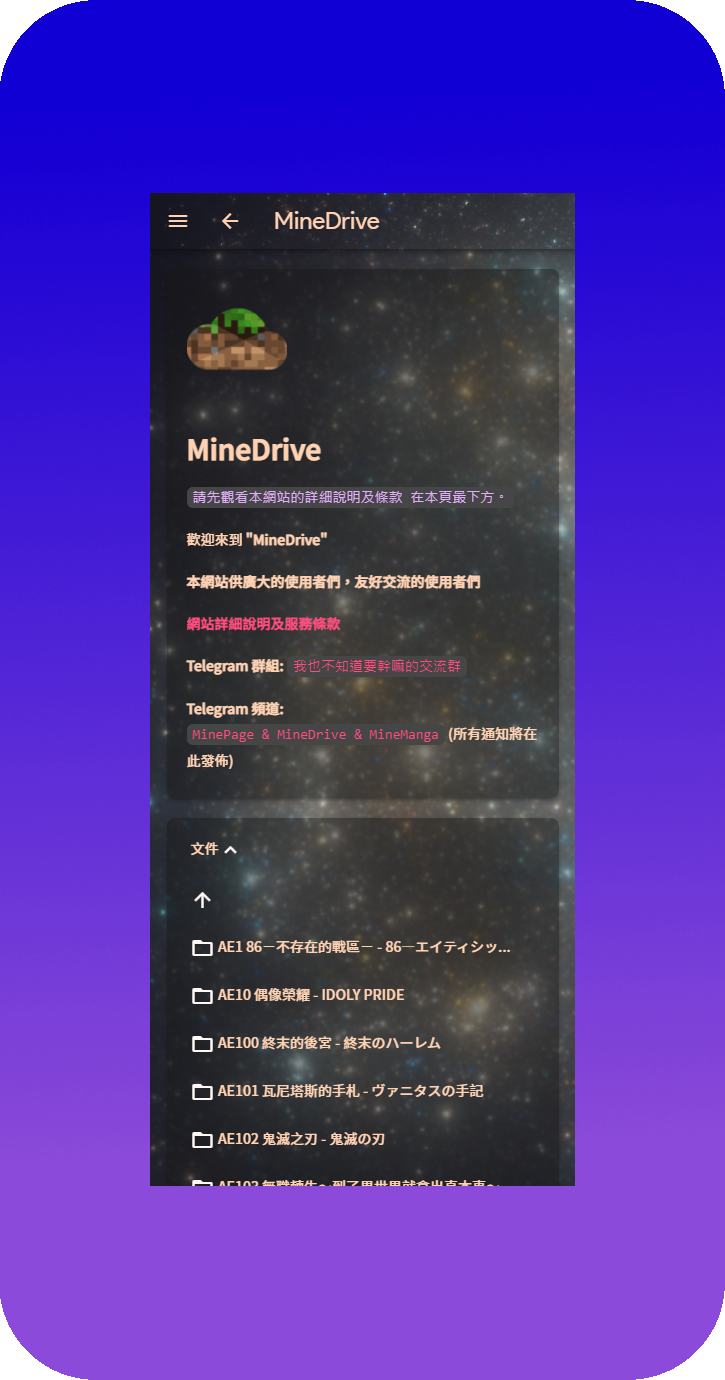
![Mobile-README.md](Readme/Mobile-README.md.png)
![Mobile-Picture](Readme/Mobile-Picture.png)
![Mobile-Video](Readme/Mobile-Video.png)
![Mobile-Music](Readme/Mobile-Music.png)
![Mobile-About](Readme/Mobile-About.png)
![Mobile-About](Readme/Mobile-SideBar.png)

</Pre>
</Details>