# spline-vue

**spline-vue** allows you to export and use Spline scenes directly in your Vue2/Vue3 websites.

🌈 [Spline](https://spline.design/) is a friendly 3d collaborative design tool for the web.

[Website](https://spline.design/) &mdash;
[Twitter](https://twitter.com/splinetool) &mdash;
[Community](https://discord.gg/M9hNDMqvnw) &mdash;
[Documentation](https://docs.spline.design/)

## Table of Contents

- [spline-vue](#spline-vue)
  - [Table of Contents](#table-of-contents)
  - [Install](#install)
  - [Usage](#usage)
    - [Read and modify Spline objects](#read-and-modify-spline-objects)
    - [Listen to events](#listen-to-events)
    - [Trigger Spline events from outside](#trigger-spline-events-from-outside)
  - [API](#api)
    - [Spline Component Props](#spline-component-props)
    - [Spline App Methods](#spline-app-methods)
    - [Spline Events](#spline-events)


## Install

```bash
npm install spline-vue @splinetool/runtime
```

## Usage

To use **spline-vue**, first you have to go to the Spline editor, click on the **Export** button, select "**Code**" and then "**VanillaJS**".


You can copy the URL and pass it to the `<Spline />` component in Vue:

**For Vue2:**

```js
import Spline from "spline-vue/v2";
```

```vue
<template>
  <Spline :scene="scene" />
</template>

<script>
import Spline from "spline-vue/v2";

export default {
  components: { Spline },
  data() {
    return {
      scene: "https://prod.spline.design/6Wq1Q7YGyM-iab9i/scene.splinecode"
    }
  },
}
</script>
```

**For Vue3:**

```js
import Spline from "spline-vue/v3";
```

```vue
<template>
  <Spline :scene="scene" />
</template>

<script lang="ts">
import { defineComponent } from 'vue';
import Spline from "spline-vue/v3";

export default defineComponent({
  name: 'App',
  components: {
    Spline
  },
  data: () => ({
    scene: "https://prod.spline.design/6Wq1Q7YGyM-iab9i/scene.splinecode",
  })
});
</script>
```

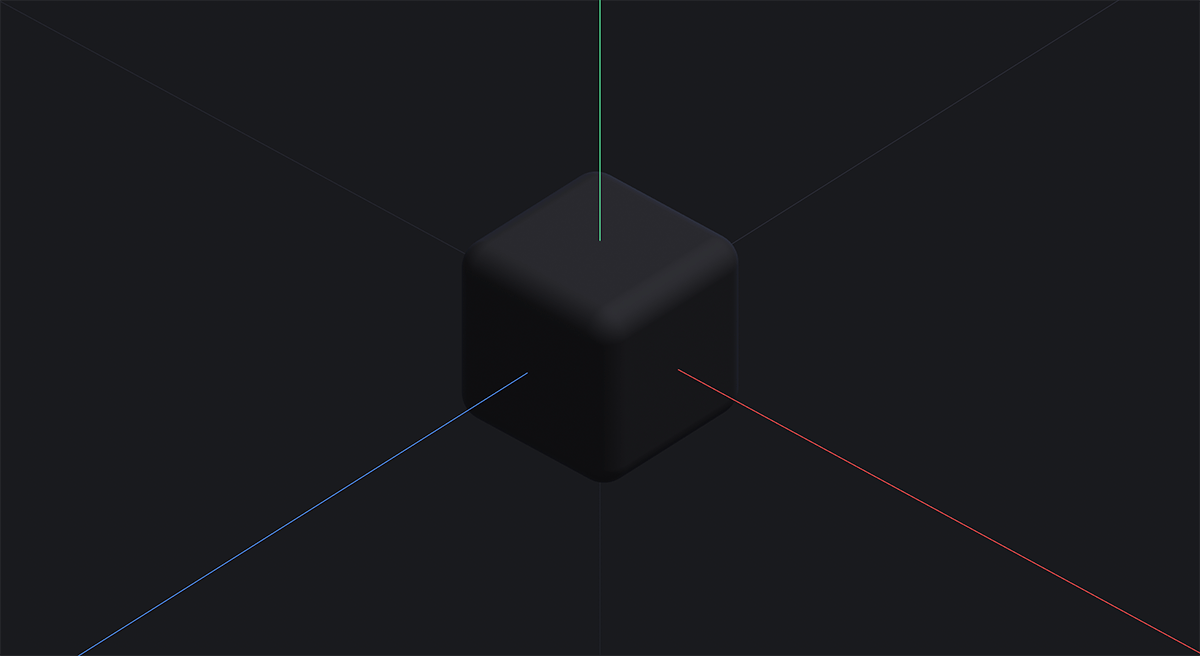
You should be able to see the scene you exported in your Vue2/Vue3 app.

[![](https://raw.githubusercontent.com/splinetool/react-spline/main/.github/screenshots/example-basic.png)](https://codesandbox.io/s/sweet-rain-28pcxt?file=/src/App.js)
### Read and modify Spline objects

You can query any Spline object via `findObjectByName` or `findObjectById`.

_(You can get the ID of the object in the `Develop` pane of the right sidebar)._

```vue
<template>
  <div>
    <Spline
      :scene="scene"
      :onLoad="onLoad"
    />
    <button type="button" @click="moveObj">
      Move Cube
    </button>
  </div>  
</template>
<script lang="ts">
/**
 * Example For Vue3
 */
import { defineComponent, ref } from "vue"
import Spline from "spline-vue/v3";
import type { Application, SPEObject } from "@splinetool/runtime";

export default defineComponent({
  components: { Spline },
  setup() {
    const scene = ref(
      "https://prod.spline.design/6Wq1Q7YGyM-iab9i/scene.splinecode"
    );
    const cube = ref<SPEObject>();
    const onLoad = (spline: Application) => {
      const obj = spline.findObjectByName('Cube');
      // or
      // const obj = spline.findObjectById('8E8C2DDD-18B6-4C54-861D-7ED2519DE20E');

      // save it in a ref for later use
      cube.value = obj;
    };
    const moveObj = () => {
      console.log(cube.value); 
      /**
        Spline Object => { 
          name: 'Cube', 
          id: '8E8C2DDD-18B6-4C54-861D-7ED2519DE20E', 
          position: {}, 
          ... 
        }
       */

      // move the object in 3D space
      cube.value.position.x += 10;
    };

    return {
      scene,
      onLoad,
      moveObj,
    };
  }
})
</script>
```

### Listen to events

You can listen to any Spline Event you set in the Events panel of the editor by attaching a listener to the Spline component.

```vue
<template>
  <div>
    <Spline
      :scene="scene"
      :onMouseDown="onMouseDown"
    />
  </div>  
</template>
<script lang="ts">
/**
 * Example For Vue3
 */
import { defineComponent, ref } from "vue"
import Spline from "spline-vue/v3";

export default defineComponent({
  components: { Spline },
  setup() {
    const scene = ref(
      "https://prod.spline.design/6Wq1Q7YGyM-iab9i/scene.splinecode"
    );
    
    const onMouseDown = (e) => {
      if (e.target.name === 'Cube') {
        console.log('I have been clicked!');
      }
    };

    return {
      scene,
      onMouseDown,
    };
  }
})
</script>
```

You can find a list of all of the Spline Event listeners in the [Spline Component Props](#spline-component-props) section.

### Trigger Spline events from outside

You can trigger any animation Event you set in the Events panel in the Spline Editor.

You can use the `emitEvent` function via the spline ref, passing the [event type](#spline-events) and the ID of your object.

_(You can get the ID of the object in the `Develop` pane of the right sidebar)._

```vue
<template>
  <div>
    <Spline
      :scene="scene"
      :onLoad="onLoad"
    />
    <button type="button" @click="triggerAnimation">
      Trigger Spline Animation
    </button>
  </div>  
</template>
<script lang="ts">
/**
 * Example For Vue3
 */
import { defineComponent, ref } from "vue"
import Spline from "spline-vue/v3";
import type { Application, SPEObject } from "@splinetool/runtime";

export default defineComponent({
  components: { Spline },
  setup() {
    const scene = ref(
      "https://prod.spline.design/6Wq1Q7YGyM-iab9i/scene.splinecode"
    );
    const spline = ref<Application>();
    const cube = ref<SPEObject>();

    const onLoad = (splineApp: Application) {
      // save the app in a ref for later use
      spline.value = splineApp;
    }
    
    const triggerAnimation = (e) => {
      spline.value?.emitEvent('mouseHover', 'Cube');
      /**
       * Or you can query the spline object first, and then trigger the event:
       * 
       * cube.value?.emitEvent("mouseHover");
       */
    };

    return {
      scene,
      onLoad,
      triggerAnimation,
    };
  }
})
</script>
```

You can find a list of all of the Spline Events you can pass to the `emitEvent` function in the [Spline Events](#spline-events) section.

## API

### Spline Component Props

These are all the props you can pass to the `<Spline />` component.

| Name            | Type                            | Description                                                                                                                   |
| --------------- | ------------------------------- | ----------------------------------------------------------------------------------------------------------------------------- |
| `scene`         | `string`                        | Scene file                                                                                                                    |
| `className?`    | `string`                        | CSS classes                                                                                                                   |
| `style?`        | `object`                        | CSS style                                                                                                                     |
| `id?`           | `string`                        | Canvas id                                                                                                                     |
| `ref?`          | `React.Ref<HTMLDivElement>`     | A ref pointing to canvas element.                                                                                             |
| `onLoad?`       | `(spline: Application) => void` | Gets called once the scene has loaded. The `spline` parameter is an instance of the [Spline Application](#spline-app-methods) |
| `onWheel?`      | `(e: SplineEvent) => void`      | Gets called on the [`wheel`](https://developer.mozilla.org/en-US/docs/Web/API/Element/wheel_event) event on the canvas        |
| `onMouseDown?`  | `(e: SplineEvent) => void`      | Gets called once a Spline `Mouse Down` event is fired                                                                         |
| `onMouseHover?` | `(e: SplineEvent) => void`      | Gets called once a Spline `Mouse Hover` event is fired                                                                        |
| `onMouseUp?`    | `(e: SplineEvent) => void`      | Gets called once a Spline `Mouse Up` event is fired                                                                           |
| `onKeyDown?`    | `(e: SplineEvent) => void`      | Gets called once a Spline `Key Down` event is fired                                                                           |
| `onKeyUp?`      | `(e: SplineEvent) => void`      | Gets called once a Spline `Key Up` event is fired                                                                             |
| `onStart?`      | `(e: SplineEvent) => void`      | Gets called once a Spline `Start` event is fired                                                                              |
| `onLookAt?`     | `(e: SplineEvent) => void`      | Gets called once a Spline `Look At` event is fired                                                                            |
| `onFollow?`     | `(e: SplineEvent) => void`      | Gets called once a Spline `Mouse Up` event is fired                                                                           |

### Spline App Methods

The object exposed as a first argument of the `onLoad` function, is a Spline Application. You can call all these different methods on it.

| Name               | Type                                                       | Description                                                                                                                 |
| ------------------ | ---------------------------------------------------------- | --------------------------------------------------------------------------------------------------------------------------- |
| `emitEvent`        | `(eventName: SplineEventName, nameOrUuid: string) => void` | Triggers a Spline event associated to an object with provided name or uuid.                                                 |
| `emitEventReverse` | `(eventName: SplineEventName, nameOrUuid: string) => void` | Triggers a Spline event associated to an object with provided uuid in reverse order. Starts from last state to first state. |
| `findObjectById`   | `(uuid: string) => SPEObject`                              | Searches through scene's children and returns the object with that uuid.                                                    |
| `findObjectByName` | `(name: string) => SPEObject`                              | Searches through scene's children and returns the first object with that name.                                              |
| `setZoom`          | `(zoom: number) => void`                                   | Sets the initial zoom of the scene.                                                                                         |

### Spline Events

These are all the Spline event types that you can pass to the `emitEvent` or `emitEventReverse` function.

| Name         | Description                                   |
| ------------ | --------------------------------------------- |
| `mouseDown`  | Refers to the Spline `Mouse Down` event type  |
| `mouseHover` | Refers to the Spline `Mouse Hover` event type |
| `mouseUp`    | Refers to the Spline `Mouse Up` event type    |
| `keyDown`    | Refers to the Spline `Key Down` event type    |
| `keyUp`      | Refers to the Spline `Key Up` event type      |
| `start`      | Refers to the Spline `Start` event type       |
| `lookAt`     | Refers to the Spline `Look At` event type     |
| `follow`     | Refers to the Spline `Mouse Up` event type    |