# svelte-resizable-columns
Svelte JS action for resizing HTML table columns

Based on [jquery-resizable-columns](https://github.com/dobtco/jquery-resizable-columns)
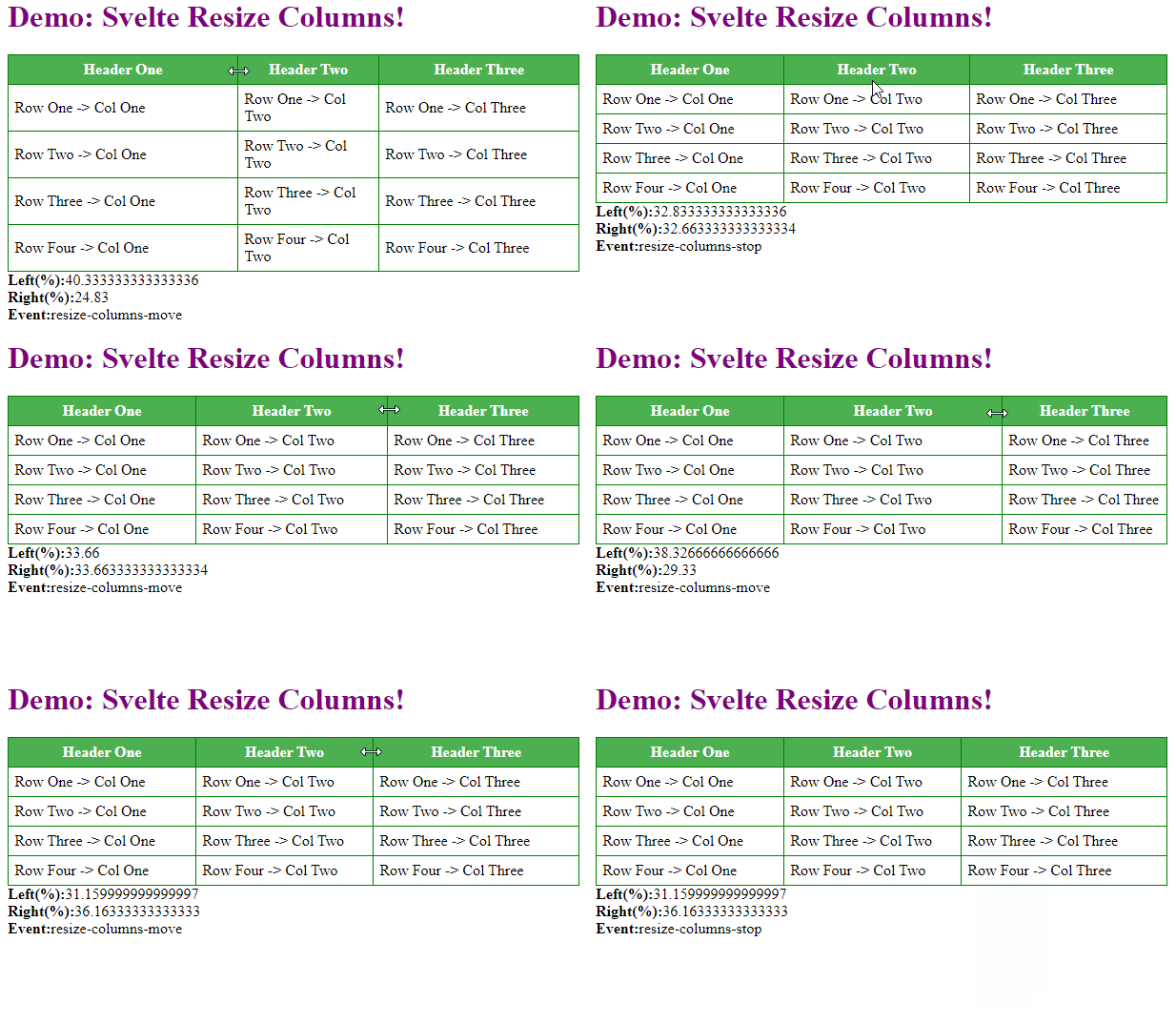

![Demo gif](doc/svelte-resize-columns-demo.gif)

#### Simple Usage

```
<script>
  import { ResizableColumns } from 'svelte-resizable-columns';
</script>


<style>
  table {
	width: 600px;
  	border-collapse: collapse;
  }
</style>

<table use:ResizableColumns>
  <thead>
    <tr>
      <th>#</th>
      <th>First Name</th>
      <th>Last Name</th>
      <th>Username</th>
    </tr>
  </thead>
  <tbody>
    ...
  </tbody>
</table>

```
#### Guidelines
- Table should have fixed width.
- Bundler needs to support css imports. For example, for Rollup + [PostCss](https://postcss.org/) you can use [rollup-plugin-postcss](https://github.com/egoist/rollup-plugin-postcss). See the demo in this repository.
- Add style *no-resize* for fixed width columns
- Events: *resize-columns-start*, *resize-columns-move*, *resize-columns-stop*
- Custom css styles are added to the table, th elements during resize

```
<script>    
  const update = (e) => {
	let event = e.type;
	let leftWidth = e.detail.leftWidth;
	let rightWidth = e.detail.rightWidth;
	let leftColumn = e.detail.leftColumn;
	let rightColumn = e.detail.rightColumn;
  }
</script>

<table use:ResizableColumns on:resize-columns-start={update} on:resize-columns-move={update} on:resize-columns-stop={update}>
    ...
</table>

```