---
title:  框架导航
header: design
nav: component
sidebar: nav
---

顶部导航栏
--------------
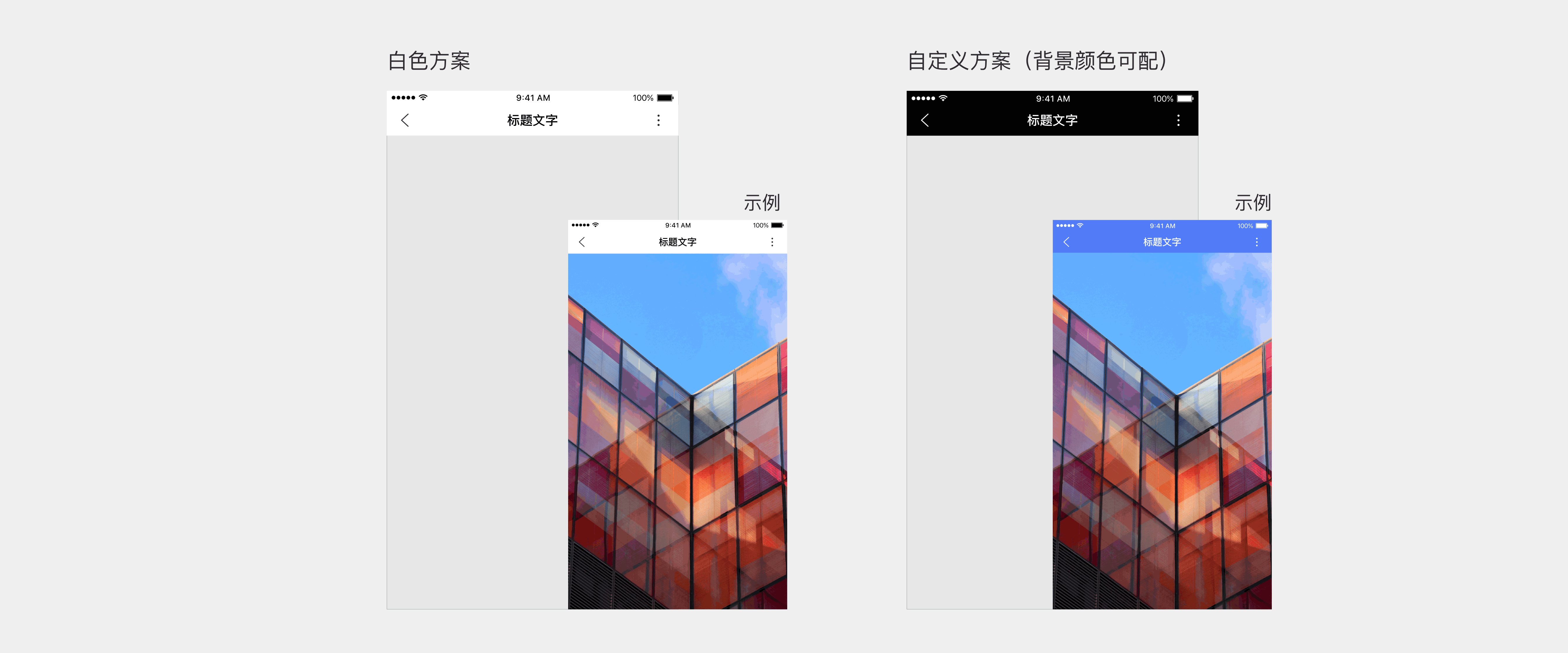
<notice>智能小程序提供统一框架，并提供两种不同的导航栏样式</notice>

![Alt text](../../../img/3-1-1.png)

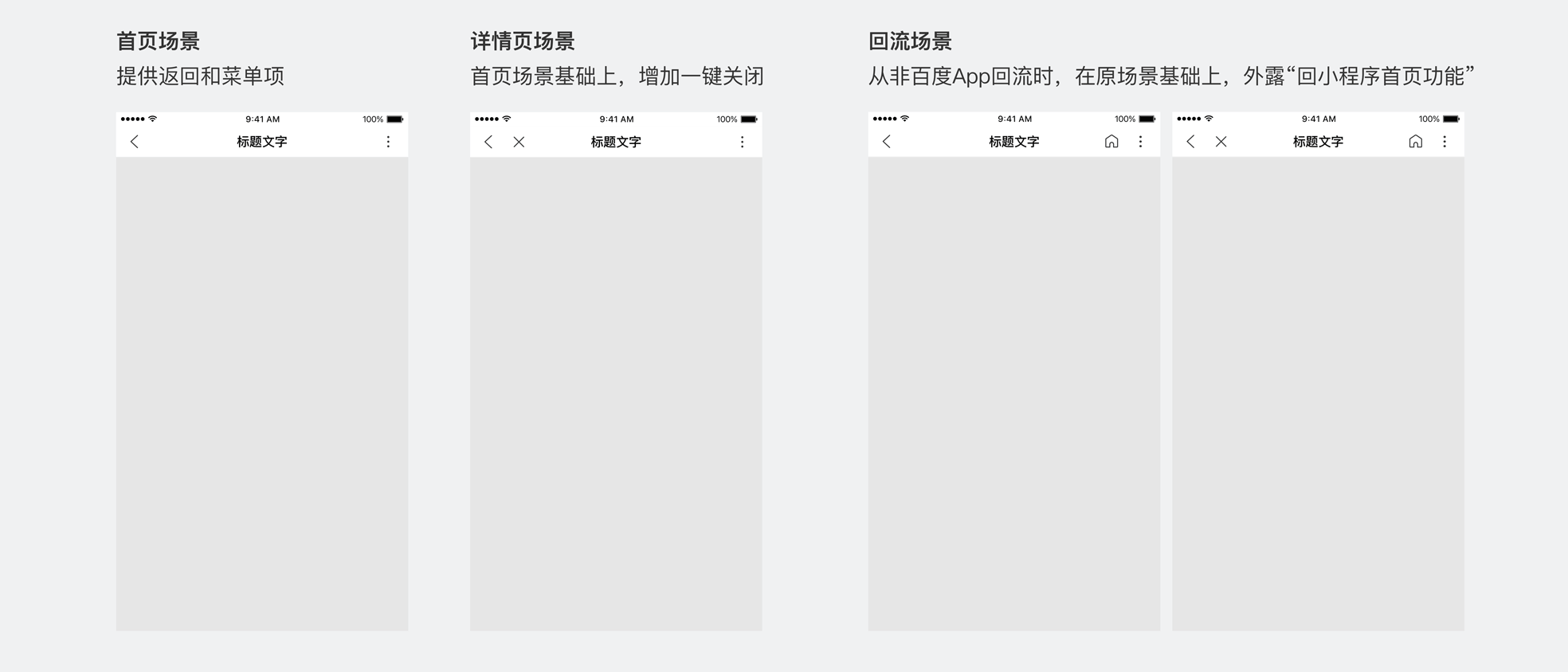
<notice>不论导航栏样式如何，框架统一为不同场景适配以下功能：</notice>

![Alt text](../../../img/3-1-2.png)

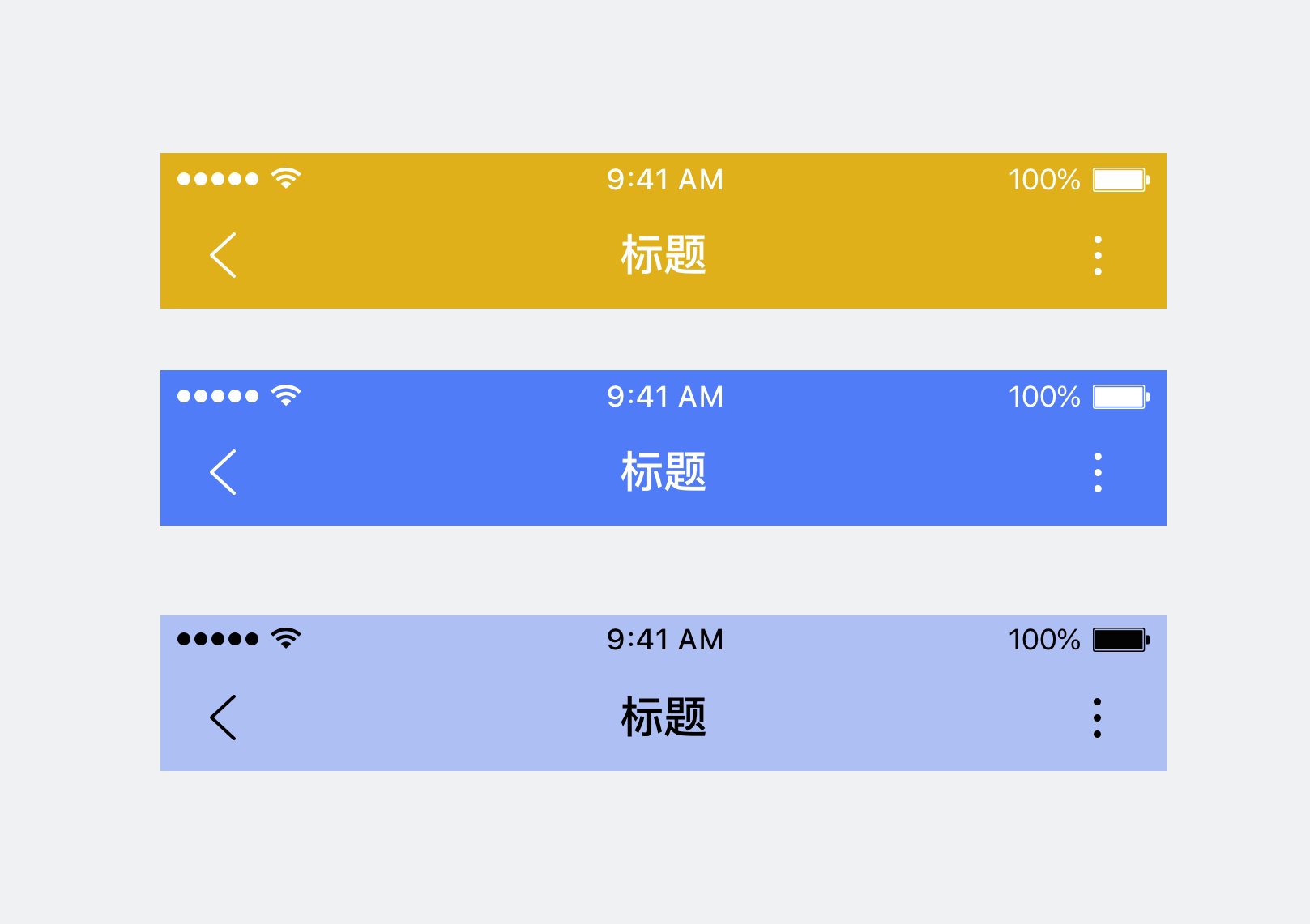
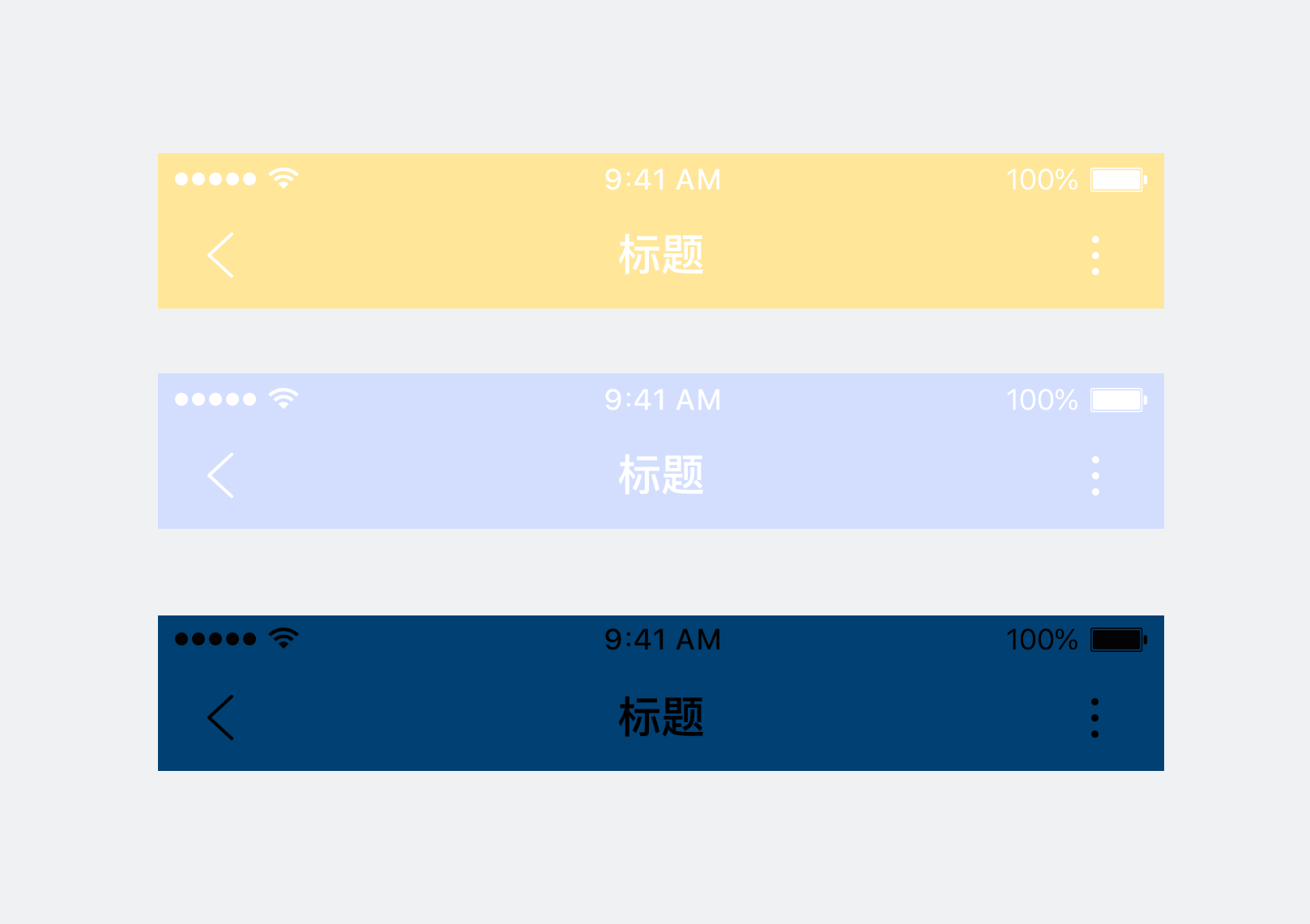
<notice>定义导航栏框架，或使用沉浸框架时，请务必关注并保证其可读性和可用性</notice>

<div class="m-doc-custom-examples"><div class="m-doc-custom-examples-correct"><img src="../../../img/3-1-3-1.png"><p class="m-doc-custom-examples-title">正确</p><p class="m-doc-custom-examples-text">背景色与文字色搭配可读性好</p></div><div class="m-doc-custom-examples-error "><img src="../../../img/3-1-3-2.png"><p class="m-doc-custom-examples-title">错误</p><p class="m-doc-custom-examples-text">背景色与文字色搭配效果可读性差</p></div></div>

底部标签栏
--------------

<notice>标签栏，用于架构同级信息</notice>
底部标签栏只可用于小程序首页场景。

![Alt text](../../../img/3-2-1-1.png)

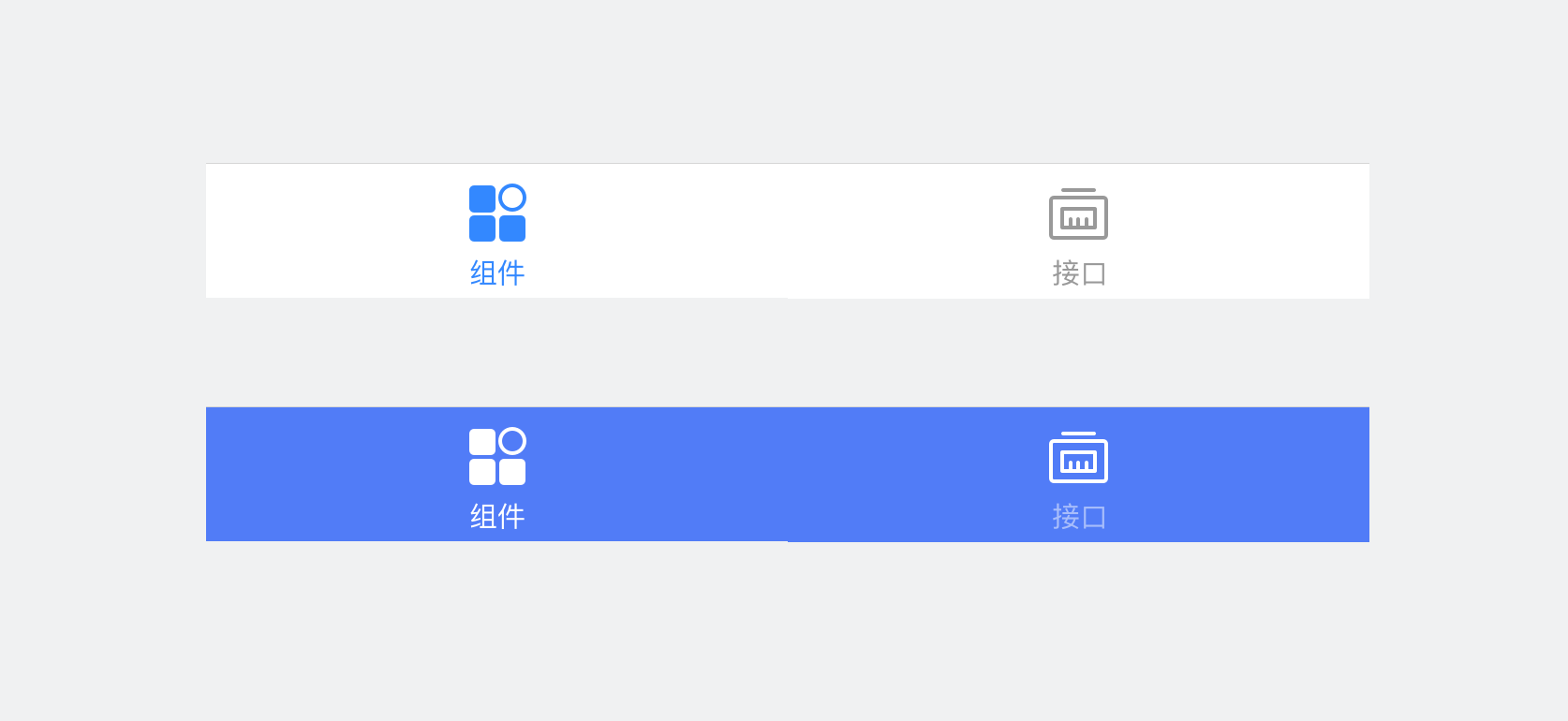
<notice>提供两种样式的标签栏：</notice>

![Alt text](../../../img/3-2-2-1.png)

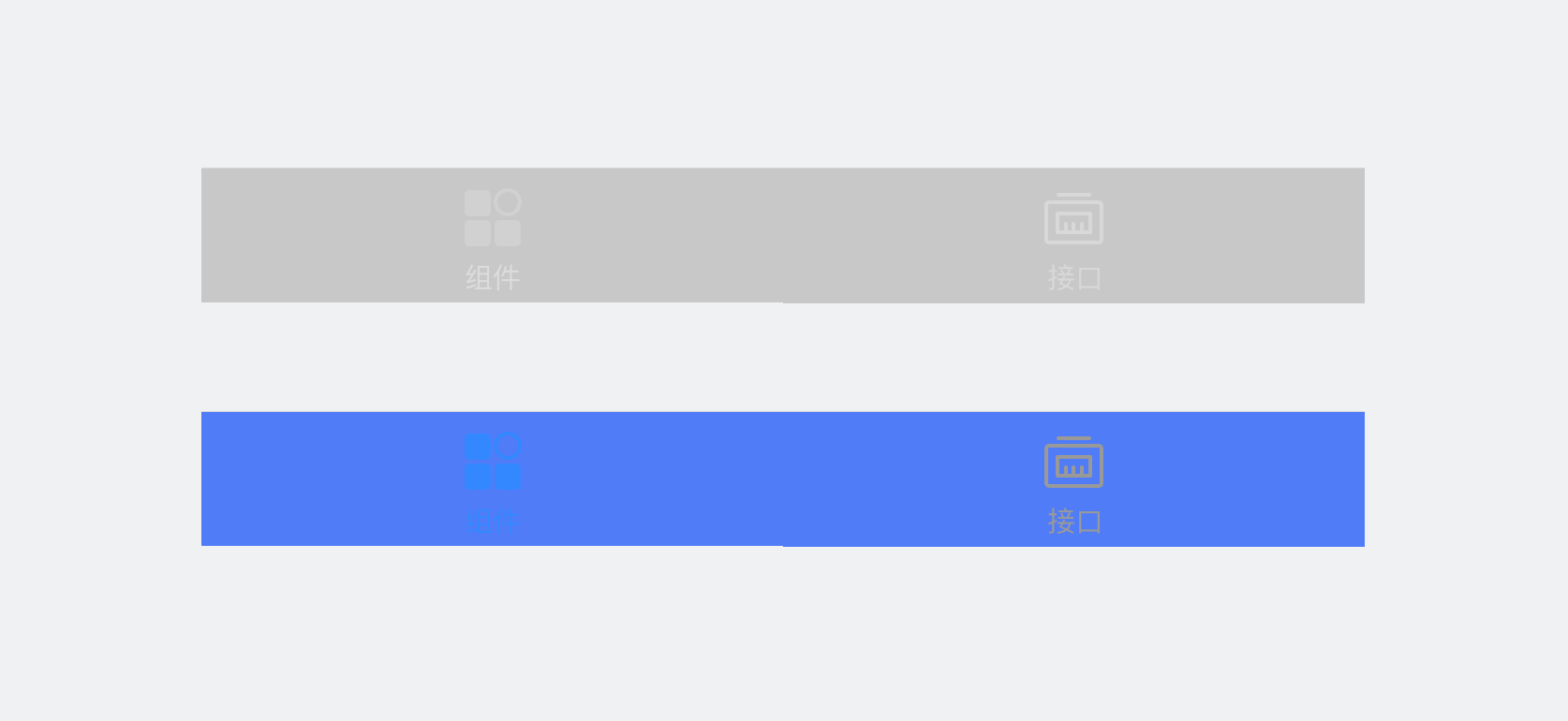
<notice>定义标签栏样式时，请务必关注并保证其的可读性和可用性</notice>

<div class="m-doc-custom-examples"><div class="m-doc-custom-examples-correct"><img src="../../../img/3-2-3-1.png"><p class="m-doc-custom-examples-title">正确</p><p class="m-doc-custom-examples-text">背景色与标签各态搭配效果可读性好</p></div><div class="m-doc-custom-examples-error "><img src="../../../img/3-2-3-2.png"><p class="m-doc-custom-examples-title">错误</p><p class="m-doc-custom-examples-text">背景色与分类标签选中态搭配效果差</p></div></div>

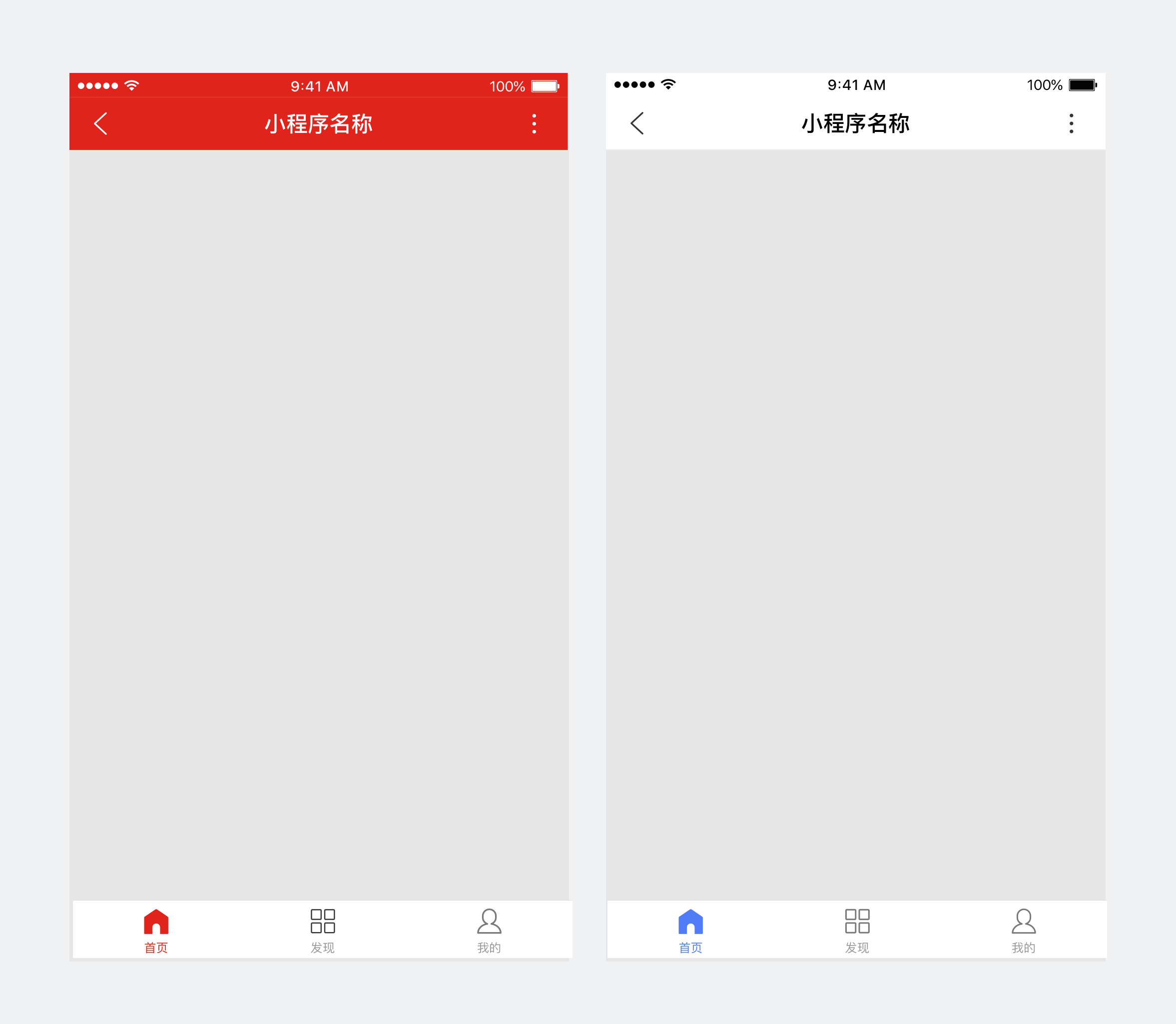
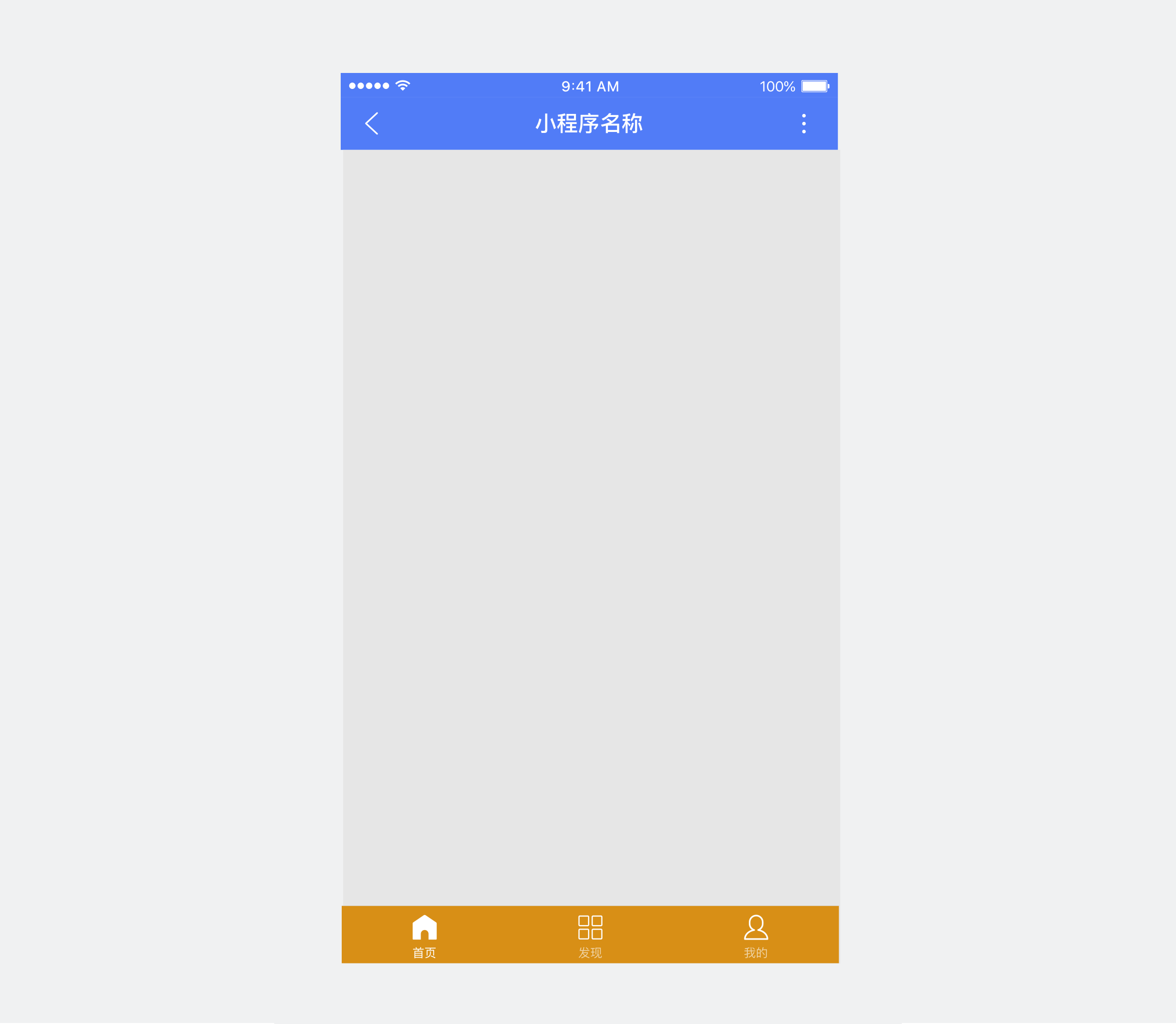
<notice>除了保证各单一组件视觉效果，也需要关注整体搭配后页面效果，是否符合审美并能传达品牌</notice>

<div class="m-doc-custom-examples"><div class="m-doc-custom-examples-correct"><img src="../../../img/3-2-4-1.png"><p class="m-doc-custom-examples-title">正确</p><p class="m-doc-custom-examples-text">品牌色明确，页面信息层次清晰</p></div><div class="m-doc-custom-examples-error "><img src="../../../img/3-2-4-2.png"><p class="m-doc-custom-examples-title">错误</p><p class="m-doc-custom-examples-text">使用颜色过多，页面信息重点杂乱</p></div></div>