# threejs-dice

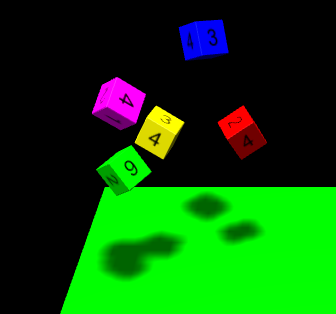
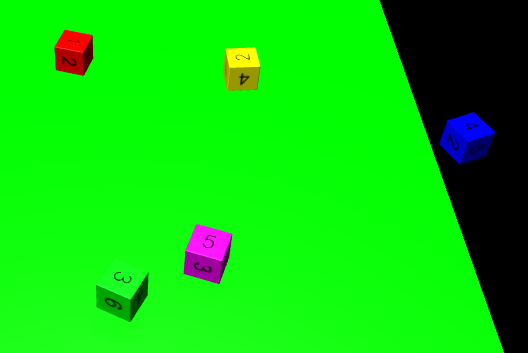
Create dice for your threejs scene and throw them on a specific side with cannonjs.
![Dice types](./docs/types.png) ![Start rolling](./docs/rolling_1.png) ![Finished rolling](./docs/rolling_2.png)

## Features
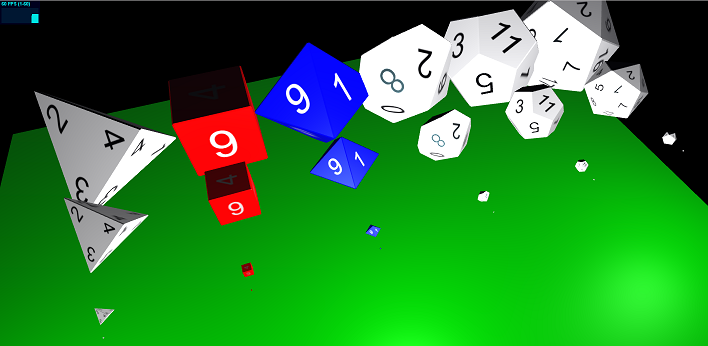
* 4/6/8/10/12/20 sided dice available
* Customize the appearance of the dice
* You can define the side/value, which should be upside after the die has fallen

## Demos
* [Types and sizes](./examples/types-and-sizes.html) - See the possible dice shapes and options (size / font color / back color)
* [Rolling](./examples/rolling.html) - See, how you can roll 5 dice, which will always land on the same sides

## Install

    npm install threejs-dice
    
## Usage

    <script src="lib/dice.js"></script>
    
    <script>
        // Setup your threejs scene
        var scene = new THREE.Scene();
        // ...
        
        // Setup your cannonjs world
        var world = new CANNON.World();
        // ...
        
        DiceManager.setWorld(world);
        
        // Create a dice
        var dice = new DiceD6({backColor: '#ff0000}); //DiceD6 for six-sided dice; for options see DiceObject
        scene.add(dice.getObject());
        
        // If you want to place the mesh somewhere else, you have to update the body
        dice.getObject().position.x = 150;
        dice.getObject().position.y = 100;
        dice.getObject().rotation.x = 20 * Math.PI / 180;
        dice.updateBodyFromMesh();
        
        // Set the value of the side, which will be upside after the dice lands
        DiceManager.prepareValues([{dice: dice, value: 6}]);
        
        //Animate everything
        function animate() {
            world.step(1.0 / 60.0);
            
            dice.updateMeshFromBody(); // Call this after updating the physics world for rearranging the mesh according to the body
            
            renderer.render(scene, camera);
            
            requestAnimationFrame(animate);
        }
        requestAnimationFrame(animate);
        
    </script>
    
## Credits
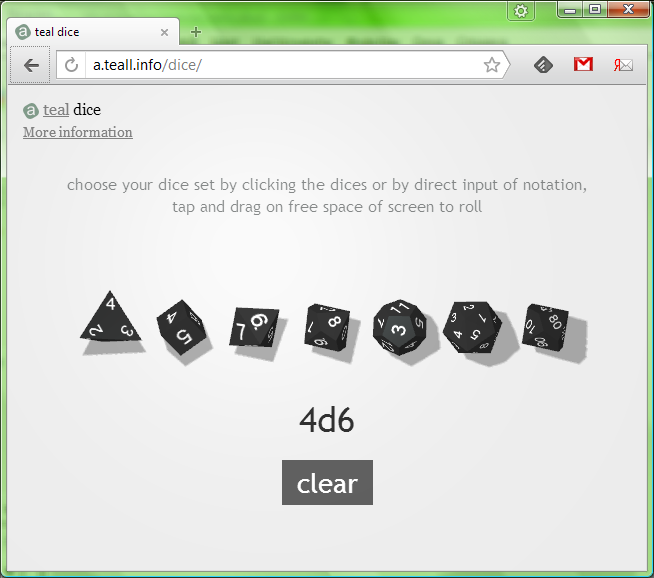
Based on the "Online 3D dice roller" from http://a.teall.info/dice (http://www.teall.info/2014/01/online-3d-dice-roller.htm). Credits go to Anton Natarov, who published it under public domain.
![Online 3D dice roller](./docs/teal_dice.png)

"You can assume that it has the MIT license (or that else) if you wish so. I do not love any licenses at all and prefer to simply say that it is completely free =)" - Anton Natarov