# 效果图
 # Demo
Demo
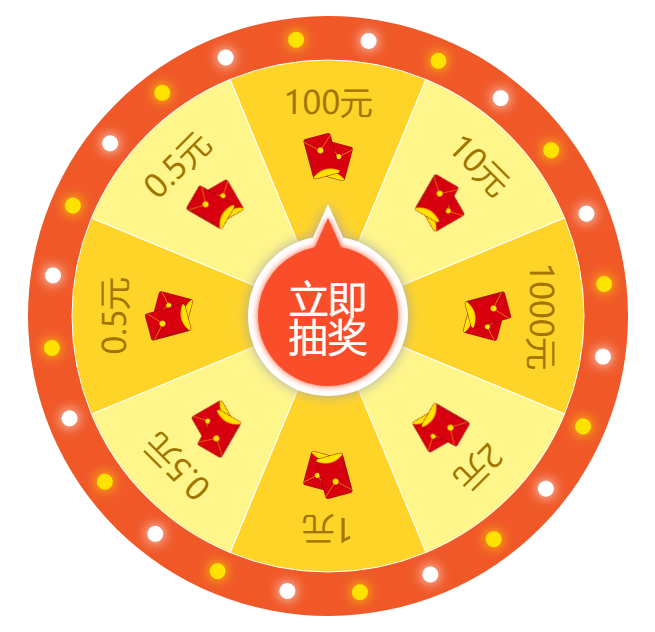
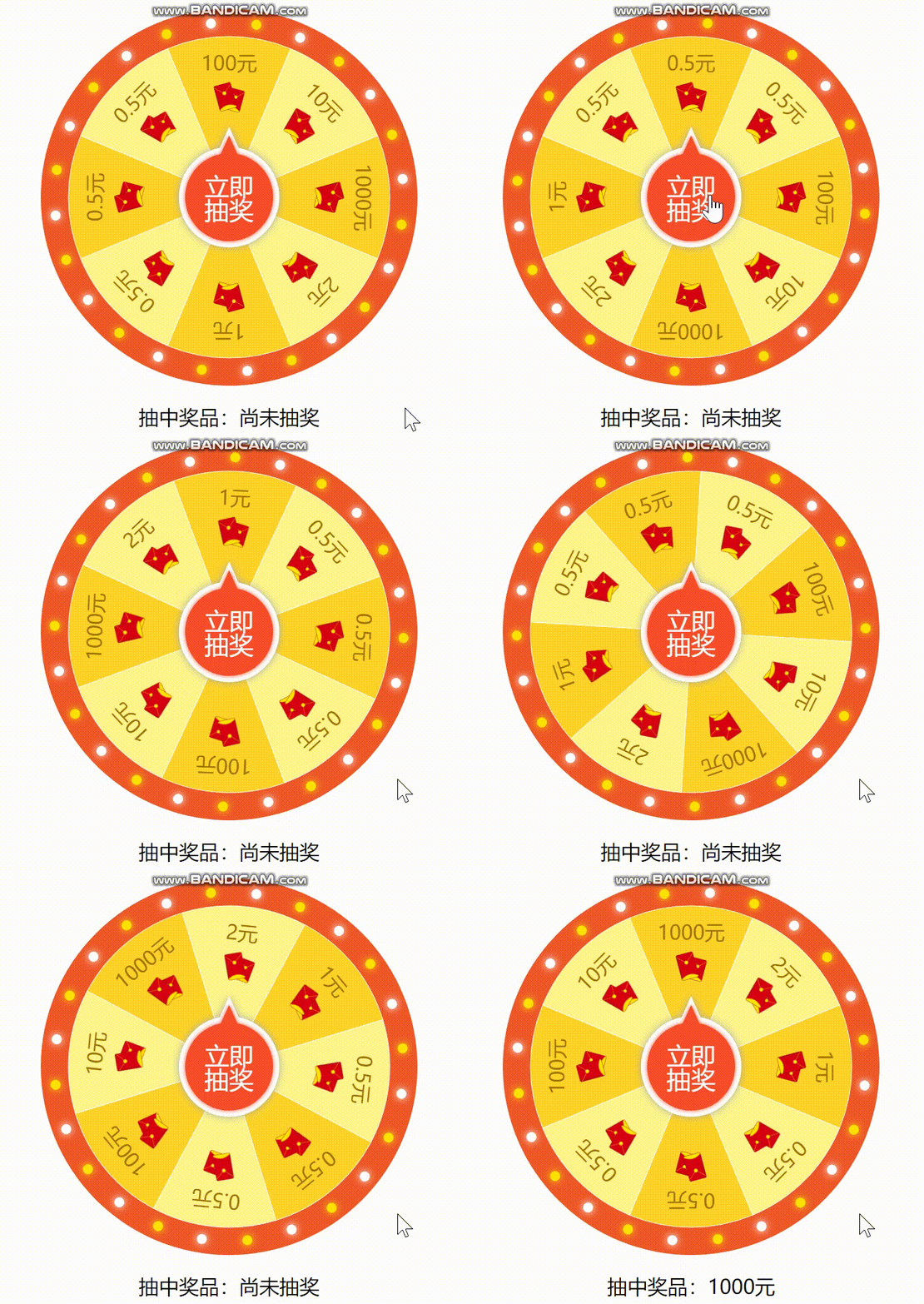
> 说明:这是基于vue开发的转盘抽奖组件。
# 1. 安装&使用
* 安装
``` javascript
npm install v-luck-draw
```
* 使用
``` javascript
//方法1
import LuckDraw from 'v-luck-draw'
Vue.use(LuckDraw);
//方法2
import { LuckDraw } from 'v-luck-draw'
Vue.component("LuckDraw", LuckDraw);
//方法3 假设是test.vue文件
```
# 3. props
|属性|说明|类型|默认值|
|:-|:-|:-|:-|
|size|转盘大小|Number|300|
|prizes|奖品列表,是一个数组,数组元素包含属性text:奖品名称;icon:奖品图标(可选)|Array|-|
|fontSize|奖品名称字体大小|Number|16|
|iconWidth|icon:奖品图标宽度|Number|25|
|borderWidth|转盘外圈与内圈直接的圆环宽度|Number|22|
|dotCount|转盘外圈上的圆点个数|Number|24|
|dotRadius|转盘外圈上的圆点半径|Number|4|
|dotColors|转盘外圈上的圆点颜色,是一个颜色字符串数组|Array|['#FEE200', '#FFF']|
|fanneColors|转盘内圈奖品扇形背景颜色,是一个颜色字符串数组|Array|['#ffd428', '#fff68b']|
|btnSize|“立即抽奖”按钮大小|Number|40|
# 4. 事件
|事件名称|参数|说明|
|:-|:-|:-|
|start|-|点击“立即抽奖”按钮时触发|
|finish|index|抽中奖品,并停止转盘转动时触发,会回调一个index参数,该参数表示抽中的奖品索引|
# 5. 方法
> 提示:给luck-draw组件增加ref属性可获取组件的Vue实例,拿到实例后可执行下面的方法。例如:
``` html
```
``` javascript
export default {
mounted() {
let luckDraw = this.$refs.luckDraw;
// 当用户点击“立即抽奖”按钮时,若请求“抽中奖品的索引”的接口出现异常时,可以调用stop方法停止转盘转动
luckDraw.stop();
}
}
```
|方法名|说明|
|:-|:-|
|stop|执行此方法,可以停止转盘转动。|
# Demo
Demo
> 说明:这是基于vue开发的转盘抽奖组件。
# 1. 安装&使用
* 安装
``` javascript
npm install v-luck-draw
```
* 使用
``` javascript
//方法1
import LuckDraw from 'v-luck-draw'
Vue.use(LuckDraw);
//方法2
import { LuckDraw } from 'v-luck-draw'
Vue.component("LuckDraw", LuckDraw);
//方法3 假设是test.vue文件
```
# 3. props
|属性|说明|类型|默认值|
|:-|:-|:-|:-|
|size|转盘大小|Number|300|
|prizes|奖品列表,是一个数组,数组元素包含属性text:奖品名称;icon:奖品图标(可选)|Array|-|
|fontSize|奖品名称字体大小|Number|16|
|iconWidth|icon:奖品图标宽度|Number|25|
|borderWidth|转盘外圈与内圈直接的圆环宽度|Number|22|
|dotCount|转盘外圈上的圆点个数|Number|24|
|dotRadius|转盘外圈上的圆点半径|Number|4|
|dotColors|转盘外圈上的圆点颜色,是一个颜色字符串数组|Array|['#FEE200', '#FFF']|
|fanneColors|转盘内圈奖品扇形背景颜色,是一个颜色字符串数组|Array|['#ffd428', '#fff68b']|
|btnSize|“立即抽奖”按钮大小|Number|40|
# 4. 事件
|事件名称|参数|说明|
|:-|:-|:-|
|start|-|点击“立即抽奖”按钮时触发|
|finish|index|抽中奖品,并停止转盘转动时触发,会回调一个index参数,该参数表示抽中的奖品索引|
# 5. 方法
> 提示:给luck-draw组件增加ref属性可获取组件的Vue实例,拿到实例后可执行下面的方法。例如:
``` html
```
``` javascript
export default {
mounted() {
let luckDraw = this.$refs.luckDraw;
// 当用户点击“立即抽奖”按钮时,若请求“抽中奖品的索引”的接口出现异常时,可以调用stop方法停止转盘转动
luckDraw.stop();
}
}
```
|方法名|说明|
|:-|:-|
|stop|执行此方法,可以停止转盘转动。|