# Vanta JS
## [View demo gallery & customize effects at www.vantajs.com →](https://www.vantajs.com)
[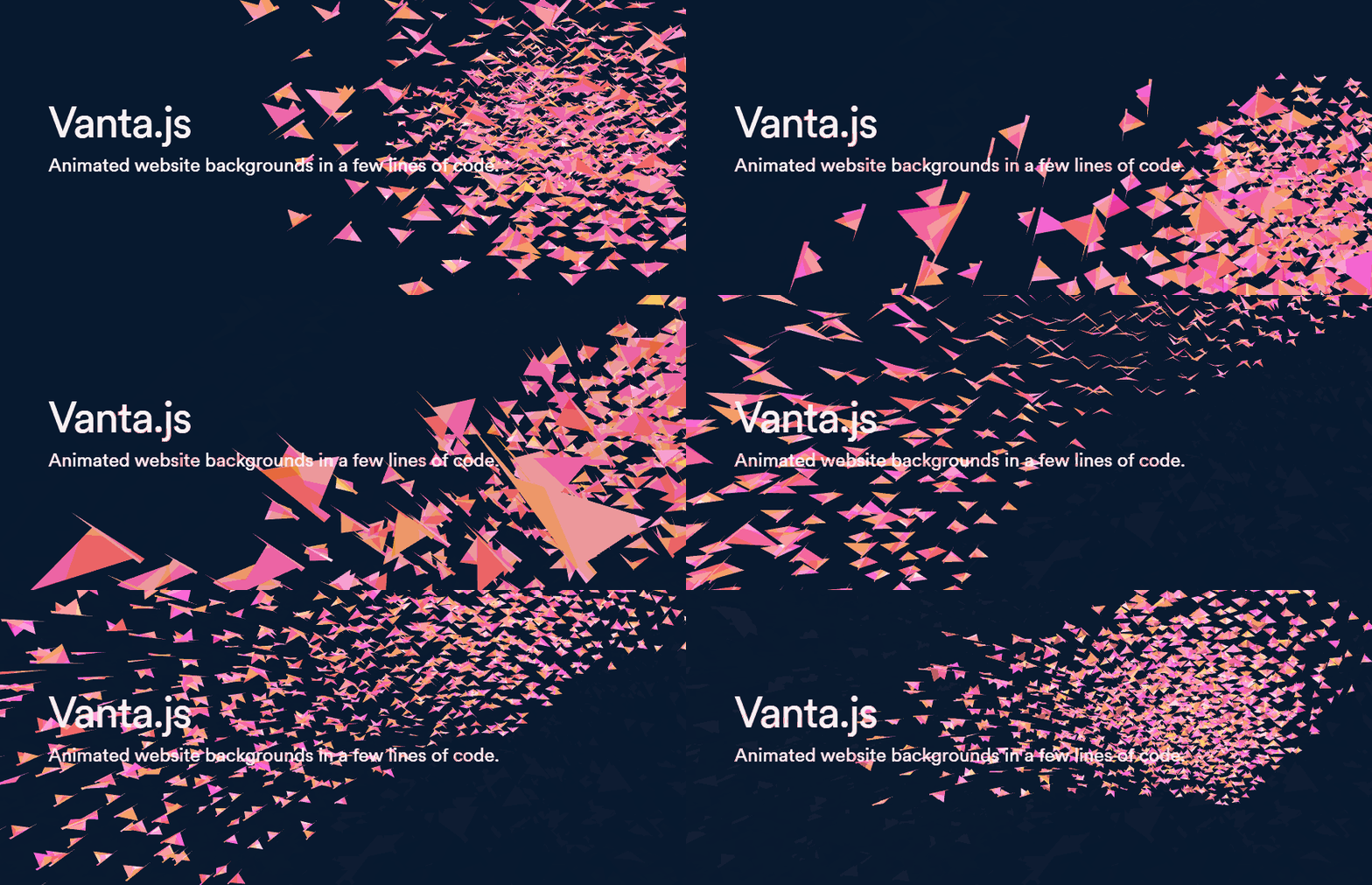](https://www.vantajs.com)
## What is Vanta? / FAQs
- **Add 3D animated digital art to any webpage with just a few lines of code.**
- How it works: Vanta inserts an animated effect as a background into any HTML element.
- Works with vanilla JS, React, Angular, Vue, etc.
- Effects are rendered by [three.js](https://github.com/mrdoob/three.js/) (using WebGL) or [p5.js](https://github.com/processing/p5.js).
- Effects can interact with mouse/touch inputs.
- Effect parameters (e.g. color) can be easily modified to match your brand.
- Total additional file size is ~120kb minified and gzipped (mostly three.js), which is smaller than comparable background images/videos.
- Vanta includes many predefined effects to try out. *More effects will be added soon!*
## [View demo gallery & customize effects at www.vantajs.com →](https://www.vantajs.com)
## Basic usage with script tags:
```html
```
[View fiddle →](https://jsfiddle.net/vuwqs6kf/2/)
## More options:
```js
VANTA.WAVES({
el: '#my-background', // element selector string or DOM object reference
color: 0x000000,
waveHeight: 20,
shininess: 50,
waveSpeed: 1.5,
zoom: 0.75
})
```
- **el:** The container element.
- The Vanta canvas will be appended as a child of this element, and will assume the width and height of this element. (If you want a fullscreen canvas, make sure this container element is fullscreen.)
- This container *can* have other children. The other children will appear as foreground content, in front of the Vanta canvas.
- **mouseControls:** (defaults to *true*) Set to false to disable mouse controls. Only applies to certain effects.
- **touchControls:** (defaults to *true*) Set to false to disable touch controls. Only applies to certain effects.
- **gyroControls:** (defaults to *false*) Set to true to allow gyroscope to imitate mouse. Only applies to certain effects.
- **NOTE:** Each effect has its own specific parameters. Explore them all at www.vantajs.com!
## Updating options after init:
```js
const effect = VANTA.WAVES({
el: '#my-background',
color: 0x000000
})
// Later, when you want to update an animation in progress with new options
effect.setOptions({
color: 0xff88cc
})
// Later, if the container changes size and you want to force Vanta to redraw at the new canvas size
effect.resize()
```
## Cleanup:
```js
const effect = VANTA.WAVES('#my-background')
effect.destroy() // e.g. call this in React's componentWillUnmount
```
## Usage with React:
`npm i vanta`, then import a specific effect as follows. Make sure `three.js` or `p5.js` has already been included via <script> tag.
```js
import React from 'react'
import BIRDS from 'vanta/dist/vanta.birds.min'
// Make sure window.THREE is defined, e.g. by including three.min.js in the document head using a
```
## Using THREE or p5 from npm
For effects that use three.js, you can import `three` from npm, and pass it into the effect function.
```js
import React from 'react'
import * as THREE from 'three'
import BIRDS from 'vanta/dist/vanta.birds.min'
...
componentDidMount() {
this.vantaEffect = BIRDS({
el: this.vantaRef.current,
THREE: THREE // use a custom THREE when initializing
})
}
...
```
For effects that use p5.js, you can import `p5` from npm, and pass it into the effect function.
```js
import React from 'react'
import p5 from 'p5'
import TRUNK from 'vanta/dist/vanta.trunk.min'
...
componentDidMount() {
this.vantaEffect = TRUNK({
el: this.vantaRef.current,
p5: p5 // use a custom p5 when initializing
})
}
...
```
## Local dev:
Clone the repo, switch to the `gallery` branch, run `npm install` and `npm run dev`, and go to localhost:8080.
## Credits
- General inspiration from [shadertoy.com](https://www.shadertoy.com), [#generative](https://www.twitter.com/hashtag/generative), [/r/generative](https://www.reddit.com/r/generative/), [/r/creativecoding](https://www.reddit.com/r/creativecoding/), etc
- Birds effect from https://threejs.org/examples/?q=birds#webgl_gpgpu_birds by @zz85
- Fog effect from https://thebookofshaders.com/13/ by @patriciogonzalezvivo
- Clouds effect from https://www.shadertoy.com/view/XslGRr by Inigo Quilez
- Clouds2 effect from https://www.shadertoy.com/view/lsBfDz by Rune Stubbe
- Trunk, Topology effects from http://generated.space/ by Kjetil Midtgarden Golid @kgolid