# 🔍 Find Telco
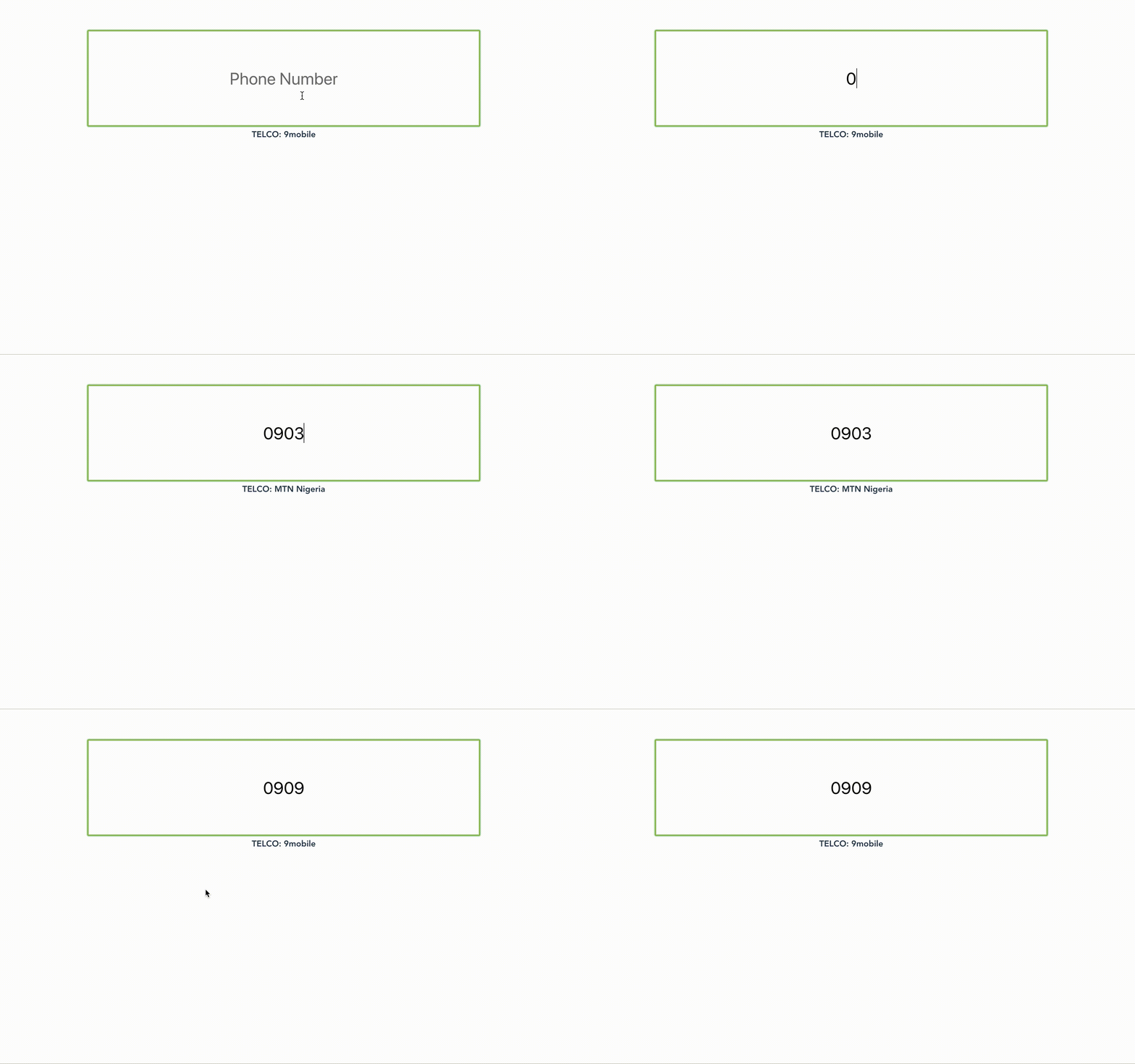
Selecting your Telco and then inputting your phone number can be Aaargh! because i need to keep checking
which TSP(Telecommunication Service Provider) owns '0903', '0803' etc. With this component, it can auto-detect the
Telco for the user, win win.
# ✇ Usage
```
npm i --save vue-find-telco
```
```js
import FindTelco from "vue-find-telco";
Vue.component("find-telco", FindTelco);
```
```html
```
## Props
### `placeHolder: {String}`
Defaults to 'Enter your Phone Number'. This is the text you want in the textbox.
### `inputStyle: {Object}`
This is the default styling for the textbox. You can modify this with this prop.
Defaults to:
```js
{
"max-width": "50%",
padding: "5% 15%",
"font-size": "2rem",
"text-align": "center",
border: "1px solid #eda900"
}
```
## Events
To get the value of the Telco for use in your code, listen for the ***find-telco*** event, which emits the telco found from this component.
```html
```