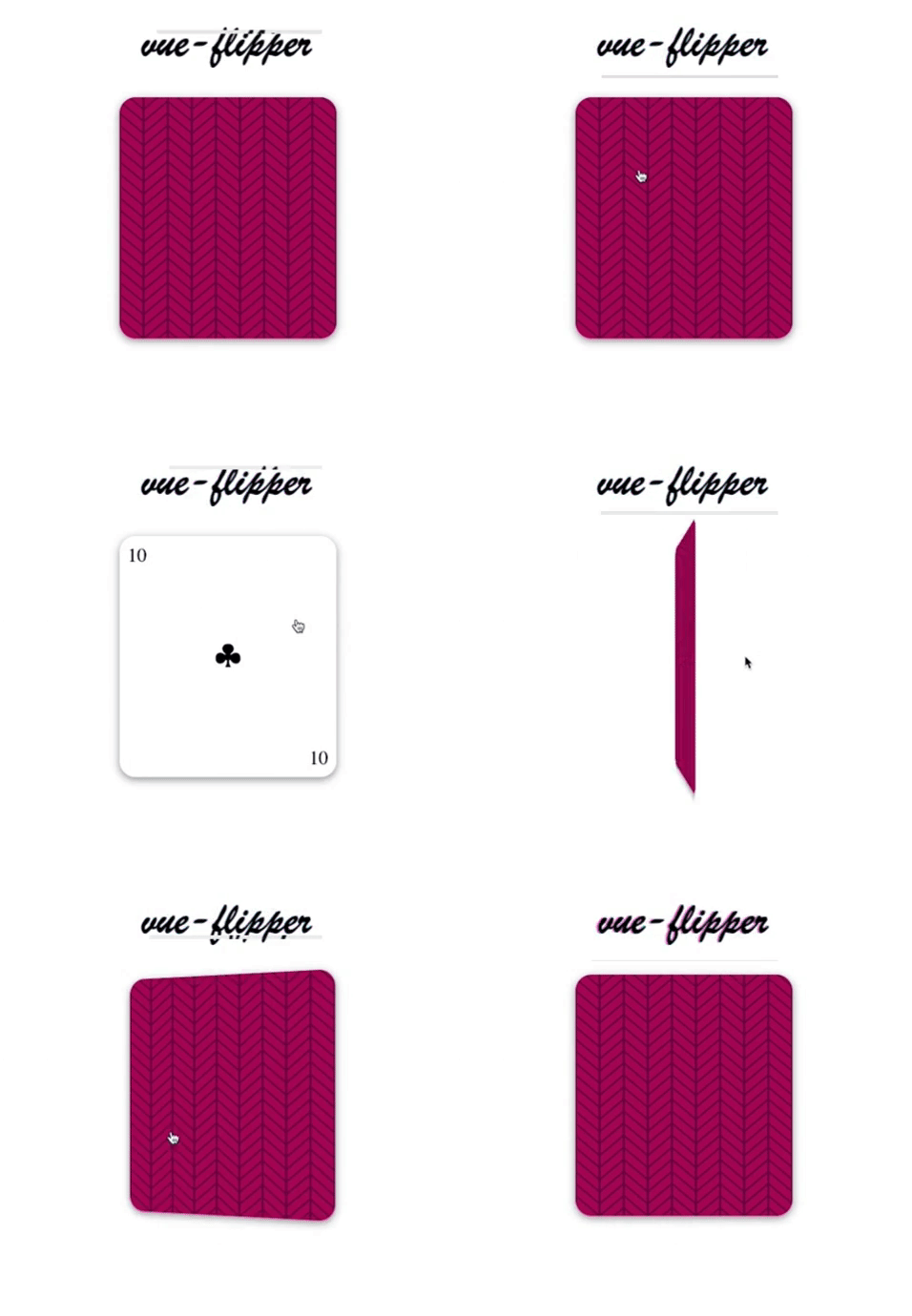
# vue-flipper



A component to flip elements with a nice transition.
- :zap: It is really small, JavaScript + CSS (min + gzip) is smaller than 1KB
- :art: CSS uses Stylus + BEM + Autoprefixer
- :package: There are ESM, CommonJS and UMD distributions
You can se by youself on [Codepen](https://codepen.io/VitorLuizC/pen/GPJEEN) or [CodeSandbox](https://codesandbox.io/s/m7lowxvwm9).
## Installation
This library is published in the NPM registry and can be installed using any compatible package manager.
```sh
npm install vue-flipper --save
# For Yarn, use the command below.
yarn add vue-flipper
```
## Usage
Just import `Flipper` component from `'vue-flipper'` and use it like any other Vue component.
```vue
Frontface
Backface
```
### Usage as global component
If you need `` available everywhere, you can register it as a global component.
> And don't forget to import its CSS.
```js
import 'vue-flipper/dist/vue-flipper.css';
import Vue from 'vue';
import Flipper from 'vue-flipper';
Vue.component('flipper', Flipper);
```
### Usage from CDN
`vue-flipper` has an UMD bundle and CSS available through JSDelivr and Unpkg CDNs.
```html
```
## Props
| Name | Description | Type | Default
|:---- |:----------- |:---- |:-------
| flipped | If `true` flips to backface, otherwise to frontface. | `Boolean` | `false`
| width | Component's width. | `CSSLength (String)` | `'100%'`
| height | Component's height. | `CSSLength (String)` | `'100%'`
| duration | Component's transition duration. | `CSSTime (String)` | `'0.5s'`
| transition | Component's transition timing function. | `CSSTransitionFunction (String)` | `'ease-in'`
## Events
`Flipper` component pass up every `HTMLElement` event. So, you can use `@click`, `@mouseover` etc.
## License
Released under [MIT License](./LICENSE).