# Vue Full Loading
Full overlay with spinner for Vue.
Perfect for performing a task in the background avoiding any other action on the screen.
Can be easily handled by your central event bus
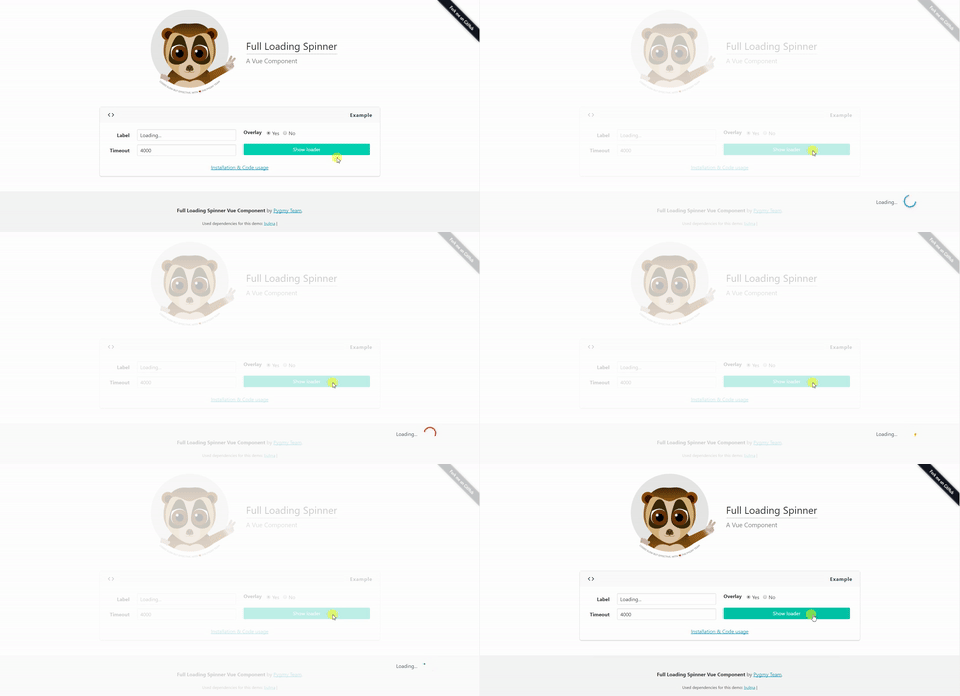
Live Demo
## Installation
```
npm install vue-full-loading --save
```
## Properties
| Properties | Type | Values |
| :--------------- | :------- | :--------- |
| `label` | String | Default 'Loading...' |
| `show` | Boolean | Default false
Options: true or false. |
| `overlay` | Boolean | Default true
Options: true or false. |
| `overlay-class` | String | Default 'white-overlay' |
| `loader-class` | String | Default 'loader-wrapper' |
| `event-bus` | Object | Default null
Central event Bus |
| `event-show` | String | Default 'show-full-loading'|
| `event-hide` | String | Default 'hide-full-loading'|
## Slots
Want to add your own loading content/style? No problem, you can use the available slots to do so.
Available slots:
* `loading-container` - This is the container for the loading text/spinner
* `loading-text` - Only for the loading text
* `loading-spinner` - Only for the spinner
## Examples
Include the component in your `.vue` file.
```
```
You also can manage this component by your eventBus with custom event names.
```
```
> Notice that if no event names passed it will use the default ones.
Match your data with your components props.
```
```