





Vue component on top of the Glide.js
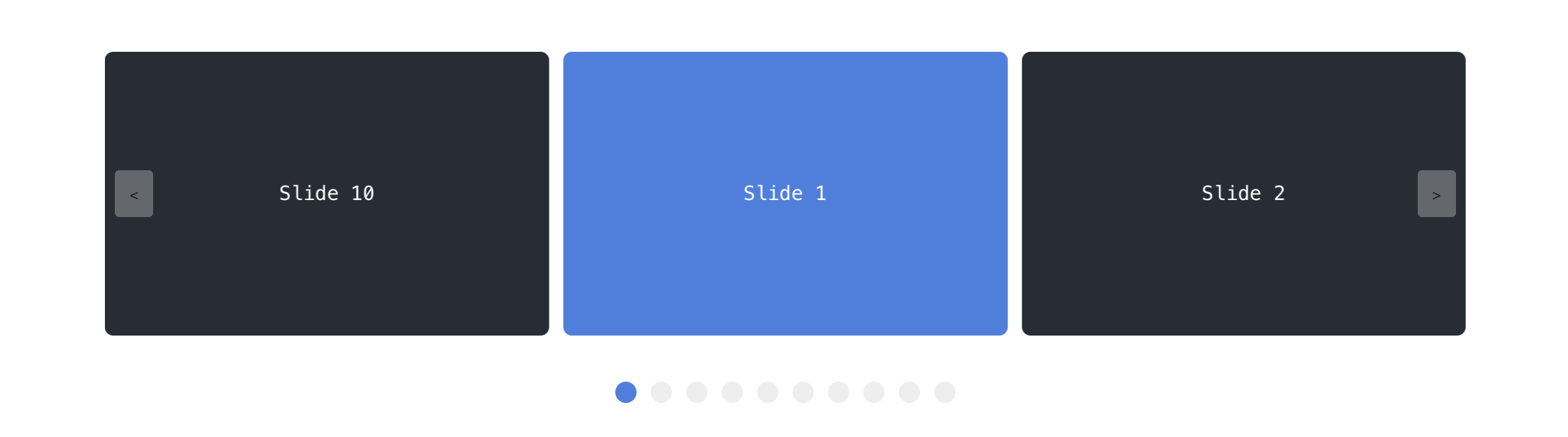 ## Documentation
[https://antonreshetov.github.io/vue-glide](https://antonreshetov.github.io/vue-glide/)
## Install
### NPM
Installing with npm is recommended and it works seamlessly with webpack.
```bash
npm i vue-glide-js
```
### Download
You can download latest version from the Github: [Download](https://github.com/antonreshetov/vue-glide/archive/master.zip)
## Quick Start
### Global
To use in your project, just import vue-glide and install into Vue.
```js
import Vue from 'vue'
import App from './App.vue'
import VueGlide from 'vue-glide-js'
import 'vue-glide-js/dist/vue-glide.css'
Vue.use(VueGlide)
new Vue({
el: '#app',
render: h => h(App)
})
```
### On demand
```html
## Documentation
[https://antonreshetov.github.io/vue-glide](https://antonreshetov.github.io/vue-glide/)
## Install
### NPM
Installing with npm is recommended and it works seamlessly with webpack.
```bash
npm i vue-glide-js
```
### Download
You can download latest version from the Github: [Download](https://github.com/antonreshetov/vue-glide/archive/master.zip)
## Quick Start
### Global
To use in your project, just import vue-glide and install into Vue.
```js
import Vue from 'vue'
import App from './App.vue'
import VueGlide from 'vue-glide-js'
import 'vue-glide-js/dist/vue-glide.css'
Vue.use(VueGlide)
new Vue({
el: '#app',
render: h => h(App)
})
```
### On demand
```html