# vue-mce
[](https://www.npmjs.com/package/vue-mce)
[](https://www.npmjs.com/package/vue-mce)
[](https://travis-ci.org/Eazymov/vue-mce)
[](https://github.com/Eazymov/vue-mce/pulls)
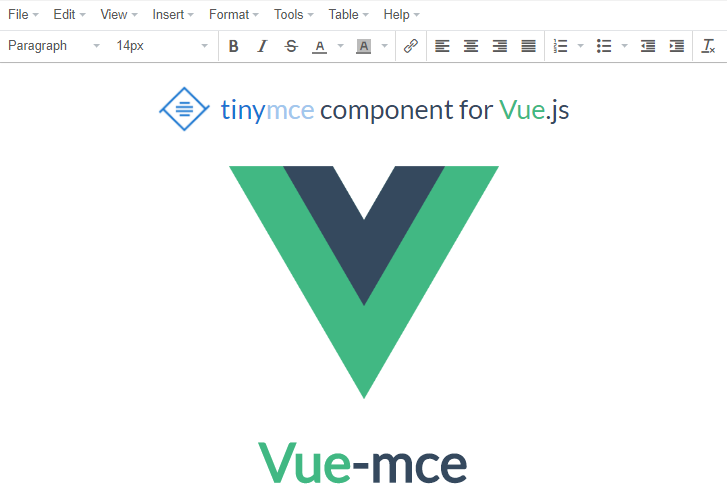
> VueJS component for TinyMCE
## Installation
### Direct `` include:
Include VueMce **after** vue and tinymce. VueMce will be registered as a global component.
```html
```
### NPM
```bash
npm install vue-mce --save
```
### Yarn
```bash
yarn add vue-mce
```
### When used with a module system, you must explicitly install VueMce via Vue.use():
```javascript
import Vue from 'vue';
import VueMce from 'vue-mce';
Vue.use(VueMce);
```
It is possible to import **only** component to have possibility register it locally:
```javascript
import { component } from 'vue-mce';
const MyComponent = {
components: {
'vue-mce': component,
},
};
```
You don't need to do this when using global script tags.
## [Live example](https://codepen.io/Eazymov/full/MEzGYv/)
# Usage
## Props
By default VueMce requires no props, you can simply do this:
```html
```
### Name
html `name` attribute. Useful for non-ajax form submitting
### Config
You can pass to VueMce component any valid tinymce config that you want to use:
```html
```
```javascript
new Vue({
data: () => ({
config: {
theme: 'modern',
fontsize_formats: "8px 10px 12px 14px 16px 18px 20px 22px 24px 26px 39px 34px 38px 42px 48px",
plugins: 'print preview fullpage powerpaste searchreplace autolink',
toolbar1: 'formatselect fontsizeselect | bold italic strikethrough forecolor backcolor link',
},
}),
});
```
Make sure that you don't pass to config `selector` field because it have priority over the `target` field which VueMce uses to mount component
### Value
You can pass the `value` prop to VueMce component:
```html
```
```javascript
new Vue({
data: () => ({
myValue: 'Hello World!',
}),
});
```
## v-model
You can use the `v-model` directive to create two-way data-binding.
```html
```
## ref
To set editor content, you can simply set ref to this component and call `this.$refs['YOUR_REF'].setContent(yourContent)`
```html
```
```javascript
new Vue({
methods: {
getData () {
API.get()
.then((res) => {
this.$refs['YOUR_REF'].setContent(res.content);
});
},
},
created () {
this.getData();
},
});
```
## Events
VueMce provides 5 types of events: init, error, input, change, destroy
```html
```
```javascript
new Vue({
methods: {
handleInit (editor) {
/* This handler fires when tinymce editor is successfully initialized.
Receives tinymce editor instance as argument
You can save the editor instance to variable and
call editor.setContent(yourContent) any time you want */
},
handleError (err) {
/* Fires when an error occurred. Receives error object */
},
handleInput (value) {
/* Fires whenever editor content changes. Receives generated HTML */
},
handleChange (value) {
/* Fires only when editor emits focusout event. Receives generated HTML */
},
handleDestroy (editor) {
/* Fires before VueMce component destroys. Receives tinymce editor instance */
},
},
});
```
## Questions
If you have any troubles, questions or proposals you can create the [issue](https://github.com/Eazymov/vue-mce/issues)
## License
[MIT](http://opensource.org/licenses/MIT)
Copyright (c) 2017 - present, Eduard Troshin