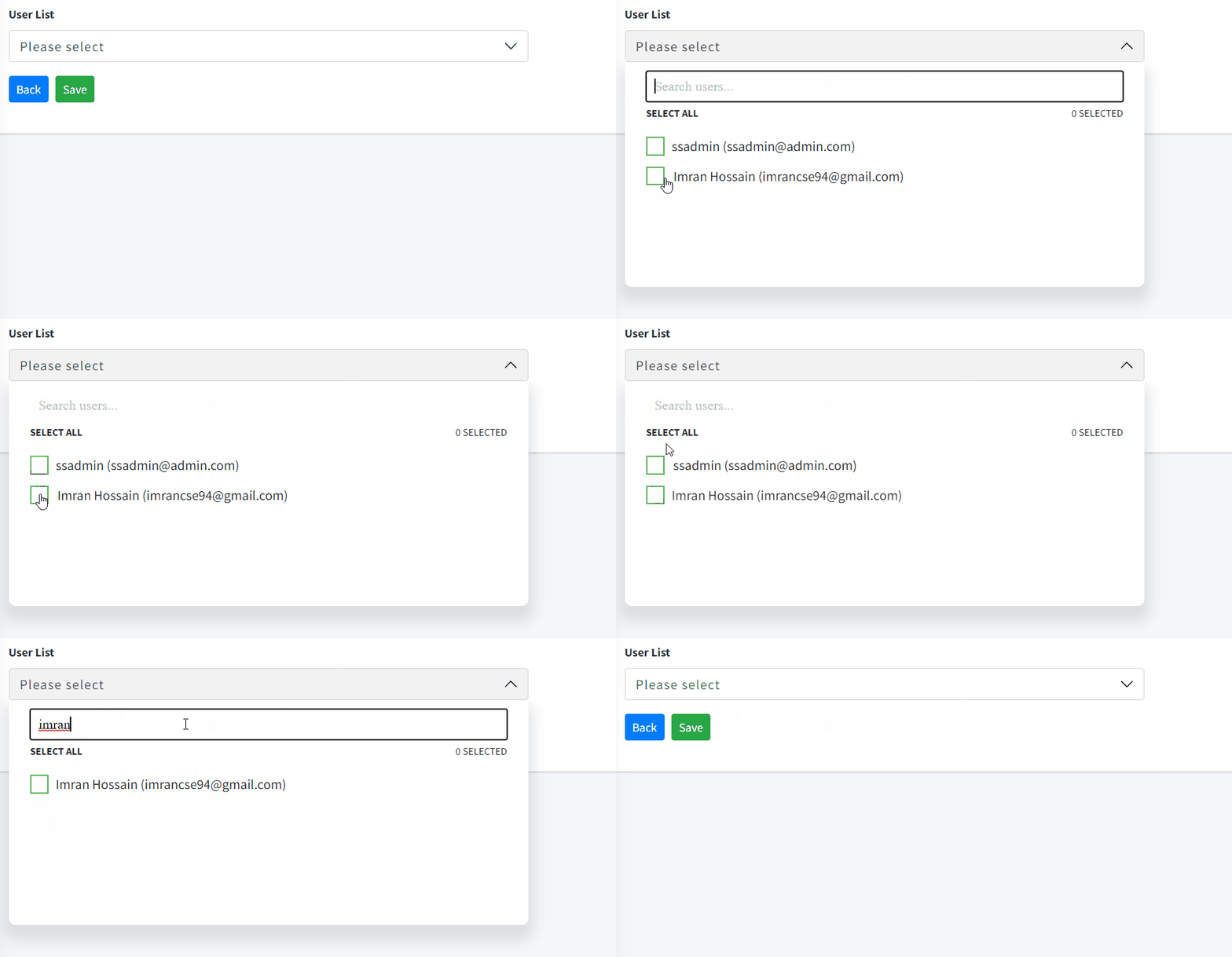
![alt text](https://github.com/imrancse94/vue-multiselect-items/blob/main/multiselect.gif?raw=true)

:earth_africa: Installation
---------------------------

  npm install --save vue-multiselect-items

:wave: Usage
------------

At the root of your project, just before creating your Vue application, import the `vue-multiselect-items` plug-in, and add it to the Vue global with the following code:

#### Example - `main.js`

``` js
import Vue from 'vue'
import VueMultiselectItems from 'vue-multiselect-items'

Vue.component('VueMultiselectItems', VueMultiselectItems)

### `App.vue`

<template>
  <div id="app">
    <VueMultiselectItems
        label="Fruit List"
        title="Please select"
        placeholder="Search fruits..."
        :errors="errors"
        :data="data"
        v-model="selecteditems"
      />
   
  </div>
</template>

<script>

  export default {
      data(){
        return {
            data:[
              {id:1,name:"Apple"},
              {id:2,name:"Banana"},
            ],
            errors:"The field is required.",
            selecteditems:[]
        }
      }
  }
 
</script>
```


