# vue-pincode-input
Great pincode input component for Vue.js applications.
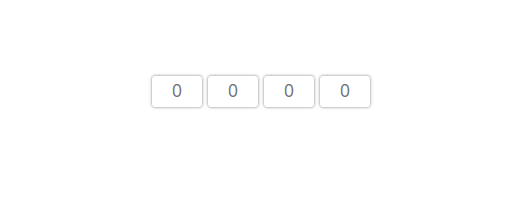
Demo on [GitHub Pages](https://seokky.github.io/vue-pincode-input/)
## Features
- configurable length (symbols count)
- override-friendly styles
- auto moving focus when filling
- auto moving focus when deleting
- auto selecting cell content on focusing
- call for native numeric keyboard on mobiles
- optional secure mode (password input type)
- character preview on typing (configurable duration)
## Attention!
Styles that component have are written just for demo. But that styles are override-friendly, so you can write any styles you want.
## Usage
```
npm i --save vue-pincode-input
```
or with yarn
```
yarn add vue-pincode-input
```
Then in any component:
```
import PincodeInput from 'vue-pincode-input';
// The name can be different depending on your desire
```
```
```
**Attention**: you should use _'input.vue-pincode-input'_ instead _'.vue-pincode-input'_ in order to rule specificity was higher
```