# vue3-confirm-dialog
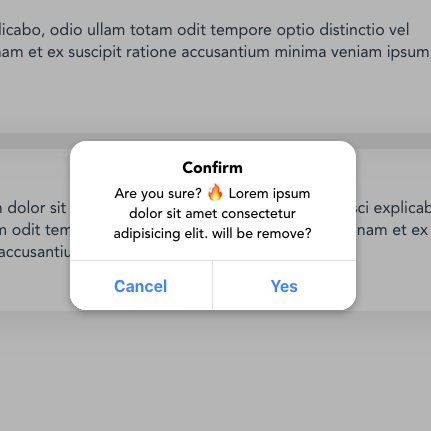
Simple Confirm Dialog verification plugin with Vue 3.
Demo: https://github.com/rowathy/vue3-confirm-dialog
## Install
```bash
npm install --save vue3-confirm-dialog
```
## Quick Start Usage
In main.js or plugin (for Nuxt.js):
```js
import { createApp } from 'vue';
import Vue3ConfirmDialog from 'vue3-confirm-dialog';
import 'vue3-confirm-dialog/style;
const app = createApp();
app.use(Vue3ConfirmDialog);
app.component('vue3-confirm-dialog', Vue3ConfirmDialog.default)
```
In App.vue (or in the template file for Nuxt.js (layout/default.vue)):
```html
```
In any of functions :
```js
methods: {
handleClick(){
this.$confirm(
{
message: 'Are you sure?',
button: {
no: 'No',
yes: 'Yes'
},
/**
* Callback Function
* @param {Boolean} confirm
*/
callback: confirm => {
if (confirm) {
// ... do something
}
}
}
)
}
}
```
## Use only for information
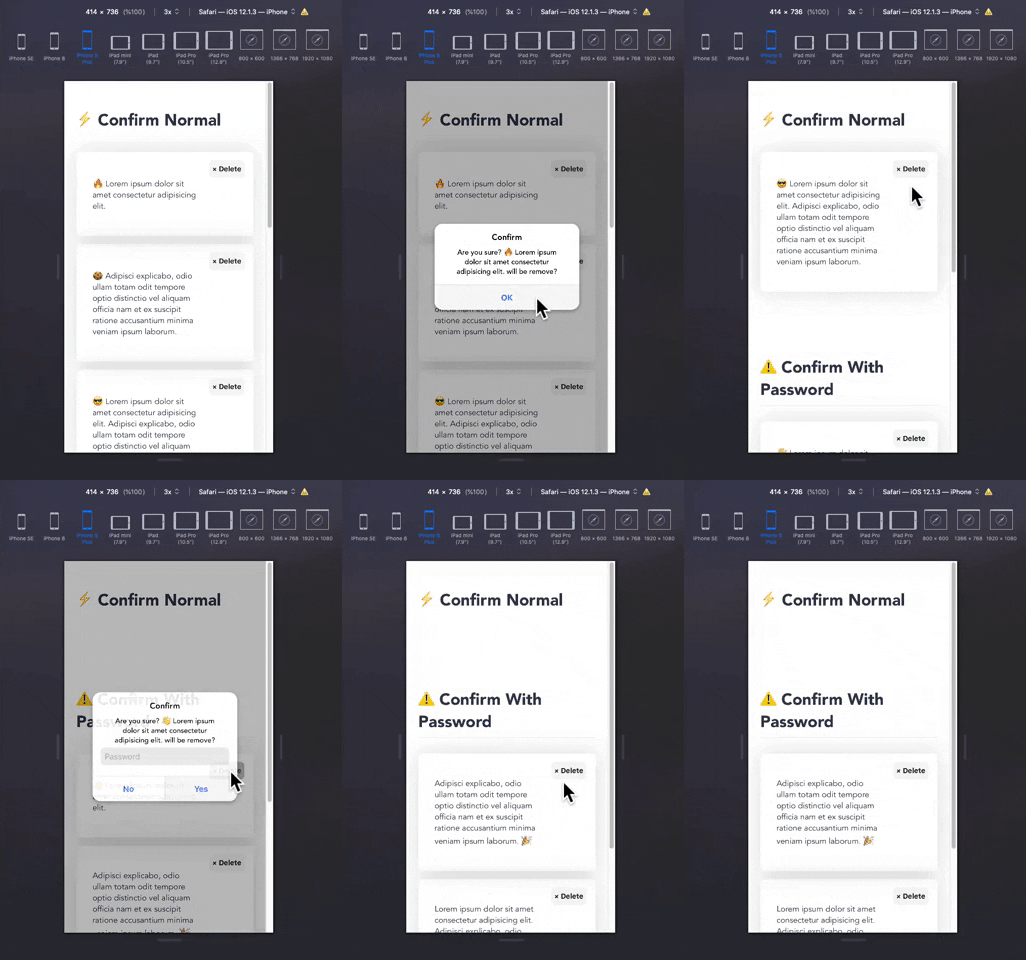
If you want to use only for information and you want of see one button in dialog, you can use only one of 'no' or 'yes' button object.
```js
methods: {
handleClick(){
this.$confirm(
{
title: 'Information',
message: 'This content has been removed',
button: {
yes: 'OK',
}
},
/**
* Callback Function
* @param {Boolean} confirm
*/
callback: confirm => {
if (confirm) {
// ... do something
}
}
)
}
}
```