# vue3-google-address-autocomplete
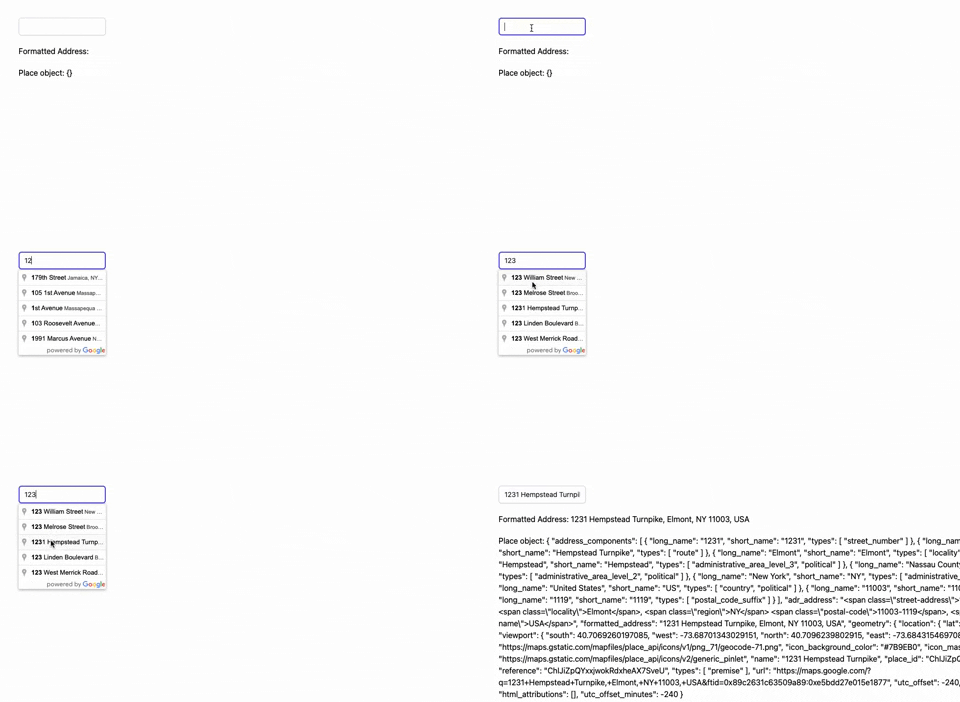
This project provides a Vue 3 component that uses Google's Places API for address autocomplete functionality.
## Prerequisites
Before you begin, you will need a Google Maps API key from [Google Cloud Platform Console](https://console.cloud.google.com/). You'll also need to enable the Maps JavaScript API and the Places API.
## Installation
To install this component in your project, use npm or yarn:
```bash
npm install vue3-google-address-autocomplete
```
# or
```bash
yarn add vue3-google-address-autocomplete
```
## Usage
Import and register the component:
```vue
```
## Contributing
Pull requests are welcome. For major changes, please open an issue first to discuss what you would like to change.
## License
This project is licensed under the MIT License - see the LICENSE.md file for details