# vue3-jalali-calendar
Jalali Calendar for vue 3
with special thanks to @mostafa-jamali & @aminmokhtari94.
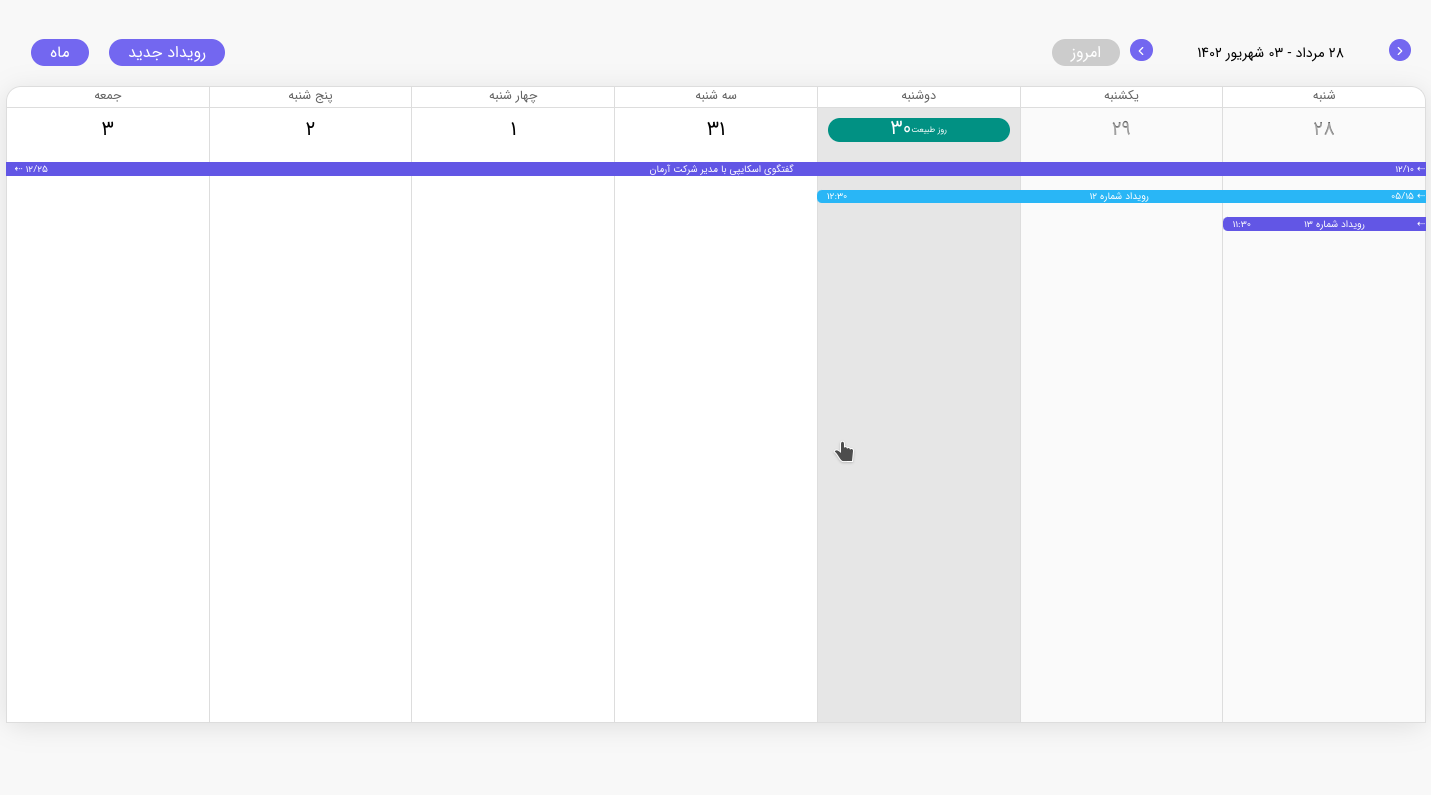
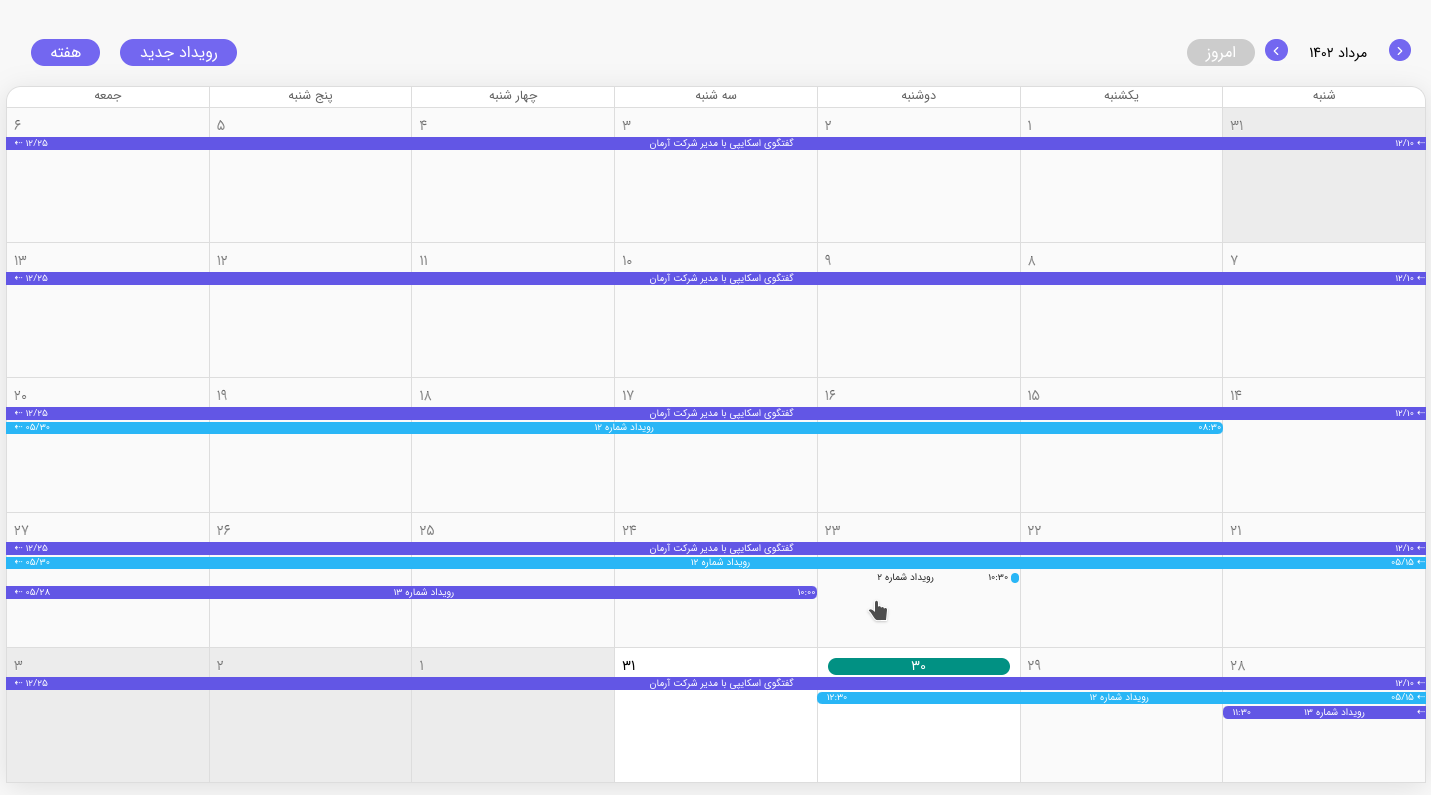
## Preview images
## Links
npm: https://www.npmjs.com/package/vue3-jalali-calendar
demo: https://vue3-jalali-calendar.netlify.app/
## Installation
```sh
npm i vue3-jalali-calendar
```
## Usage
then use the component in .vue files:
```js
```
## Available props
| Prop | Type | Default | Description |
| --------------------- | ------------------------------------------------------------------- | --------------- | ------------------------------------------------------------------------- |
| date-format | String | 'jYYYY/jMM/jDD' | Date input format of show-date, min-date, max-date |
| show-date | [Jalali Moment Object](https://github.com/fingerpich/jalali-moment) | $moment() | Init Date of the calendar |
| display-period | String | 'month' | 'month' or 'week' period |
| events-list | Array of [EventObject](#event-item-properties) | [] | List of Events |
| min-date | [Jalali Moment Object](https://github.com/fingerpich/jalali-moment) | null | Limit minimum time to navigate to |
| max-date | [Jalali Moment Object](https://github.com/fingerpich/jalali-moment) | null | Limit minimum time to navigate to |
| disable-today | Boolean | false | If set, Today button and today mark won't show |
| disable-period | Boolean | false | If set, Period change button won't show |
| hide-event-times | Boolean | false | If set, Event date and time won't show |
| hide-month-shadow | Boolean | false | If set, Shadow of days not in showing month won't show |
| hide-past-days-shadow | Boolean | false | If set, Shadow of past days won't show |
| disablePastDays | Boolean | false | If set, it makes past days unclickable and they won't emit `on-day-click` |
| addEventButton | Boolean | false | If set, it creates a button that emits `on-day-click` |
## Events
These events emitted on actions in the persian calendar:
| Event | Output | Description |
| ------------------------ | ------------------------------------------------------------------- | -------------------------------- |
| on-day-click | [Jalali Moment Object](https://github.com/fingerpich/jalali-moment) | A Day has been selected |
| on-event-click | [EventObject](#event-item-properties) | An Event has been selected |
| on-display-period-change | 'week' \| 'month' | Display Period has been changed |
| on-page-add | | Display Page has been added |
| on-page-subtract | | Display Page has been subtracted |
## Event Item Properties
| name | Type | Description |
| ------------- | ------------------------------------------------------------------- | ----------------------------------------------------------- |
| startDateTime | [Jalali Moment Object](https://github.com/fingerpich/jalali-moment) | The moment the event starts on the calendar. |
| endDateTime | [Jalali Moment Object](https://github.com/fingerpich/jalali-moment) | The moment the event ends on the calendar. |
| title | String | The name of the event shown on the calendar. |
| classes | String | Any additional CSS classes you wish to assign to the event. |
| color | String | CSS Color for event background |
## Event Example:
```sh
{
startDateTime: moment("2023-03-06T13:37:41.020+00:00"),
endDateTime: moment("2023-03-06T20:49:41.020+00:00"),
title: "رویداد شماره ۱",
color: "#29B6F6",
},
```
## Vacation Example:
```sh
{
date: "2023-08-19",
description: "روز طبیعت",
},
```
### recommend reading
- [vue jalali moment](https://www.npmjs.com/package/vue-jalali-moment)
- [jalali moment](https://www.npmjs.com/package/jalali-moment)
- [moment js](https://momentjs.com/docs/#/displaying/calendar-time/)