# vuejs-emoji for Vuejs 2.x
> Vue2.x emoji plugin and autoload fontawesome(^4.7.0) and bootstrap(^3.2.x)
## Install
``` bash
# install
$ npm install vuejs-emoji --save
```
## Requirement Dependencies
### 1、Vue-cli
* Vue-cli install
``` bash
# install
$ npm install -g vue-cli
```
* using cli create project
``` bash
$ vue init webpack my-project
```
[More Vue-cli docs](https://github.com/vuejs/vue-cli)
### 2、Emoji Resources Download
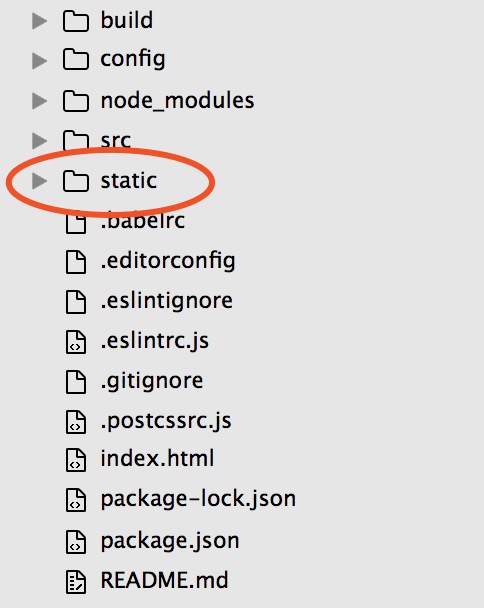
* Download [static.zip](https://github.com/lenvonsam/vuejs-emoji/raw/master/static.zip)
* Unzip static.zip file, then override project static folder
## Usage
### ES6
``` javascript
import Vue2Emoji from 'vuejs-emoji'
Vue.use(Vue2Emoji)
```
### Using directive in template
``` html
```
### SelectCallback & IconConfig
* SelectCallback = selectIcon(val)
SelectCallback function's val is a html content.
``` html
```
* IconConfig is Object
``` js
var iconConfig = {
placement: 'top',
size: '30px',
name: 'fa-send', // font awesome icon name
color: '#fff' // icon color: hex、rgb or rgba value
}
```
[Font awesome website](http://fontawesome.io/icons/)
> Detail IconConfig
key | default | type | intro
--- | --- | --- |---|
placement| 'top' | String | 'top'、'left'、'right'、'bottom'|
size| '30px' | String | also can use rem, eg: '1rem'|
name| 'fa-smile-o'| String | just use font awesome icon name|
color| '#278dff' | String | can use hex、rgb、rgba value|
## Live Demo

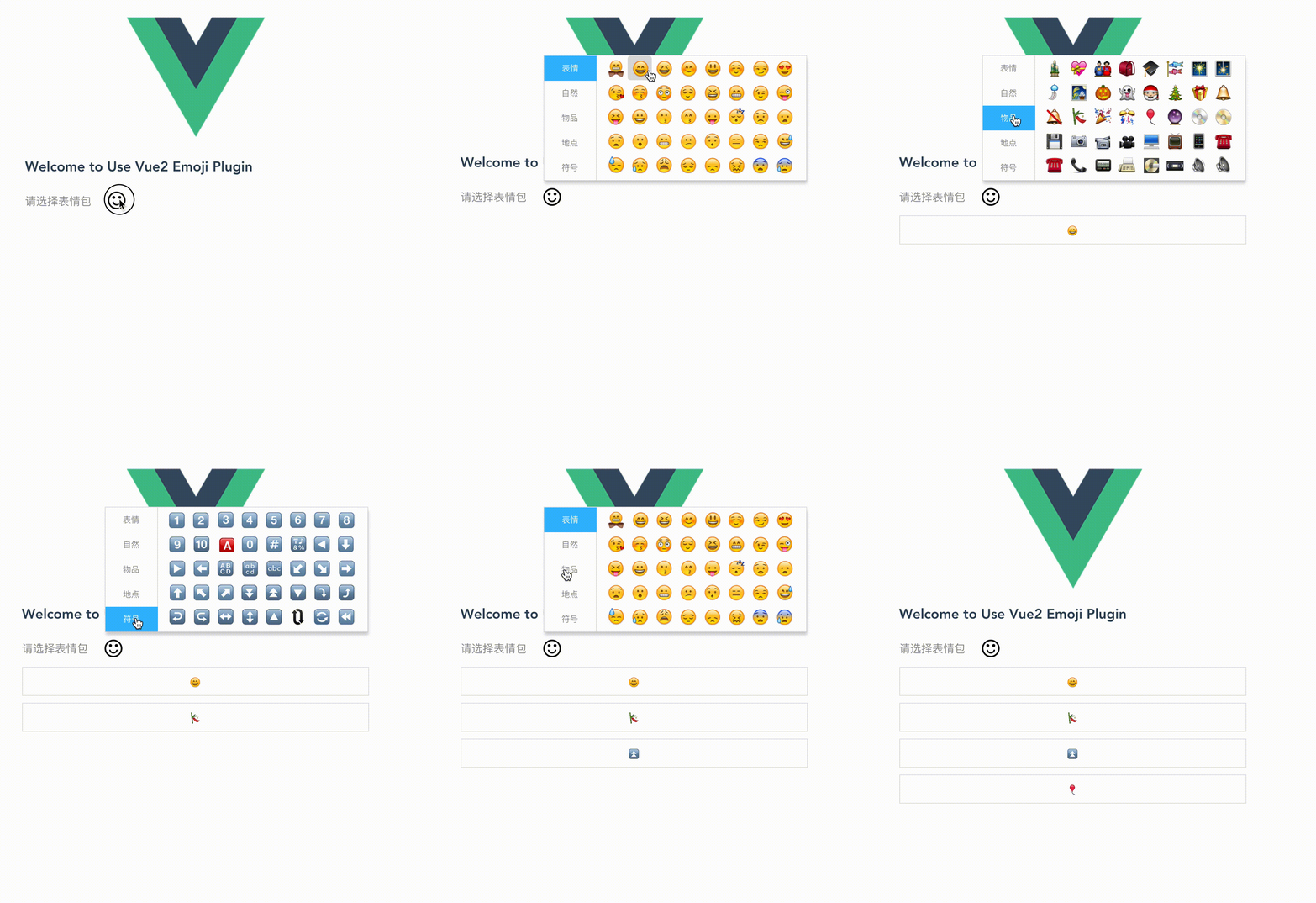
## Screen Capture
## License
[MIT](https://opensource.org/licenses/MIT)